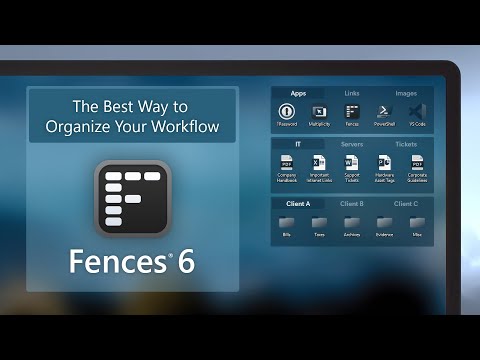
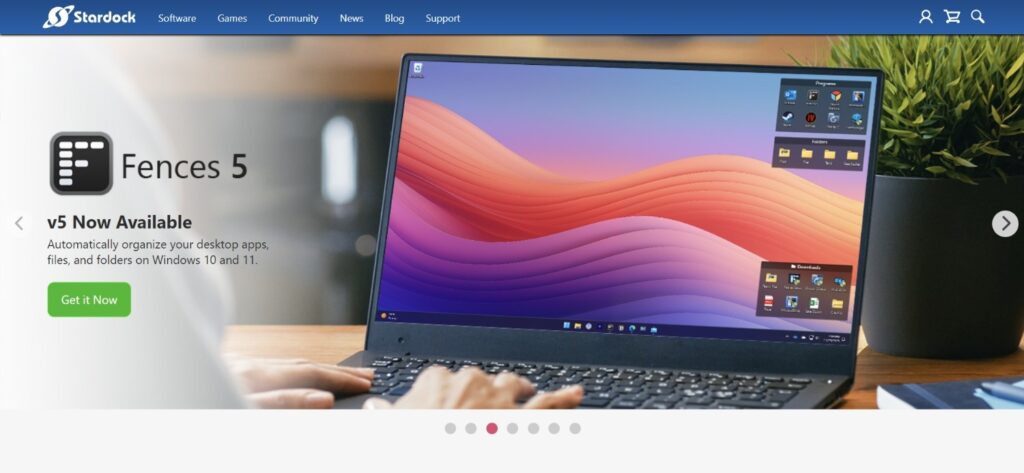
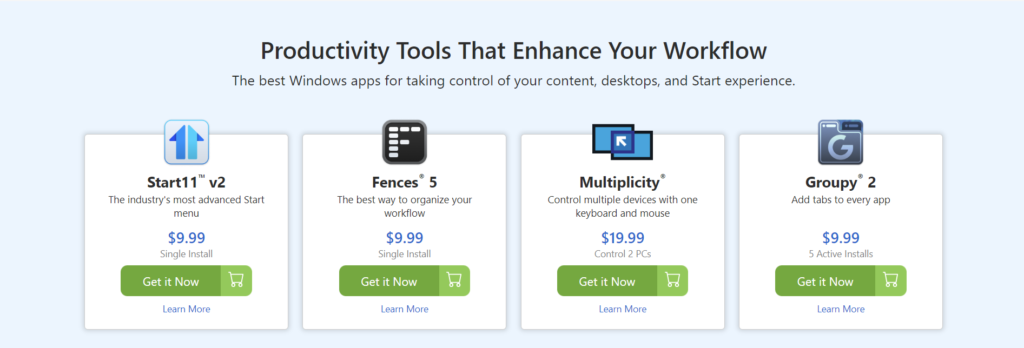
One of Stardock’s flagship products, Fences, is a must-have for users who want a more organized and decluttered desktop. Fences allows you to group your desktop icons into “fences,” which are customizable containers that can be resized, moved, and even labeled.
Customizable Fences: Create fences that hold groups of icons, files, or folders, allowing for a cleaner, more organized desktop.
Automatic Sorting: Set rules for icons to automatically sort into the appropriate fences based on file type or origin, eliminating the need for manual organization.
Quick Access: Double-clicking the desktop hides all icons, providing a clean workspace in seconds, while double-clicking again restores them.
Folder Portals: View the contents of specific folders directly from your desktop, saving time and improving workflow efficiency.
Multiple Pages: Use swipes to create multiple desktop pages, where each page can contain different fences for different projects or tasks.
For users who manage numerous files and applications, Stardock Fences is a powerful desktop customization tool that helps streamline productivity.
Windows 10 and 11 introduced significant changes to the Start menu, leaving some users longing for the simplicity of older versions. Start10 and Start11 are designed to bring back the classic Start menu interface, complete with additional customization features.
Classic Start Menu: Restore the traditional Start menu layout while maintaining the functionality of the latest Windows versions.
Custom Themes: Match your Start menu to the rest of your desktop using custom themes and layouts.
Taskbar Customization: Further personalize your taskbar with additional customization options, such as transparency or position adjustments.
For users who prefer a more straightforward and familiar interface, Start10/Start11 is the perfect desktop customization tool.











What does Stardock make?
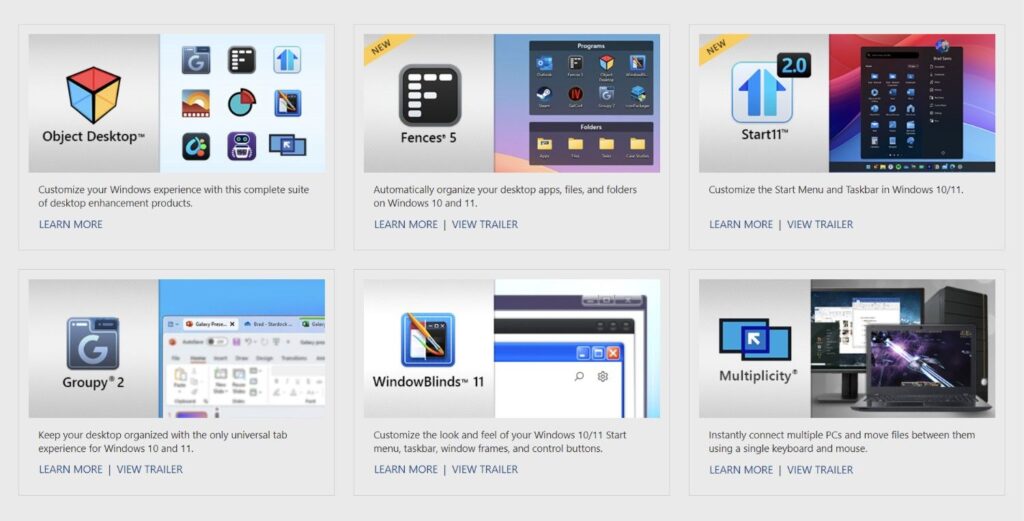
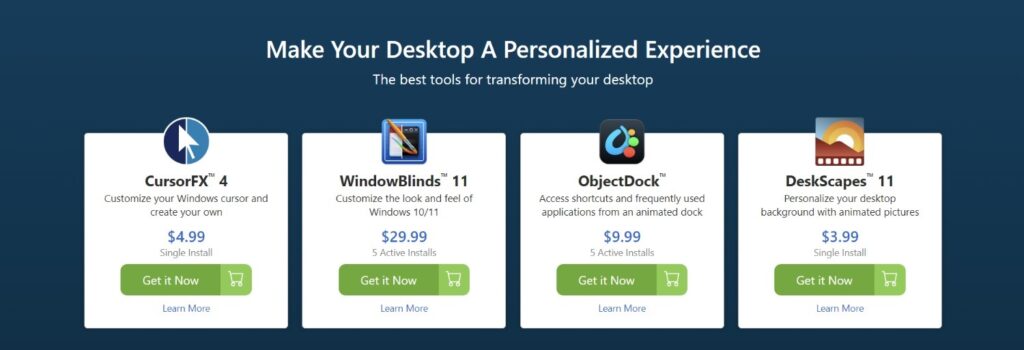
Stardock develops Windows desktop customization and productivity software — including Start11, Fences, WindowBlinds, DeskScapes and the Object Desktop suite — as well as PC games.
How much does Stardock software cost?
Most individual apps like Start11 and Fences are inexpensive one-time purchases (around $5–$10 each), while the Object Desktop bundle gives you the entire suite for an annual subscription.
What is Object Desktop?
Object Desktop is Stardock’s all-in-one subscription bundle that includes Fences, Start11, WindowBlinds, DeskScapes, Groupy and more in a single package.
Is Stardock software safe to use?
Yes. Stardock is an established Windows software company founded in 1991, and its applications are widely used and digitally signed.
Does Stardock offer a free trial?
Yes — most Stardock apps offer a 30-day free trial so you can test the features before buying.
What is Start11?
Start11 is Stardock’s Start menu replacement that restores and enhances the Windows Start menu and taskbar with extensive customization options.
⚠️ Affiliate Disclosure: This site contains affiliate links. We may earn a commission when you purchase through our links at no extra cost to you. Results are not typical.