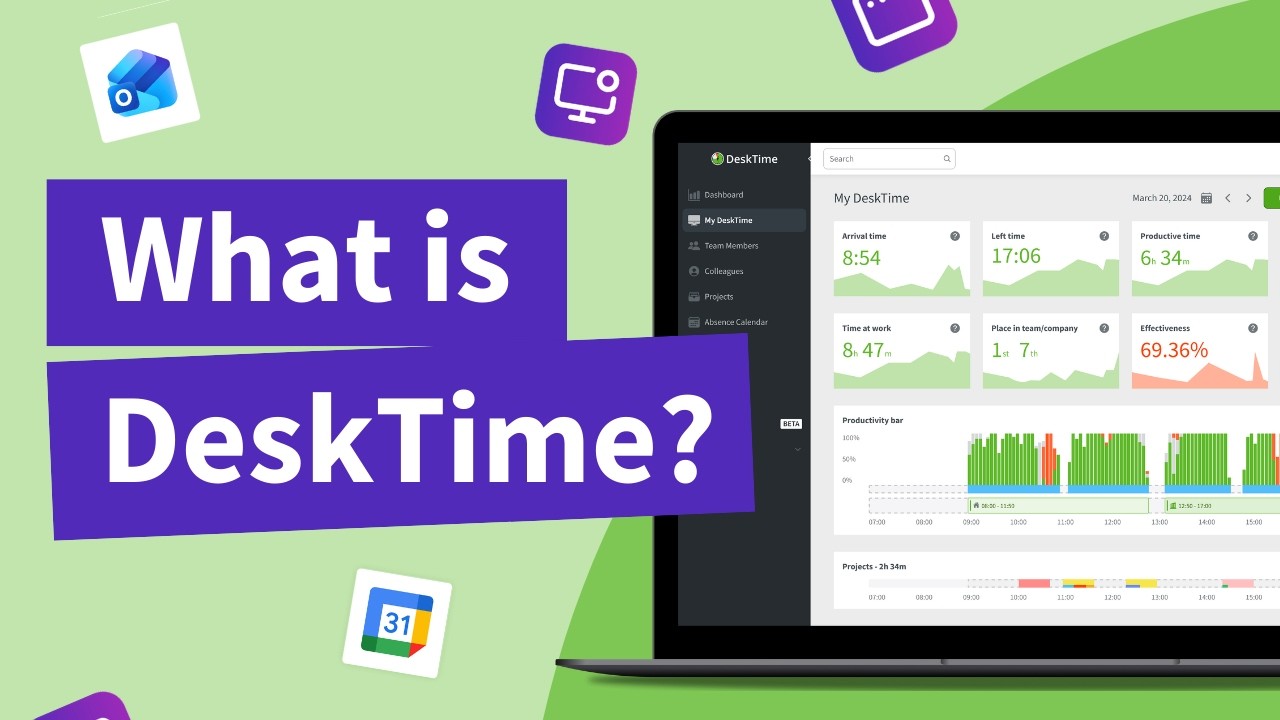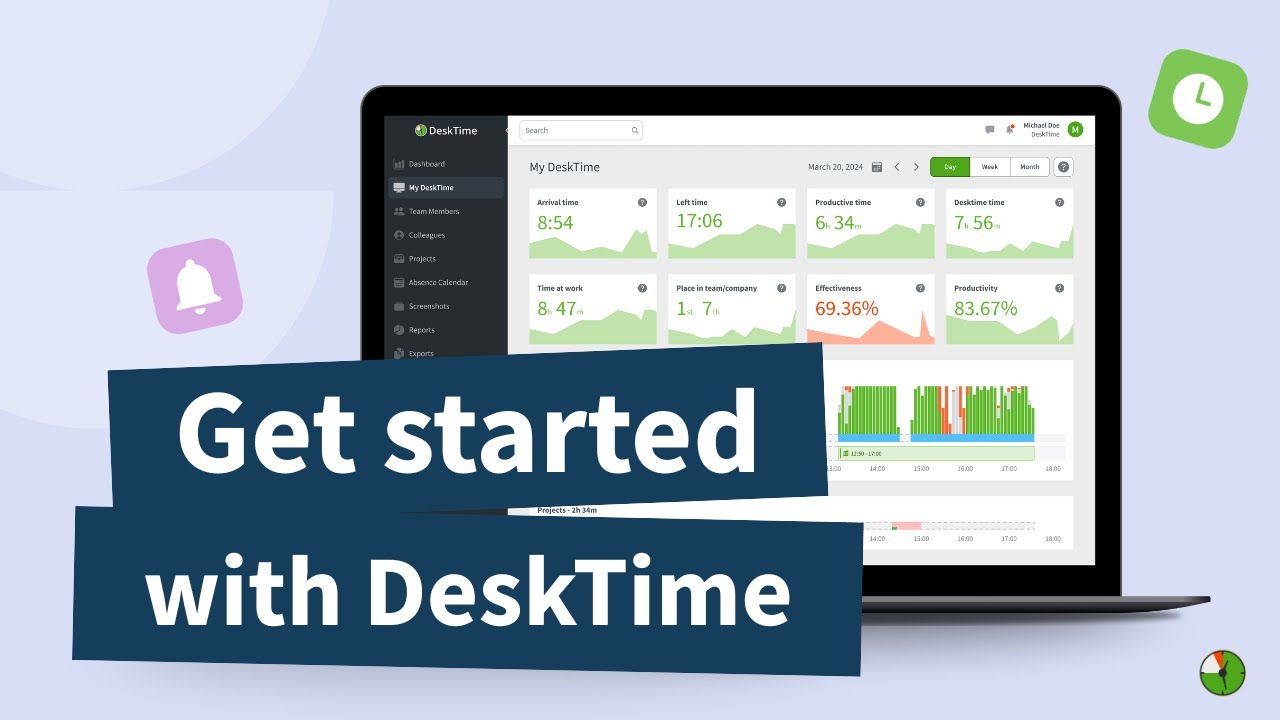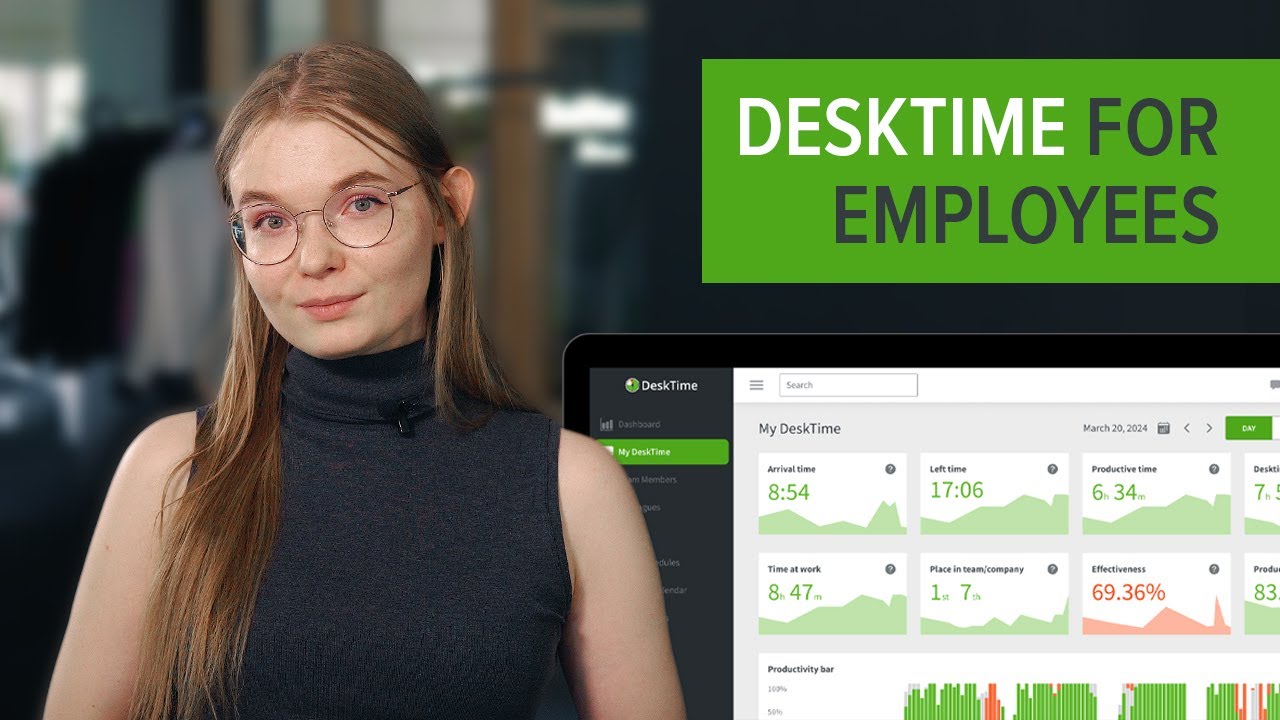
DeskTime is an automatic time tracking and productivity platform used by 20,000+ teams worldwide. It silently records when you start work, what apps and websites you use, and how productive each block of time is — without the manual stopwatch.
Below is an in-depth, hands-on review of DeskTime’s features, pricing, real user feedback, screenshots-with-blur, Private Time mode, project tracking, and the best alternatives like Toggl Track, Hubstaff, and Clockify.
DeskTime starts when your computer boots and silently captures arrival times, departures, and active hours — no manual start/stop required from employees or managers.
Every app and website is automatically classified as productive, unproductive, or neutral, giving managers a real-time focus score for each team member without reading individual URLs.
Configurable Pomodoro intervals schedule structured breaks, reduce burnout, and help your team stay focused across long workdays without needing a separate app.
Capture screenshots at intervals you control, with the option to blur sensitive content automatically — giving you proof of work without exposing client or personal data.
Tag time to specific projects and tasks for accurate billable-hour reporting, client invoicing, and agency margin analysis directly from the dashboard.
Track absences, lateness, and time-off in one place. Build shifts, assign coverage, and approve requests without spreadsheets or email threads.
Employees can pause monitoring during personal tasks or breaks, preserving privacy while keeping teams compliant with GDPR and internal trust policies.
Connect DeskTime with Trello, Asana, Jira, Basecamp, GitLab, Google Calendar, Outlook, Zapier, QuickBooks, and Xero — or build custom workflows via the public REST API.
See DeskTime demos, productivity tutorials, and head-to-head comparisons with Toggl, Hubstaff, and Time Doctor.
DeskTime offers a four-tier pricing model designed for teams of all sizes, with significant discounts on annual billing. A free tier is available for individual users, and a 14-day free trial covers all paid plans.
Annual subscribers get one month free. All plans allow you to invite unlimited team members and cancel anytime. DeskTime also offers volume discounts for teams of 200+ users.
Verified G2, Capterra, and TrustRadius reviews from DeskTime admins, agency owners, freelancers, and remote managers. The platform consistently ranks among the easiest-to-use time tracking tools for distributed teams.
If DeskTime does not fit your workflow, the most popular time-tracking and productivity alternatives to evaluate are Toggl Track (flexible manual + automatic tracking with strong reporting), Hubstaff (GPS/location tracking and payroll for distributed and field teams), Time Doctor (deep employee monitoring with client billing), RescueTime (solo-focused productivity analytics and focus mode), Clockify (free, unlimited-user timesheets and projects), and Harvest (invoicing-first time tracking for agencies and consultants).








Top rated Features


Common questions about DeskTime pricing, privacy, screenshots, integrations, and how it compares to Toggl, Hubstaff, and Time Doctor.
⚠️ Affiliate Disclosure: This site contains affiliate links. We may earn a commission when you purchase through our links at no extra cost to you. Results are not typical.