⚠️ Affiliate Disclosure: This page contains affiliate links. We may earn a commission at no extra cost to you. This does not influence our reviews. Read full disclosure →

Clockify Review

icon01

Clockify Review

Rated 4.7/5 on G2 — Free unlimited time tracker for teams — timesheets, project tracking and billable hours

Clockify Overview

Clockify is one of the most widely used time-tracking platforms in the world, built by COING and used by hundreds of thousands of freelancers, agencies, consultancies, and remote teams. Its defining feature is a genuinely powerful free plan that includes unlimited projects and unlimited time tracking, plus a clean web app, native desktop apps for Windows, macOS, and Linux, mobile apps for iOS and Android, and browser extensions for Chrome, Firefox, and Edge. Paid plans add advanced reporting, project budgets, billing automation, timesheet locking, GPS, screenshots, scheduling, and approval workflows.

Pricing remains among the most aggressive in the time-tracking market: paid tiers start at $3.99/user/month (annual) and top out at $14.99/user/month for Enterprise. Clockify scores 4.5/5 on G2 and 4.7/5 on Capterra, with the most common praise being the free plan and the most common criticism being inconsistent mobile app stability and recent free-plan user limits introduced in 2026.

Free Plan With Unlimited Tracking

Track unlimited time, projects, and clients on the free plan with no time limit and no credit card. The free tier is genuinely usable as a long-term solution for solo freelancers and very small teams.

One-Click Timer

Hit Start when work begins, Stop when it ends. The timer keeps running in the background while you switch apps, and saves automatically to your timesheet.

Cross-Platform Apps

Native apps for Windows, macOS, Linux, iOS, and Android, plus browser extensions for Chrome, Firefox, and Edge — your timer follows you everywhere.

Detailed Reports & Exports

Generate weekly, monthly, and custom reports filtered by user, project, client, or task. Export to PDF, CSV, or Excel for invoicing and management.

Project Budgets & Estimates

Set budgets in hours or money, get alerts when approaching limits, and track estimated vs actual time on every project.

Billable Rates & Invoicing

Set hourly rates per project, per task, or per team member. Generate client-ready invoices directly from tracked time on paid plans.

80+ Integrations

Built-in integrations with Jira, Trello, Asana, ClickUp, Todoist, Google Calendar, QuickBooks, Xero, GitHub, and dozens of other tools.

Team Features (Approvals, Locking, GPS)

Paid plans add timesheet approvals, time-entry locking, GPS location tracking for field teams, optional screenshots, and scheduling.

Clockify Features — What You Get?

Clockify packs a complete time-tracking and project management workflow into a single platform: timer-based and manual time entry, calendar view, weekly timesheet, project and client organization, task lists, tags, billable rates, project budgets, detailed reports with PDF/CSV/Excel exports, dashboards for team activity, idle detection, Pomodoro timer, auto-tracker that watches active windows, GPS location tracking on mobile, optional screenshots for accountability, scheduling, time-off management, expense tracking, invoicing, approval workflows on paid plans, 80+ integrations, REST API, single sign-on (SSO) on Enterprise, and self-hosted deployment options.

Video Guides and Tutorials

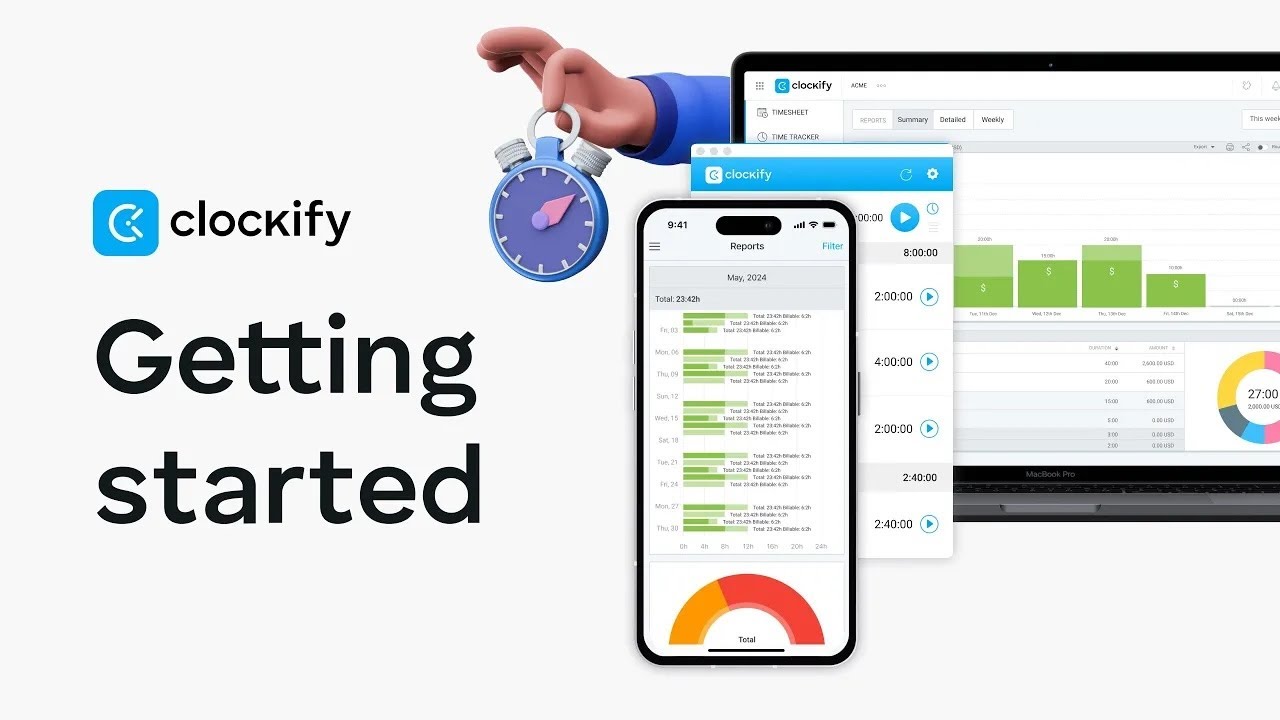
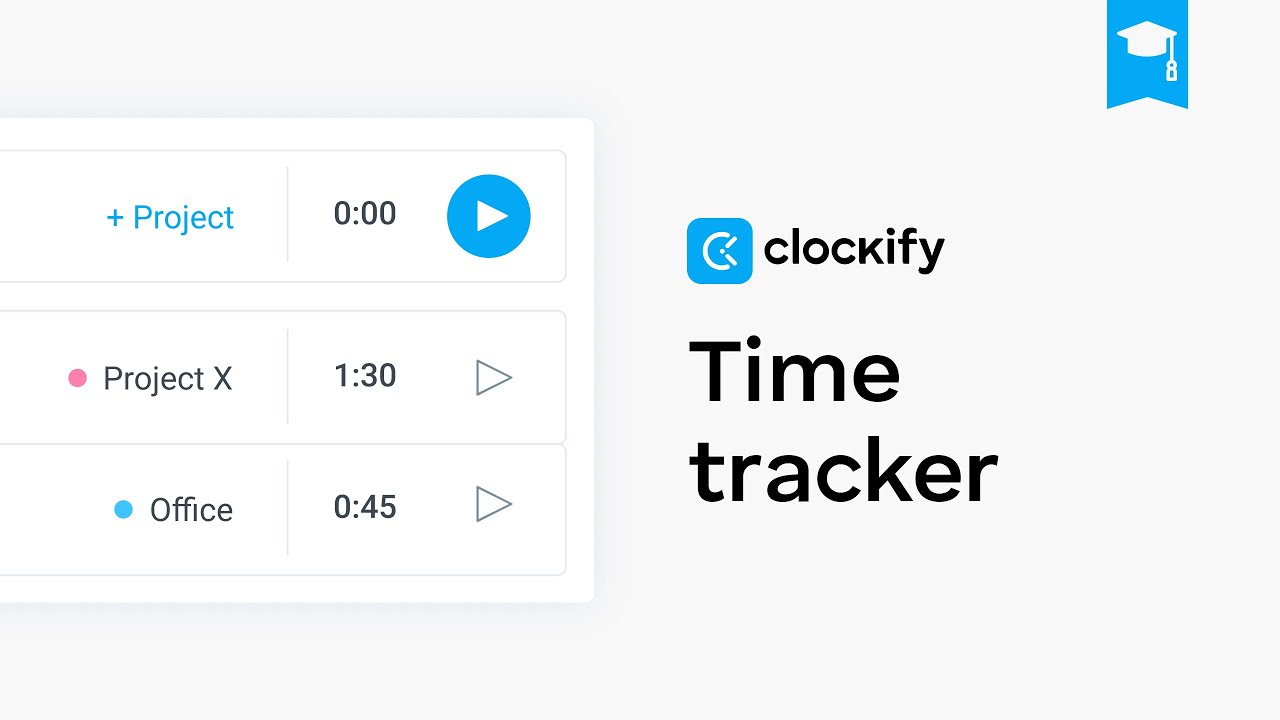
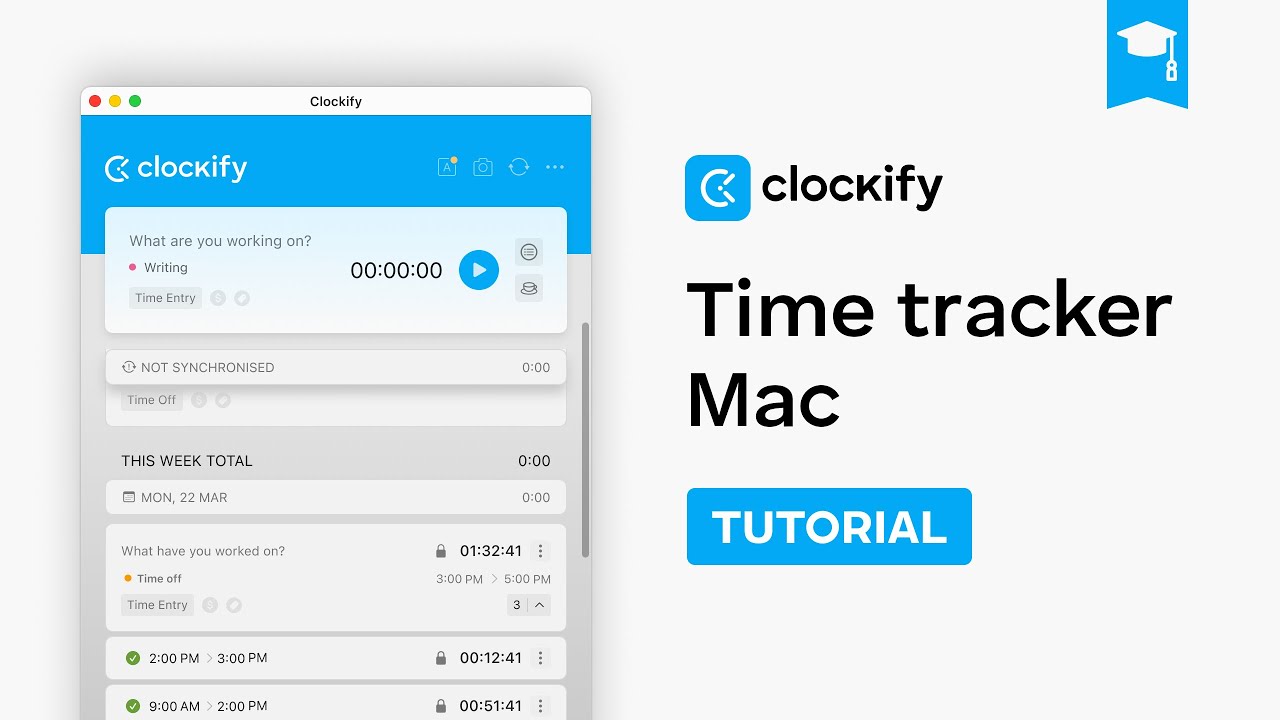
To help you decide whether Clockify is the right time tracker for you, we have curated four hand-picked YouTube videos covering full beginner tutorials, getting-started walkthroughs, and platform-specific guides. These videos walk you through signing up, starting your first timer, organizing projects and clients, and generating reports for billing.

Clockify — Cl V1
Clockify — Cl V2
Clockify — Cl V3
Clockify — Cl V4

Top Clockify Services

Clockify offers a generous free tier with unlimited users + unlimited projects + core time tracking. Paid plans add admin/workforce management: Basic $4.99/user/month, Standard $6.99/user/month (timesheet approvals + invoicing), Pro $9.99/user/month (cost tracking + profitability), Enterprise $14.99/user/month (single sign-on + audit logs). Annual billing offers ~20% discount. CAKE.com Bundle pairs Clockify with project management & team chat.

Clockify Price Plans

Clockify pricing is among the most affordable in the time-tracking market. There is a permanently free plan plus four paid tiers (Basic, Standard, Pro, Enterprise). Annual pricing is roughly 20% cheaper than monthly. Below are the current public prices as of 2026.

Free Plan — $0

Time tracking, project organization, calendar, basic reports, mobile and desktop apps, and browser extensions. Free plan now caps at 5 users (changed in April 2026), but remains a great option for solo freelancers and very small teams.

Basic — $3.99/user/month (annual)

Adds bulk edit of time entries, time audit, hide time/pages, project templates, and basic admin controls. Great fit for small businesses moving from the free plan.

Standard — $5.49/user/month (annual)

Adds timesheet approvals, billable hours and invoicing, project budgets, alerts, time-off management, and detailed audit logs.

Pro — $7.99/user/month (annual)

Adds expense tracking, GPS tracking on mobile, optional screenshots, scheduling, capacity planning, custom fields, and the Auto Tracker.

Enterprise — $11.99/user/month (annual)

Adds single sign-on (SSO), custom subdomain, audit logs export, control over user account settings, and self-hosted deployment options.

Pros and Cons of Clockify

Pros

  • ✅ Most generous free plan in the time-tracking market
  • ✅ Aggressive paid pricing — Basic at $3.99/user/month is hard to beat
  • ✅ Cross-platform: Windows, macOS, Linux, iOS, Android, browser extensions
  • ✅ 80+ integrations including Jira, Asana, ClickUp, QuickBooks, Xero
  • ✅ Detailed reporting with PDF/CSV/Excel export
  • ✅ Project budgets, billable rates, and invoice generation
  • ✅ 4.5/5 G2 rating, 4.7/5 Capterra rating
  • ✅ REST API and self-hosted deployment available

Cons

  • ❌ Free plan now capped at 5 users (changed in April 2026)
  • ❌ Mobile app stability inconsistent (especially Android)
  • ❌ Some power features (GPS, screenshots) require Pro plan
  • ❌ UI can feel cluttered as you enable more features
  • ❌ Notifications and alerts can be noisy by default

What real users say

Clockify holds 4.5/5 on G2 and 4.7/5 on Capterra, with users consistently praising the free plan, ease of use, and breadth of features for the price. Critical reviews focus on Android app stability and the recent free-plan user cap. For solo freelancers, agencies, and small teams looking for a reliable, low-cost time tracker, Clockify remains one of the highest-value options in 2026.

4.7 EASE OF USE
4.8 VALUE FOR MONEY
4.4 CUSTOMER SUPPORT
4.5 FUNCTIONALITY
Olivia B. Verified User on G2
October 25, 2025

Clockify is one of those tools you start using on the free plan and never feel any pressure to upgrade. I run a small consulting practice and use Clockify across desktop, mobile, and the Chrome extension. Reports go straight into my client invoices and I have never had a billing dispute when I attach the Clockify report. The free tier user cap was a bit of a surprise this year but at $3.99 the Basic plan is still excellent value.

Source: paraphrased from public G2 review — https://www.g2.com/products/clockify/reviews

EASE OF USE
VALUE FOR MONEY
CUSTOMER SUPPORT
FUNCTIONALITY
Felix G. Verified User on Capterra
September 12, 2025

For our 12-person agency Clockify Standard at around $5/user/month is a no-brainer compared to anything else we tested. Approvals, project budgets, and the calendar view are exactly what we needed. Customer support has been responsive and the cross-platform apps are reliable on macOS and Windows. Android app could be more polished but it works.

Source: paraphrased from public Capterra review — https://www.capterra.com/p/169607/Clockify/reviews/

EASE OF USE
VALUE FOR MONEY
CUSTOMER SUPPORT
FUNCTIONALITY
Nora H. Verified User on G2
November 06, 2025

I have used Clockify on the free plan as a solo freelancer for over three years. Recently I added a contractor and bumped into the new 5-user free cap, so I moved to Basic which is still very cheap. The reports feature alone justifies the price for me — I export client-ready PDFs in two clicks and they look professional out of the box.

Source: paraphrased from public G2 review — https://www.g2.com/products/clockify/reviews

EASE OF USE
VALUE FOR MONEY
CUSTOMER SUPPORT
FUNCTIONALITY

Top Clockify Alternatives

If Clockify is not the right fit, the strongest 2026 time-tracking alternatives are:

  • Toggl Track — Beautiful UI, simpler reporting, more polished mobile apps.
  • Harvest — Best for invoice-heavy consultancies that bill by the hour.
  • Hubstaff — Stronger employee monitoring and GPS tracking.
  • Time Doctor — Productivity-focused with screenshots and idle detection.
  • RescueTime — Automated time tracking based on app and website usage.
Vertu Review

Vertu Review

4.2/5 community average — UK-founded luxury smartphone maker featuring titanium, sapphire crystal, exotic leathers and the Concierge service
Explore More
WordPerfect Review

WordPerfect Review

4.3/5 on G2 — Corel's legal-grade word processor & office suite, the classic Microsoft Word alternative
Explore More
iMyFone Review

iMyFone Review

4.5/5 on Trustpilot — iOS/Android utility suite for unlock, recovery, transfer & WhatsApp tools
Explore More
Freedom Review

Freedom Review

Block distracting websites and apps across all your devices
Explore More
Apollo Neuroscience Review

Apollo Neuroscience Review

Rated 4.5/5 on Trustpilot — Scientifically-validated wearable that uses gentle vibrations to manage stress and improve sleep
Explore More
OnlyOffice Review

OnlyOffice Review

Rated 4.4/5 on G2 — Open-source office suite with docs, spreadsheets, slides and real-time collaboration
Explore More
Fabric.so Review

Fabric.so Review

Fabric.so Review – AI Workspace & Second Brain That Auto-Organizes Everything
Explore More
Brian Tracy Review

Brian Tracy Review

Brian Tracy Review – Personal Development Courses, Books & Training Programs From a Bestselling Author
Explore More
RescueTime Review

RescueTime Review

RescueTime Review – Automatic Time Tracking & Focus Tool for Knowledge Workers
Explore More
Bookeo Review

Bookeo Review

4.6 (Trust Pilot) :: : Appointment-Based Services.
Top Rated Features
  1. Smart Booking Management
  2. Advanced Scheduling Features
  3. User-Friendly Dashboard
Explore More
CogniFit Review

CogniFit Review

4.4 (2,321)
Top Rated Features
  1. Advanced Cognitive Insights
  2. User-Friendly Dashboard
  3. AI-Powered Assistance
Explore More
eu.fossibot Review

eu.fossibot Review

4.4 (2,910)
Top Rated Features
  1. Smart Power Solutions
  2. Advanced Power Optimization
  3. User-Friendly Dashboard
Explore More
2Captcha Review

2Captcha Review

4.4 (2,323)
Top Rated Features
  1. Easy Task Automation
  2. Integration Flexibility
  3. Real-Time Data Management
Explore More
icontact Review

icontact Review

4.6 (2,791)
Top Rated Features
  1. Easy-to-Use Templates
  2. Time-Saving Automation
  3. Detailed Reporting & Analytics
Explore More
Nimbus Review

Nimbus Review

4.7 (2,676)
Top Rated Features
  1. Task Management
  2. Document Collaboration
  3. Cloud Storage
Explore More
Duet Display Review

Duet Display Review

4.8 (2,192)
Top Rated Features
  1. Supports Mac and Windows
  2. Smooth Performance with Low Latency
  3. Adjustable Resolution and Frame Rate
Explore More
FAQs

Clockify Frequently Asked Questions

Quick answers to the most common questions buyers ask before signing up to Clockify in 2026.

Yes. Clockify offers a permanently free plan that includes time tracking, project organization, calendar view, basic reports, mobile and desktop apps, and browser extensions. As of April 2026 the free plan is capped at 5 users (previously unlimited), but it remains the most generous free tier in the time-tracking market.

The free plan covers core time tracking and reporting. Paid plans add features like timesheet approvals, time entry locking, project budgets and alerts, billable rates with invoicing, GPS tracking, optional screenshots, scheduling, audit logs, and SSO. Most freelancers and very small teams stay on the free plan; agencies with billing or compliance needs typically move to Standard or Pro.

Yes. The desktop and mobile apps allow timer use offline, and entries sync to the cloud the next time you reconnect. The web app requires an internet connection.

Yes. Clockify has built-in integrations with QuickBooks Online and Xero on paid plans, allowing tracked time and invoices to sync automatically into your accounting workflow. Clockify also supports a public REST API for custom integrations.

Yes. Paid plans are month-to-month or annual subscriptions and can be cancelled at any time from your workspace billing page. You retain access until the end of the current billing period and your data remains intact if you downgrade to free.

⚠️ Affiliate Disclosure: This site contains affiliate links. We may earn a commission when you purchase through our links at no extra cost to you. Results are not typical.