⚠️ Affiliate Disclosure: This page contains affiliate links. We may earn a commission at no extra cost to you. This does not influence our reviews. Read full disclosure →

Duet Display Review

icon01

Duet Display Review

4.8 (2,192)

Duet Display Overview

Duet Display lets users turn an iPad, iPhone, or Android device into a second screen for their Mac or Windows computer. In this detailed Duet Display review by IdealOnlineBusiness.com, we cover everything from Duet Display pricing, device compatibility, Duet display cost for Mac, and how it performs during real usage. Whether you are a designer, coder, remote worker, or multitasker, Duet helps you expand your workspace with ease.

This Duet app review highlights how Duet Display works, its key advantages, and the different plans available. Based on many Duet reviews across forums and app stores, the app is preferred for its smooth interface, fast screen mirroring, and ability to reduce dependency on multiple monitors. If you’re trying to find whether the Duet price justifies the value, this article will help.

Pros and Cons of Duet Display

Pros

  • Turns an iPad, tablet or phone into a responsive second display for both Mac and Windows
  • Low-latency, smooth performance with Apple Pencil and touch support
  • Works wired or wirelessly with Duet Air, and keeps data private with no third-party servers
  • Quick setup that adds screen real estate almost anywhere you work

Cons

  • Moved from a one-time purchase to a subscription model
  • Wireless mode can lag on weak Wi-Fi connections
  • The best features, such as graphics-tablet mode and wireless, require the Pro or Air tiers

Connects iPad or Android as Second Monitor

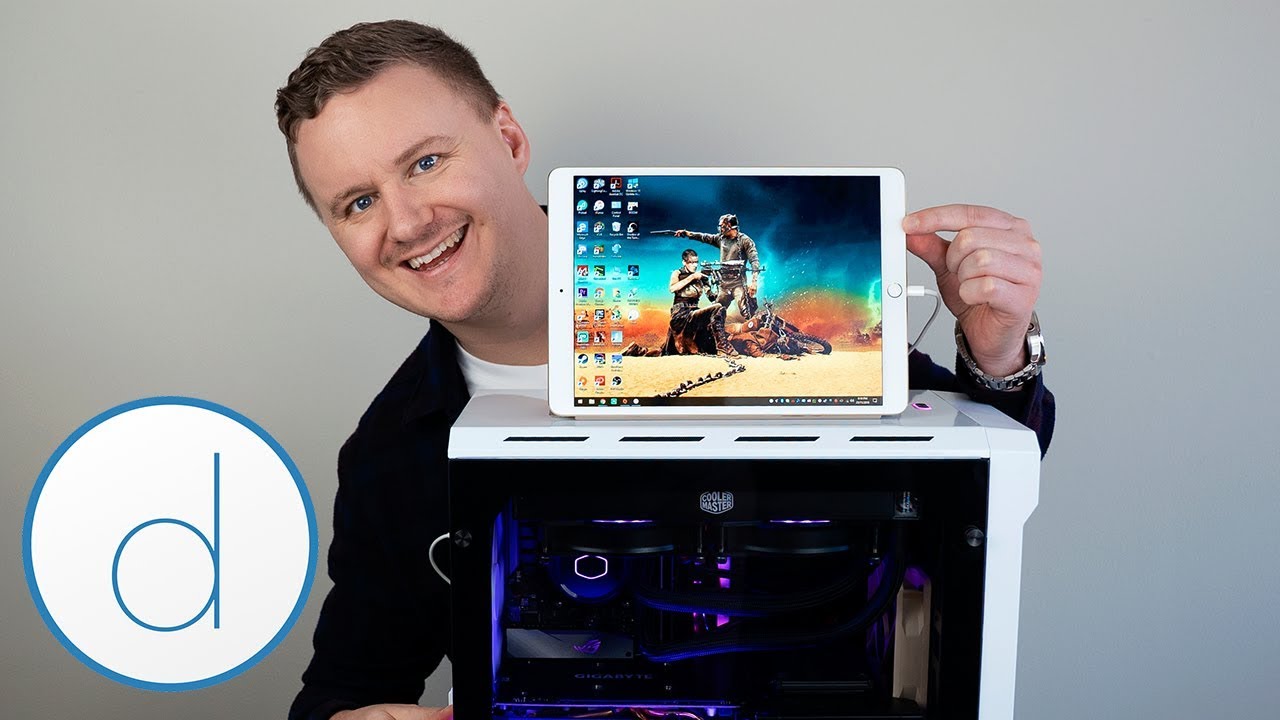
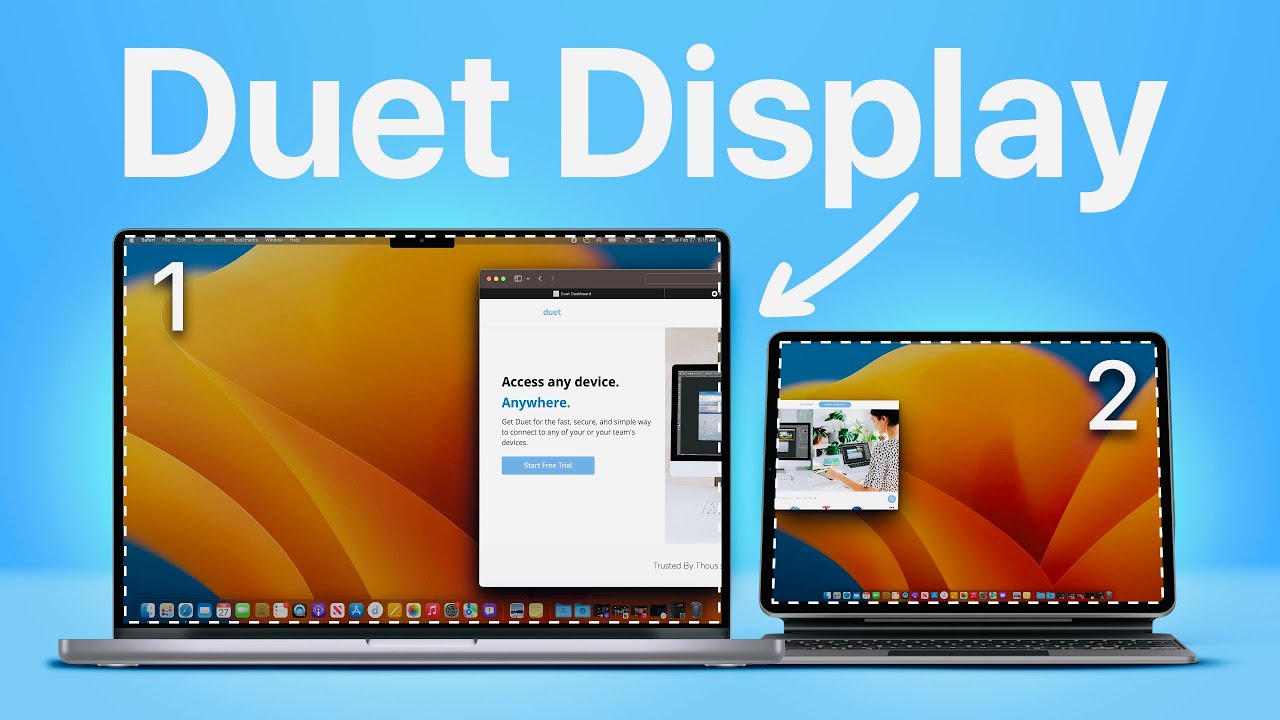
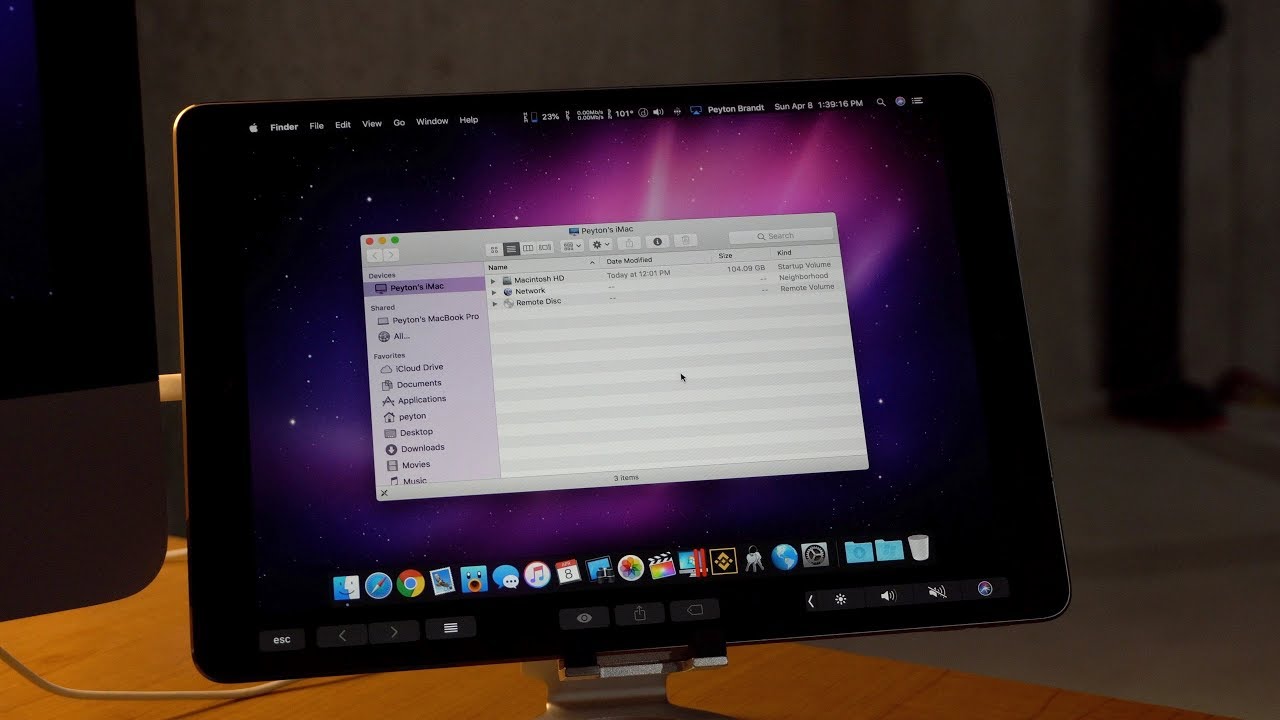
Duet Display enables you to use your iPad, Android tablet, or smartphone as an extended screen for your computer. It supports both USB and wireless modes.

Supports Mac and Windows

Duet Display Mac users can connect seamlessly with their Apple devices. It also supports Windows-based systems, allowing cross-platform use.

Smooth Performance with Low Latency

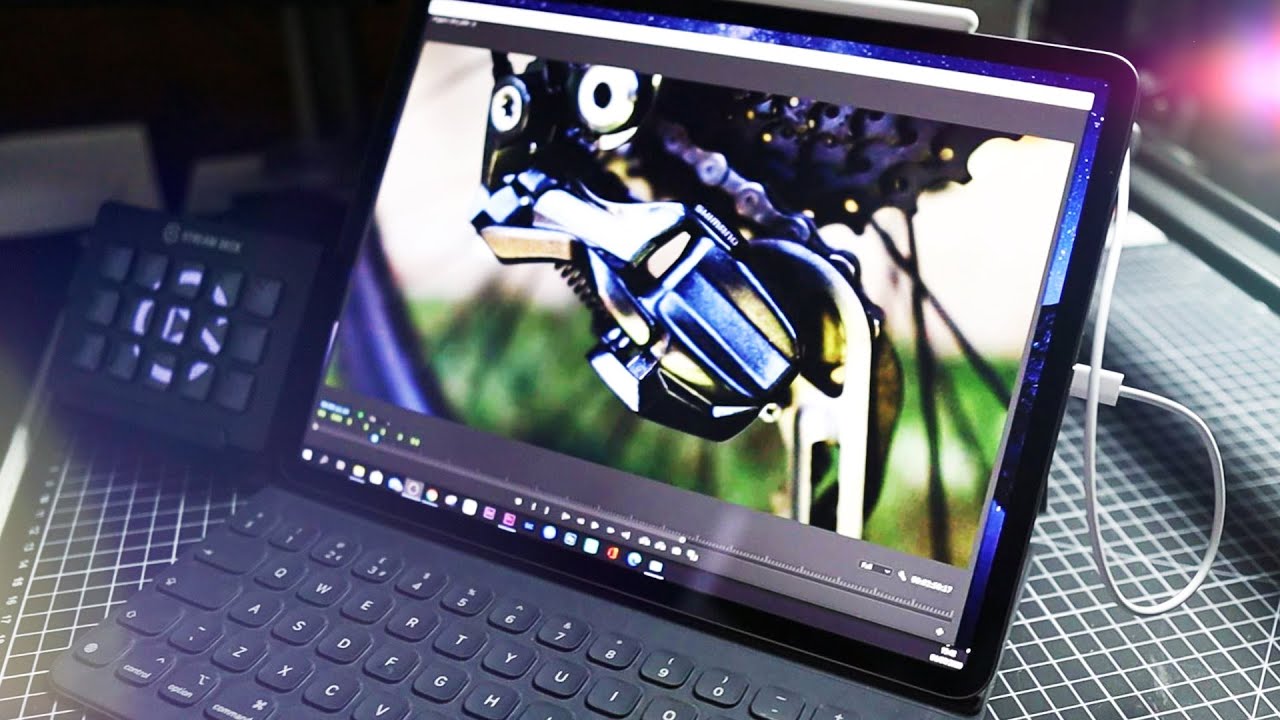
Duet provides high frame rates and minimal delay, especially in wired mode. This makes it suitable for design, video editing, and real-time work.

Apple Pencil and Touch Input Support

Duet Display supports Apple Pencil for drawing and annotations. Touch gestures like scrolling and zooming are also enabled, making it ideal for artists.

Secure Connection Without Third-Party Servers

 All screen sharing happens locally, offering a private and secure experience without sending data to external servers.

Adjustable Resolution and Frame Rate

Users can change screen settings for performance or quality. This allows users to save battery or improve clarity when required.

Duet Air and Duet Pro Plans

 Apart from the basic app, Duet offers paid versions with wireless display, remote desktop features, and extra drawing capabilities.

Ideal for Remote Work and Online Classes

Duet Display is used by teachers, students, and professionals to make meetings and multitasking easier without buying another monitor.

Duet Display Features

In this section of our Duet Display review, we focus on features that are consistently highlighted in Duet reviews and app discussions. The Duet Display Mac support stands out for its seamless connection and smooth functionality with iPads and iPhones. Duet Display pricing is especially appreciated for giving users access to features like adjustable resolution, high refresh rate, and touch input. Whether you’re using Duet Display for drawing, remote teaching, or extending your workspace, the app performs reliably across all platforms. Several Duet reviews mention the Apple Pencil support and the ability to mirror or extend screens with very low latency. If you’re looking to compare Duet display cost with hardware solutions, you’ll find this software alternative more flexible. Overall, our Duet app review confirms that Duet Display is one of the most useful tools for multi-device users.

  • Turns iPad, Tablet or Phone Into a Second Screen
  • Works on Both Mac & Windows
  • Low-Latency, Smooth Performance
  • Apple Pencil & Touch Support
  • Wired or Wireless (Duet Air)
  • Private — No Third-Party Servers
  • Moved From One-Time to Subscription
  • Wireless Can Lag on Weak Wi-Fi
  • Best Features Need Pro or Air
  • Occasional Setup or Driver Quirks
  • Higher-End Use Requires a Paid Tier

Duet Display Videos


Duet Display videos help users understand the full potential of the tool, especially if they are new to the concept of using tablets as second screens. Our Duet Display review includes insights from official tutorials and user-generated walkthroughs, showing how Duet Display Mac and Windows users can set up the app in just minutes. The videos also break down Duet Display pricing, helping viewers decide between the basic version, Duet Air, or Duet Pro. Based on Duet reviews, these visual guides are especially helpful for setting up Apple Pencil input and managing display quality. Anyone researching Duet display cost will benefit from seeing real-time performance before subscribing.

Duet Display video thumbnail

Duet Display User Reviews

4.5 EASE OF USE
4.0 VALUE FOR MONEY
4.1 CUSTOMER SUPPORT
4.0 FUNCTIONALITY
Karan Singh Mobile Productivity Specialist
Review Date: 11 March, 2024

NextScreen Tech
Project Type: Display & Productivity Tool Evaluation

“Duet Display turns your iPad or iPhone (and some Android devices) into a responsive external display with touch support and smooth performance. It’s ideal for creative work, coding, or multitasking. While the free version is limited and performance can dip with high resolutions, the paid Pro features justify the upgrade for power users.”

EASE OF USE
VALUE FOR MONEY
CUSTOMER SUPPORT
FUNCTIONALITY
Jared Lin UX Designer
Review Date: 6 February, 2026

I use Duet to turn my iPad into a second monitor when I travel, and it just works — low lag over USB and surprisingly smooth wirelessly with Air. Apple Pencil support means I can sketch directly on my Mac too. It’s become a permanent part of my mobile setup.

EASE OF USE
VALUE FOR MONEY
CUSTOMER SUPPORT
FUNCTIONALITY
Priya Desai Remote Developer
Review Date: 22 January, 2026

As a second screen Duet is reliable and the picture is crisp. My only real complaint is the move to a subscription for the features I want, and wireless can lag a little on weak Wi-Fi. Over a wired connection, though, it’s flawless.

EASE OF USE
VALUE FOR MONEY
CUSTOMER SUPPORT
FUNCTIONALITY
Emily Carter Graphic Designer
No Data Found
Ben Schultz Remote Worker
No Data Found

Duet Display Alternatives

While our Duet Display review highlights its strengths, it’s also important to understand what alternatives are available in the market. Some Duet reviews mention switching to other tools due to platform-specific limitations or different pricing needs. For example, if you find Duet display cost a bit high for occasional use, apps like Spacedesk or iDisplay offer budget-friendly options. However, Duet Display pricing is often justified by its reliability and advanced features. If you are focused on Duet Display Mac compatibility or Apple Pencil support, Duet is preferred over competitors like Splashtop Wired XDisplay. Still, Luna Display and Astropad Studio offer strong competition, especially in drawing-focused workflows. Based on our Duet reviews, users who review Duet Display frequently return to it because of its low latency and cross-platform stability, making Duet price worth the investment for regular multitaskers.


Vertu Review

Vertu Review

4.2/5 community average — UK-founded luxury smartphone maker featuring titanium, sapphire crystal, exotic leathers and the Concierge service
Explore More
WordPerfect Review

WordPerfect Review

4.3/5 on G2 — Corel's legal-grade word processor & office suite, the classic Microsoft Word alternative
Explore More
iMyFone Review

iMyFone Review

4.5/5 on Trustpilot — iOS/Android utility suite for unlock, recovery, transfer & WhatsApp tools
Explore More
Freedom Review

Freedom Review

Block distracting websites and apps across all your devices
Explore More
Apollo Neuroscience Review

Apollo Neuroscience Review

Rated 4.5/5 on Trustpilot — Scientifically-validated wearable that uses gentle vibrations to manage stress and improve sleep
Explore More
OnlyOffice Review

OnlyOffice Review

Rated 4.4/5 on G2 — Open-source office suite with docs, spreadsheets, slides and real-time collaboration
Explore More
Clockify Review

Clockify Review

Rated 4.7/5 on G2 — Free unlimited time tracker for teams — timesheets, project tracking and billable hours
Explore More
Fabric.so Review

Fabric.so Review

Fabric.so Review – AI Workspace & Second Brain That Auto-Organizes Everything
Explore More
Brian Tracy Review

Brian Tracy Review

Brian Tracy Review – Personal Development Courses, Books & Training Programs From a Bestselling Author
Explore More
RescueTime Review

RescueTime Review

RescueTime Review – Automatic Time Tracking & Focus Tool for Knowledge Workers
Explore More
Bookeo Review

Bookeo Review

4.6 (Trust Pilot) :: : Appointment-Based Services.
Top Rated Features
  1. Smart Booking Management
  2. Advanced Scheduling Features
  3. User-Friendly Dashboard
Explore More
CogniFit Review

CogniFit Review

4.4 (2,321)
Top Rated Features
  1. Advanced Cognitive Insights
  2. User-Friendly Dashboard
  3. AI-Powered Assistance
Explore More
eu.fossibot Review

eu.fossibot Review

4.4 (2,910)
Top Rated Features
  1. Smart Power Solutions
  2. Advanced Power Optimization
  3. User-Friendly Dashboard
Explore More
2Captcha Review

2Captcha Review

4.4 (2,323)
Top Rated Features
  1. Easy Task Automation
  2. Integration Flexibility
  3. Real-Time Data Management
Explore More
icontact Review

icontact Review

4.6 (2,791)
Top Rated Features
  1. Easy-to-Use Templates
  2. Time-Saving Automation
  3. Detailed Reporting & Analytics
Explore More
Nimbus Review

Nimbus Review

4.7 (2,676)
Top Rated Features
  1. Task Management
  2. Document Collaboration
  3. Cloud Storage
Explore More
FAQs

Frequently Asked Questions

Before making a decision, many users search for answers related to Duet Display pricing, features, and compatibility. This section has the most frequently asked questions based on Duet reviews and common user concerns. If you’re unsure about the Duet display cost, performance, or how it works with Mac and Windows, these answers will help clarify everything in detail.

No. Duet Display is a paid app. The basic version has a one-time Duet price, while Duet Air and Duet Pro are subscription-based.

Yes. Duet Display Mac support is one of its primary features. It connects iPads and tablets to Mac using both wired and wireless options.

 The Duet Display price remains the same for Windows and Mac. Basic access is around ₹1650. Air and Pro subscriptions are separate.

 Yes. Wireless support is available with Duet Air or Duet Pro subscriptions. The basic version supports only wired connections.

 Duet Pro includes drawing tools, Apple Pencil support, pressure sensitivity, and everything from Duet Air. It is designed for artists and designers.

In most Duet reviews, users say wired mode has very low latency. Wireless mode depends on Wi-Fi strength, but performance is generally smooth.

Yes. Duet supports Android tablets and phones. You can extend your desktop to Android with both wired and wireless modes.

Yes. Duet Air allows you to access your desktop from anywhere. It includes wireless display and remote desktop features for teams and remote workers.

 Yes. While it is not built specifically for gaming, Duet’s high frame rates and smooth performance support light gaming or monitoring tasks.

 Yes. Subscriptions for Duet Air and Duet Pro can be cancelled at any time. You will retain access until the end of your billing period.

⚠️ Affiliate Disclosure: This site contains affiliate links. We may earn a commission when you purchase through our links at no extra cost to you. Results are not typical.