Clockify is one of the most widely used time-tracking platforms in the world, built by COING and used by hundreds of thousands of freelancers, agencies, consultancies, and remote teams. Its defining feature is a genuinely powerful free plan that includes unlimited projects and unlimited time tracking, plus a clean web app, native desktop apps for Windows, macOS, and Linux, mobile apps for iOS and Android, and browser extensions for Chrome, Firefox, and Edge. Paid plans add advanced reporting, project budgets, billing automation, timesheet locking, GPS, screenshots, scheduling, and approval workflows.
Pricing remains among the most aggressive in the time-tracking market: paid tiers start at $3.99/user/month (annual) and top out at $14.99/user/month for Enterprise. Clockify is well reviewed on G2 and Capterra, with the most common praise being the free plan and the most common criticism being inconsistent mobile app stability and recent free-plan user limits introduced in 2026.
Track unlimited time, projects, and clients on the free plan with no time limit and no credit card. The free tier is genuinely usable as a long-term solution for solo freelancers and very small teams.
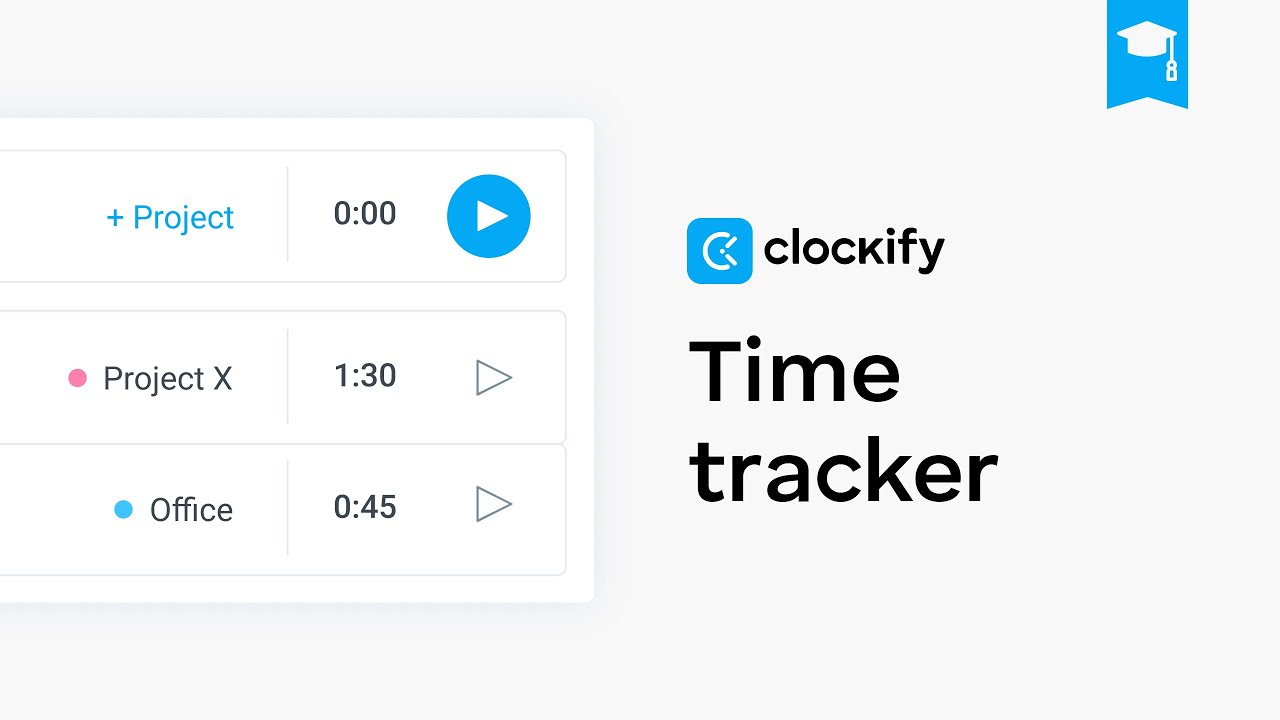
Hit Start when work begins, Stop when it ends. The timer keeps running in the background while you switch apps, and saves automatically to your timesheet.
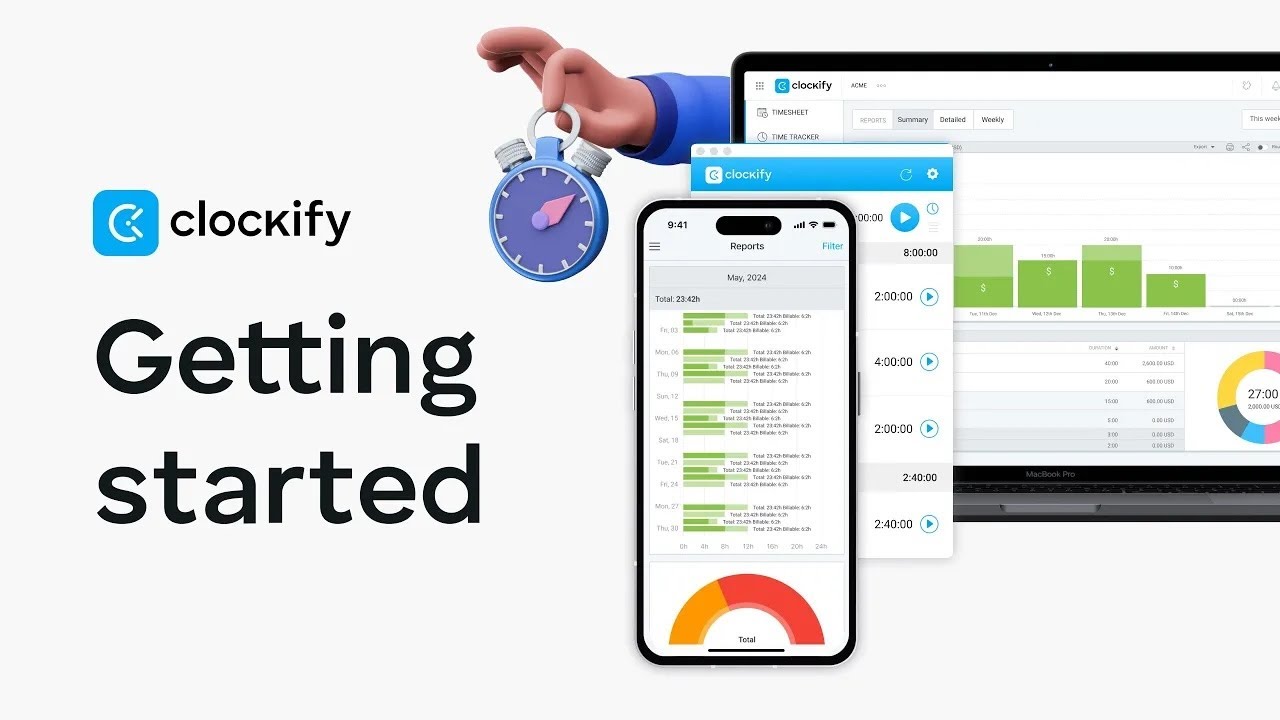
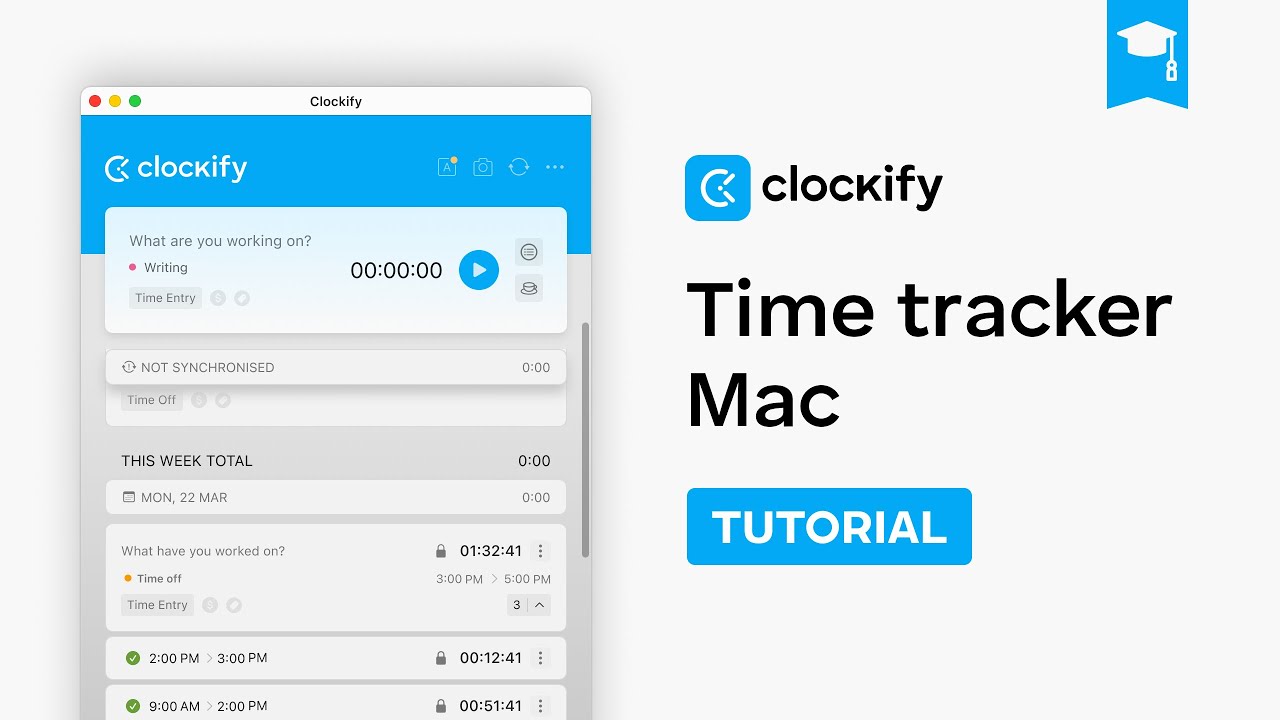
Native apps for Windows, macOS, Linux, iOS, and Android, plus browser extensions for Chrome, Firefox, and Edge — your timer follows you everywhere.
Generate weekly, monthly, and custom reports filtered by user, project, client, or task. Export to PDF, CSV, or Excel for invoicing and management.
Set budgets in hours or money, get alerts when approaching limits, and track estimated vs actual time on every project.
Set hourly rates per project, per task, or per team member. Generate client-ready invoices directly from tracked time on paid plans.
Built-in integrations with Jira, Trello, Asana, ClickUp, Todoist, Google Calendar, QuickBooks, Xero, GitHub, and dozens of other tools.
Paid plans add timesheet approvals, time-entry locking, GPS location tracking for field teams, optional screenshots, and scheduling.
Clockify packs a complete time-tracking and project management workflow into a single platform: timer-based and manual time entry, calendar view, weekly timesheet, project and client organization, task lists, tags, billable rates, project budgets, detailed reports with PDF/CSV/Excel exports, dashboards for team activity, idle detection, Pomodoro timer, auto-tracker that watches active windows, GPS location tracking on mobile, optional screenshots for accountability, scheduling, time-off management, expense tracking, invoicing, approval workflows on paid plans, 80+ integrations, REST API, single sign-on (SSO) on Enterprise, and self-hosted deployment options.
To help you decide whether Clockify is the right time tracker for you, we have curated four hand-picked YouTube videos covering full beginner tutorials, getting-started walkthroughs, and platform-specific guides. These videos walk you through signing up, starting your first timer, organizing projects and clients, and generating reports for billing.
Clockify offers a generous free tier with unlimited users + unlimited projects + core time tracking. Paid plans add admin/workforce management: Basic $4.99/user/month, Standard $6.99/user/month (timesheet approvals + invoicing), Pro $9.99/user/month (cost tracking + profitability), Enterprise $14.99/user/month (single sign-on + audit logs). Annual billing offers ~20% discount. CAKE.com Bundle pairs Clockify with project management & team chat.
Clockify holds 4.5/5 on G2 and 4.7/5 on Capterra, with users consistently praising the free plan, ease of use, and breadth of features for the price. Critical reviews focus on Android app stability and the recent free-plan user cap. For solo freelancers, agencies, and small teams looking for a reliable, low-cost time tracker, Clockify remains one of the highest-value options in 2026.

If Clockify is not the right fit, the strongest 2026 time-tracking alternatives are:










Top rated Features


Quick answers to the most common questions buyers ask before signing up to Clockify in 2026.
⚠️ Affiliate Disclosure: This site contains affiliate links. We may earn a commission when you purchase through our links at no extra cost to you. Results are not typical.