⚠️ Affiliate Disclosure: This page contains affiliate links. We may earn a commission at no extra cost to you. This does not influence our reviews. Read full disclosure →

DeskTime Review

DeskTime logo

DeskTime Review

Editorial rating: 4.5 / 5

DeskTime Review

DeskTime is an automatic time tracking and productivity platform used by 20,000+ teams worldwide. It silently records when you start work, what apps and websites you use, and how productive each block of time is — without the manual stopwatch.

Below is an in-depth, hands-on review of DeskTime’s features, pricing, real user feedback, screenshots-with-blur, Private Time mode, project tracking, and the best alternatives like Toggl Track, Hubstaff, and Clockify.

Fully Automatic Time Tracking

DeskTime starts when your computer boots and silently captures arrival times, departures, and active hours — no manual start/stop required from employees or managers.

Productivity Categorisation

Every app and website is automatically classified as productive, unproductive, or neutral, giving managers a real-time focus score for each team member without reading individual URLs.

Built-in Pomodoro Timer

Configurable Pomodoro intervals schedule structured breaks, reduce burnout, and help your team stay focused across long workdays without needing a separate app.

Optional Screenshots with Blur

Capture screenshots at intervals you control, with the option to blur sensitive content automatically — giving you proof of work without exposing client or personal data.

Project & Task Time Tracking

Tag time to specific projects and tasks for accurate billable-hour reporting, client invoicing, and agency margin analysis directly from the dashboard.

Attendance & Shift Scheduling

Track absences, lateness, and time-off in one place. Build shifts, assign coverage, and approve requests without spreadsheets or email threads.

Private Time Mode

Employees can pause monitoring during personal tasks or breaks, preserving privacy while keeping teams compliant with GDPR and internal trust policies.

40+ Integrations + REST API

Connect DeskTime with Trello, Asana, Jira, Basecamp, GitLab, Google Calendar, Outlook, Zapier, QuickBooks, and Xero — or build custom workflows via the public REST API.

Pros

  • Automatic time tracking that requires no manual input from employees
  • Productivity categorisation highlights focus vs. distraction apps out of the box
  • Built-in Pomodoro timer and Private Time keep wellness and privacy in balance
  • Generous free plan for solo professionals and teams evaluating productivity tools
  • Transparent per-user pricing starting at just a few dollars per seat per month
  • Project and task tracking with billable-hour reports and invoicing-ready exports
  • 40+ integrations (Trello, Asana, Jira, Google Calendar, Zapier) plus REST API

Cons

  • Advanced features like screenshots and shift scheduling require higher tiers
  • Mobile app is useful for check-ins but less powerful than the desktop client
  • Heavy remote-first teams may prefer Hubstaff’s GPS/location tracking
  • Reporting UI, while clean, has fewer custom dashboards than enterprise tools
  • Fully automatic time tracking — no manual start/stop required
  • Productivity scoring across apps and websites with customisable categories
  • Built-in Pomodoro timer with configurable work and break intervals
  • Optional screenshots with auto-blur for privacy-sensitive content
  • Project and task time tracking for accurate client billing and invoicing
  • Attendance, shift scheduling, absence calendar, and leave approvals
  • Private Time mode lets employees pause tracking for personal tasks
  • 40+ integrations (Trello, Asana, Jira, Zapier, Google Calendar, Outlook)
  • Public REST API for custom dashboards and payroll-system exports
  • Offline time tracking syncs automatically when devices reconnect
  • Native apps for Windows, macOS, Linux, iOS, and Android

See DeskTime demos, productivity tutorials, and head-to-head comparisons with Toggl, Hubstaff, and Time Doctor.

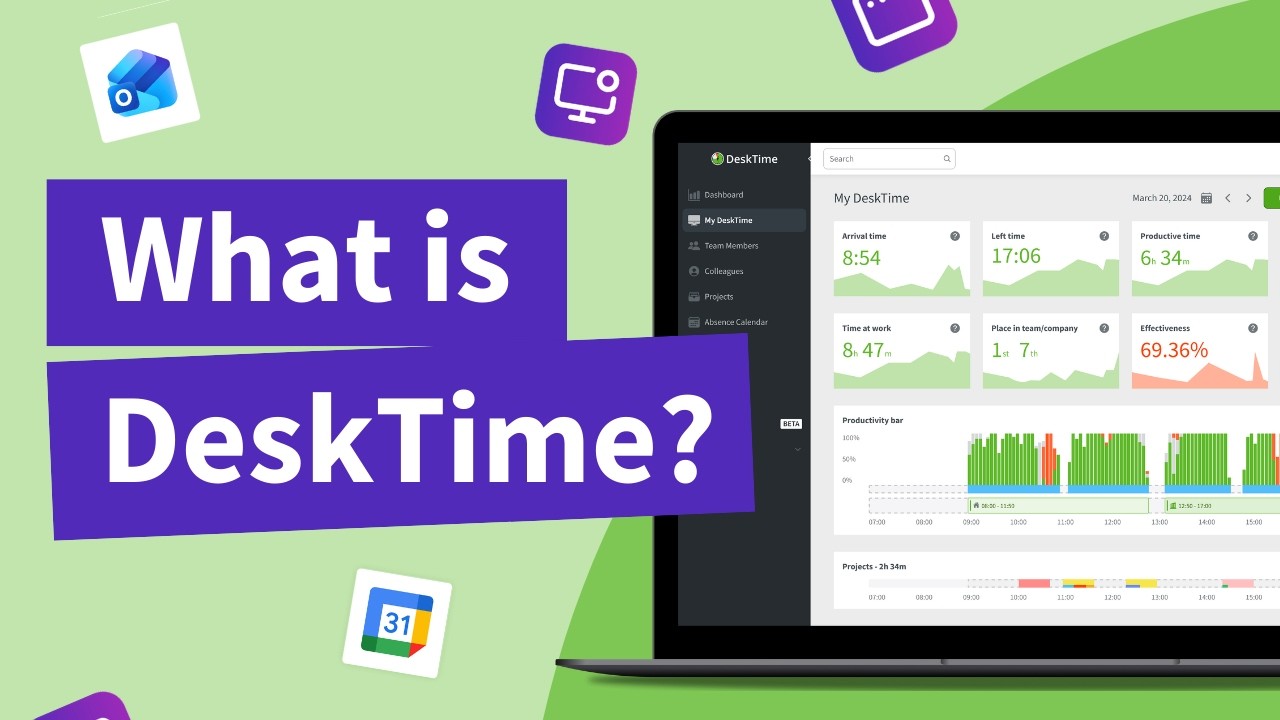
DeskTime — Desktime What Is Desktime
DeskTime — Desktime For Managers
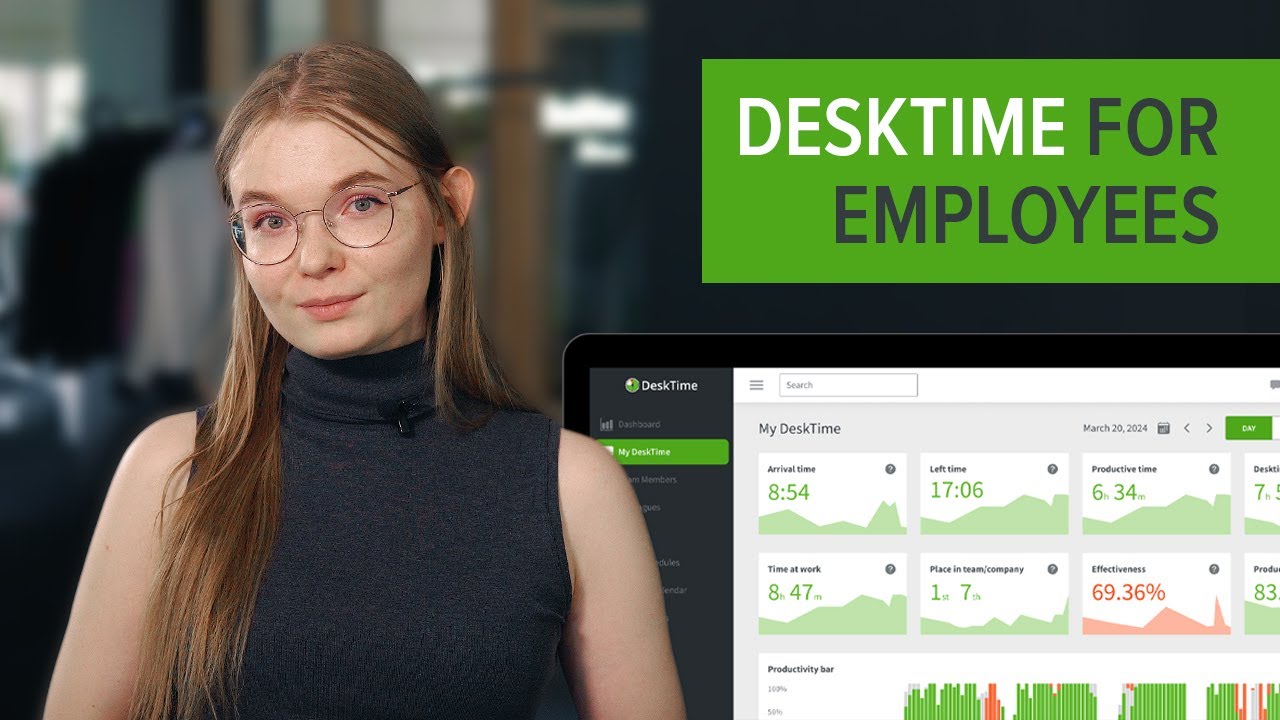
DeskTime — Desktime For Employees
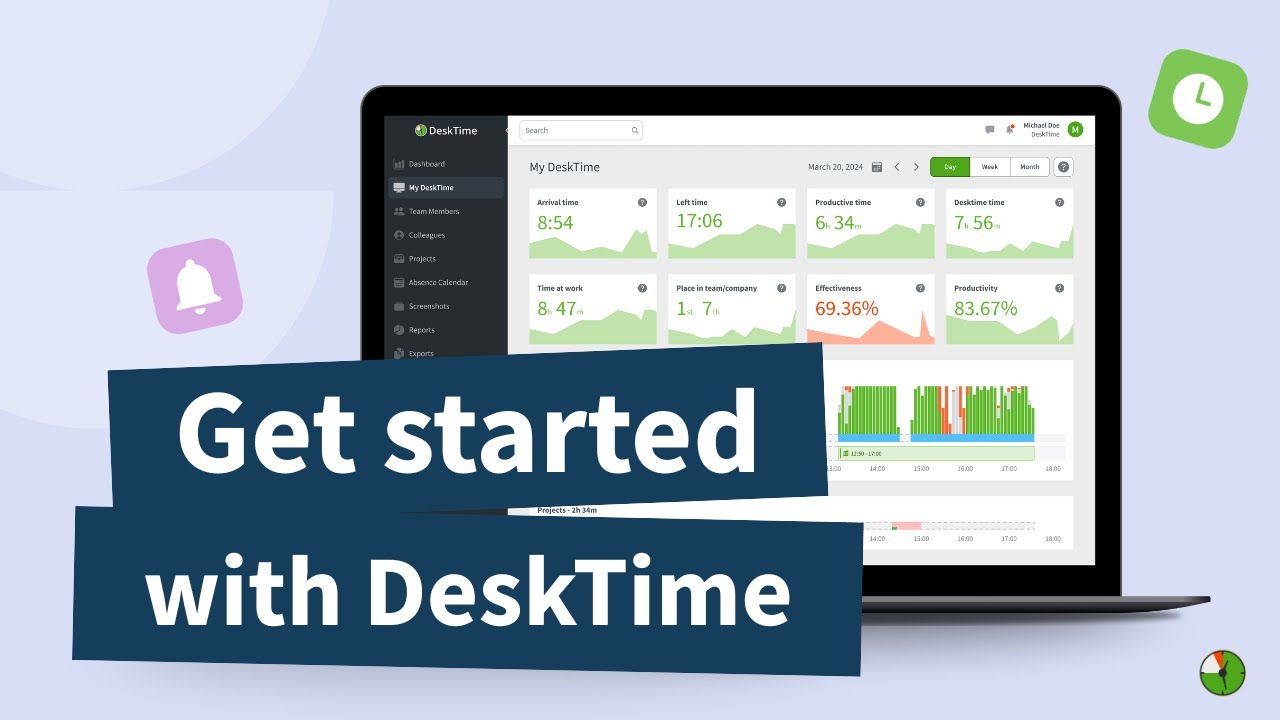
DeskTime — Desktime Tutorial Beginners

DeskTime Pricing Plans

DeskTime offers a four-tier pricing model designed for teams of all sizes, with significant discounts on annual billing. A free tier is available for individual users, and a 14-day free trial covers all paid plans.

  • DeskTime Lite (Free): 1 user only — automatic time tracking, URL & app tracking, and a basic productivity report
  • Pro: $7/user/month monthly or $6.42/user/month annually — adds productivity calculation, project tracking, idle time, and integrations
  • Premium: $10/user/month monthly or $9.17/user/month annually — adds screenshots, absence management, shift scheduling, and offline time approval
  • Enterprise: $20/user/month monthly or $18.33/user/month annually — adds custom API, IP restrictions, personal account manager, and unlimited projects

Annual subscribers get one month free. All plans allow you to invite unlimited team members and cancel anytime. DeskTime also offers volume discounts for teams of 200+ users.

DeskTime User Reviews

Verified G2, Capterra, and TrustRadius reviews from DeskTime admins, agency owners, freelancers, and remote managers. The platform consistently ranks among the easiest-to-use time tracking tools for distributed teams.

4.5 EASE OF USE
4.4 VALUE FOR MONEY
4.3 CUSTOMER SUPPORT
4.4 FUNCTIONALITY

DeskTime Alternatives

If DeskTime does not fit your workflow, the most popular time-tracking and productivity alternatives to evaluate are Toggl Track (flexible manual + automatic tracking with strong reporting), Hubstaff (GPS/location tracking and payroll for distributed and field teams), Time Doctor (deep employee monitoring with client billing), RescueTime (solo-focused productivity analytics and focus mode), Clockify (free, unlimited-user timesheets and projects), and Harvest (invoicing-first time tracking for agencies and consultants).


WordPerfect Review

WordPerfect Review

Editorial rating: 4.3 / 5
Explore More
iMyFone Review

iMyFone Review

Editorial rating: 4.5 / 5
Explore More
Freedom Review

Freedom Review

Block distracting websites and apps across all your devices
Explore More
OnlyOffice Review

OnlyOffice Review

Editorial rating: 4.4 / 5 — Open-source office suite with docs, spreadsheets, slides and real-time collaboration
Explore More
Clockify Review

Clockify Review

Editorial rating: 4.7 / 5 — Free unlimited time tracker for teams — timesheets, project tracking and billable hours
Explore More
Fabric.so Review

Fabric.so Review

Fabric.so Review – AI Workspace & Second Brain That Auto-Organizes Everything
Explore More
RescueTime Review

RescueTime Review

RescueTime Review – Automatic Time Tracking & Focus Tool for Knowledge Workers
Explore More
Authory Review

Authory Review

Editorial rating: 4.8 / 5
Explore More
VisualCV Review

VisualCV Review

Editorial rating: 4.6 / 5
Explore More
Toggl Track Review

Toggl Track Review

Editorial rating: 4.6 / 5
Explore More
Parallels Review

Parallels Review

Editorial rating: 4.5 / 5
Explore More
One Click Root Review

One Click Root Review

Editorial rating: 4.4 / 5
Explore More
Awesome Screenshot Review

Awesome Screenshot Review

4.6
Explore More
Reclaim AI Review

Reclaim AI Review

Editorial rating: 4.3 / 5
Explore More
Todoist Review

Todoist Review

Editorial rating: 4.6 / 5
Explore More
ClickUp Review

ClickUp Review

Editorial rating: 4.7 / 5
Explore More
Any.do Review

Any.do Review

Editorial rating: 4.6 / 5
Explore More
2Captcha Review

2Captcha Review

4.4
Top Rated Features
  1. Easy Task Automation
  2. Integration Flexibility
  3. Real-Time Data Management
Explore More
Cake.com Review

Cake.com Review

4.2
Top Rated Features
  1. All-in-one solution
  2. Easy integration
  3. Team collaboration
Explore More
Toggl track Review

Toggl track Review

4.7
Top Rated Features
  1. Easy Start and Stop
  2. Project and Client Tags
  3. Clear and Simple Reports
Explore More
Nimbus Review

Nimbus Review

4.7
Top Rated Features
  1. Task Management
  2. Document Collaboration
  3. Cloud Storage
Explore More
Splashtop Review

Splashtop Review

4.8
Top Rated Features
  1. High-Performance Remote Access
  2. Cross-Platform Support
  3. Affordable Pricing
Explore More
Duet Display Review

Duet Display Review

4.8
Top Rated Features
  1. Supports Mac and Windows
  2. Smooth Performance with Low Latency
  3. Adjustable Resolution and Frame Rate
Explore More
Taskade Overview

Taskade Overview

4.7
Top Rated Features
  1. Built-In Mind Mapping Tool
  2. AI Assistant for Task Management
  3. Voice and Video Chat Integration
Explore More
Stardock Review

Stardock Review

4.8

Top rated Features

  1. Customizable Fences
  2. Theme Customization
  3. Automatic Grouping
Explore More
PDF Expert Review

PDF Expert Review

4.7
Top Rated Features
  1. Seamless Editing
  2. Advanced Annotation
  3. Form Filling Support
Explore More
Time Doctor Review

Time Doctor Review

4.5
Top Rated Features
  1. Time Tracking
  2. Employee Monitoring
  3. Mobile Testing and Reports
Explore More
Shift Review

Shift Review

3.9
Top Rated Features
  1. Microsoft Apps
  2. All Apps In One Hub
  3. Google Services
Explore More
FAQs

DeskTime FAQs

Common questions about DeskTime pricing, privacy, screenshots, integrations, and how it compares to Toggl, Hubstaff, and Time Doctor.

DeskTime offers a free Lite plan for one user, plus paid tiers starting at roughly $7/user/month (Pro) and higher tiers for Premium and Enterprise that unlock screenshots, shift scheduling, and billing features. Annual billing typically saves around 10%.

Yes. DeskTime Lite is free forever for a single user and includes automatic time tracking, URL and app tracking, and the Pomodoro timer. It is a good way to test the core experience before inviting your team to a paid plan.

Screenshots are optional and disabled by default. Admins can enable them per team and choose the capture frequency. DeskTime also offers an auto-blur option so sensitive information like client data or personal messages is never clearly visible.

Yes. You can create projects and tasks, log time against them manually or automatically, and export billable-hour reports for invoicing. Integrations with QuickBooks, FreshBooks, and Zapier automate accounting workflows.

Private Time lets employees temporarily pause tracking for personal tasks such as doctor appointments or banking. Screenshots and URL tracking do not run during Private Time, preserving privacy while keeping the rest of the workday transparent.

Yes. The DeskTime desktop client continues tracking when you are offline and syncs data back to the cloud as soon as your device reconnects. Useful for teams that travel or operate in areas with unreliable internet.

DeskTime connects with 40+ tools including Trello, Asana, Jira, Basecamp, GitLab, Google Calendar, Outlook Calendar, Zapier, QuickBooks, and Xero. There is also a public REST API for custom dashboards and payroll integrations.

Yes. DeskTime has iOS and Android apps that let users start/stop tracking, log manual entries, and view personal stats on the go. Admins and managers can also review reports and approve absence requests from mobile.

Yes. DeskTime is GDPR compliant and offers EU data hosting, role-based permissions, and granular privacy controls (including screenshot blur and Private Time) so admins can balance visibility with employee privacy.

DeskTime is a strong fit for agencies, remote-first SaaS teams, consultancies, freelancers, and any SMB that needs automatic time tracking plus productivity analytics without heavyweight employee monitoring.

⚠️ Affiliate Disclosure: This site contains affiliate links. We may earn a commission when you purchase through our links at no extra cost to you. Results are not typical.