Remove.bg launched in 2018 and quickly became the industry standard for one-click AI background removal. Acquired by Canva in 2021, the service still operates as its own product and brand, with millions of consumers, designers, photographers, and developers using it daily for ecommerce product shots, social media graphics, marketing creatives, and large-scale image production. The technology supports images up to 50 megapixels, handles complex edges (hair, fur, transparent objects) better than nearly any competitor, and processes a single image in under a second.
Remove.bg ships in five forms: a free web app, a desktop bulk processing app, official plugins for Adobe Photoshop, Figma, and Sketch, a no-code Zapier integration, and a developer API capable of 500 images per minute. Pricing is credit-based — a free trial credit per month, $9 pay-as-you-go for 10 credits, and monthly subscriptions from $9 to $89/month for higher volumes. The product draws consistent praise on G2 for accuracy and speed, with the most common criticism being unused-credits-on-downgrade rules.
Drop an image and Remove.bg automatically detects the subject and removes the background in under a second — no manual masking, lasso, or selection required.
Hair, fur, eyelashes, transparent objects, and intricate edges are handled better than any other major background remover thanks to a purpose-built AI model.
Handles ultra-high-resolution photos up to 50 MP, well above what most competitors support — important for print, packaging, and large product shots.
Process up to 500 images per minute through the desktop app — a game-changer for ecommerce, real-estate, and event photography workflows.
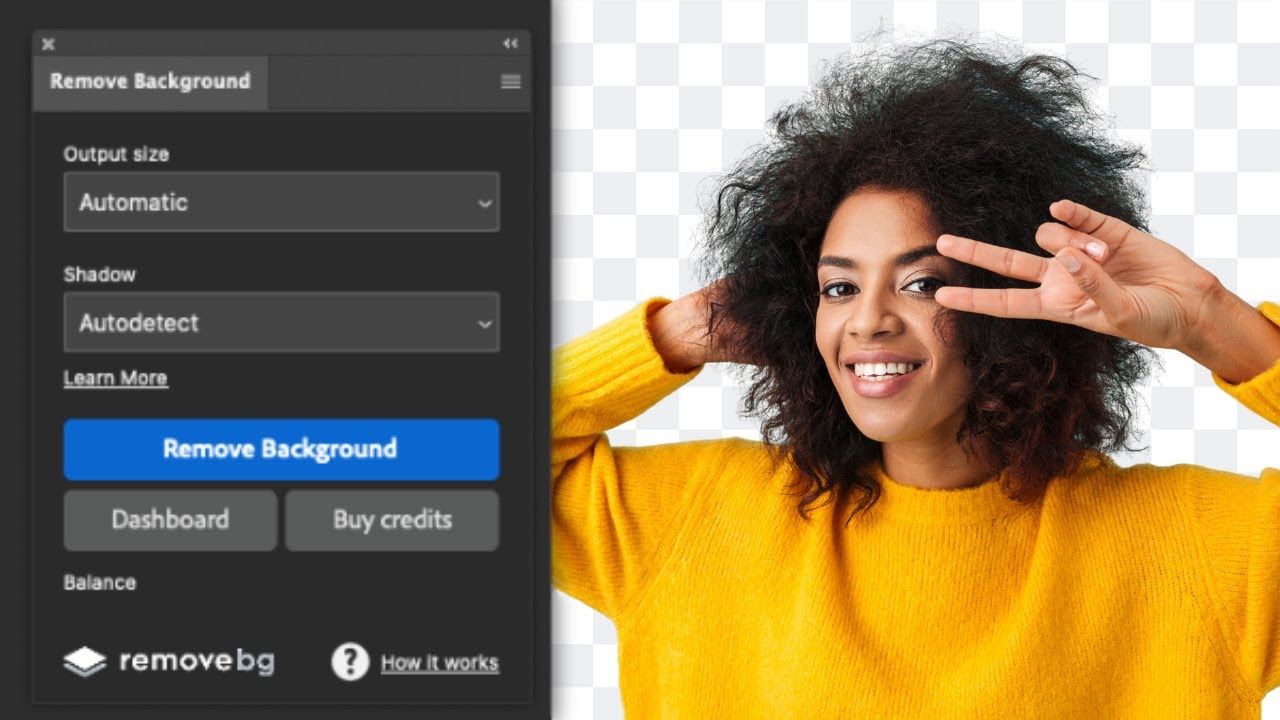
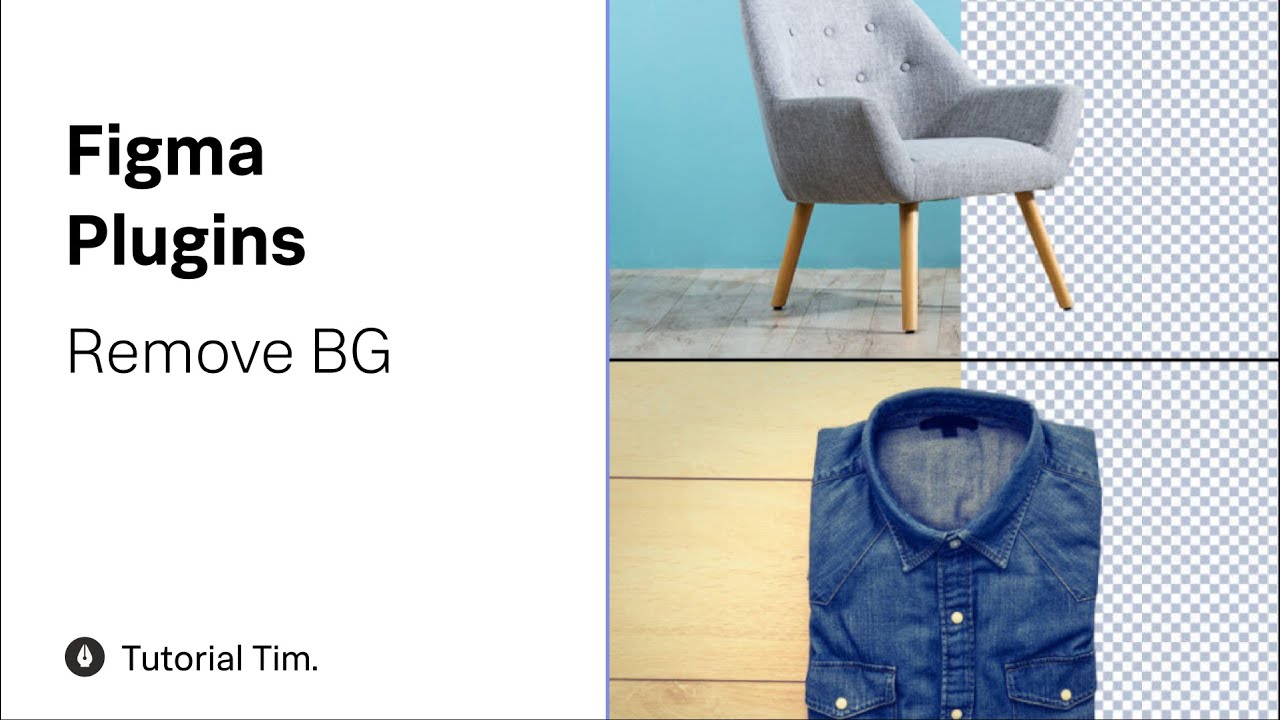
Official plugins remove backgrounds without leaving your design tool — single click in your existing creative workflow.
REST API for integrating background removal into apps, websites, and pipelines. Free tier includes 50 calls per month with paid scaling beyond that.
Replace removed backgrounds with solid colors, your own image, or AI-generated context-aware backdrops via the integrated Magic Background feature.
Used by major brands, ecommerce sellers, and developers worldwide. Acquired by Canva in 2021 with continued investment in the standalone product and API.
Remove.bg packages a complete background-removal workflow: free web app for casual use, paid web app for high-resolution downloads, desktop app for bulk processing (500+ images per minute), Photoshop / Figma / Sketch plugins, Zapier integration, REST API for developers, Magic Background AI replacement, transparent and colored background outputs, support for images up to 50 MP, automatic edge detection on hair and fur, and seamless integration with the wider Canva ecosystem since the 2021 acquisition.
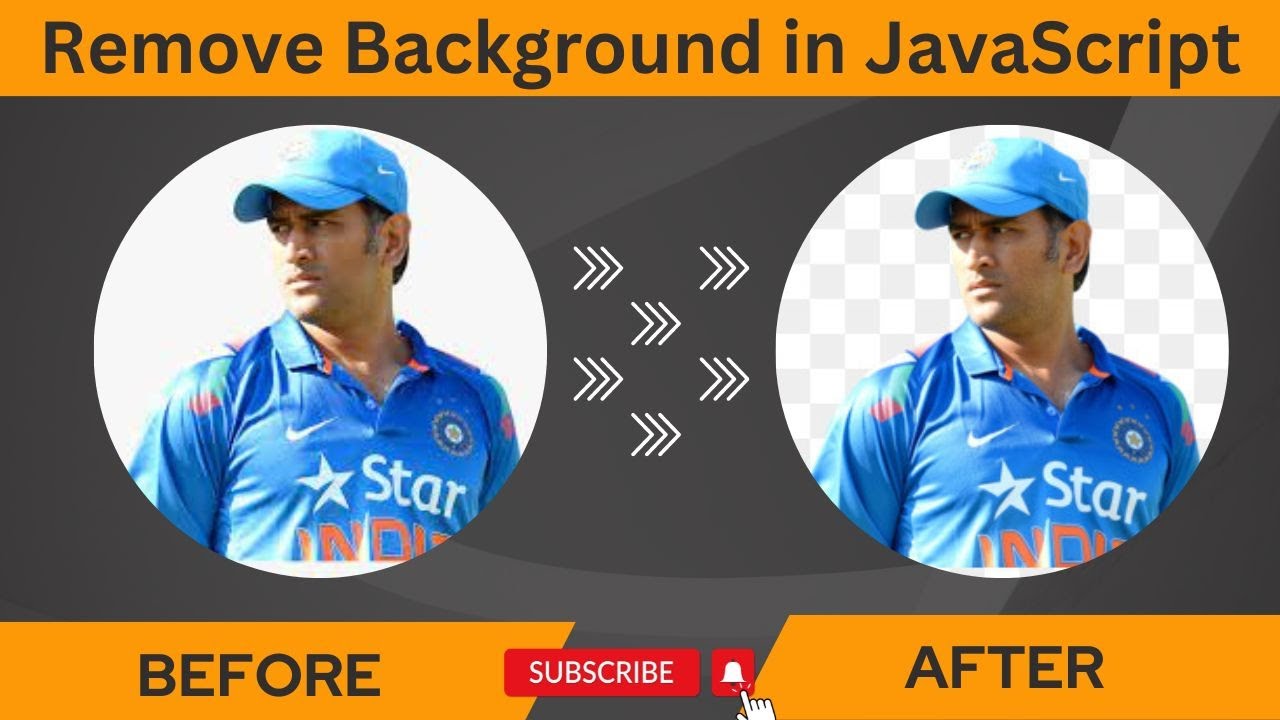
To help you decide whether Remove.bg is the right background remover for your workflow, we have curated four hand-picked YouTube videos covering hands-on tutorials, the Photoshop and Figma plugins, the developer API, and a JavaScript build-along. These videos walk you through one-click removal, bulk processing, and integrating Remove.bg into your existing creative or developer stack.
Remove.bg uses a credit-based subscription model. Free trial gives full-resolution previews + 1 free HD image. Subscriptions start at $9/month for 40 credits ($0.23/image). 200 credits is $39/month. Higher tiers drop to ~$0.11/image at scale. Each HD image = 1 credit; preview-only = 1/4 credit. Unused credits roll over up to 5x monthly limit. API: first 50 calls/month free (preview resolution); pay-as-you-go $0.21-$1.99 per image.
Remove.bg uses a credit-based pricing model. 1 credit removes 1 high-resolution background. Below are the typical 2026 public prices and what each tier includes.
1 free preview-resolution credit per month, unlimited preview-resolution downloads, full access to the web app, plugins, and Magic Background. Perfect for casual personal use.
One-time credit packs that never expire (within reasonable use). Best for occasional high-resolution downloads without committing to a subscription.
40 high-resolution credits each month, full access to the desktop app and all plugins. Suitable for individual designers and content creators.
200 high-resolution credits each month, bulk editing support, and priority processing. Best fit for ecommerce sellers and small studios.
500 high-resolution credits each month, full API access with custom controls, and the highest priority. Best for agencies and high-volume teams.
Volume API pricing for SaaS apps and image-processing pipelines (1 credit = $0.01, background removal = 5 credits per image at scale, with bulk discounts and dedicated support).
Remove.bg holds 4.7/5 on G2 and similarly strong ratings on Capterra. Reviewers consistently praise the speed and accuracy of removal, especially on hair and complex edges, plus the breadth of integrations (Photoshop / Figma / Zapier / API). The most common criticism is the credit pricing model — particularly that unused credits do not roll over indefinitely. For ecommerce sellers and designers who need high-volume, high-quality background removal in 2026, Remove.bg remains the benchmark.

If Remove.bg is not the right fit, the strongest 2026 background-removal alternatives are:

Erase.bg is a free AI-powered background removal service from Pixelbin.io that removes image backgrounds in seconds with one click. In this Erase.bg review by IdealOnlineBusiness.com, we look at its pricing, output quality, features, and ease of use based on public Trustpilot, G2, and Product Hunt reviews. Whether you are an e-commerce seller, content creator, designer, or marketer, Erase.bg provides fast, professional background removal at scale with batch processing and API access.
Our analysis of Erase.bg background remover reviews shows the platform is trusted for high-quality results, free usage, and fast processing. It holds a 4.8/5 rating on Trustpilot across 4,500+ reviews. Users praise the precise edge detection on hair, fur, and fine details, free high-resolution downloads, and quick batch processing. For e-commerce product photos, profile pics, and marketing visuals, Erase.bg is one of the best free background removers.
Explore More
Photo AI is an AI-powered photo generator that lets you create studio-quality professional photos of yourself without ever hiring a photographer. In this Photo AI review by IdealOnlineBusiness.com, we look at its pricing, photo realism, features, and ease of use based on public Product Hunt, Trustpilot, and Reddit reviews. Whether you need LinkedIn headshots, dating photos, social media content, or creative imagery, Photo AI promises lifelike results in minutes.
Our analysis of Photo AI shows the platform is widely trusted for photorealistic AI photo generation and creative versatility. It holds a 4.5/5 rating across user reviews and has been featured on Product Hunt as a top product. Users praise the realism, costume changes, scene variety, and quick training, while some flag occasional facial inconsistency in complex poses. For anyone wanting affordable professional photos, Photo AI is a strong choice.
Explore More
Imagine Art is an AI-powered image generation platform that transforms your text prompts into high-quality images, illustrations, art, and visuals in seconds. In this Imagine Art review by IdealOnlineBusiness.com, we look at its pricing, features, model quality, and ease of use based on public G2, Trustpilot, and Capterra reviews. Whether you’re a digital artist, social media manager, e-commerce seller, or marketer, Imagine Art promises studio-quality visuals without hiring a designer.
Our analysis of Imagine Art AI reviews shows the platform is trusted for its photorealistic output, style diversity, and speed. It holds a 4.6/5 rating on G2 across 2,500+ reviews. Users praise the one-click art generation, anime mode, image-to-image transformations, and the inpainting/outpainting features. Some flag occasional content moderation strictness. For creators who want fast, high-quality AI art without design skills, Imagine Art is a strong option.
Explore More

Quick answers to the most common questions buyers ask before subscribing to Remove.bg in 2026.
⚠️ Affiliate Disclosure: This site contains affiliate links. We may earn a commission when you purchase through our links at no extra cost to you. Results are not typical.