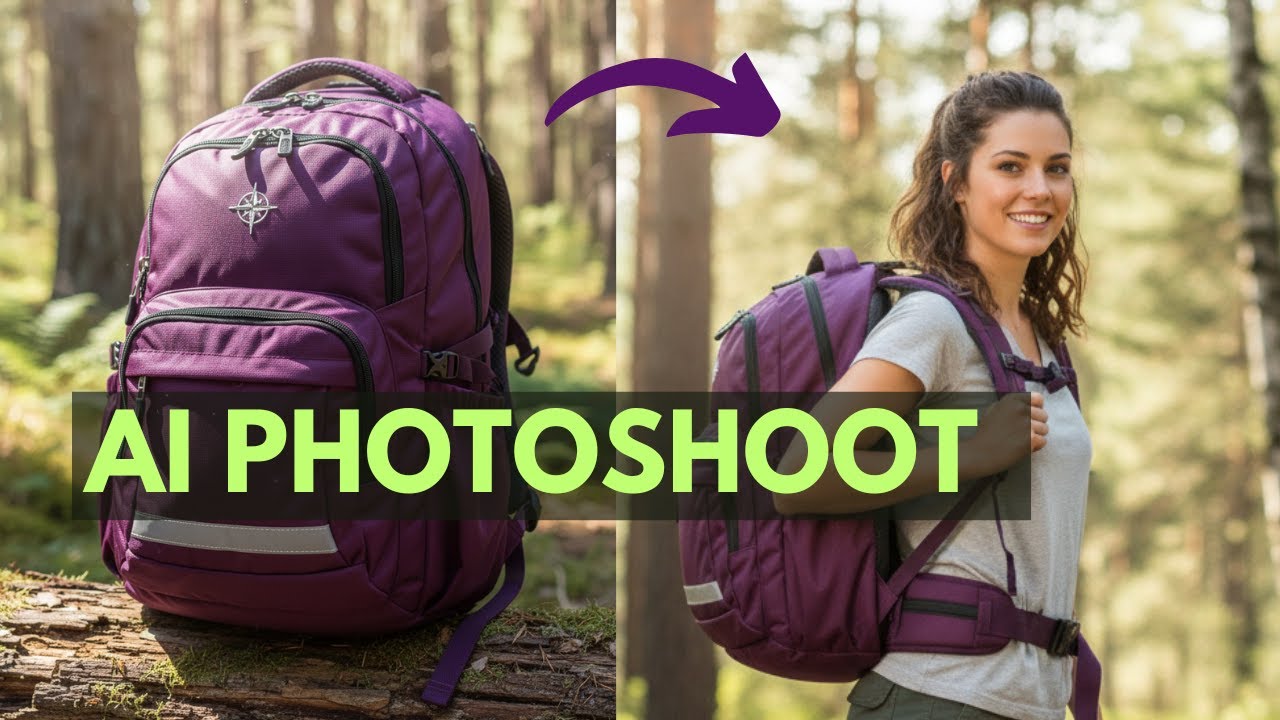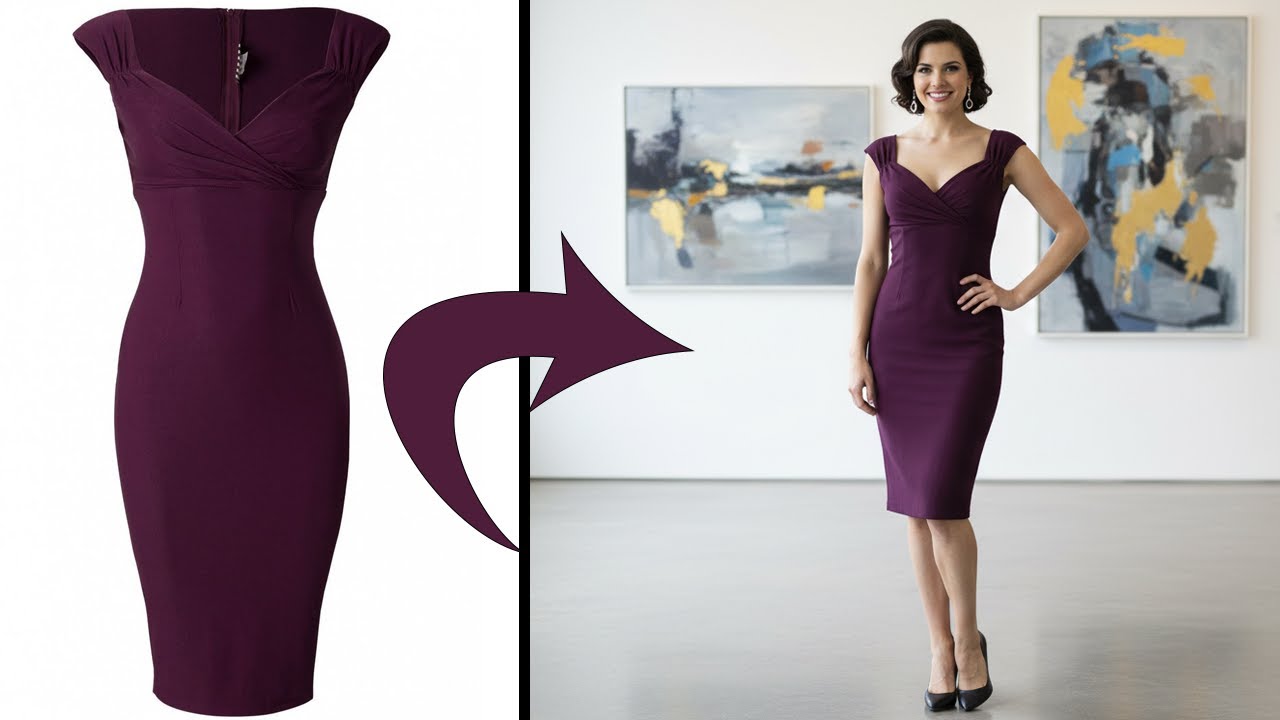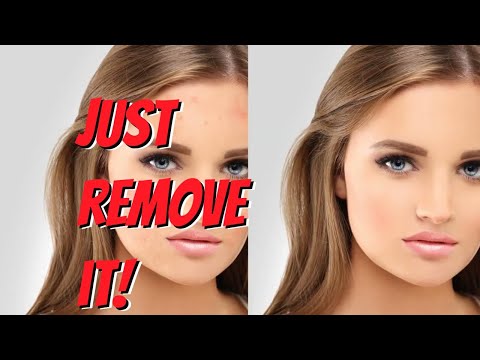
Claid AI is an AI product photography and image-enhancement platform built specifically for ecommerce. It bundles the full pipeline from raw product photo to marketplace-ready image: background removal, shadow enhancement, color correction, upscaling, AI-generated lifestyle scenes, and virtual on-model fashion placement. Where most generic AI image tools optimize for social posts, Claid optimizes for catalog images that ship straight to Shopify, Amazon, Etsy, and other marketplaces with consistent edges, lighting, and aspect ratios.
The platform offers a generous free trial with full Professional-tier feature access for up to 5 images, then paid plans at $9/month (Essentials), $35/month (Pro), and custom Business pricing for large catalogs. The upscaling pipeline can take a standard web image up to 559 megapixels via the API — useful for large-format print and high-resolution catalog work. Reviewers consistently call out background handling on complex edges, transparent objects, and reflective surfaces as standout strengths.
Handles complex edges, transparent objects, and reflective surfaces with impressive accuracy — the kind of edges generic AI removers struggle with on jewelry, glassware, and apparel.
Drop products into pre-built backgrounds (studio, lifestyle, marketplace-compliant white, seasonal scenes) for consistent catalog imagery without a studio shoot.
Massive resolution increases via the Claid API — reconstruct detail rather than stretch pixels, suitable for print catalogs, billboards, and high-DPI displays.
Train a custom model on your products to generate on-brand lifestyle photography, fashion model shots, and seasonal campaigns without renting studios or talent.
Turn flat clothing photos into on-model shots with AI-generated models — ideal for apparel brands that need lifestyle imagery without booking shoots.
Auto-corrects exposure, white balance, and shadows so iPhone-shot product photos look professionally lit and consistent across an entire catalog.
REST API and Zapier integration let you automate the photo pipeline directly from Shopify, Google Drive, or your DAM — no per-image manual editing required.
Pre-configured templates for Amazon, Etsy, eBay, and Shopify Plus image-spec requirements so catalog uploads pass marketplace approval the first time.
Below is a quick rundown of Claid AI’s headline features for ecommerce sellers. The Essentials tier covers most solo Shopify and Etsy sellers; Professional adds custom AI training and richer API credits; Business handles large-catalog operations and high-volume API workflows.
Watch these hand-picked Claid AI walkthroughs to see background removal, upscaling, custom AI training, and product photography workflows before you sign up. They cover beginner tutorials, advanced custom-AI workflows, and honest reviews from independent creators.
Claid offers a free trial plus paid Web tiers and custom Business plans. Higher tiers unlock more monthly credits, premium tools (2K/4K generation), higher upload limits, and longer history retention. A separate Claid API has its own pricing for developers and high-volume workflows.
50 credits to use on any operation, access to all Standard tools, and 50 API credits to explore Claid API. Useful for evaluating background removal and editing quality on your actual catalog before subscribing.
500 credits/month to use on any operation, a powerful toolset for product image editing, and standard resolution exports up to 2K. The entry tier for solo sellers and small Shopify or Etsy stores.
2,000 credits/month, full access to all Premium Tools (including 2K/4K generation), 3x history preservation, and higher upload limits up to 64 MP. The most popular tier for growing brands — billed yearly saves $120.
Advanced API workflows, custom SLAs and setup, dedicated support and onboarding, and early access to beta tools and research. Best for marketplaces, agencies, and brands with thousands of SKUs.
The Claid API has its own developer-focused pricing for image enhancement, upscaling (up to 559 MP), and batch processing. Pricing is per-credit and visible on a separate API plan page.
Reviews on G2 and independent reviewer blogs consistently highlight background removal accuracy and the Custom AI training feature as Claid’s standout strengths. Common asks include simpler entry-tier access to custom AI training and richer style controls without prompt tuning.
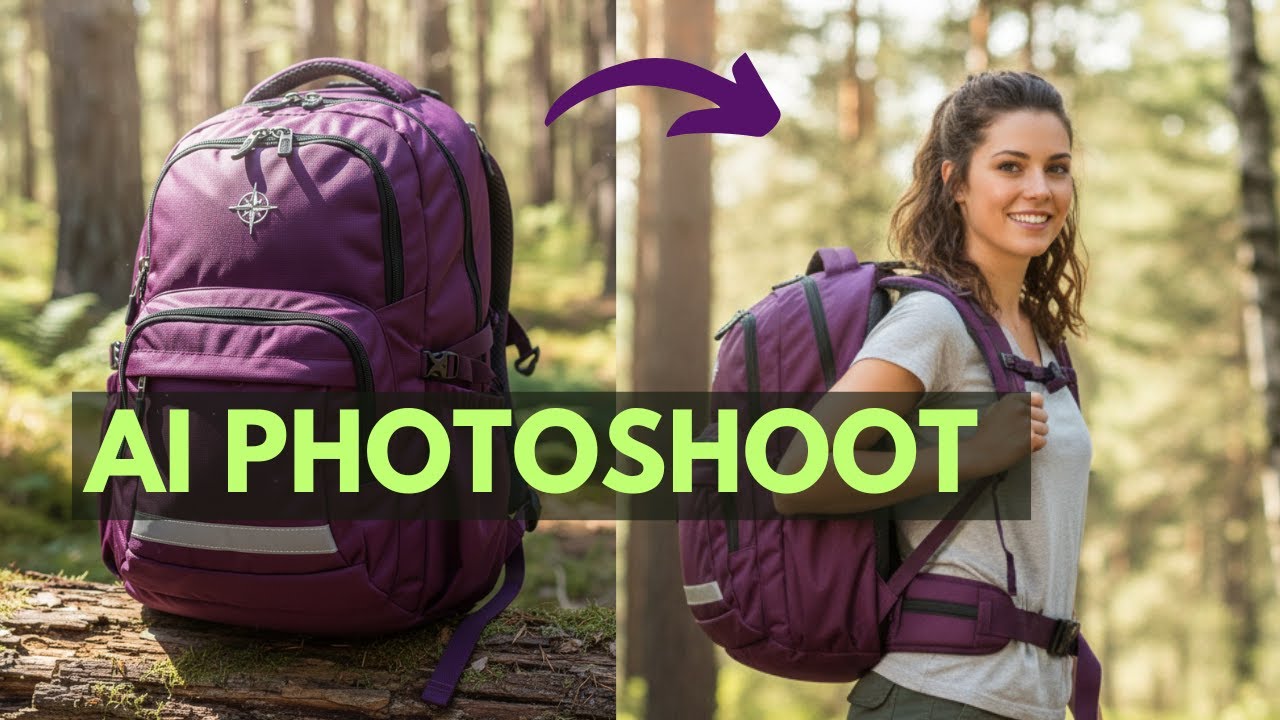
Comparing Claid AI with other AI image and product photography tools? These alternatives compete on price, breadth, or specialty:

Use the Retouch4me discount code OnlineBusiness20 at checkout to take 20% off Retouch4me AI retouching plugins. It is a partner code issued to IdealOnlineBusiness.com.

Erase.bg is a free AI-powered background removal service from Pixelbin.io that removes image backgrounds in seconds with one click. In this Erase.bg review by IdealOnlineBusiness.com, we look at its pricing, output quality, features, and ease of use based on public Trustpilot, G2, and Product Hunt reviews. Whether you are an e-commerce seller, content creator, designer, or marketer, Erase.bg provides fast, professional background removal at scale with batch processing and API access.
Our analysis of Erase.bg background remover reviews shows the platform is trusted for high-quality results, free usage, and fast processing. It holds a 4.8/5 rating on Trustpilot across 4,500+ reviews. Users praise the precise edge detection on hair, fur, and fine details, free high-resolution downloads, and quick batch processing. For e-commerce product photos, profile pics, and marketing visuals, Erase.bg is one of the best free background removers.
Explore More
Photo AI is an AI-powered photo generator that lets you create studio-quality professional photos of yourself without ever hiring a photographer. In this Photo AI review by IdealOnlineBusiness.com, we look at its pricing, photo realism, features, and ease of use based on public Product Hunt, Trustpilot, and Reddit reviews. Whether you need LinkedIn headshots, dating photos, social media content, or creative imagery, Photo AI promises lifelike results in minutes.
Our analysis of Photo AI shows the platform is widely trusted for photorealistic AI photo generation and creative versatility. It holds a 4.5/5 rating across user reviews and has been featured on Product Hunt as a top product. Users praise the realism, costume changes, scene variety, and quick training, while some flag occasional facial inconsistency in complex poses. For anyone wanting affordable professional photos, Photo AI is a strong choice.
Explore More
Imagine Art is an AI-powered image generation platform that transforms your text prompts into high-quality images, illustrations, art, and visuals in seconds. In this Imagine Art review by IdealOnlineBusiness.com, we look at its pricing, features, model quality, and ease of use based on public G2, Trustpilot, and Capterra reviews. Whether you’re a digital artist, social media manager, e-commerce seller, or marketer, Imagine Art promises studio-quality visuals without hiring a designer.
Our analysis of Imagine Art AI reviews shows the platform is trusted for its photorealistic output, style diversity, and speed. It holds a 4.6/5 rating on G2 across 2,500+ reviews. Users praise the one-click art generation, anime mode, image-to-image transformations, and the inpainting/outpainting features. Some flag occasional content moderation strictness. For creators who want fast, high-quality AI art without design skills, Imagine Art is a strong option.
Explore More

⚠️ Affiliate Disclosure: This site contains affiliate links. We may earn a commission when you purchase through our links at no extra cost to you. Results are not typical.