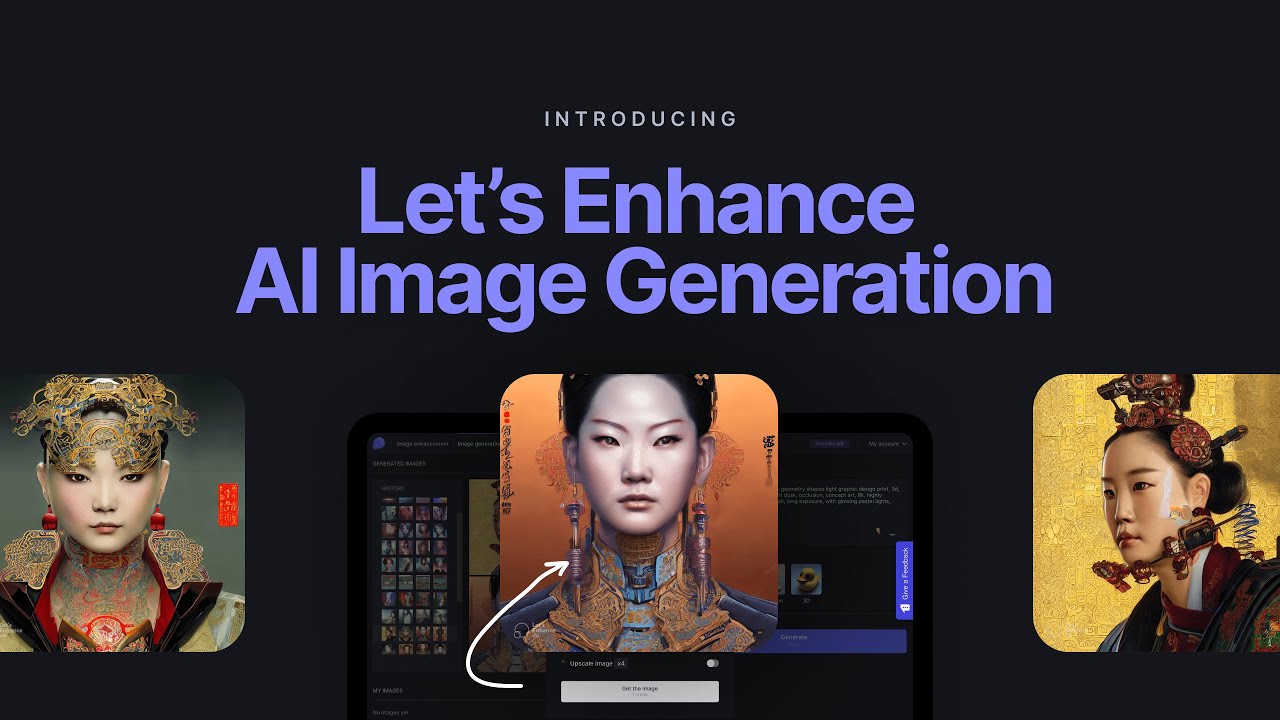
Let’s Enhance is an AI-powered online image upscaler and image-enhancement suite that intelligently increases photo resolution up to 16x, removes JPEG compression artifacts, sharpens blur, colorizes black-and-white photos, and cleans up product shots for e-commerce. Launched in 2017 and used by over 2 million people worldwide, Let’s Enhance runs multiple specialized AI models (Digital Art, Photo, Smart Enhance) so the output matches the source — preserving hair strands, text edges, and fabric textures that generic upscalers typically mangle.
Upscale to 16x resolution with AI reconstruction that recovers hair strands, fabric textures, and fine text without muddy pixel-smoothing.
Dedicated models for Photo, Digital Art, Smart Enhance, and Smart Resize ensure the AI matches the source — crisp lines for digital art, natural skin for portraits.
AI denoising and JPEG-artifact removal clean up low-quality social-media downloads and old scanned photos.
One-click auto-tone, color balance, and contrast correction for product shots and real-estate photography.
Upload hundreds of images at once, apply presets, and download the enhanced batch as a single ZIP — essential for e-commerce catalogs.
Remove backgrounds and upscale product shots in one pass for Shopify, Amazon, and Etsy listings.
REST API for platforms integrating upscaling into their own workflows, plus Zapier and Figma plugins.
Track activity, pipeline health, win rates, and rep performance. Call coaching features let managers listen, whisper, or barge on live calls.
Let’s Enhance’s edge is the quality of its specialized AI models and the breadth of supplemental tools bundled into one credit-based subscription. Compared with single-purpose upscalers like Waifu2x or generic editors like Pixelcut, Let’s Enhance offers photo-specific models, e-commerce cleanup, and batch processing in a single dashboard.
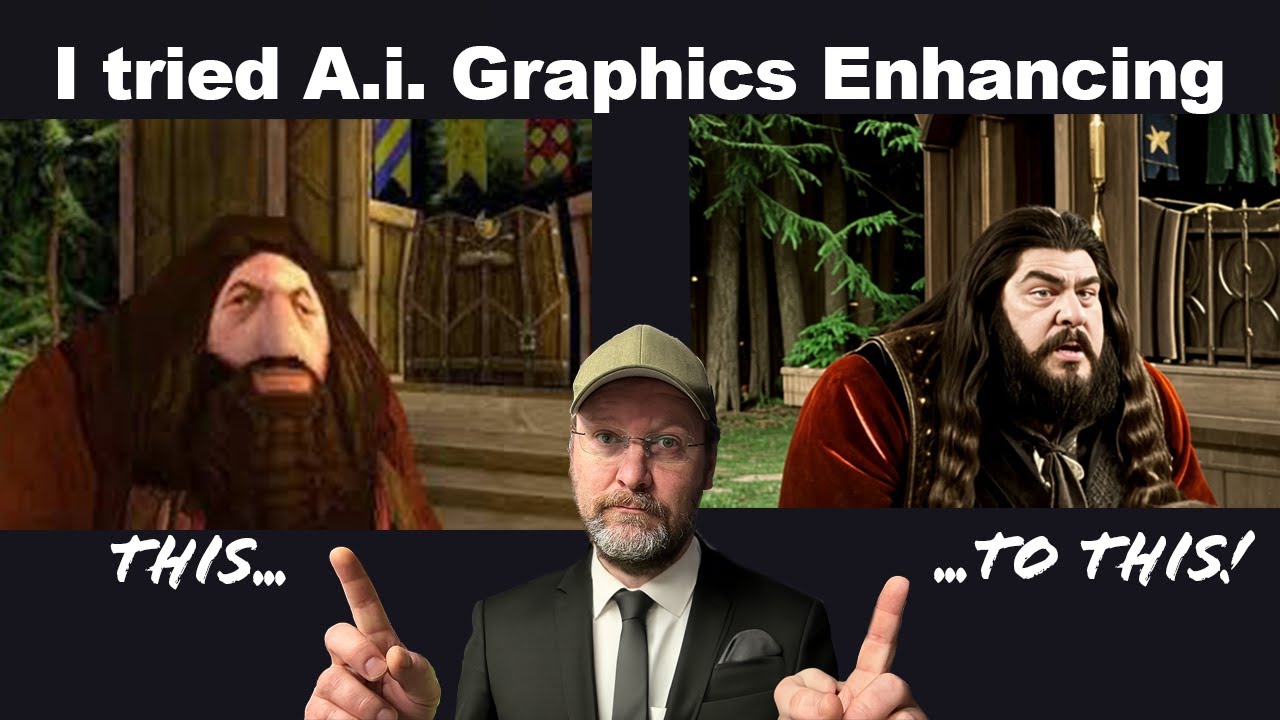
See Let’s Enhance tackle real images — upscaling blurry portraits, cleaning up old scanned photos, enhancing product shots for e-commerce, and batch-processing large catalogs.
Let’s Enhance offers a free tier plus subscription plans based on monthly image credits. One credit upgrades or generates one image. Higher tiers add bulk processing, faster queue priority, and team seats.
Pricing reflects letsenhance.io 2026 published rates.
Let’s Enhance is well reviewed on G2 and Capterra (we do not quote aggregate scores we have not verified). Reviewers highlight consistent output quality on faces and text, transparent credit-based pricing, and responsive support. Power users occasionally wish the desktop app offered offline processing.
If Let’s Enhance doesn’t fit your budget or workflow, the closest alternatives worth comparing are Topaz Gigapixel, Upscayl, Icons8 Smart Upscaler, VanceAI. Each overlaps with Let’s Enhance on core features but differs in pricing model, integrations, or target user persona.

Use the Retouch4me discount code OnlineBusiness20 at checkout to take 20% off Retouch4me AI retouching plugins. It is a partner code issued to IdealOnlineBusiness.com.

Erase.bg is a free AI-powered background removal service from Pixelbin.io that removes image backgrounds in seconds with one click. In this Erase.bg review by IdealOnlineBusiness.com, we look at its pricing, output quality, features, and ease of use based on public Trustpilot, G2, and Product Hunt reviews. Whether you are an e-commerce seller, content creator, designer, or marketer, Erase.bg provides fast, professional background removal at scale with batch processing and API access.
Our analysis of Erase.bg background remover reviews shows the platform is trusted for high-quality results, free usage, and fast processing. It holds a 4.8/5 rating on Trustpilot across 4,500+ reviews. Users praise the precise edge detection on hair, fur, and fine details, free high-resolution downloads, and quick batch processing. For e-commerce product photos, profile pics, and marketing visuals, Erase.bg is one of the best free background removers.
Explore More
Photo AI is an AI-powered photo generator that lets you create studio-quality professional photos of yourself without ever hiring a photographer. In this Photo AI review by IdealOnlineBusiness.com, we look at its pricing, photo realism, features, and ease of use based on public Product Hunt, Trustpilot, and Reddit reviews. Whether you need LinkedIn headshots, dating photos, social media content, or creative imagery, Photo AI promises lifelike results in minutes.
Our analysis of Photo AI shows the platform is widely trusted for photorealistic AI photo generation and creative versatility. It holds a 4.5/5 rating across user reviews and has been featured on Product Hunt as a top product. Users praise the realism, costume changes, scene variety, and quick training, while some flag occasional facial inconsistency in complex poses. For anyone wanting affordable professional photos, Photo AI is a strong choice.
Explore More
Imagine Art is an AI-powered image generation platform that transforms your text prompts into high-quality images, illustrations, art, and visuals in seconds. In this Imagine Art review by IdealOnlineBusiness.com, we look at its pricing, features, model quality, and ease of use based on public G2, Trustpilot, and Capterra reviews. Whether you’re a digital artist, social media manager, e-commerce seller, or marketer, Imagine Art promises studio-quality visuals without hiring a designer.
Our analysis of Imagine Art AI reviews shows the platform is trusted for its photorealistic output, style diversity, and speed. It holds a 4.6/5 rating on G2 across 2,500+ reviews. Users praise the one-click art generation, anime mode, image-to-image transformations, and the inpainting/outpainting features. Some flag occasional content moderation strictness. For creators who want fast, high-quality AI art without design skills, Imagine Art is a strong option.
Explore More

Common questions from e-commerce sellers, designers, and photographers evaluating Let’s Enhance for bulk image upscaling.
⚠️ Affiliate Disclosure: This site contains affiliate links. We may earn a commission when you purchase through our links at no extra cost to you. Results are not typical.