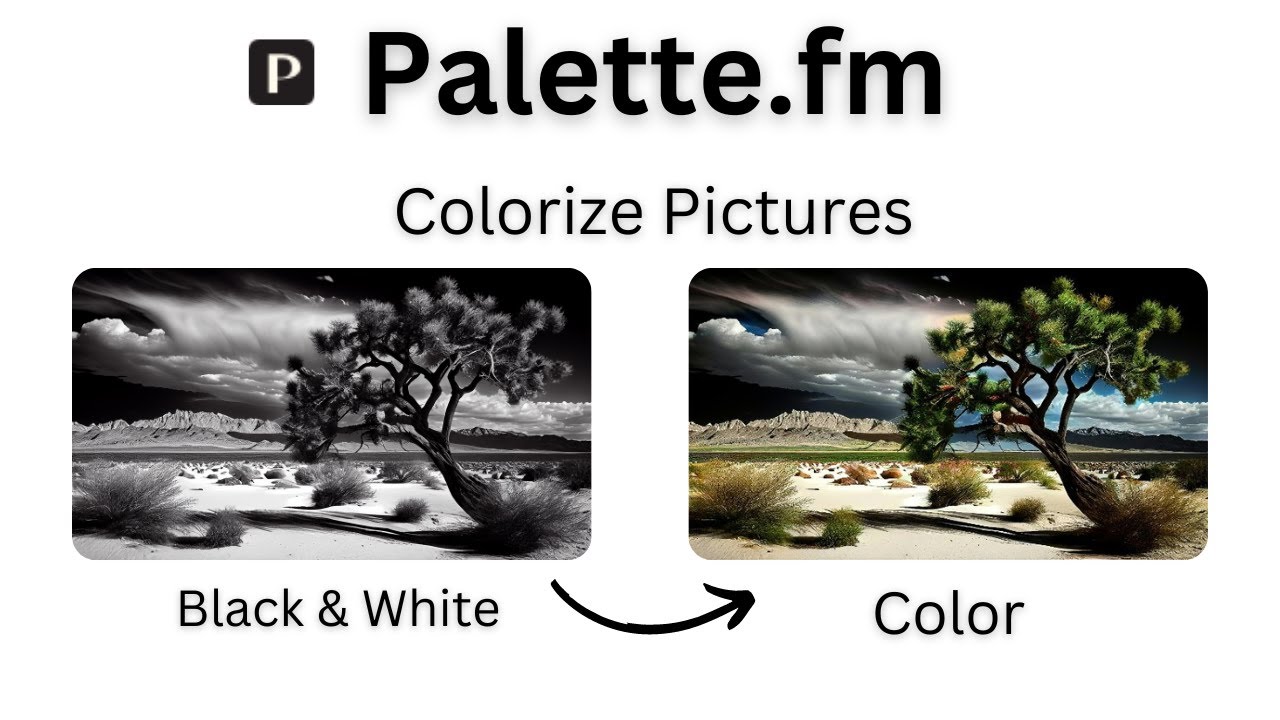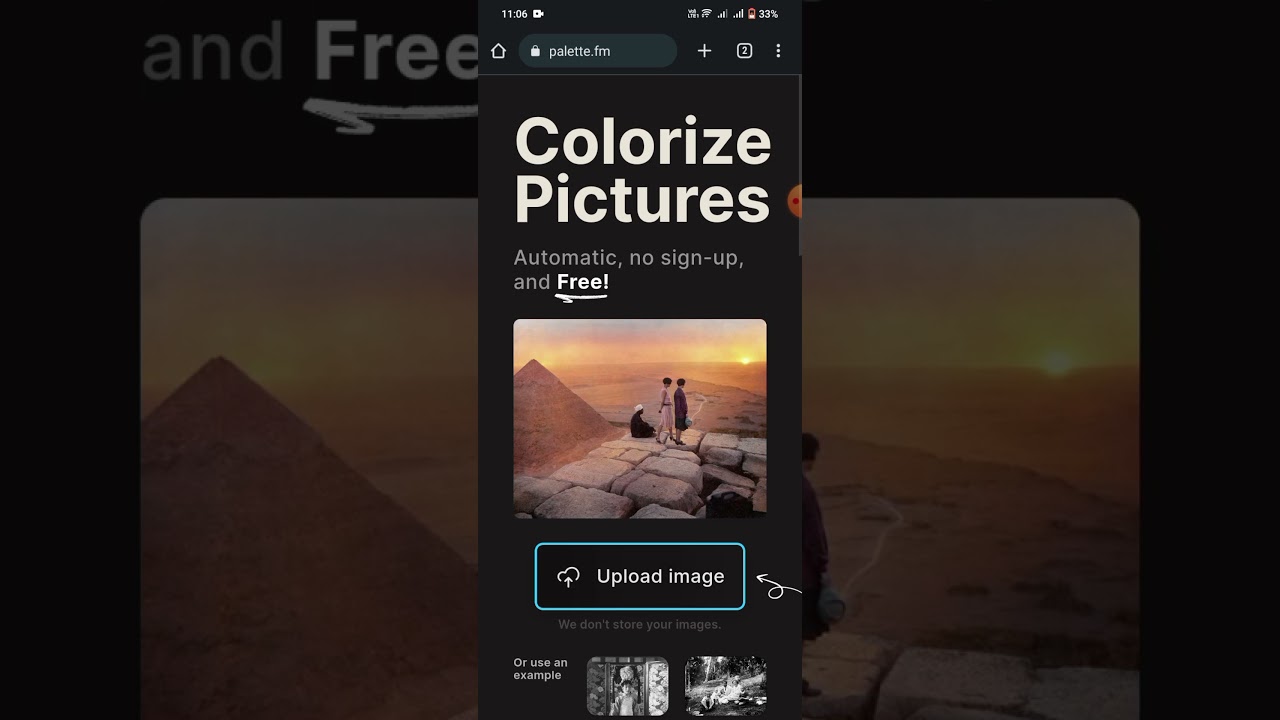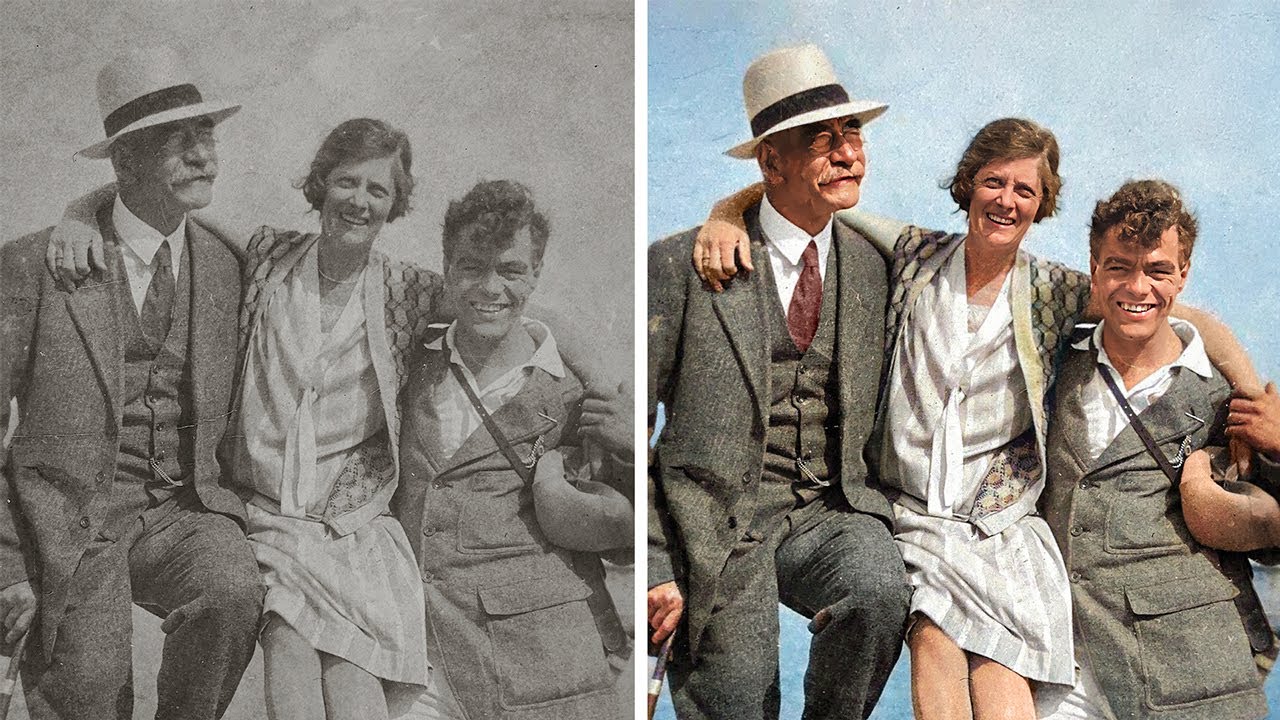
Palette is an AI-powered photo colorization platform that takes black-and-white photographs — whether century-old family portraits, scanned archival film stills, or monochrome modern shots — and returns natural, realistic color versions in seconds. Created by Google engineer turned solo founder Emil Wallnér, Palette went viral for its unusually accurate skin tones, clothing colors, and period-appropriate color grading that outperforms generic AI filters on Midjourney or Photoshop. The platform runs on a custom-trained diffusion model specifically for photo colorization rather than general image generation, offers multiple stylistic filters (50s Kodachrome, modern cinematic, pastel, vintage), and supports bulk upload plus paid tiers for commercial and archive use.
Specialized diffusion model colorizes any black-and-white photo with natural skin tones, accurate clothing colors, and period-correct hues.
Choose from 50s Kodachrome, modern cinematic, pastel, vintage, muted, vibrant, and more to match the photo’s era or your aesthetic.
Optionally describe specific colors (‘red dress, blue sky’) to steer the AI beyond default plausible colorization.
Upload dozens of family archive photos in one batch and process them at queue speed with downloadable results as a ZIP.
Paid tiers support up to 8K colorized output with commercial-use rights for publishing, print, and professional archive use.
Paid plan strips watermarks and grants commercial rights for museums, media outlets, and personal family archives.
No app install required — drag-and-drop in any browser with results typically available in under 10 seconds per image.
Track activity, pipeline health, win rates, and rep performance. Call coaching features let managers listen, whisper, or barge on live calls.
Palette’s differentiator is model specialization. Generic AI image tools add color but often look cartoonish on real photos; Palette’s custom-trained model produces photo-realistic colors that pass casual inspection, which is why genealogists, museums, and documentary producers use it commercially.
Palette publishes founder demos, colorization time-lapses, and before/after archives of historic photos on its YouTube channel and social media.
Palette (palette.fm) offers a free tier plus simple credit-based and subscription pricing for its AI photo colorization tool. Paid plans add higher-resolution outputs, batch processing and commercial use rights.
Annual billing typically saves around 20% versus monthly. Enterprise / large-volume pricing is available on request for newspapers, archives and historical-photo restoration studios.
Palette is well reviewed on Product Hunt (we do not quote an aggregate score we have not verified) and is widely endorsed by photography communities and genealogy enthusiasts for output quality that avoids the cartoonish artifacts of generic AI tools.
If Palette.fm doesn’t fit your budget or workflow, the closest alternatives worth comparing are MyHeritage In Color, DeepAI, Hotpot.ai, Photomyne. Each overlaps with Palette.fm on core features but differs in pricing model, integrations, or target user persona.

Erase.bg is a free AI-powered background removal service from Pixelbin.io that removes image backgrounds in seconds with one click. In this Erase.bg review by IdealOnlineBusiness.com, we look at its pricing, output quality, features, and ease of use based on public Trustpilot, G2, and Product Hunt reviews. Whether you are an e-commerce seller, content creator, designer, or marketer, Erase.bg provides fast, professional background removal at scale with batch processing and API access.
Our analysis of Erase.bg background remover reviews shows the platform is trusted for high-quality results, free usage, and fast processing. It holds a 4.8/5 rating on Trustpilot across 4,500+ reviews. Users praise the precise edge detection on hair, fur, and fine details, free high-resolution downloads, and quick batch processing. For e-commerce product photos, profile pics, and marketing visuals, Erase.bg is one of the best free background removers.
Explore More
Photo AI is an AI-powered photo generator that lets you create studio-quality professional photos of yourself without ever hiring a photographer. In this Photo AI review by IdealOnlineBusiness.com, we look at its pricing, photo realism, features, and ease of use based on public Product Hunt, Trustpilot, and Reddit reviews. Whether you need LinkedIn headshots, dating photos, social media content, or creative imagery, Photo AI promises lifelike results in minutes.
Our analysis of Photo AI shows the platform is widely trusted for photorealistic AI photo generation and creative versatility. It holds a 4.5/5 rating across user reviews and has been featured on Product Hunt as a top product. Users praise the realism, costume changes, scene variety, and quick training, while some flag occasional facial inconsistency in complex poses. For anyone wanting affordable professional photos, Photo AI is a strong choice.
Explore More
Imagine Art is an AI-powered image generation platform that transforms your text prompts into high-quality images, illustrations, art, and visuals in seconds. In this Imagine Art review by IdealOnlineBusiness.com, we look at its pricing, features, model quality, and ease of use based on public G2, Trustpilot, and Capterra reviews. Whether you’re a digital artist, social media manager, e-commerce seller, or marketer, Imagine Art promises studio-quality visuals without hiring a designer.
Our analysis of Imagine Art AI reviews shows the platform is trusted for its photorealistic output, style diversity, and speed. It holds a 4.6/5 rating on G2 across 2,500+ reviews. Users praise the one-click art generation, anime mode, image-to-image transformations, and the inpainting/outpainting features. Some flag occasional content moderation strictness. For creators who want fast, high-quality AI art without design skills, Imagine Art is a strong option.
Explore More

These are the questions photographers, archivists, and families ask most often before colorizing photos with Palette.
⚠️ Affiliate Disclosure: This site contains affiliate links. We may earn a commission when you purchase through our links at no extra cost to you. Results are not typical.