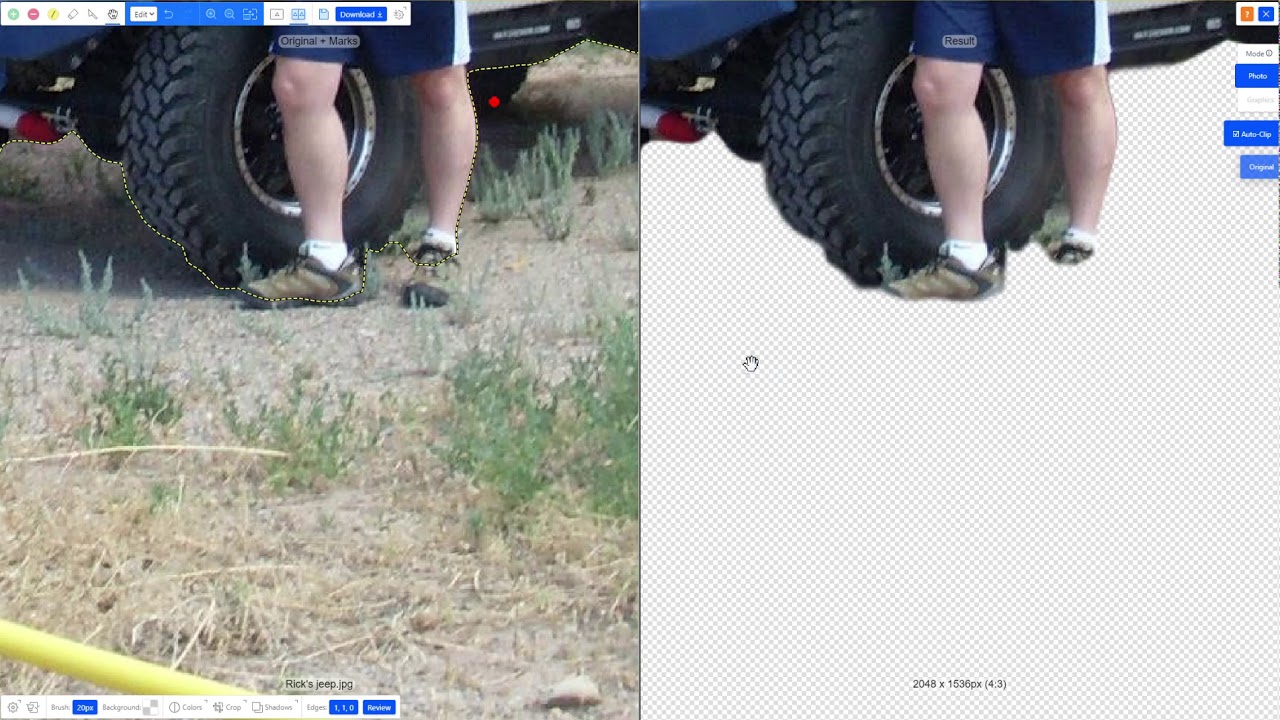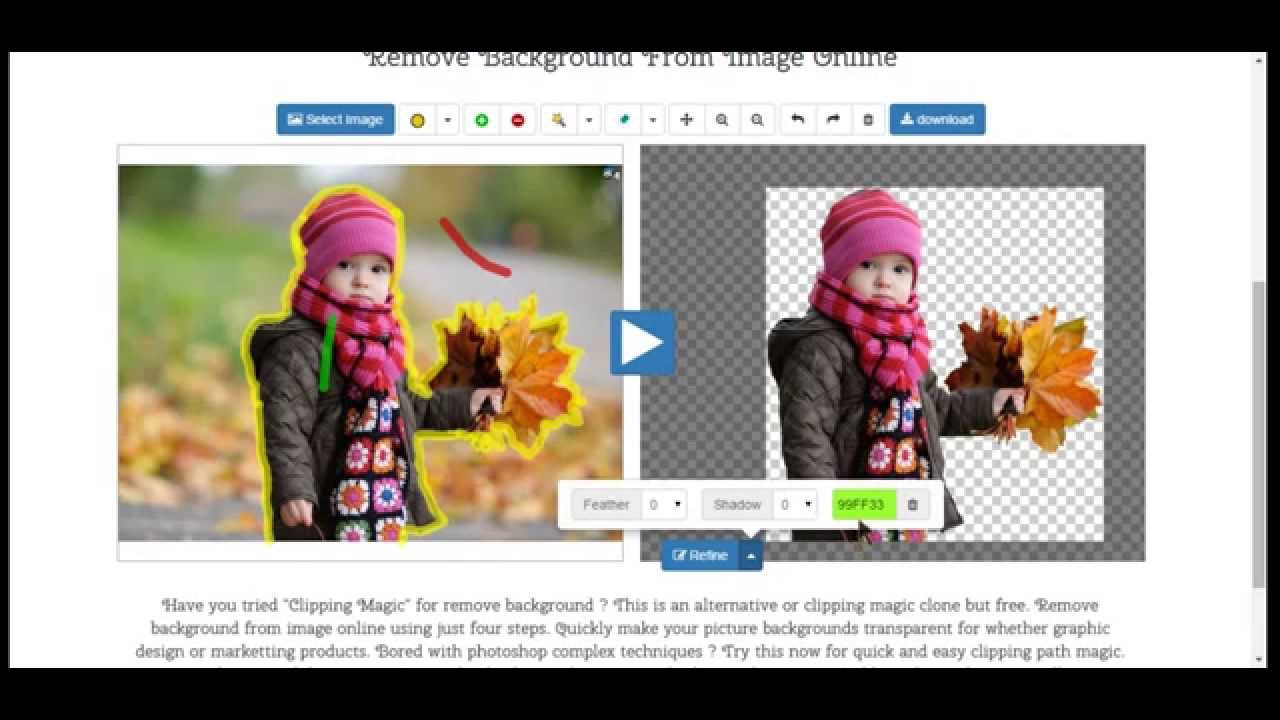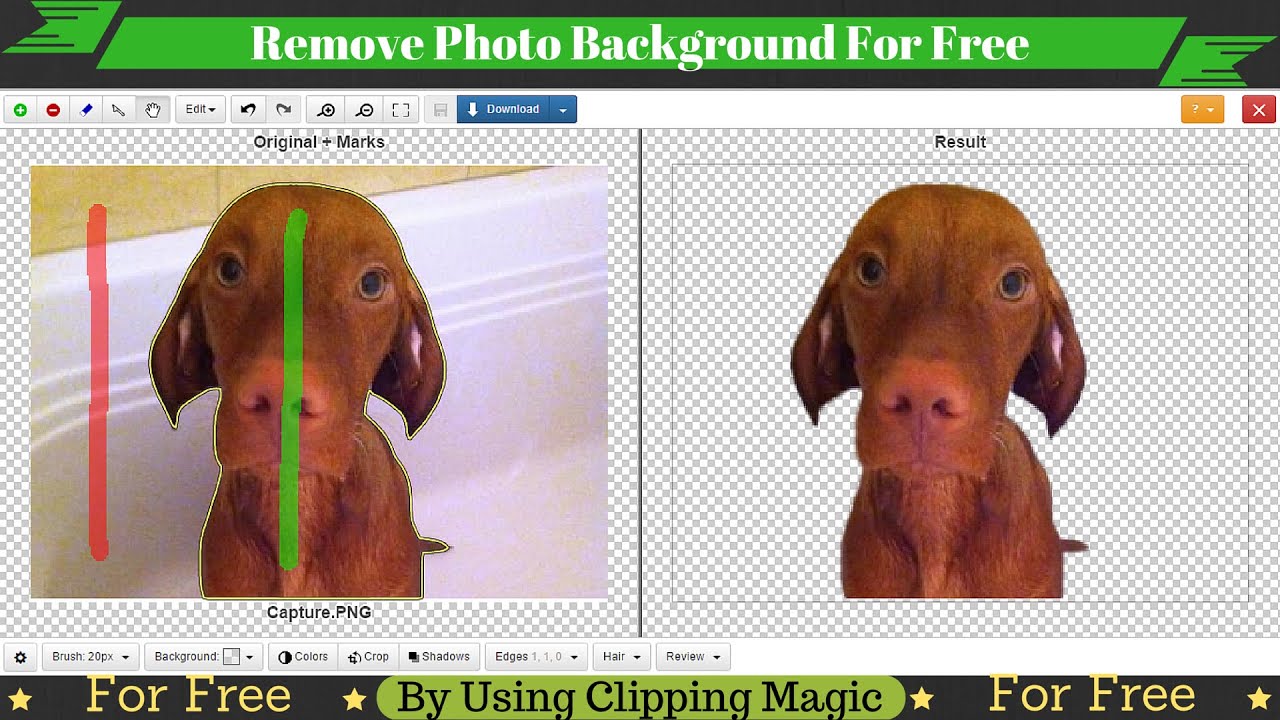
Clipping Magic is an AI-powered background removal tool from the makers of Vector Magic, designed for ecommerce product photography, marketplace sellers, and designers. Upload any image, let the AI auto-remove the background, then refine edges with brush tools and add drop shadows — all in a browser. This Clipping Magic review covers pricing, edge accuracy, batch processing, and how it compares to remove.bg, Photoroom, and Canva Background Remover.
Upload any photo and Clipping Magic’s AI removes the background in seconds with clean hair, fur and transparent edges — no manual masking or Photoshop required.
Smart touch-up pen lets you paint over skin blemishes, dust, stray hairs and price stickers and AI fills the missing pixels seamlessly — perfect for product photos.
Auto-balance white, exposure and saturation across an entire batch so every image in a catalog matches exactly, with per-image overrides when needed.
Add a natural, photo-realistic drop shadow (uniform, cast, or original) in one click — the difference between a floating product and a retail-ready image.
Smart crop detects your product, snaps to standard marketplace ratios (square, 3:4, 4:5) and exports uniform dimensions across a full catalog automatically.
Drag in hundreds of images at once and Clipping Magic runs background removal, cropping and color in parallel — a week of retouching becomes minutes.
REST API lets e-commerce and marketplace platforms remove backgrounds programmatically from uploads, with per-image billing and webhook callbacks.
Save a once-configured look (shadow style, background color, crop ratio, white balance) as a preset and apply it across future batches for brand consistency.
Clipping Magic packs a full AI-powered cutout and image-editing toolkit into a simple browser-based editor built for ecommerce sellers and high-volume product photography.
Here are the standout features you get with Clipping Magic:
See Clipping Magic demos, edge-refinement tutorials, and head-to-head ecommerce comparisons.
Clipping Magic uses credit-based monthly subscriptions where 1 credit = 1 image download. You can upload and edit unlimited images for free; a subscription is required to remove the watermark and download. Unused credits roll over, and yearly billing gives 2 months free. Prices below are in USD from Clipping Magic’s official site.
Choosing yearly billing gives two months free, you can upgrade, downgrade or cancel anytime, and there is currently no pay-as-you-go option. The tool is fast and capable, though the interface is functional but less modern than Photoroom.
Verified G2 and Capterra reviews from ecommerce sellers, designers, and photographers using Clipping Magic.
If Clipping Magic does not fit your workflow, top alternatives include remove.bg (fast API-first background removal), Photoroom (mobile-first with full product photo editing), Canva Background Remover (part of the Canva suite), Adobe Express (Adobe ecosystem with generative tools), and PhotoScissors (desktop-based with batch mode).


Erase.bg is a free AI-powered background removal service from Pixelbin.io that removes image backgrounds in seconds with one click. In this Erase.bg review by IdealOnlineBusiness.com, we look at its pricing, output quality, features, and ease of use based on public Trustpilot, G2, and Product Hunt reviews. Whether you are an e-commerce seller, content creator, designer, or marketer, Erase.bg provides fast, professional background removal at scale with batch processing and API access.
Our analysis of Erase.bg background remover reviews shows the platform is trusted for high-quality results, free usage, and fast processing. It holds a 4.8/5 rating on Trustpilot across 4,500+ reviews. Users praise the precise edge detection on hair, fur, and fine details, free high-resolution downloads, and quick batch processing. For e-commerce product photos, profile pics, and marketing visuals, Erase.bg is one of the best free background removers.
Explore More
Photo AI is an AI-powered photo generator that lets you create studio-quality professional photos of yourself without ever hiring a photographer. In this Photo AI review by IdealOnlineBusiness.com, we look at its pricing, photo realism, features, and ease of use based on public Product Hunt, Trustpilot, and Reddit reviews. Whether you need LinkedIn headshots, dating photos, social media content, or creative imagery, Photo AI promises lifelike results in minutes.
Our analysis of Photo AI shows the platform is widely trusted for photorealistic AI photo generation and creative versatility. It holds a 4.5/5 rating across user reviews and has been featured on Product Hunt as a top product. Users praise the realism, costume changes, scene variety, and quick training, while some flag occasional facial inconsistency in complex poses. For anyone wanting affordable professional photos, Photo AI is a strong choice.
Explore More
Imagine Art is an AI-powered image generation platform that transforms your text prompts into high-quality images, illustrations, art, and visuals in seconds. In this Imagine Art review by IdealOnlineBusiness.com, we look at its pricing, features, model quality, and ease of use based on public G2, Trustpilot, and Capterra reviews. Whether you’re a digital artist, social media manager, e-commerce seller, or marketer, Imagine Art promises studio-quality visuals without hiring a designer.
Our analysis of Imagine Art AI reviews shows the platform is trusted for its photorealistic output, style diversity, and speed. It holds a 4.6/5 rating on G2 across 2,500+ reviews. Users praise the one-click art generation, anime mode, image-to-image transformations, and the inpainting/outpainting features. Some flag occasional content moderation strictness. For creators who want fast, high-quality AI art without design skills, Imagine Art is a strong option.
Explore More

Common questions about Clipping Magic pricing, edge quality, and integrations.
⚠️ Affiliate Disclosure: This site contains affiliate links. We may earn a commission when you purchase through our links at no extra cost to you. Results are not typical.