⚠️ Affiliate Disclosure: This page contains affiliate links. We may earn a commission at no extra cost to you. This does not influence our reviews. Read full disclosure →

LucidLink Review

icon01

LucidLink Review

Streaming Cloud File Service for Creative Teams

LucidLink Overview

LucidLink is a streaming cloud file service built for creative professionals, video editors, post-production studios, architects, and enterprise teams that work with very large files. Unlike traditional cloud storage that forces you to sync or download, LucidLink mounts in the operating system like a local drive and streams only the bytes your apps actually request.

This makes it possible for distributed teams to edit Adobe Premiere Pro, DaVinci Resolve, AutoCAD, Figma, and Final Cut projects directly off the cloud in real time, with zero-knowledge encryption to keep IP secure. LucidLink has become the de facto cloud collaboration layer for video, VFX, and design teams who used to ship hard drives.

Cloud Files as Local Drive

LucidLink mounts in your operating system exactly like a local SSD or NAS share so every application sees a familiar file system.

Streaming Architecture

Only the bytes apps actually request are streamed on demand, which means you can open multi-GB project files in seconds without full downloads.

Real-Time Collaboration

Multiple users can work on the same files simultaneously without overwrites, version confusion, or relinking media in the timeline.

Zero-Knowledge Encryption

Files are encrypted client-side with keys you control. Not even LucidLink can see your files \u2014 ideal for IP-sensitive media work.

Creative App Integration

Native integration with Premiere Pro, After Effects, DaVinci Resolve, Avid Media Composer, AutoCAD, Figma, and Final Cut Pro.

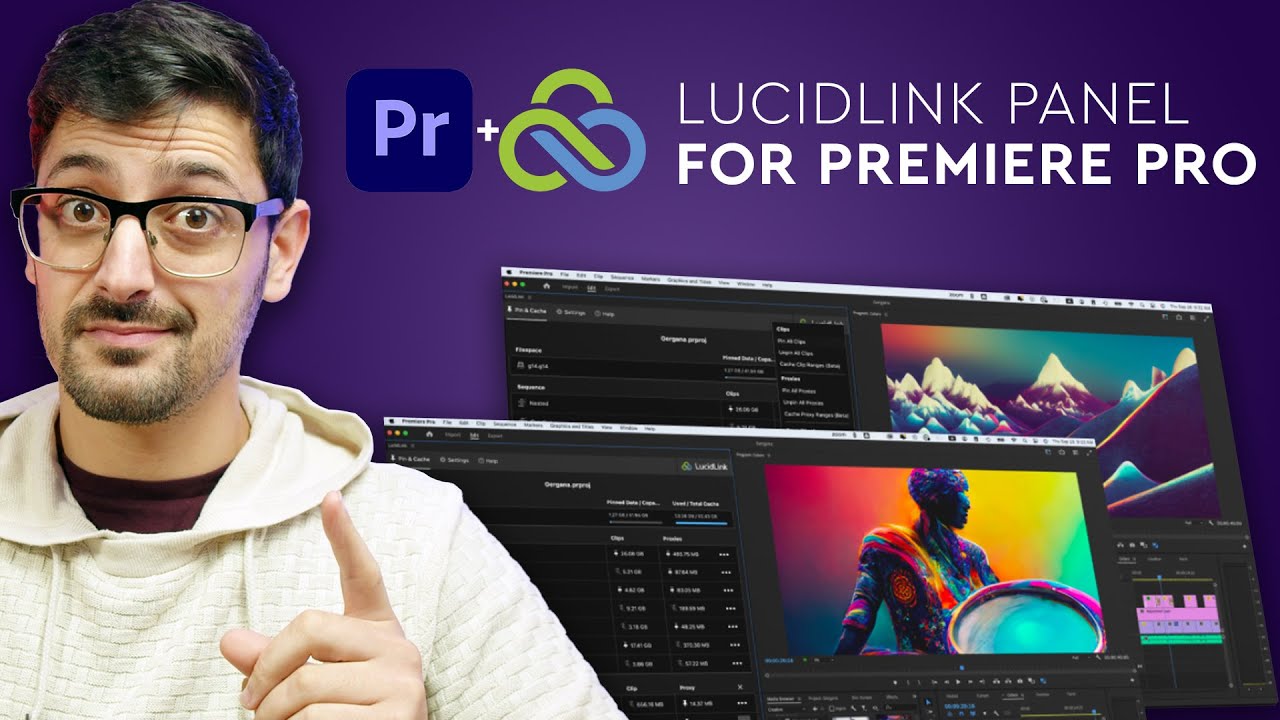
LucidLink Panel for Premiere

A dedicated Premiere Pro panel lets editors pin and pre-cache media so high-priority footage is always ready instantly.

Multi-Region Cloud

Built on AWS with multi-region availability, LucidLink keeps remote teams responsive across North America, Europe, and APAC.

Enterprise-Grade Security

SOC 2 Type II, granular permissions, SSO integration, and audit logging support enterprise media and engineering teams.

LucidLink Features – What You Get?

LucidLink reinvents cloud storage for creative workflows:

  • File streaming \u2014 download only what your apps need
  • Mounts as a local drive on Mac, Windows, Linux
  • Real-time multi-user collaboration
  • Zero-knowledge end-to-end encryption
  • Native integration with Premiere, DaVinci, Avid, AutoCAD, Figma
  • Project Sharing & Snapshot for collaborative editing
  • SOC 2 Type II compliance for enterprise
  • Multi-region cloud (AWS) backbone

Video Guides and Tutorials

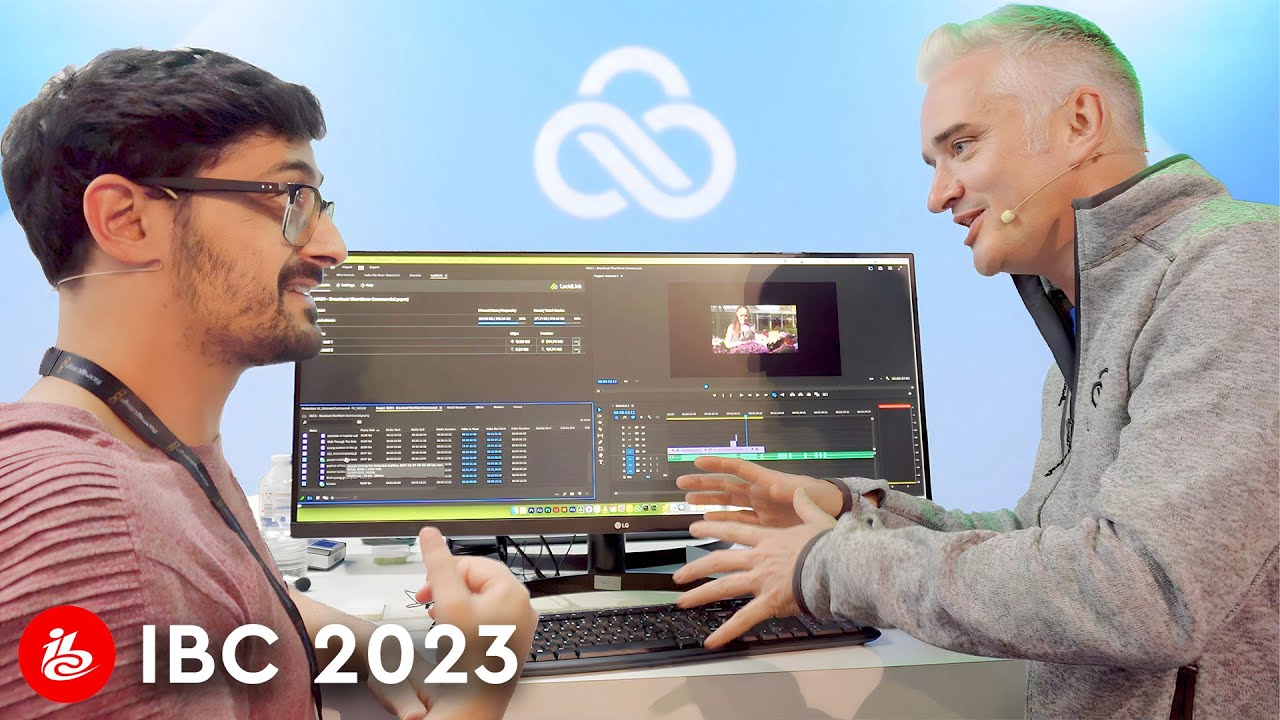
Watch hands-on demos showing how editors run Premiere Pro and DaVinci Resolve projects straight from LucidLink, save hours per project, and collaborate remotely.

LucidLink Review
LucidLink Review
LucidLink Review
LucidLink Review

LucidLink Price Plans

LucidLink pricing scales with team size and storage needs:

  • Starter: $7/member/month \u2014 entry plan with set storage limit.
  • Business: $32/member/month \u2014 unlimited storage, advanced admin.
  • Enterprise: Custom pricing \u2014 contact sales for SSO, SOC 2 audits, and multi-region deployments.
  • Recommended: Contact sales if you need more than 25TB.
  • Free Trial: Available for new users.

Pros and Cons of LucidLink

\u2705 Pros

  • \u2705 Mounts as a local drive \u2014 no sync
  • \u2705 Streams only requested bytes
  • \u2705 Real-time multi-user collaboration
  • \u2705 Zero-knowledge encryption
  • \u2705 Works with Premiere, DaVinci, Avid, AutoCAD, Figma
  • \u2705 No drive shipping for remote teams
  • \u2705 Multi-region AWS backbone
  • \u2705 SOC 2 Type II compliant

\u274c Cons

  • \u274c Pricing high for very small teams
  • \u274c Performance relies on internet quality
  • \u274c Learning curve for cloud file workflows
  • \u274c Some legacy NAS workflows still preferred onsite

What Real Users Say

According to G2 reviewers, LucidLink consistently scores in the high 4s for real-time collaboration and ease of use among media teams. Capterra notes that creative teams call it a lifesaver for sharing large design and video files, and ProVideo Coalition highlights how LucidLink has transformed remote post-production workflows.

No Data Found
No Data Found

Top LucidLink Alternatives

Alternative cloud storage and collaboration tools to consider alongside LucidLink:

  • Frame.io (Adobe): Review-and-approve cloud workflow for video.
  • Dropbox Replay / Dropbox: Generalist cloud storage with media review.
  • Google Drive / Workspace: Office-focused cloud storage.
  • Box for Enterprise: Enterprise content management.
  • Wasabi: Hot cloud object storage backbone.
  • Backblaze B2: Affordable cloud object storage.
  • Resilio Connect / Suite: P2P file sync for media teams.
EaseUS Review

EaseUS Review

4.6 (3,800+ reviews) on Trustpilot
Explore More
Domo Review

Domo Review

Best Enterprise Data Experience & BI Platform
Explore More
AOMEI Review

AOMEI Review

Rated 4.6/5 on Trustpilot — Backup, partition manager & data recovery suite for Windows, free and pro tiers
Explore More
pCloud Review

pCloud Review

Rated 4.5/5 on Trustpilot — Encrypted cloud storage with lifetime plans, 2TB+ tiers and zero-knowledge encryption
Explore More
Backblaze Review

Backblaze Review

Backblaze Review – Unlimited Computer Backup at $99/yr & B2 Cloud Storage at $6/TB
Explore More
Spokeo Review

Spokeo Review

4.4 (15,000+ reviews) on Trustpilot
Explore More
Respondent Review

Respondent Review

4.6 (450+ reviews) on G2
Explore More
AutoDS Review

AutoDS Review

4.6 (2,347)
Top Rated Features
  1. Smart Website Creation
  2. Advanced Design Flexibility
  3. Content Planning with Templates
Explore More
Hunter.io Review

Hunter.io Review

Editorial rating: 4.3 / 5
Top Rated Features
  1. Easy Email Search
  2. Advanced Data Management
  3. Email Verification
Explore More
SimplePractice Review

SimplePractice Review

4.1 (2,302)
Top Rated Features
  1. Client Management
  2. Telehealth Services
  3. Billing and Invoicing
Explore More
Practice Better Review

Practice Better Review

4 (2,302)
Top Rated Features
  1. Client Management
  2. Secure Notes
  3. Scheduling Tools
Explore More
Knack Review

Knack Review

4.8 (2,676)
Top Rated Features
  1. Custom App Builder
  2. User-Friendly Interface
  3. Secure Data Management
Explore More
WinZip Review

WinZip Review

4.5 (2,1234)
Top Rated Features
  1. Easy Installation
  2. Backup & File Recovery Services
  3. Fast File Compression & Extraction
Explore More
Reportei Review

Reportei Review

4.6 (2,561)
Top Rated Features
  1. Multi-Platform Integration
  2. Pre-Formatted Report Templates
  3. Custom Branding Features
Explore More
Octoparse Overview

Octoparse Overview

4.8 (2,006)
Top Rated Features
  1. No-Code Scraping
  2. Cloud-Based Scraping
  3. Automated Workflows
Explore More
Supermetrics Review

Supermetrics Review

4.6 (2,631)
Top Rated Features
  1. Standard Event Tracking
  2. Real-Time Reporting
  3. Campaign Insights
Explore More
FAQs

LucidLink Frequently Asked Questions

LucidLink is a streaming cloud file service that mounts as a local drive and lets distributed creative teams open and edit large media projects directly from the cloud in real time.

LucidLink Starter is $7/member/month, Business is $32/member/month with unlimited storage, and Enterprise plans are custom priced with SSO, SOC 2 audits, and multi-region deployments.

Yes. LucidLink integrates natively with Adobe Premiere Pro, including a dedicated panel for pinning and caching media, plus After Effects and Frame.io workflows.

Yes. LucidLink uses zero-knowledge client-side encryption, SOC 2 Type II compliance, SSO, granular permissions, and detailed audit logs for enterprise security.

Yes. Multiple editors can work in shared projects in real time with no overwrites or relinking thanks to LucidLink\u2019s file streaming architecture.

A stable broadband connection is recommended. Performance scales with your upload and download speeds, and LucidLink caches frequently used data locally for snappy playback.

⚠️ Affiliate Disclosure: This site contains affiliate links. We may earn a commission when you purchase through our links at no extra cost to you. Results are not typical.