⚠️ Affiliate Disclosure: This page contains affiliate links. We may earn a commission at no extra cost to you. This does not influence our reviews. Read full disclosure →

Hiver Review

Hiver logo

Hiver Review

Hiver Review

What is Hiver?

Hiver is the worlds first Gmail-based help desk and shared inbox tool, trusted by over 10,000 companies to deliver better customer service without leaving Gmail. It turns Gmail into a collaborative inbox where teams can assign emails, track status, share notes, and measure performance, all without learning a new tool.

Pros and Cons of Hiver

Pros

  • Works entirely inside Gmail, so teams need almost no training to get started
  • Shared inboxes with email delegation, status tracking, internal notes and collision alerts
  • Automation rules, SLA reminders and analytics to manage support performance
  • Multi-channel options including live chat, knowledge base, WhatsApp and voice on higher tiers

Cons

  • Built around Google Workspace/Gmail, so it suits Gmail-based teams best
  • Per-user pricing can add up as the team grows
  • Fewer deep customizations than some standalone enterprise help desks

Works Inside Gmail

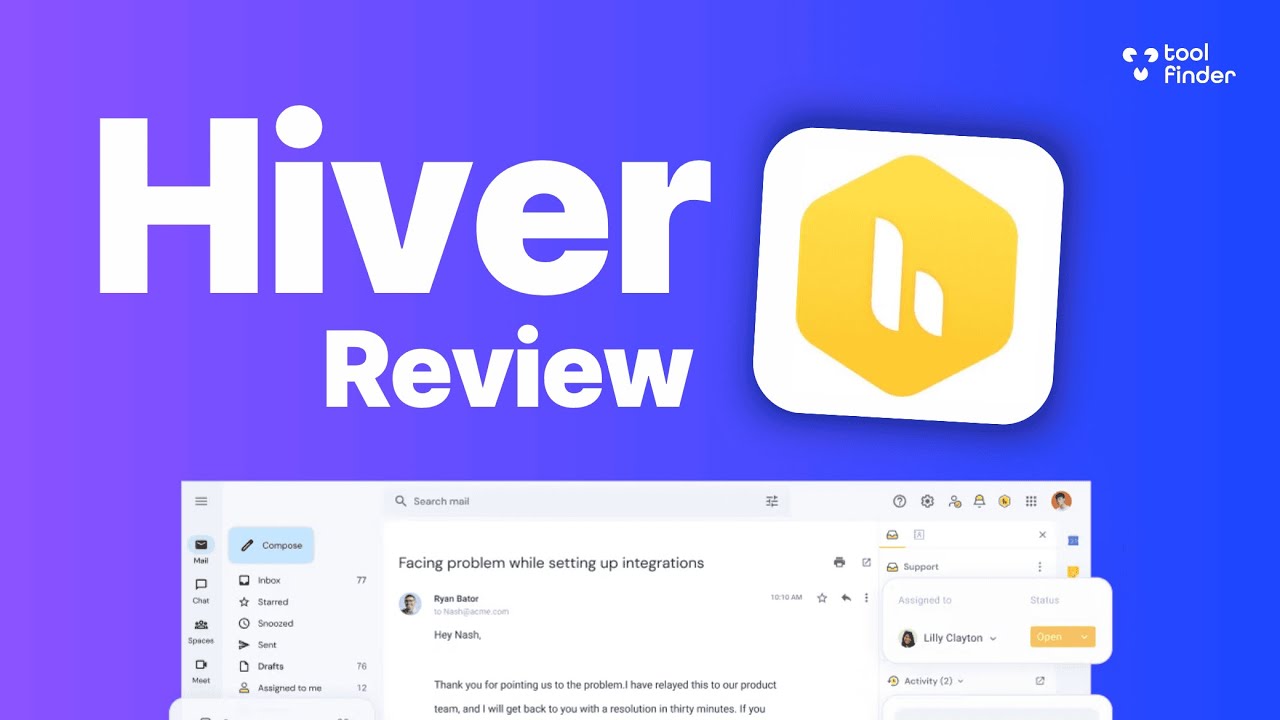
Hiver installs as a Chrome extension and adds help desk features directly to Gmails sidebar. No new app to learn, agents keep using the email interface they already know.

Shared Inboxes for Teams

Turn support@, info@, or sales@ email addresses into shared inboxes where teammates can see, assign, and manage emails collaboratively from one place.

Assign Emails to Agents

Assign emails to specific team members with a dropdown. See ownership clearly, track status, and rebalance workloads with visual indicators on every thread.

Collision Alerts

Hiver warns agents when someone else is viewing or replying to the same email, preventing duplicate replies and embarrassing customer experiences.

Internal Notes and Mentions

Discuss emails internally without sending anything to customers. Mention teammates with @mentions to loop them into conversations that need their input.

Email Templates and Automations

Save canned responses for common questions and build automation rules that auto-assign, tag, or route emails based on sender, subject, or content.

Rich Analytics and SLA

Track first response time, resolution time, team workload, CSAT scores, and SLA compliance with dashboards and reports that reveal what is working and what needs attention.

Multi-Channel Support

Hiver expanded beyond email to support WhatsApp, live chat, voice, and knowledge base, giving teams a unified experience across all their support channels.

Hiver brings professional help desk features directly into Gmail so teams can support customers where they already work:

  • Assign emails to teammates with one click
  • Shared inboxes for support@ and info@ addresses
  • Collision alerts to prevent duplicate replies
  • Internal notes and @mentions on email threads
  • Email templates and canned responses
  • Automation rules for routing and tagging
  • Analytics on response time, resolution, and CSAT
  • Multi-channel support for WhatsApp, chat, and voice

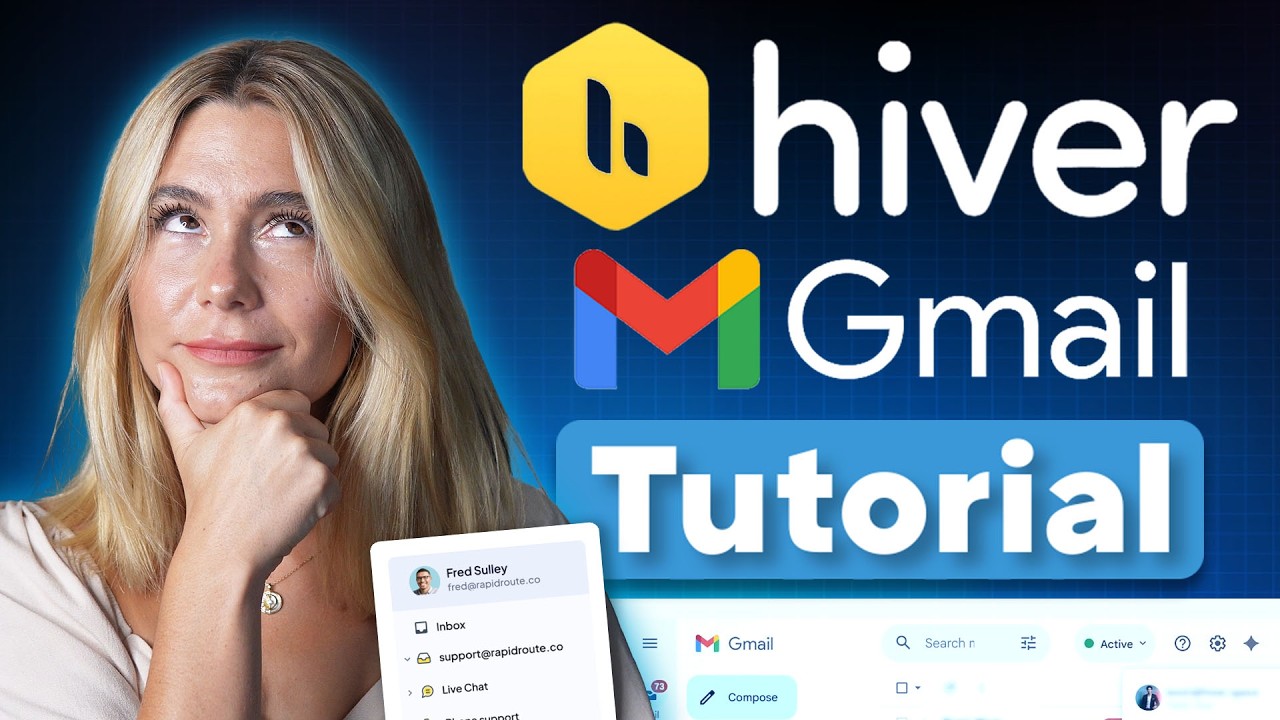
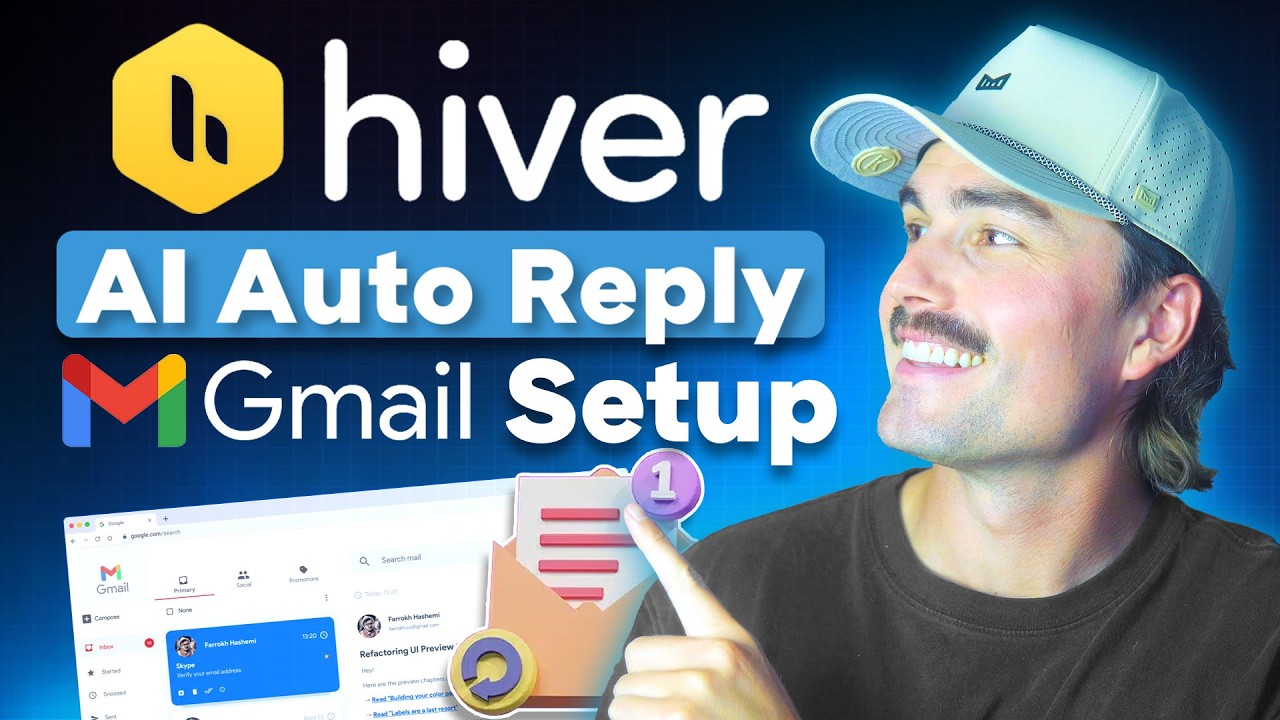
Watch these Hiver walkthroughs covering setup, shared inboxes, automations, and analytics:

Hiver video thumbnail

Hiver Pricing Plans

Hiver is a Gmail-based shared inbox and helpdesk for teams. Pricing is per-user with a 2-seat minimum on all paid tiers. Annual billing saves about 25-30% versus monthly, and a free plan covers small teams getting started.

  • Free: $0 — up to 10 users, 2 shared inboxes, basic email collaboration, notes & @mentions, basic analytics, mobile apps
  • Growth: $25/user/month (annual) or $35/user/month — unlimited shared inboxes, email templates, basic automations, SLA management, CSAT surveys, Slack integration, 5 light users
  • Pro: $45/user/month (annual) or $55/user/month — advanced automations, multi-channel (live chat, WhatsApp, Voice), AI summary & writing, 25 mailboxes, 10 Docs sites, 50 light users, concierge onboarding
  • Elite: $75/user/month (annual) or $95/user/month — unlimited mailboxes, round-robin assignment, skill-based auto-assignment, custom reports, advanced security, dedicated account manager, call-back support

Hiver does not charge for add-ons — everything in each plan tier is included. A 7-day free trial covers all paid plans, and you can upgrade or downgrade anytime. Hiver natively integrates with Gmail, Google Workspace, Salesforce, HubSpot, Slack, and offers a full REST API on Pro+ plans.

What Gmail Teams Say About Hiver

Hiver is loved by Gmail-based support teams at companies like Flexport, Harvard University, and Vacasa. Here is what real users are saying:

4.7 EASE OF USE
4.5 FEATURES
4.6 SUPPORT
4.4 VALUE FOR MONEY

Hiver Alternatives

While Hiver is ideal for teams wanting to keep working in Gmail, other options include Front (shared inbox across channels), Help Scout (inbox-first help desk), Freshdesk (full ticketing at low prices), Zendesk (enterprise customer support), and Missive (collaborative email and chat).

CallHippo Review

CallHippo Review

Best Virtual Business Phone System for Sales & Support
Explore More
Nextiva Review

Nextiva Review

Editorial rating: 4.5 / 5 — 100,000+ businesses including Conan O'Brien and YMCA
Explore More
Tawk.to Review

Tawk.to Review

Editorial rating: 4.6 / 5

Tawk.to is a completely free live chat and customer messaging platform that lets businesses monitor and engage visitors on their websites in real time. In this Tawk.to review by IdealOnlineBusiness.com, we look at its pricing, features, real user ratings, and ease of use based on public G2, Capterra, and Trustpilot reviews. Whether you run an e-commerce store, SaaS business, or service company, Tawk.to provides unlimited chat, agents, and history at no cost, with optional paid add-ons.

Our analysis of Tawk.to live chat reviews shows the platform is widely loved for being genuinely free, easy to install, and feature-complete for small businesses. It holds a 4.6/5 rating on G2 with 300+ reviews and 4.6 on Capterra with thousands of reviews. Users call out the unlimited agents, knowledge base, mobile apps, and customization, while some flag occasional notification delays. For businesses wanting a robust free live chat platform, Tawk.to is hard to beat.

Explore More


Ringover Review

Ringover Review

Ringover Review – Cloud Phone, SMS & Video Platform With 80+ Integrations From $24/User
Explore More
Desku Review

Desku Review

Desku Review – AI Customer Support Platform for SaaS & Ecommerce From $9/User
Explore More
Vonage Review

Vonage Review

Editorial rating: 4.3 / 5
Explore More
Wati Review

Wati Review

Editorial rating: 4.6 / 5
Explore More
JustCall Review

JustCall Review

Editorial rating: 4.3 / 5
Explore More
Trengo Review

Trengo Review

Editorial rating: 4.4 / 5
Explore More
Tidio Review

Tidio Review

Editorial rating: 4.7 / 5
Explore More
Smartsupp Review

Smartsupp Review

Editorial rating: 4.7 / 5
Explore More
JivoChat Review

JivoChat Review

Editorial rating: 4.5 / 5
Explore More
HelpDesk Review

HelpDesk Review

HelpDesk Review
Explore More
KrispCall Review

KrispCall Review

Editorial rating: 4.6 / 5
Explore More
eDesk Review

eDesk Review

Editorial rating: 4.4 / 5
Explore More
Respond IO review

Respond IO review

4
Top Rated Features
  1. Unified Inbox
  2. Multi-Channel Messaging
  3. Automation Workflows
Explore More
Freshdesk Review

Freshdesk Review

4
Top Rated Features
  1. Automation Tools
  2. Multi-Channel Support
  3. Knowledge Base
Explore More
OpenPhone Review

OpenPhone Review

4
Top Rated Features
  1. Team Collaboration
  2. Voicemail Management
  3. Security & Compliance
Explore More
Freshchat Review

Freshchat Review

4.8
Top Rated Features
  1. Easy Setup
  2. AI-Powered Replies
  3. Mobile-Friendly
Explore More
Dialpad Review

Dialpad Review

4.5
Top Rated Features
  1. Unified Voice, Messaging, and Video
  2. Flexible Service Plans
  3. Intuitive, User-Friendly Dashboard
Explore More
Help Scout Review

Help Scout Review

4.6
Top Rated Features
  1. Unified Communication
  2. Personalized Customer Care
  3. Team Collaboration
Explore More
Gist Review

Gist Review

4.4
Top Rated Features
  1. Unified Platform
  2. Automation Tools
  3. Strong Integrations
Explore More
LiveChat Review

LiveChat Review

4.8
Top Rated Features
  1. Versatile platform
  2. Import messages
  3. Customer support consistent
Explore More
FAQs

Frequently Asked Questions About Hiver

Got questions about Hiver? Here are answers to the most common ones from Gmail teams considering the platform.

Hiver is a help desk and shared inbox solution built on top of Gmail. It adds collaboration features like assignment, shared inboxes, notes, and analytics inside Gmails interface via a Chrome extension, so support teams can manage customer emails together without leaving Gmail.

Hiver plans start around $19 per user per month for the Lite plan, with Pro and Elite tiers adding advanced features like automations, deeper analytics, SLA management, and integrations. Annual billing offers discounts, and a 7-day free trial is available.

Yes. Hiver is designed for Google Workspace (G Suite) and works seamlessly with Gmail. You install it as a Chrome extension, grant access to your shared inboxes, and Hiver adds its features to Gmails sidebar.

Hiver is primarily built for team use cases and works with Google Workspace accounts. Personal Gmail accounts have limited Hiver functionality. For full features, a Google Workspace account is recommended.

Yes. Hiver supports multiple shared inboxes like support@, sales@, billing@, and any custom addresses your team uses. Each inbox has its own settings, assignments, and analytics.

Yes. Hiver includes a powerful automation engine that can auto-assign emails based on subject, sender, or content, apply tags, trigger responses, and route emails through custom workflows. Rules are easy to set up without code.

Hiver integrates with Slack, Jira, Asana, Salesforce, Zapier, QuickBooks, and many other tools. This lets support teams share context, create tickets, or trigger actions in other systems directly from an email thread.

Yes. Hiver offers robust analytics covering first response time, resolution time, team workload distribution, customer satisfaction (CSAT) scores, SLA compliance, and more. Dashboards can be filtered and exported.

Yes. Hiver is SOC 2 Type 2 certified, HIPAA compliant (on eligible plans), and ISO 27001 certified. It encrypts data in transit and at rest and follows strict security and privacy protocols for customer data.

Yes. Hiver has expanded to support WhatsApp, live chat, voice, and a knowledge base, turning it into a multi-channel help desk while keeping Gmail as the primary agent workspace for email.

⚠️ Affiliate Disclosure: This site contains affiliate links. We may earn a commission when you purchase through our links at no extra cost to you. Results are not typical.