⚠️ Affiliate Disclosure: This page contains affiliate links. We may earn a commission at no extra cost to you. This does not influence our reviews. Read full disclosure →

HelpDesk Review

HelpDesk logo

HelpDesk Review

HelpDesk Review

What is HelpDesk?

HelpDesk is a modern customer support ticketing system from the team behind LiveChat, built to help businesses manage email, contact form, and social media inquiries from one unified inbox. It combines ticket management, team collaboration, automation, and reporting into an easy-to-use platform trusted by thousands of companies worldwide for delivering organized, consistent customer support.

Pros and Cons of HelpDesk

Pros

  • Clean, unified inbox that turns emails and messages into organized, trackable tickets
  • Powerful automation with routing rules, tagging, canned responses and workflows to cut manual work
  • Built-in collaboration through private notes, mentions and agent collision detection
  • Tight integration with the LiveChat ecosystem (LiveChat, ChatBot) plus Slack and other tools

Cons

  • Focused on ticketing, so adding live chat means pairing it with LiveChat
  • Per-agent pricing can add up for larger support teams
  • Fewer all-in-one features than some larger help desk suites

Unified Ticketing Inbox

HelpDesk consolidates emails, contact form submissions, and messages from multiple channels into one clean inbox, so agents see every customer conversation in one place with full context.

Team Collaboration Tools

Assign tickets, mention teammates with @mentions, share private notes, and collaborate on responses without leaving the ticket. Perfect for teams of any size.

Automation and Routing Rules

Create automation rules that auto-assign tickets to the right agent, apply tags, set priorities, and move tickets through workflows based on content, sender, or other criteria.

Canned Responses and Templates

Save common replies as canned responses, then insert them into tickets with one click. Keep tone and information consistent across your whole team.

Custom Fields and Workflows

Add custom fields to capture the data your team needs, create ticket statuses that match your processes, and build workflows that fit how your business operates.

Rich Reporting and Analytics

Track key metrics like first response time, average resolution time, agent workload, customer satisfaction, and ticket volumes with dashboards and exports.

Deep Integrations

Connect HelpDesk with LiveChat, ChatBot, Slack, Zapier, Shopify, Salesforce, HubSpot, and hundreds of other tools to keep your tech stack in sync.

Security and Compliance

HelpDesk is GDPR compliant, offers SSO and 2FA, encrypts data in transit and at rest, and undergoes regular security audits to meet enterprise standards.

HelpDesk gives support teams the structure they need to resolve tickets faster without drowning in inboxes:

  • Unified ticketing inbox for email and contact forms
  • Team collaboration with private notes and mentions
  • Automation rules for ticket routing and tagging
  • Canned responses and email templates
  • Custom ticket fields and workflows
  • Reports on response time, resolution, and team performance
  • Integrations with LiveChat, ChatBot, Slack, Zapier, and more
  • GDPR compliant with enterprise-grade security

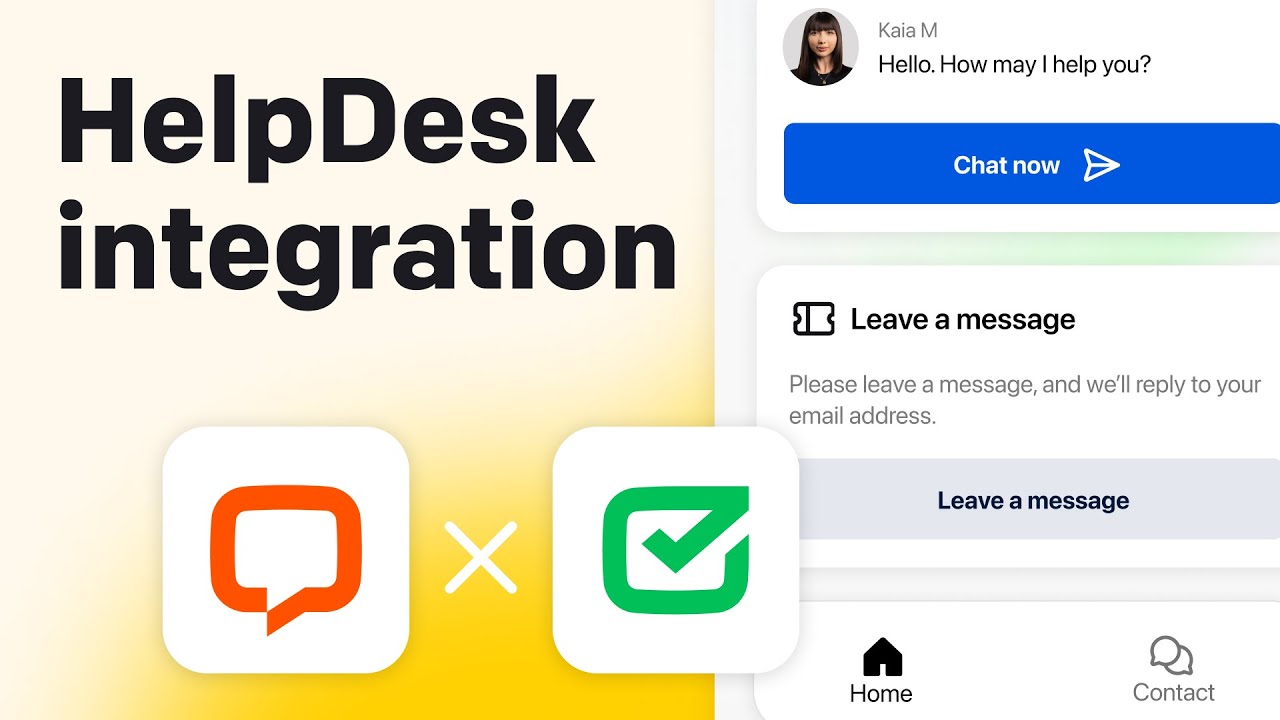
Watch these HelpDesk walkthroughs covering setup, ticket management, automations, and team workflows:

HelpDesk video thumbnail
HelpDesk Text platform demo

What Support Teams Say About HelpDesk

HelpDesk is trusted by thousands of support teams for organized, efficient customer support. Here is what real users are saying:

4.6 EASE OF USE
4.4 FEATURES
4.6 SUPPORT
4.3 VALUE FOR MONEY

HelpDesk Alternatives

While HelpDesk excels for companies already using LiveChat or wanting a clean, modern ticketing tool, other options include Zendesk (enterprise-grade customer support), Freshdesk (feature-rich at lower prices), Help Scout (beloved for its inbox-like interface), Front (shared inbox with strong collaboration), and Intercom (all-in-one messaging plus tickets).

CallHippo Review

CallHippo Review

Best Virtual Business Phone System for Sales & Support
Explore More
Nextiva Review

Nextiva Review

Editorial rating: 4.5 / 5 — 100,000+ businesses including Conan O'Brien and YMCA
Explore More
Tawk.to Review

Tawk.to Review

Editorial rating: 4.6 / 5

Tawk.to is a completely free live chat and customer messaging platform that lets businesses monitor and engage visitors on their websites in real time. In this Tawk.to review by IdealOnlineBusiness.com, we look at its pricing, features, real user ratings, and ease of use based on public G2, Capterra, and Trustpilot reviews. Whether you run an e-commerce store, SaaS business, or service company, Tawk.to provides unlimited chat, agents, and history at no cost, with optional paid add-ons.

Our analysis of Tawk.to live chat reviews shows the platform is widely loved for being genuinely free, easy to install, and feature-complete for small businesses. It holds a 4.6/5 rating on G2 with 300+ reviews and 4.6 on Capterra with thousands of reviews. Users call out the unlimited agents, knowledge base, mobile apps, and customization, while some flag occasional notification delays. For businesses wanting a robust free live chat platform, Tawk.to is hard to beat.

Explore More


Ringover Review

Ringover Review

Ringover Review – Cloud Phone, SMS & Video Platform With 80+ Integrations From $24/User
Explore More
Desku Review

Desku Review

Desku Review – AI Customer Support Platform for SaaS & Ecommerce From $9/User
Explore More
Vonage Review

Vonage Review

Editorial rating: 4.3 / 5
Explore More
Wati Review

Wati Review

Editorial rating: 4.6 / 5
Explore More
JustCall Review

JustCall Review

Editorial rating: 4.3 / 5
Explore More
Trengo Review

Trengo Review

Editorial rating: 4.4 / 5
Explore More
Tidio Review

Tidio Review

Editorial rating: 4.7 / 5
Explore More
Smartsupp Review

Smartsupp Review

Editorial rating: 4.7 / 5
Explore More
JivoChat Review

JivoChat Review

Editorial rating: 4.5 / 5
Explore More
Hiver Review

Hiver Review

Hiver Review
Explore More
KrispCall Review

KrispCall Review

Editorial rating: 4.6 / 5
Explore More
eDesk Review

eDesk Review

Editorial rating: 4.4 / 5
Explore More
Respond IO review

Respond IO review

4
Top Rated Features
  1. Unified Inbox
  2. Multi-Channel Messaging
  3. Automation Workflows
Explore More
Freshdesk Review

Freshdesk Review

4
Top Rated Features
  1. Automation Tools
  2. Multi-Channel Support
  3. Knowledge Base
Explore More
OpenPhone Review

OpenPhone Review

4
Top Rated Features
  1. Team Collaboration
  2. Voicemail Management
  3. Security & Compliance
Explore More
Freshchat Review

Freshchat Review

4.8
Top Rated Features
  1. Easy Setup
  2. AI-Powered Replies
  3. Mobile-Friendly
Explore More
Dialpad Review

Dialpad Review

4.5
Top Rated Features
  1. Unified Voice, Messaging, and Video
  2. Flexible Service Plans
  3. Intuitive, User-Friendly Dashboard
Explore More
Help Scout Review

Help Scout Review

4.6
Top Rated Features
  1. Unified Communication
  2. Personalized Customer Care
  3. Team Collaboration
Explore More
Gist Review

Gist Review

4.4
Top Rated Features
  1. Unified Platform
  2. Automation Tools
  3. Strong Integrations
Explore More
LiveChat Review

LiveChat Review

4.8
Top Rated Features
  1. Versatile platform
  2. Import messages
  3. Customer support consistent
Explore More
FAQs

Frequently Asked Questions About HelpDesk

Got questions about HelpDesk? Here are answers to the most common ones from support teams considering the platform.

HelpDesk is a ticketing system that centralizes customer inquiries from email, contact forms, and integrated channels into one inbox. Support agents triage, respond, and resolve tickets collaboratively, with automation rules handling routine routing and tagging automatically.

HelpDesk Team plan typically costs $34 per user per month when billed annually. A higher Enterprise tier adds SSO, audit logs, and dedicated support. A 14-day free trial is available with full feature access and no credit card required.

Yes. HelpDesk offers a 14-day free trial with unlimited tickets and full feature access. No credit card is required to start the trial, so you can fully evaluate the platform with your team.

Yes. HelpDesk is built by the same company as LiveChat and offers a deep native integration. Conversations can be escalated from chat to ticket seamlessly, and both tools share a unified view of customer interactions.

Absolutely. HelpDesk includes a powerful automation rules engine that routes tickets by subject, sender, tags, or custom fields, assigns agents, sets priorities, and triggers workflows, reducing manual work for your team.

Yes. Agents can assign tickets to teammates, leave private notes, mention colleagues with @mentions, and collaborate on responses without sending anything to the customer. This keeps tickets organized and transparent within the team.

Yes. HelpDesk offers mobile apps for iOS and Android, so agents can respond to tickets, leave notes, and manage assignments on the go. Push notifications keep the team informed of new and urgent tickets.

Yes. HelpDesk includes dashboards and reports covering first response time, resolution time, agent workload, ticket volumes, customer satisfaction, and more. Reports can be filtered, scheduled, and exported.

Yes. HelpDesk is GDPR compliant, encrypts data in transit and at rest, offers SSO and two-factor authentication, and undergoes regular security audits. Enterprise plans add audit logs and advanced access controls.

HelpDesk integrates with LiveChat, ChatBot, Slack, Zapier, Shopify, HubSpot, Salesforce, and many other platforms. A REST API and webhooks let you build custom integrations with internal systems and CRMs.

⚠️ Affiliate Disclosure: This site contains affiliate links. We may earn a commission when you purchase through our links at no extra cost to you. Results are not typical.