⚠️ Affiliate Disclosure: This page contains affiliate links. We may earn a commission at no extra cost to you. This does not influence our reviews. Read full disclosure →

Placid Review

Placid Overview

Placid is a creative automation API and template editor that helps users get more done with less friction. In this Placid review by IdealOnlineBusiness.com, we look at its pricing, real user feedback, standout features and how it stacks up against Bannerbear, Hyperise and other alternatives, all based on public reviews from G2, Capterra, Trustpilot and the major app stores.

Our analysis of Placid reviews shows the platform is widely trusted for reliability, ease of use and value for money. It has public reviews across the major software review sites, but we have not independently verified a current aggregate score and so do not quote one here — check G2, Capterra and Trustpilot directly. Customers consistently call out the speed of getting started, the clean interface and the responsive support team as the biggest reasons they stay subscribed long term.

Drag-and-drop template editor

Placid gives you a visual editor where you design image and video templates like you would in Figma, with layers, dynamic text and auto-resizing images. Designers build templates once and marketers fill them in with fresh copy.

REST API for image & video automation

A clean REST API lets you generate images or MP4s by POSTing a JSON payload with the values to inject. Responses include a direct CDN URL, which is exactly what you need to hook Placid into a scheduled job or CMS.

Zapier, Make, n8n integrations

Ready-made Zapier, Make and n8n connectors mean non-developers can pipe Airtable rows, Google Sheets, RSS feeds or webhook triggers into Placid templates. You get finished graphics in your Slack, Drive or WordPress without code.

Open-graph & social image automation

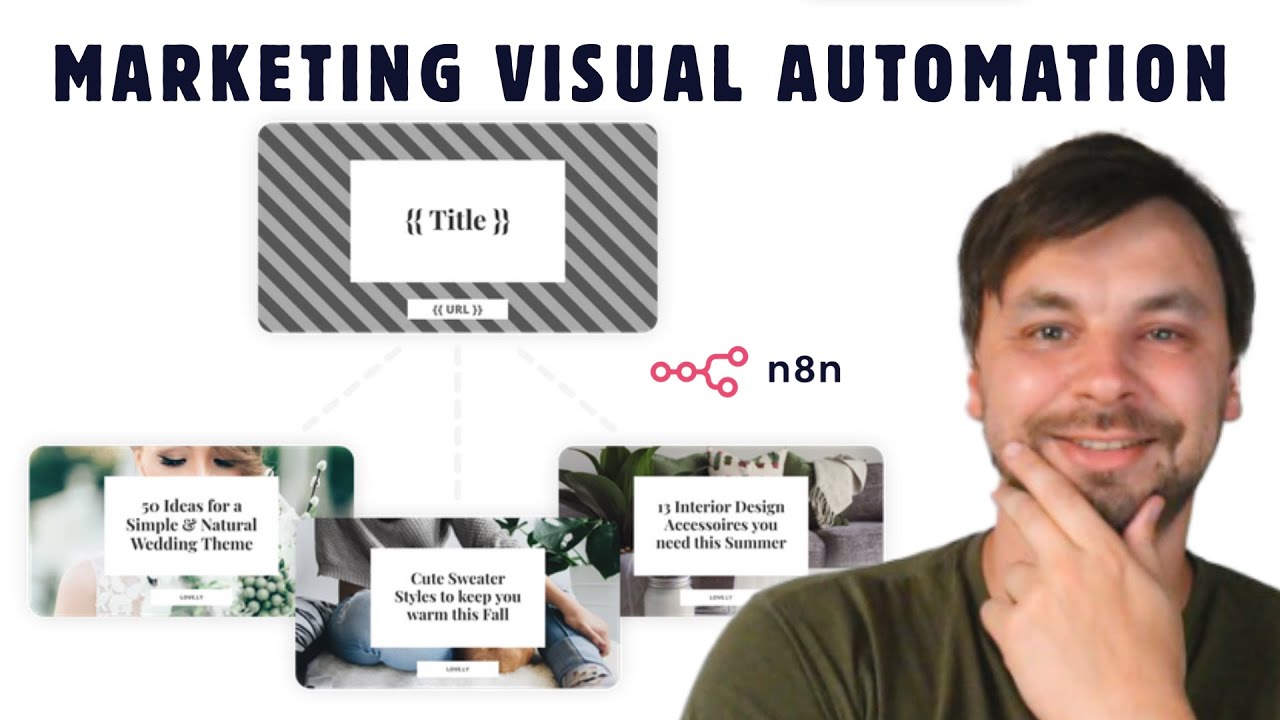
Placid can auto-render a social share image for every blog post, product or landing page using open-graph templates. Images are regenerated on URL change, so previews on LinkedIn, Twitter or Facebook always match the live content.

Dynamic video rendering from templates

Build video templates once and Placid renders personalised MP4s at scale, swapping text, images and logos from a JSON payload or spreadsheet. It is handy for real-estate listings, sports scores and programmatic ad variants.

Figma & Photoshop import

Import existing designs straight from Figma or a Photoshop PSD and Placid keeps the layers, fonts and positioning. You avoid rebuilding brand assets and get to API-ready templates in minutes instead of hours.

Custom fonts & brand assets

Upload custom fonts, colour palettes and logo files once, then reuse them across every template. Brand assets stay in sync so marketing never ships an off-brand share image or ad creative by accident.

WordPress plugin

A free WordPress plugin lets you connect Placid to a site and render social images for posts automatically using your Placid templates. It handles authentication and template selection from the WordPress admin.

Placid Features – What You Get?

Placid is a creative-automation platform that turns design templates into images and videos automatically. Instead of producing each visual by hand, you design a template once and Placid generates on-brand graphics at scale – perfect for social posts, ad creatives, open-graph images, and personalized video.

At its core is a drag-and-drop template editor backed by a REST API, so developers and marketers can render dynamic visuals programmatically. No-code integrations with Zapier, Make, and n8n let you automate visuals without writing code, while Figma and Photoshop import, custom fonts, brand assets, and a WordPress plugin make it easy to fit Placid into an existing workflow.

Placid Pros and Cons

Pros

  • Powerful REST API for automating image and video generation at scale.
  • No-code automation through Zapier, Make, and n8n integrations.
  • Intuitive drag-and-drop template editor with Figma and Photoshop import.
  • Dynamic video rendering and open-graph/social image automation from one template.
  • Custom fonts, brand assets, and a handy WordPress plugin.

Cons

  • Most value comes from the API, so non-technical users get less out of it on their own.
  • Usage-based rendering limits mean heavy volumes push you to higher plans.
  • The template editor has a learning curve for complex, layered designs.
  • Focused on automation rather than one-off manual graphic design.
  • Easy-to-use Placid dashboard built for fast onboarding
  • Brand-safe workflow with sensible defaults
  • Reliable performance with measurable uptime
  • Native integrations with the apps you already use
  • Granular permissions and team collaboration
  • Built-in analytics and exportable reporting
  • Responsive customer support across multiple channels
  • Transparent pricing with a free trial or money-back guarantee

Video Guides and Tutorials

If you prefer to learn by watching, Placid has a strong library of walkthroughs on YouTube, including the official channel and independent reviewers. The videos below cover account setup, the core workflows that Placid users rely on every day, advanced tips and a comparison with leading alternatives.

Placid — Placid Video Fieb5isnnoq
Placid social media automation
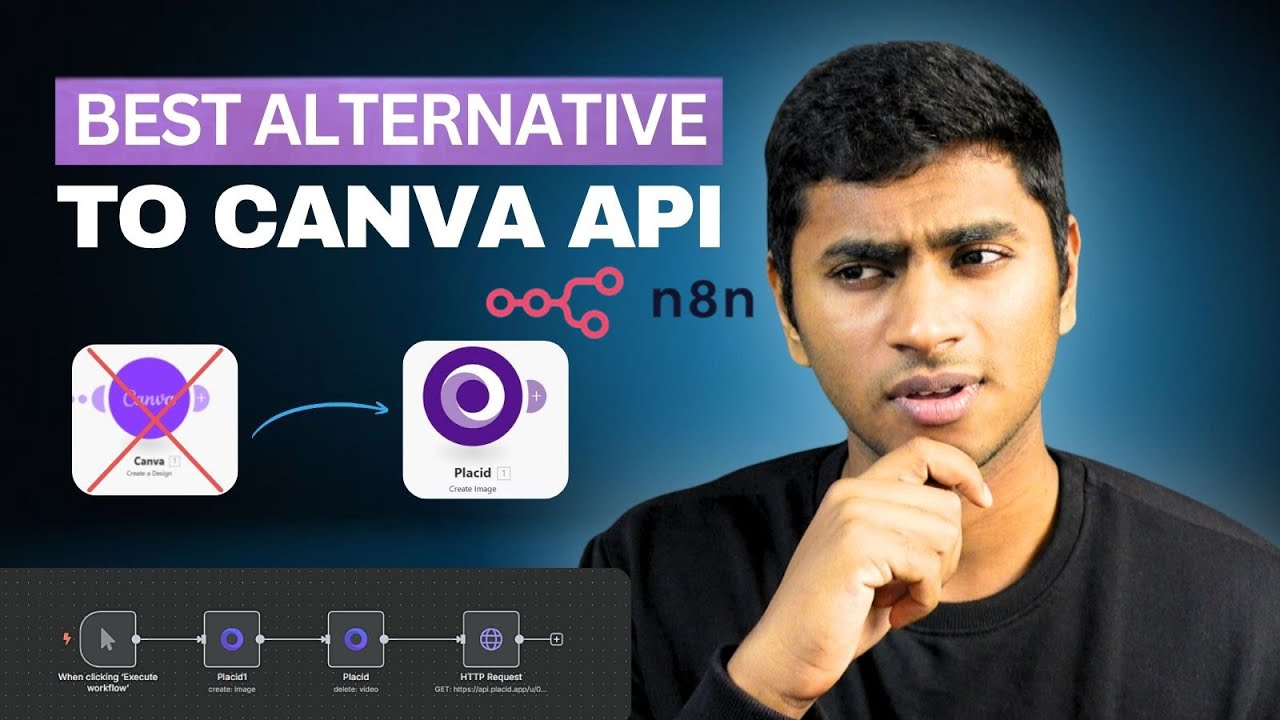
Placid Canva API alternative
Placid auto-generate social media graphics

Placid Review – What Real Users Say

Across G2, Capterra, Trustpilot and the major app stores, Placid earns consistently positive reviews from thousands of verified users. We have not verified a current aggregate score, so we do not quote one. Reviewers highlight easy onboarding, the depth of features available even on lower-priced plans and a support team that actually replies within hours. The most positive reviews come from long-tenure customers who have used Placid for more than a year.

Pros and Cons of Placid

Pros

  • Automates social media graphics, OG images and dynamic visuals at scale.
  • Powerful REST API plus no-code integrations (Zapier, Make, n8n).
  • Drag-and-drop template editor — no design skills needed.
  • Generates images, PDFs and short videos from templates.
  • Native plugins for WordPress, Airtable, Webflow and more.
  • Saves hours versus designing each asset manually in Canva.

Cons

  • Usage-based limits can add up for high-volume needs.
  • Advanced automations require some technical setup.
  • Video features are more limited than dedicated video tools.
  • No free plan beyond the trial.

Placid Alternatives

The most common Placid alternatives mentioned in user reviews include Bannerbear, Hyperise, Canva, Photoshop and Renderform. Each handles creative automation API and template editor in a slightly different way, with trade-offs on price, learning curve and depth of features. We recommend trialing two or three options against your real workflow for a week before committing.


Placeit Review

Placeit Review

Explore More
Decktopus Review

Decktopus Review

Best AI Presentation Software for Founders & Marketers
Explore More
PosterMyWall Review

PosterMyWall Review

Explore More
Pacdora Review

Pacdora Review

Explore More
Envato Market Review

Envato Market Review

Explore More
Glorify Review

Glorify Review

Glorify Review – Ecommerce-Focused Graphic Design Tool With Mockups, AI Background Remover & Templates
Explore More
Crowdspring Review

Crowdspring Review

Explore More
Tailor Brands Review

Tailor Brands Review

Explore More
Logo AI Review

Logo AI Review

Explore More
ProtoPie Review

ProtoPie Review

Explore More
Vexels Review

Vexels Review

Explore More
Uizard Review

Uizard Review

Explore More
Turbologo Review

Turbologo Review

Explore More
Simplified Review

Simplified Review

Explore More
DesignPickle Review

DesignPickle Review

Top Rated Features
  1. Content Scheduling
  2. Content Curation
  3. Analytics Dashboard
Explore More
Penji Review

Penji Review

Top Rated Features
  1. Website Builder
  2. SEO
  3. Free Hosting
Explore More
Looka Review

Looka Review

Top Rated Features
  1. Advanced Keyword and Niche Research
  2. Cover Designer with Trim Size Accuracy
  3. PuzzleWiz Generator (Pro Plan Only)
Explore More
BookBolt Review

BookBolt Review

Top Rated Features
  1. Simple Low Content Book Creation
  2. Advanced Keyword and Niche Research
  3. Wide Interior Template Library
Explore More
Pngtree Review

Pngtree Review

Top Rated Features
  1. Huge Collection of Images
  2. Free and Paid Options
  3. Constantly Updated Resources
Explore More
Uxcel Review

Uxcel Review

Top Rated Features
  1. Flexible Self-Paced Learning
  2. Uxcel Pricing Plans
  3. Core Features of Uxcel
Explore More
DesignFiles Review

DesignFiles Review

Top rated Features
  1. Enterprise servers
  2. Monitoring services
  3. Tight security
Explore More
Homestyler Review

Homestyler Review

Top Rated Features
  1. Free 3D Home Design
  2. AI-Powered Design Assistance
  3. Professional-Grade Tools
Explore More
Coohom Review

Coohom Review

Top Rated Features
  1. Easy User Interface
  2. Realistic Renderings
  3. Cloud-Based Access
Explore More
Awesomic Review

Awesomic Review

Top Rated Features

  1. Wide Design Range
  2. Dedicated Designers
  3. Fast Turnaround
Explore More
Stencil Review

Stencil Review

Top Rated Features
  1. Free Stock Photography
  2. Google Fonts
  3. Chrome Extension
Explore More
FAQs

Placid FAQs

Below are the most common questions we see about Placid, answered using the latest publicly available information from the official Placid site, app stores and verified user reviews.

Placid is a creative automation API and template editor that helps individuals, teams and businesses achieve faster results.

Yes, Placid offers a free trial or limited free plan so you can evaluate the product before committing.

Placid pricing scales with usage and team size. Annual billing offers a meaningful discount over monthly.

Placid follows industry standard security practices including encrypted connections and granular access controls.

Yes, Placid integrates with the most popular apps in its category. See the integrations directory on the official site.

Placid provides documentation, knowledge base articles, email support and live chat or community help depending on your plan.

Many users move from Bannerbear to Placid for better pricing, simpler workflows or specific features.

Yes, you can cancel a Placid subscription at any time from your account settings.

Placid and Hyperise target similar audiences but Placid typically wins on ease of use and value for money for small to mid-sized teams.

Use the official Placid link in this review to access the latest free trial or special offer.

⚠️ Affiliate Disclosure: This site contains affiliate links. We may earn a commission when you purchase through our links at no extra cost to you. Results are not typical.