Connecteam is an all-in-one workforce management platform purpose-built for deskless and frontline teams in industries like construction, hospitality, retail, healthcare, cleaning, and field services. In this Connecteam review by IdealOnlineBusiness.com, we look at its pricing, scheduling, time tracking, communication, and real user ratings collected from G2, Capterra, and Trustpilot.
Whether you manage shift-based workers, mobile field teams, or hourly employees, Connecteam promises a single mobile-first app that bundles employee scheduling, GPS time clock, internal chat, training courses, task management, and HR-style operations. It backs that up with a transparent flat-rate pricing model that scales with team size rather than charging per user.
Our analysis of Connecteam user reviews shows the platform is widely loved for ease of rollout to non-tech-savvy hourly workers. It has substantial review volume on Capterra, though we have not independently verified a current aggregate score and so do not quote one. Operations leaders consistently call out the all-in-one bundle, the predictable pricing, and the live-chat support as the biggest reasons they pick Connecteam over Deputy, Homebase, or When I Work.
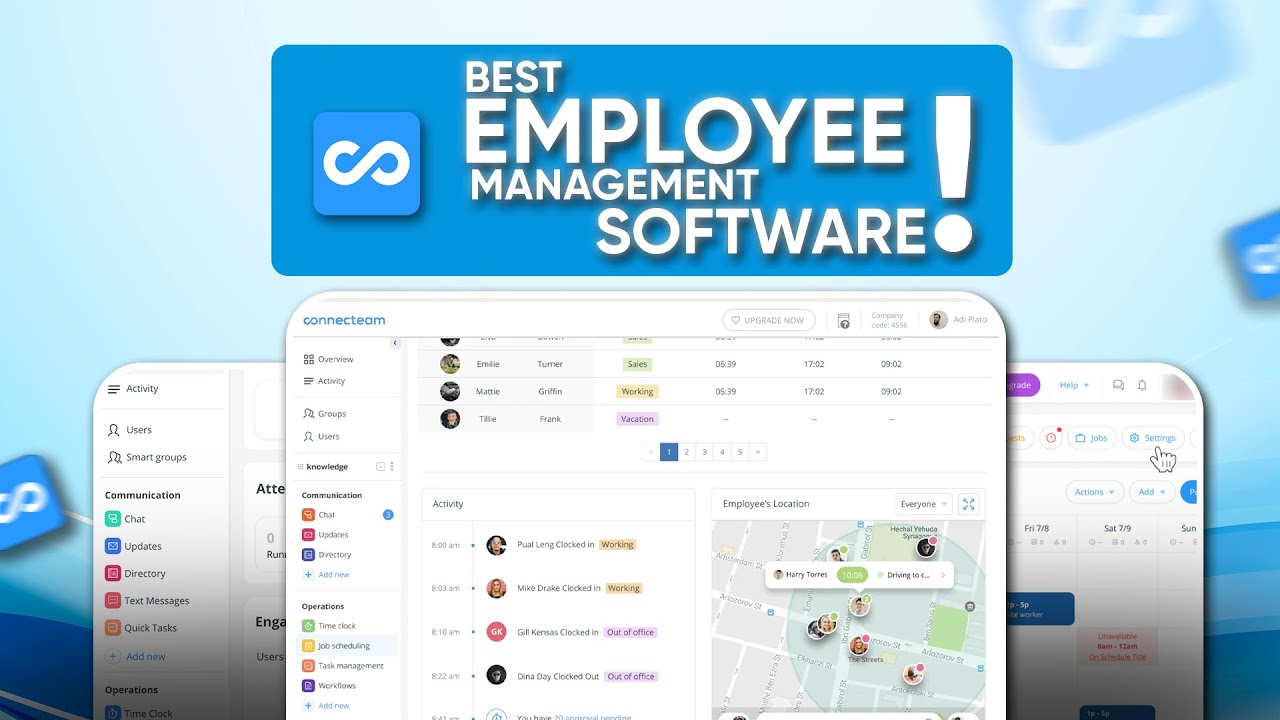
Build employee schedules with shift templates, recurring patterns, conflict detection, and shift swaps. Workers see their schedule in the mobile app and get push notifications for new shifts.
Workers clock in and out with one tap from the mobile app. GPS tracking and geofencing ensure clocking happens at the right job site, with automatic timesheet generation for payroll.
Built-in chat lets you message individuals, teams, departments, or the entire organization with read receipts, file sharing, and surveys — eliminating the need for WhatsApp groups or email.
Assign one-off or recurring tasks with deadlines, priority, attachments, and completion checklists. Workers update task status from the field, and managers see live progress.
The Connecteam mobile app is purpose-built for non-desk workers with offline support, voice notes, photo uploads, and a simple UI that requires almost no training.
Build courses with videos, quizzes, and certifications. Track who has completed onboarding, safety training, and compliance courses — useful for high-turnover industries.
Digital forms replace paper checklists for safety inspections, incident reports, equipment checks, and end-of-shift reports. Submissions are searchable, exportable, and time-stamped with GPS.
Store employee documents (contracts, ID, certifications) securely in the platform with expiration alerts. Workers can self-upload via the mobile app.
Connecteam packages a full deskless-workforce management app into one workspace. You get employee scheduling, time tracking with GPS, team chat, HR and onboarding, training and quizzes, task management, and a digital forms builder, all designed for hourly and frontline teams. According to Connecteam reviews on G2 and Capterra, operations managers most often call out how a single mobile app replaces 5–8 separate tools for shift planning, time tracking, and team comms in industries like construction, hospitality, retail, and field services.
Where Connecteam really separates itself from generic HR tools is the deskless focus. The platform is mobile-first, offline-friendly, and designed for employees who do not sit at a desk. GPS-based time clock, geofence rules, automated overtime, and shift-swap workflows handle the realities of frontline work. It is not flawless, deeper HRIS features can require a paid tier upgrade, but the core feature set holds up well for SMBs running deskless teams of 10–500 in 2026.
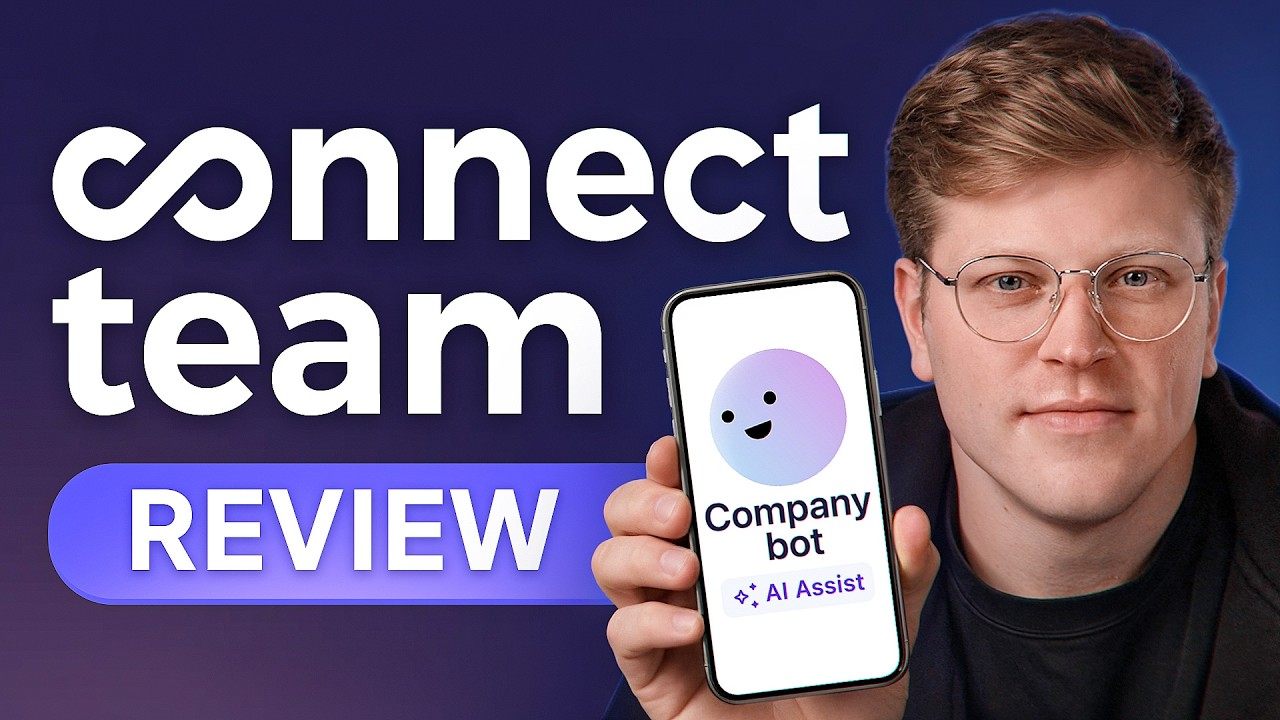
If you prefer to learn by watching, Connecteam has a strong library of tutorials on YouTube from both the official Connecteam channel and independent operations reviewers. These walkthroughs cover how to set up your first schedule, configure GPS time clock, build a digital form, run team training quizzes, and onboard a new field employee. IdealOnlineBusiness.com recommends watching at least two of the beginner tutorials below before paying for a plan, so you can see the scheduler, time tracker, and chat for yourself before committing.
Connecteam is more than a scheduler, it packages a complete deskless-workforce management platform aimed at SMBs in construction, hospitality, retail, healthcare, field services, and logistics who manage hourly, mobile, or frontline employees. Below is a breakdown of the core Connecteam services and where each one fits into a real ops workflow based on Connecteam reviews from G2 and Capterra.
The platform groups its services into four areas: operations (scheduling, time tracking, tasks), communications (chat, updates, surveys), HR (onboarding, documents, time off), and training (courses, quizzes, knowledge base). Whether you run a cleaning company, a restaurant group, a construction crew, or a retail chain, the same workspace handles shift planning, payroll-ready timesheets, team chat, and compliance training. That end-to-end coverage is exactly why Connecteam reviews highlight it as the option of choice for SMB ops teams that want one app instead of seven.
Connecteam uses a tiered subscription model with flat monthly pricing covering up to 30 users on every paid plan. Additional users beyond 30 are charged per user.
Small Business Plan: Free forever — for teams up to 10 users, includes time clock, scheduling, chat, and tasks.
Basic Plan: $35/mo for up to 30 users — adds GPS tracking, advanced scheduling, document storage, and forms.
Advanced Plan: $59/mo for up to 30 users — adds geofencing, conditional shifts, recurring tasks, and admin actions.
Expert Plan: $119/mo for up to 30 users — adds in-shift attachments, advanced reporting, multi-branch management, and live mobile updates.
Enterprise Plan: Custom — SSO, dedicated success manager, advanced security, and unlimited users.
Annual billing typically saves 18%. All paid plans include unlimited admin users, the mobile app for employees, and unlimited team chat.
While Connecteam wins on flat-rate pricing and frontline focus in 2026, alternatives may suit specific use cases better. Deputy and When I Work are direct competitors with stronger US payroll integrations. Homebase is a popular choice for US small businesses with built-in hiring tools. Sling, ZoomShift, and Humanity offer slightly different scheduling-first feature mixes. For larger workforce management needs, Workday, BambooHR, and ADP Workforce Now go deeper on payroll and HR. For pure time tracking, Toggl Track, Hubstaff, and Clockify are simpler tools.

Box Inc is a leading enterprise content cloud platform helping businesses securely store, share, sign and collaborate on files with granular access control. In this Box Inc review by IdealOnlineBusiness.com, we evaluate the Business and Enterprise plans, Box Sign electronic signatures, Box AI, integrations with Microsoft 365, Google Workspace, Salesforce and Slack, advanced governance and compliance tools, security certifications including FedRAMP and HIPAA, pricing tiers, and verified customer feedback from G2 and Capterra.
Explore More



Connecteam is one of the most-loved frontline workforce management platforms in 2026 with strong Capterra reviews (no unverified aggregate score quoted) and a flat-rate pricing model that scales gracefully. Below are the most common questions about Connecteam pricing, scheduling, time tracking, and team chat.
⚠️ Affiliate Disclosure: This site contains affiliate links. We may earn a commission when you purchase through our links at no extra cost to you. Results are not typical.