Notion is the leading connected workspace platform that bundles documents, wikis, projects, databases, and AI assistance into a single drag-and-drop tool. In this Notion review by IdealOnlineBusiness.com, we look at its pricing, AI features, database capabilities, and real user ratings collected from G2, Capterra, and Trustpilot.
Whether you run personal projects, manage a startup’s OKRs, write documentation, build a CRM, or operate a content calendar, Notion promises a flexible block-based editor where every page can be a doc, database, or app. It backs that up with Notion AI for writing assistance, customizable databases with relations and rollups, and 30,000+ community templates.
Our analysis of Notion user reviews shows the platform is widely loved for replacing tool stacks (docs + wiki + tasks + project management) with one workspace. It has substantial review volume on G2, though we have not independently verified a current aggregate score and so do not quote one. Users frequently call out the flexibility of databases, the AI integration, and the elegant editor as the biggest reasons they pick Notion over Confluence, Asana, or Coda.
Every page is built from blocks (text, headings, toggles, callouts, code, embeds). Drag-and-drop layouts let you compose docs, dashboards, and lightweight apps without code.
Databases support text, number, date, formula, relation, and rollup fields. Combine views (table, kanban, calendar, timeline, gallery) to mix project management, content calendars, and CRMs in one place.
Notion AI generates first drafts, summarizes long docs, translates content, answers questions across the workspace, and autofills database properties — all directly in the editor.
Notion Wikis let you mark pages as verified, set owners, and pin them to the top. Great for engineering documentation, employee handbooks, and institutional knowledge that needs trust signals.
Manage projects with table, kanban, calendar, timeline, gallery, and list views from the same database. Add filters, sorts, and sub-items to mirror any methodology (Agile, Scrum, Kanban).
Browse 30,000+ community templates for OKRs, content calendars, CRMs, life dashboards, syllabi, and more. Most templates can be duplicated into your workspace in one click.
Save articles and webpages to Notion with the browser web clipper. iOS and Android apps support offline reading, voice notes, and quick-capture inboxes.
Publish any Notion page as a public site with custom domain (Plus and above). Useful for documentation hubs, marketing landing pages, portfolios, and internal status pages.
Notion packages a full connected workspace into one platform. You get docs, wikis, projects, databases, AI, calendars, forms, and a flexible block-based editor that lets you build any kind of page or system from scratch. According to Notion reviews on G2 and Capterra, teams most often call out how Notion replaces multiple tools (Confluence, Asana, Trello, Google Docs) with a single workspace that everyone actually uses.
Where Notion really separates itself from generic doc tools is the database layer. Any page can be a database, with custom views (table, board, timeline, calendar, gallery), filters, sorts, and rollups. Notion AI now handles writing, summarization, translation, and Q&A across your workspace, and Notion Sites turns pages into public websites. It is not flawless, performance can lag on huge databases and the offline mode is limited, but the core feature set holds up well for product teams, agencies, founders, students, and creators in 2026.
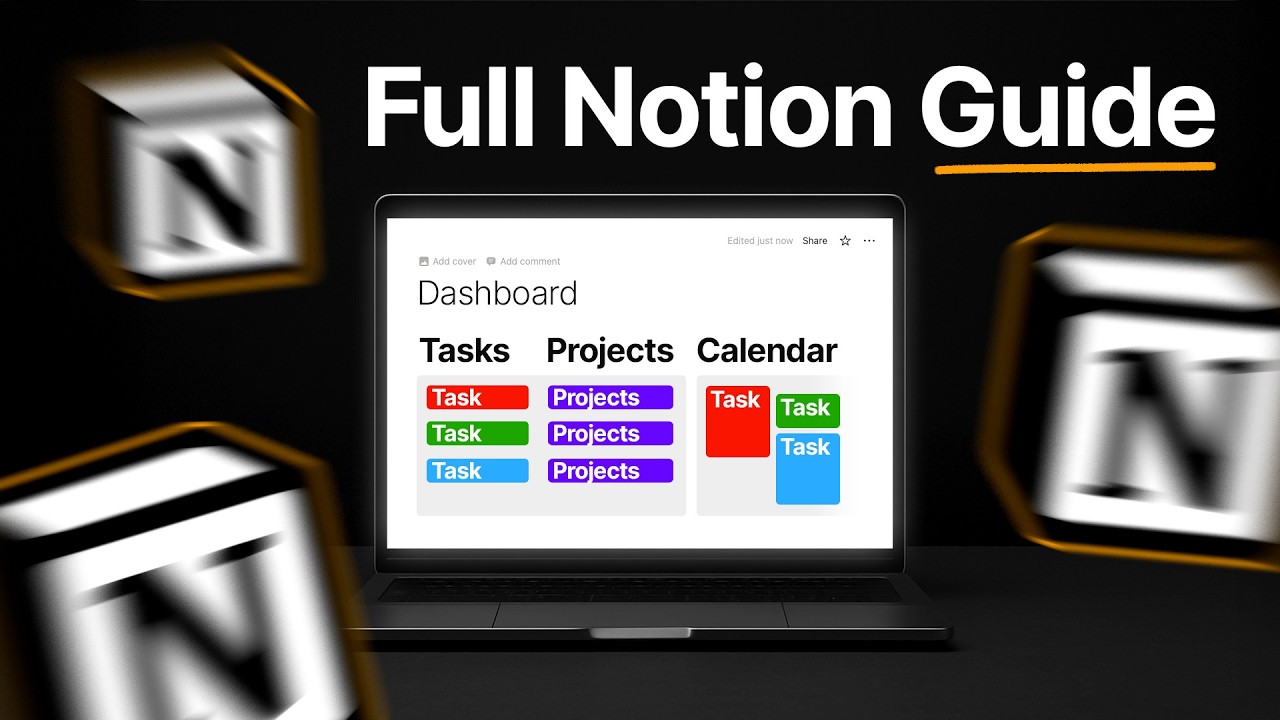
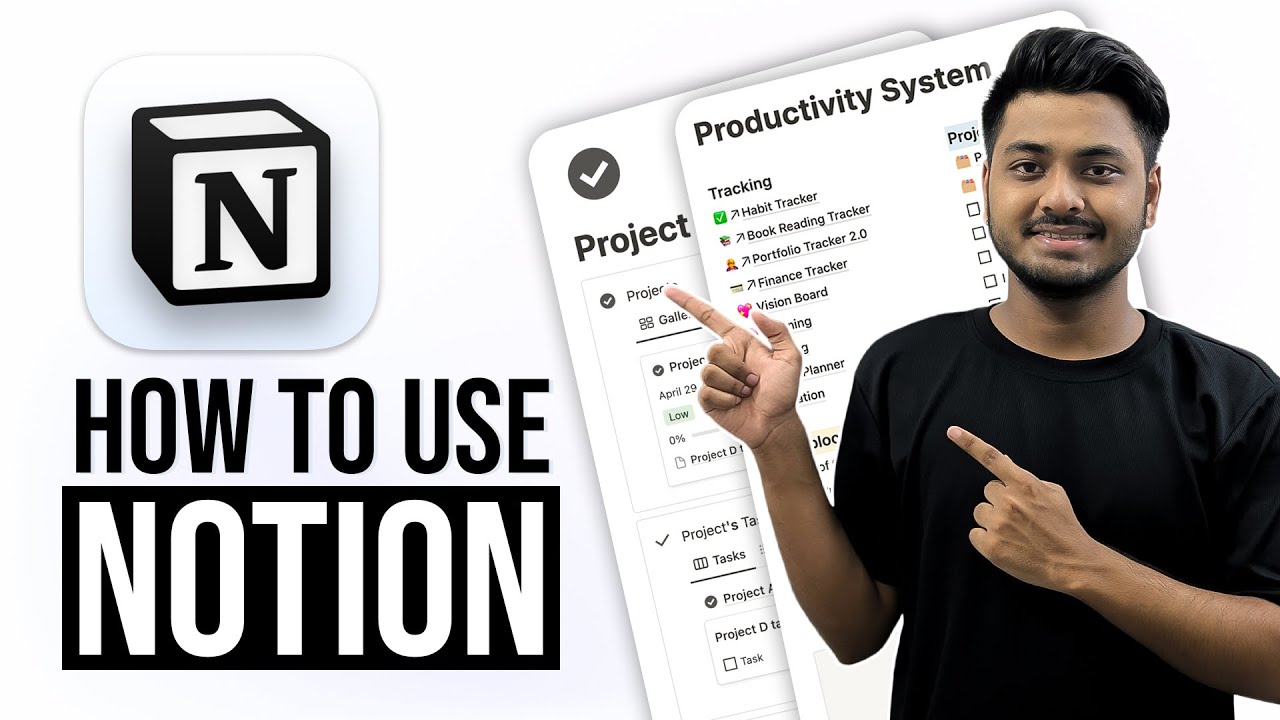
If you prefer to learn by watching, Notion has a huge library of tutorials on YouTube from both the official Notion channel and independent productivity creators. These walkthroughs cover how to set up a personal dashboard, build a project tracker, design a team wiki, use Notion AI, and publish a Notion Site. IdealOnlineBusiness.com recommends watching at least two of the beginner tutorials below before committing to a workspace structure, so you can see databases, templates, and AI features for yourself before going all in.
Notion is an all-in-one connected workspace that brings notes, documents, databases, wikis and project management together in one place. Below are the core services and capabilities Notion offers teams and individuals to plan, organize and collaborate.
Notion uses a per-member subscription model with monthly and annual billing (annual saves about 20%). The Free plan is generous enough for most individuals.
Free Plan: $0/member/mo — unlimited blocks for individuals, up to 10 guest collaborators, a trial of Notion AI, basic forms and sites, Notion Calendar, and Notion Mail.
Plus Plan: $10/member/mo billed annually (or $12/member/mo monthly) — unlimited blocks for teams, unlimited file uploads, custom forms and sites, unlimited charts, and basic integrations.
Business Plan: $20/member/mo billed annually (or $24/member/mo monthly) — includes Notion AI, SAML SSO, private teamspaces, advanced analytics, granular permissions, and premium integrations.
Enterprise Plan: Custom pricing — everything in Business plus zero data retention with LLM providers, SCIM user provisioning, advanced security and controls, audit log, and a dedicated success manager.
Notion AI: now included in the Business and Enterprise plans. For Free and Plus, it is available as a paid add-on.
While Notion leads on flexible workspace design in 2026, alternatives may suit specific use cases better. Coda is the closest direct competitor with stronger automation and table relations. ClickUp combines docs and full project management with deeper task views, while Asana, Monday, and Trello focus more narrowly on project management. For pure documentation, Confluence (Atlassian), Almanac, and Slab are stronger. For block-based notes, Obsidian and Logseq target individual knowledge workers. Airtable is the better fit if you need true database-first workflows with relational power.

Box Inc is a leading enterprise content cloud platform helping businesses securely store, share, sign and collaborate on files with granular access control. In this Box Inc review by IdealOnlineBusiness.com, we evaluate the Business and Enterprise plans, Box Sign electronic signatures, Box AI, integrations with Microsoft 365, Google Workspace, Salesforce and Slack, advanced governance and compliance tools, security certifications including FedRAMP and HIPAA, pricing tiers, and verified customer feedback from G2 and Capterra.
Explore More




Notion is the most-loved connected workspace tool in 2026 with strong G2 reviews (no unverified aggregate score quoted) and a free plan generous enough for most individuals. Below are the most common questions about Notion pricing, AI features, databases, and integrations.
⚠️ Affiliate Disclosure: This site contains affiliate links. We may earn a commission when you purchase through our links at no extra cost to you. Results are not typical.