TeamGantt is a Gantt-chart-first project management platform built for teams that plan work on a visual timeline. In this TeamGantt review by IdealOnlineBusiness.com, we look at its pricing, planning features, real user ratings, and how it compares to Microsoft Project, Asana, and Monday.com based on G2, Capterra, and TrustRadius reviews. TeamGantt mixes a familiar drag-and-drop Gantt chart with task management, time tracking, RACI assignments, dependencies, and team workload views in a clean, browser-based interface.
Our reading of public TeamGantt reviews turns up consistent themes rather than a score we can stand behind, so check the G2 and Capterra listings for current numbers. Users most often highlight the speed of building project plans, the visual clarity of the Gantt view, and the smooth client-sharing experience. Some flag fewer no-code automations than full-feature PM platforms, but for project managers who want true Gantt charts done right, TeamGantt is one of the most loved tools in 2026.
TeamGantt was built for Gantt timelines from day one, and it shows — drag-to-schedule, dependencies, and milestones feel native instead of bolted on.
Power users coming from Asana or ClickUp may miss recipe-style automations.
Free guest access lets clients view and comment on the schedule without buying an extra seat.
The mobile app is great for status checks but heavy editing still happens on desktop.
Track estimated vs actual time per task to keep budgets honest, no plugin required.
Basic reports are solid; teams that need deep BI dashboards will export to a tool like Looker.
TeamGantt offers a free plan for one project, three users, and 60 tasks — useful for trial.
Pricing is charged per project manager rather than per user, which is unusual but cost-friendly for collaborator-heavy teams.
TeamGantt packages classic Gantt-chart planning with modern PM features: drag-and-drop scheduling, dependencies, milestones, baselines, RACI assignments, time tracking, workload management, document attachments, and a clean Kanban or list view alongside the Gantt timeline. Free guest access and a built-in client portal make it especially popular with agencies and consultancies that share schedules with non-paying stakeholders.
What separates TeamGantt from Asana, ClickUp, and Monday.com is its commitment to true Gantt-chart usability. Other platforms offer Gantt views as add-ons; TeamGantt makes Gantt the default and everything else fits around it.
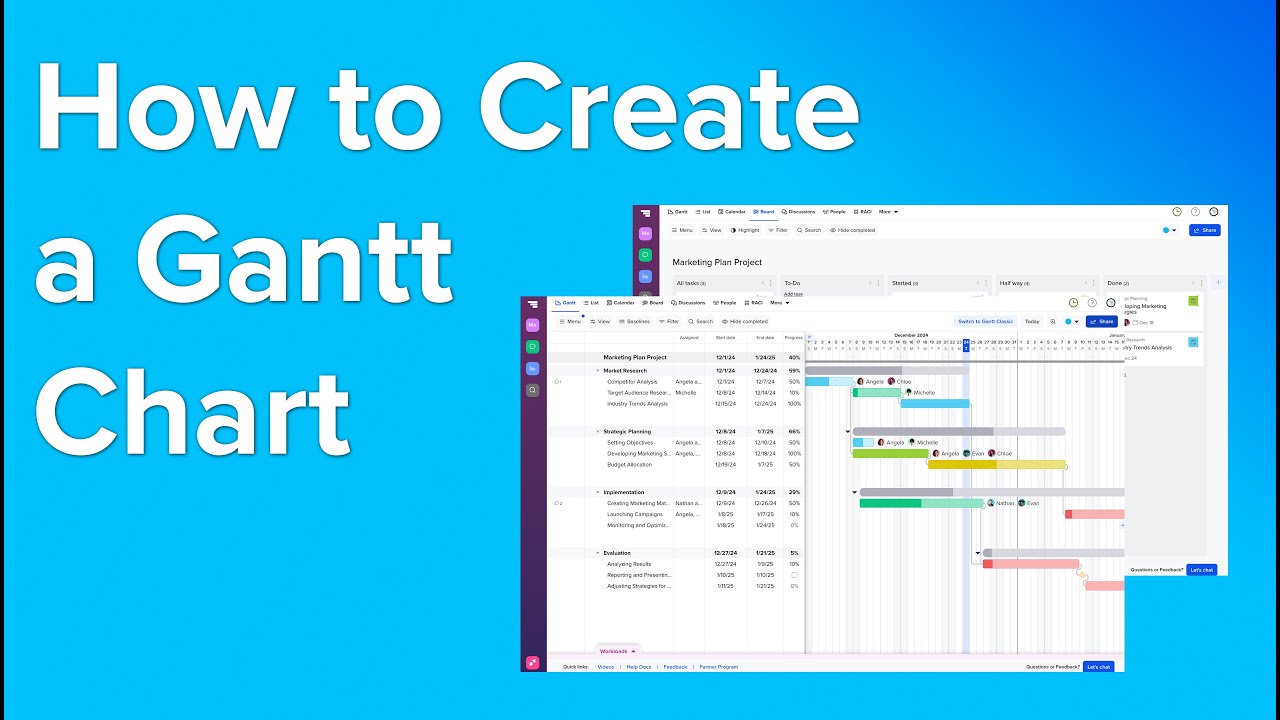
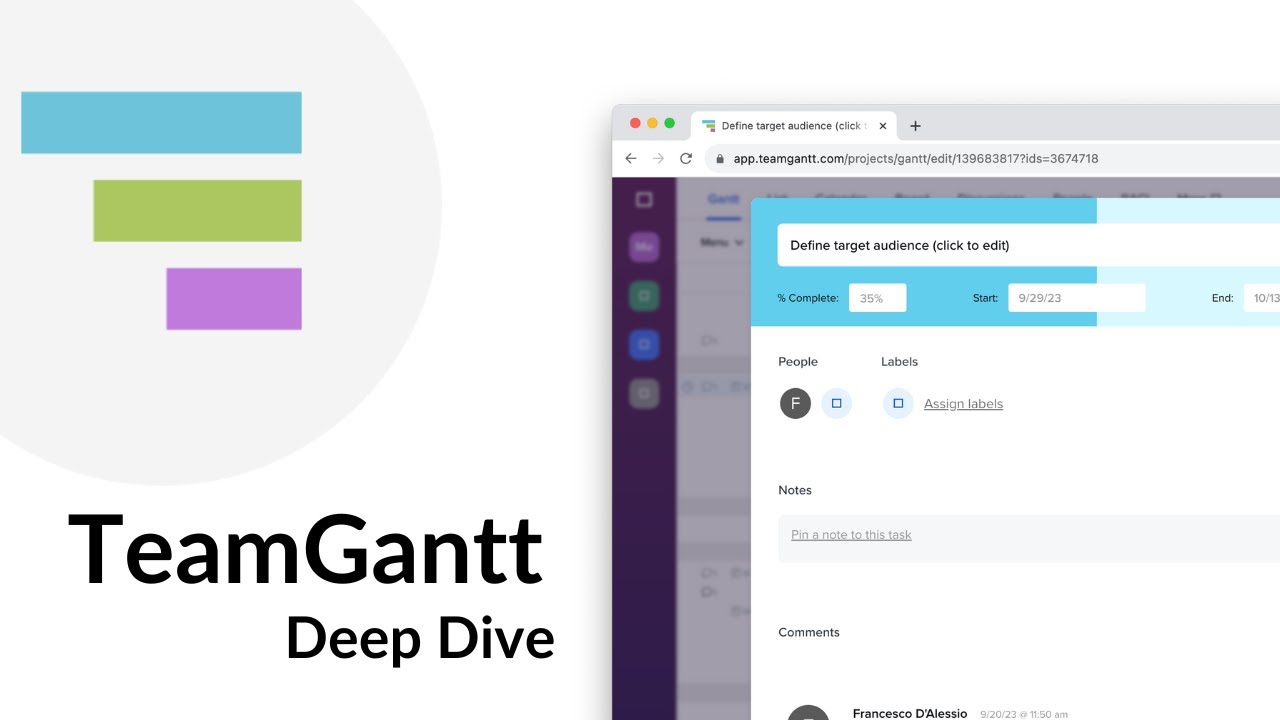
If you prefer to learn by watching, TeamGantt has a strong YouTube library covering every major workflow. The videos below walk through building a Gantt chart, scheduling dependencies, time-tracking, and sharing the timeline with clients. IdealOnlineBusiness.com recommends watching at least one of the 5-minute beginner tutorials before starting your free trial.
TeamGantt is more than a Gantt chart — it bundles a complete suite of project planning, scheduling, and resourcing services aimed at agencies, in-house marketing teams, construction project managers, and operations leaders. Alongside the core Gantt timeline, the platform provides task management, time tracking, workload balancing, document storage, client guest access, and integrations with Slack, Trello, Dropbox, and Zapier.
Based on our research of TeamGantt reviews on G2, Capterra, and TrustRadius, users repeatedly call out the speed of building schedules and the polished client experience. Agencies running multiple client projects in parallel are the heaviest users of the platform.
TeamGantt uses a per-manager pricing model — collaborators and clients are unlimited and free. There is a free tier for tiny teams and three paid tiers for growing organizations.
Free Plan — $0
1 project, 3 users, 60 tasks. Best for testing the platform before upgrading.
Lite Plan — $24/manager/month
Billed yearly. 5 projects per manager, basic features, unlimited collaborators. Best for solopreneurs.
Pro Plan — $44/manager/month
Billed yearly. 20 projects, advanced features, time tracking, baselines, and priority support. Most popular tier.
Enterprise Plan — Custom pricing
Unlimited projects, custom security, SSO, and a dedicated success manager. Built for larger organizations.
Pros
✅ Best-in-class Gantt chart built for project planning
✅ Free guest access for clients and external stakeholders
✅ Per-manager pricing rewards collaborator-heavy teams
✅ Built-in time tracking and workload views
✅ Positive user sentiment on G2 (check the listing for the current score)
Cons
❌ Fewer no-code automations than ClickUp or Asana
❌ Mobile app is read-mostly, not built for heavy editing
❌ Reporting is solid but lighter than dedicated BI tools
❌ Per-manager pricing can add up for traditional PM-led teams
❌ No native budgeting or invoicing module
While TeamGantt is one of the most-loved Gantt chart tools in 2026, some teams need richer no-code automations, deeper reporting, or a different pricing model. Depending on whether you want a full PM suite, a simpler timeline tool, or a construction-specific scheduler, these TeamGantt alternatives offer competing options.
Box Inc is a leading enterprise content cloud platform helping businesses securely store, share, sign and collaborate on files with granular access control. In this Box Inc review by IdealOnlineBusiness.com, we evaluate the Business and Enterprise plans, Box Sign electronic signatures, Box AI, integrations with Microsoft 365, Google Workspace, Salesforce and Slack, advanced governance and compliance tools, security certifications including FedRAMP and HIPAA, pricing tiers, and verified customer feedback from G2 and Capterra.
Explore More



TeamGantt is a Gantt-chart-first project management platform used by agencies, in-house teams, and construction project managers. This section answers the most common questions based on our research of public TeamGantt reviews and official documentation.
⚠️ Affiliate Disclosure: This site contains affiliate links. We may earn a commission when you purchase through our links at no extra cost to you. Results are not typical.