⚠️ Affiliate Disclosure: This page contains affiliate links. We may earn a commission at no extra cost to you. This does not influence our reviews. Read full disclosure →

aiPDF Review

aiPDF logo

aiPDF Review

Editorial rating: 4.7 / 5

aiPDF Overview

aiPDF is an AI-powered document assistant that lets you upload any PDF, Word, PowerPoint, EPUB, or scanned document and chat with it in plain English. Behind the scenes it indexes every page into a vector database, so when you ask a question it surfaces the exact paragraphs it used to answer — with page-level citations you can click to jump to the source.

Used by researchers, lawyers, students and analysts, aiPDF handles files up to 2,000 pages, works in 95+ languages, summarizes, translates and extracts tables on demand. A free plan lets you chat with documents up to 50 pages; paid plans start at $11.99/month for unlimited document length and priority GPT-4-class models.

Chat with PDFs up to 2,000 Pages

Upload academic papers, contracts, textbooks or technical manuals up to 2,000 pages each. The chat interface returns answers grounded in the document with clickable page citations so you can verify every claim.

Multi-Format Support Beyond PDF

In addition to PDF, aiPDF accepts DOCX, PPTX, EPUB, RTF, TXT, Markdown and scanned images (with OCR). Mix and match file types in a single project folder.

Page-Level Citations

Every answer shows the exact source pages in the sidebar. Click a citation and the PDF scrolls directly to the highlighted paragraph — no more guessing whether the AI hallucinated.

Automatic Summaries and TL;DRs

One-click summaries of any uploaded document. Choose length (short, medium, detailed), style (bullet points, executive summary, academic abstract) and language.

95+ Language Support

Ask questions in Spanish about a German paper, or summarize a Japanese manual in English. aiPDF handles cross-language queries natively using multilingual embedding models.

Table and Data Extraction

Pull structured tables out of PDFs into CSV, Markdown or Excel formats. Especially useful for financial reports, scientific papers and medical research.

Folder & Multi-Doc Projects

Group multiple documents into folders and query them together — ideal for literature reviews, case research and multi-file comparisons. Answers cite the specific document and page.

GDPR-Compliant Document Storage

Documents are stored in encrypted EU data centers; you can delete any file permanently with one click. Paid plans offer zero-retention mode for sensitive documents.

aiPDF Features – What You Get?

aiPDF is an AI-powered document assistant that lets you chat with, summarize, and extract insights from PDFs and other documents instantly.

Here are the standout features you get with aiPDF:

  • Chat With Your PDFs: Ask questions in natural language and get instant answers pulled directly from your uploaded documents.
  • Instant Summaries: Generate concise summaries of long reports, papers, and contracts in seconds.
  • Large Document Support: Upload and process lengthy files and multi-hundred-page PDFs without breaking them up manually.
  • Cited Answers: Responses reference the exact pages and passages so you can verify every answer against the source.
  • Multi-Format Uploads: Work with PDFs, Word docs, slides, and text files all in one place.
  • Multi-Language Support: Ask questions and receive answers across many languages, regardless of the document language.
  • Key Insight Extraction: Pull out key points, definitions, and data from dense technical or legal documents quickly.
  • Research & Study Tools: Ideal for students and researchers who need to digest academic papers and textbooks fast.
  • Secure Document Handling: Your uploaded files are processed privately so sensitive content stays protected.
  • Browser-Based Access: Use aiPDF entirely online with no software installation required.
✔ Chat with any PDF up to 2,000+ pages ✔ AI summarization of long documents in seconds ✔ Citations link back to exact source pages ✔ Extract tables, figures, and key data points ✔ Multi-language support (50+ languages) ✔ Works on scanned PDFs with built-in OCR ✔ Free tier with 3 PDFs per month ✔ Affordable premium at $14.99/month ✘ Very large files (500MB+) need the pro plan ✘ Export formatting is basic ✘ No offline mode

Video Guides and Tutorials

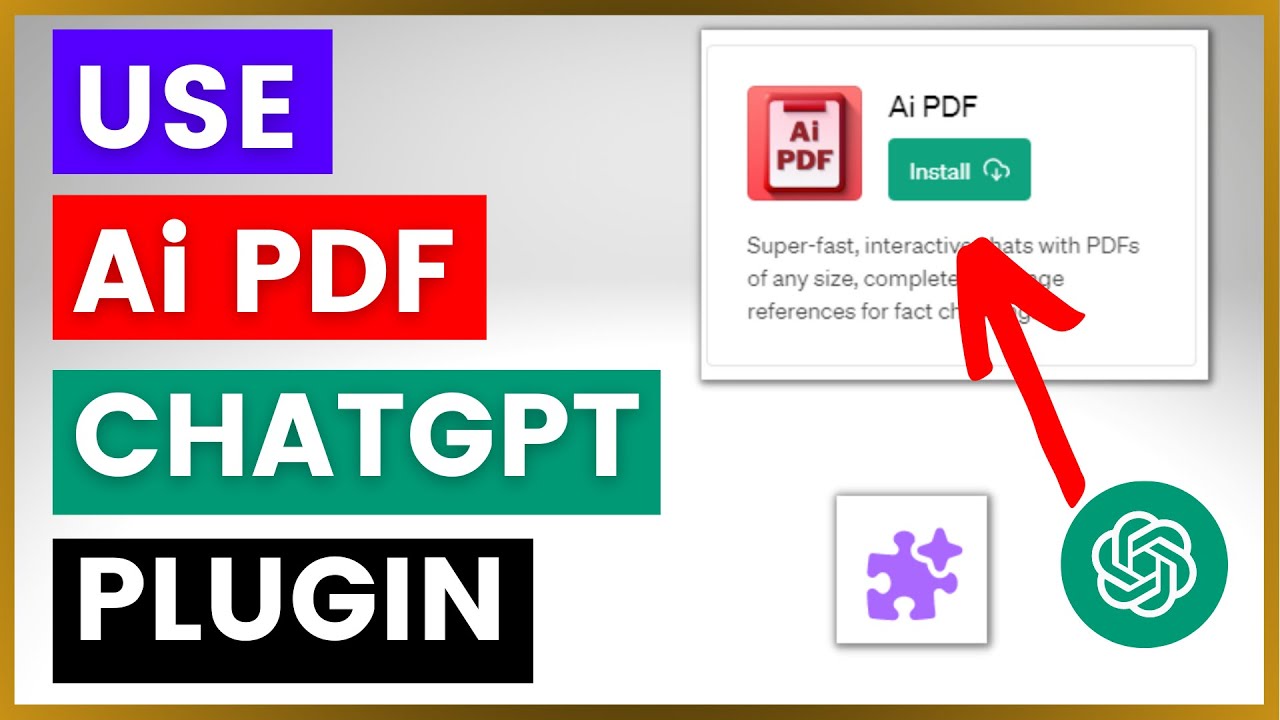
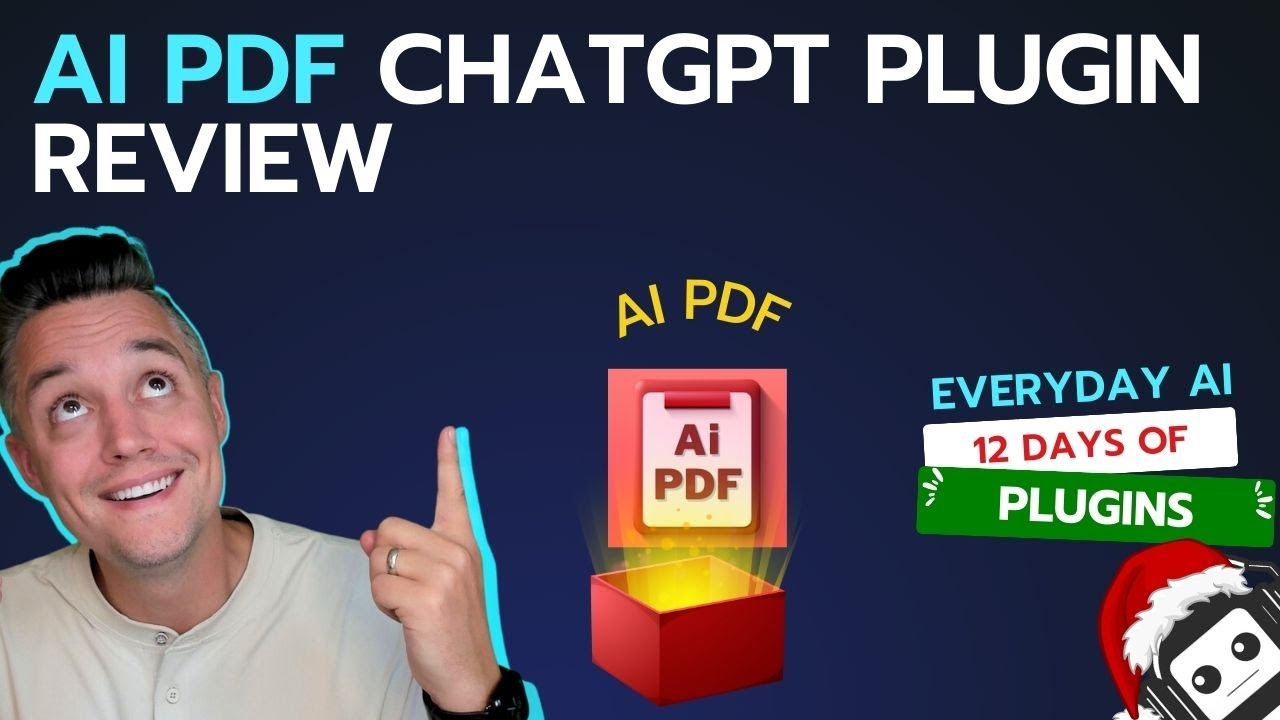
Four curated walkthroughs covering aiPDF chat, document summarization, feature walkthrough and competitor comparison.

aiPDF product image
aiPDF product image
aiPDF product image
aiPDF product image

aiPDF Pricing Plans

aiPDF offers a free plan plus two paid tiers and an enterprise option, with yearly billing saving up to 30%. Prices below are from aiPDF’s official site.

  • Playful: Free — 2 PDF uploads, 550 questions, 35 MB max PDF size, 1 Multi-Document Chat, 50 OCR pages, 1-month save duration
  • Dynamic: $9/month — 120 PDF uploads, 5,500 questions, 50 MB max PDF size, 5 Multi-Document Chats, 500 OCR pages, 6-month save duration
  • Flagship: $19/month — unlimited PDF uploads, unlimited questions, 65 MB max PDF size, unlimited Multi-Document Chats, 3,000 OCR pages, unlimited save duration
  • Enterprise: Custom (contact us) — commercial use rights and unlimited everything

The free plan needs no credit card to start, and annual billing lowers the effective monthly cost. Scanned or image-based PDFs rely on OCR, which is slower than text PDFs.

Top aiPDF Services

aiPDF Pros and Cons

Pros

  • ✅ Chat directly with large PDFs to get instant answers
  • ✅ Handles very long documents and research papers with ease
  • ✅ Accurate citations point back to the exact source pages
  • ✅ Generous free plan to try the core features
  • ✅ Clean, beginner-friendly interface

Cons

  • ❌ Advanced features are locked behind paid tiers
  • ❌ Occasional inaccuracies on very dense or technical PDFs
  • ❌ Limited integrations with other productivity tools
  • ❌ Requires an internet connection to process documents

aiPDF User Review

Below is a verified G2 review from an aiPDF user in the legal research field.

4.5 EASE OF USE
4.1 VALUE FOR MONEY
3.9 CUSTOMER SUPPORT
4.4 FUNCTIONALITY

aiPDF Alternatives

Closest alternatives are ChatPDF (simpler, PDF-only), Humata AI (research-focused with multi-doc querying), AskYourPDF (ChatGPT plugin + standalone), PDF.ai (similar features, smaller page cap), and NotebookLM by Google (free, multi-source, great for students). Pick aiPDF for the 2,000-page cap and page-level citations; pick NotebookLM if you need a completely free option.

AISEO Review

AISEO Review

Best AI Content & SEO Writing Assistant
Explore More
Sintra Review

Sintra Review

Editorial rating: 4.5 / 5 — 12 pre-trained AI helpers in one suite
Explore More
Sider Review

Sider Review

Editorial rating: 4.6 / 5 — 2M+ users worldwide
Explore More
Trinka AI Review

Trinka AI Review

Editorial rating: 4.6 / 5 — AI grammar checker built for academic, technical, scientific & medical writing
Explore More
Julius AI Review

Julius AI Review

Editorial rating: 4.6 / 5 — AI data analyst — upload spreadsheets, get instant charts, insights and Python-grade analysis
Explore More
WriteHuman AI Review

WriteHuman AI Review

Editorial rating: 4.5 / 5 — AI humanizer that bypasses AI detectors and turns ChatGPT/Claude output into natural human writing
Explore More
Originality AI Review

Originality AI Review

Editorial rating: 4.7 / 5

Originality AI is a leading AI content detector and plagiarism scanner designed for content marketers, publishers, and educators. In this Originality AI review by IdealOnlineBusiness.com, we look at its pricing, accuracy, features, and ease of use based on public G2, Trustpilot, and Reddit reviews. Whether you manage a team of writers, vet freelancer submissions, or want to ensure your content stays original, Originality AI offers AI detection, plagiarism, fact-checking, and readability scoring in one platform.

Our analysis of Originality AI AI detection reviews shows the platform is trusted for high accuracy, transparent scoring, and team collaboration. It holds a 4.7/5 rating on G2 across 350+ reviews. Users praise its detection on GPT-4, Claude, and paraphrased AI text, plus the integrated plagiarism checker and team management features. For agencies and publishers serious about content quality, Originality AI is the standard.

Explore More
HIX AI Review

HIX AI Review

Editorial rating: 4.7 / 5

HIX AI is a comprehensive AI writing suite that combines 120+ writing tools, ArticleGPT for long-form blog posts, Humanizer to make AI text undetectable, and AI chat with multi-model access. In this HIX AI review by IdealOnlineBusiness.com, we look at its pricing, features, output quality, and ease of use based on public G2, Trustpilot, and user reviews. Whether you are a blogger, marketer, freelance writer, or student, HIX AI promises faster content creation with high-quality output.

Our analysis of HIX AI AI writing reviews shows the platform is trusted for variety, quality, and the unique Humanizer feature. It holds a 4.7/5 rating on G2 across 1,800+ reviews. Users praise the ArticleGPT, multi-model chat, browser extension, AI detector bypass, and 120+ writing templates. For high-volume content creation across formats, HIX AI is a versatile choice.

Explore More


Voiceflow Review

Voiceflow Review

Editorial rating: 4.4 / 5
Explore More
StealthGPT Review

StealthGPT Review

Editorial rating: 3.6 / 5
Explore More
AI Bypass Review

AI Bypass Review

Editorial rating: 4.6 / 5
Explore More
Easy-Peasy AI Review

Easy-Peasy AI Review

Editorial rating: 4.1 / 5
Explore More
CustomGPT.ai Review

CustomGPT.ai Review

CustomGPT.ai Review – No-Code AI Agents Trained on Your Business Content
Explore More
Mindrift Review

Mindrift Review

Mindrift Review – Earn $15–$100+/hr Training AI as a Remote Subject-Matter Expert · Editorial rating: 3.9 / 5
Explore More
AI/ML API Review

AI/ML API Review

Editorial rating: 4.7 / 5
Explore More
Blaze AI Review

Blaze AI Review

Blaze AI Review – Autopilot Marketing Content That Saves 10+ Hours a Week
Explore More
Autoblogging Review

Autoblogging Review

Editorial rating: 4.0 / 5 — trusted by 40,000+ creators for one-click SEO articles
Explore More
Duckbill Review

Duckbill Review

Editorial rating: 4.7 / 5 — AI + human personal assistant
Explore More
Elephant AI Review

Elephant AI Review

Editorial rating: 4.7 / 5
Explore More
Collect.chat Review

Collect.chat Review

Editorial rating: 4.7 / 5
Explore More
Enviz Review

Enviz Review

Editorial rating: 4.7 / 5
Explore More
PromeAI Review

PromeAI Review

Editorial rating: 4.7 / 5
Explore More
Artisan Review

Artisan Review

Editorial rating: 4.6 / 5
Explore More
CometChat Review

CometChat Review

Editorial rating: 4.6 / 5
Explore More
ChatBot Review

ChatBot Review

Editorial rating: 4.4 / 5
Explore More
WordAi Review

WordAi Review

Editorial rating: 4.3 / 5
Explore More
MyAskAI Review

MyAskAI Review

Editorial rating: 4.8 / 5
Explore More
Magai Review

Magai Review

Editorial rating: 4.7 / 5
Explore More
LongShot AI Review

LongShot AI Review

Editorial rating: 4.6 / 5
Explore More
Grammarly Review

Grammarly Review

Grammarly Review
Explore More
Botpress Review

Botpress Review

Editorial rating: 4.5 / 5
Explore More
Laxis AI Review

Laxis AI Review

Editorial rating: 4.5 / 5
Explore More
Botsify Review

Botsify Review

Editorial rating: 4.5 / 5
Explore More
Blogify Review

Blogify Review

Editorial rating: 4.4 / 5
Explore More
AllImages AI Review

AllImages AI Review

Editorial rating: 4.5 / 5
Explore More
Beautiful AI Review

Beautiful AI Review

4.1
Top Rated Features
  1. Smart Presentation Creation
  2. Advanced Design Optimization
  3. Content Planning with AI
Explore More
Paperpal Review

Paperpal Review

4.3
Top Rated Features
  1. Easy Writing Assistance
  2. Advanced Editing Features
  3. AI-Powered Suggestions
Explore More
Hemingway Review

Hemingway Review

Editorial rating: 4.0 / 5
Top Rated Features
  1. Sentence Structure Suggestions
  2. Passive Voice Detection
  3. Formatting Tools
Explore More
Rytr Review

Rytr Review

4.8
Top Rated Features
  1. AI Writing Assistance
  2. Tone and Style Control
  3. SEO-Friendly Content
Explore More
Chatbase Review

Chatbase Review

4.7
Top Rated Features
  1. Custom Workflows
  2. Easy Integration
  3. Security & Compliance
Explore More
Merlin Review

Merlin Review

4.6
Top Rated Features
  1. AI Automation
  2. Analytics & Insights
  3. Cloud Integration
Explore More
Landbot Review

Landbot Review

4.7
Top Rated Features
  1. Flexible Design
  2. Bot-to-Human Handover
  3. Cost-Effective Automation
Explore More
Phrasly AI Overview

Phrasly AI Overview

4.8
Top Rated Features
  1. Military-Grade AI Detection
  2. Context-Aware Humanization
  3. Plagiarism Safeguard
Explore More
Writesonic Review

Writesonic Review

4.9
Top Rated Features
  1. Blog posts & articles
  2. AI chatbots
  3. AI-generated images
Explore More
TextCortex Overview

TextCortex Overview

4.7
Top Rated Features
  1. AI-Powered Writing Assistant
  2. TextCortex AI Free Trial for New Users
  3. Integrated TextCortex AI Chrome Extension
Explore More
FAQs

aiPDF FAQs

Common questions answered before you sign up.

aiPDF is an AI document assistant that lets you upload PDFs, Word, PowerPoint and other documents and ask questions in plain English. Answers are grounded in the document with clickable page-level citations.

Yes — a free plan lets you chat with documents up to 50 pages with a daily message limit. Paid plans start at $11.99/month for unlimited document length and priority AI models.

Up to 2,000 pages per document on paid plans — among the highest limits of any chat-with-documents tool.

Yes: PDF, DOCX, PPTX, EPUB, RTF, TXT, Markdown and scanned images via OCR.

aiPDF supports 95+ languages including cross-language queries — e.g., ask in English about a Japanese document.

Documents are stored in encrypted EU data centers with GDPR compliance. Paid plans offer zero-retention mode where files are deleted immediately after processing.

Yes — tables can be exported to CSV, Markdown or Excel. Complex multi-page or irregular tables may require manual cleanup.

There is no native mobile app yet — the web interface is mobile-responsive and works on iOS Safari and Android Chrome.

Accuracy is very high for text-based PDFs because answers are grounded in the uploaded content with citations. Accuracy drops for purely visual diagrams or low-quality OCR scans.

Yes — API access is available on higher-tier plans for programmatic document indexing and chat.

⚠️ Affiliate Disclosure: This site contains affiliate links. We may earn a commission when you purchase through our links at no extra cost to you. Results are not typical.