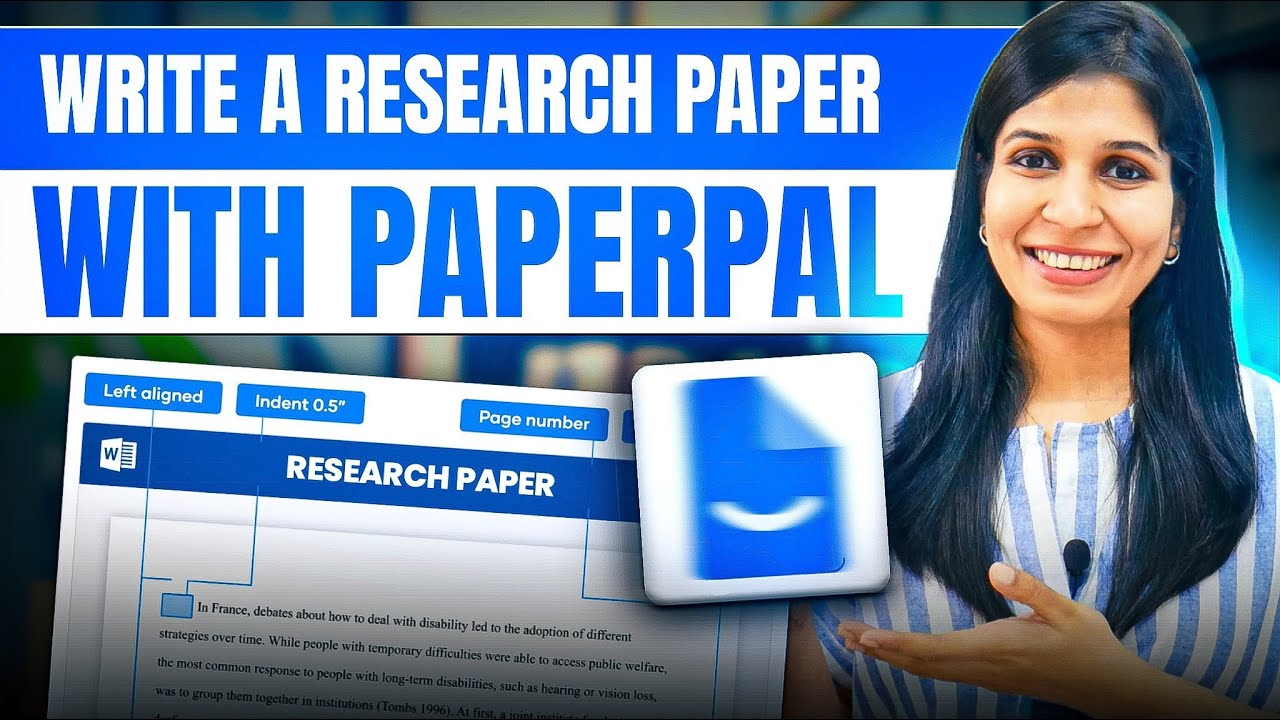
Paperpal makes editing and proofreading simple, even if you’re not a professional editor. You don’t need advanced knowledge to improve your writing. Paperpal review articles highlight how beginners and experienced writers find it intuitive for grammar checks, style improvements, and tone suggestions.
Paperpal allows you to analyze and improve your text in real-time. You can get suggestions for clarity, readability, and style. Users often note in Paperpal review posts how it makes revising documents faster and more efficient.
Paperpal uses AI to provide context-aware recommendations. From grammar corrections to style enhancements, it guides you toward better writing. Many Paperpal review articles emphasize how this feature saves time and reduces writing errors.
Paperpal integrates with popular platforms like Google Docs, Microsoft Word, and browser extensions. This allows seamless editing across tools. Many writers praise Paperpal features in review posts for streamlining workflows and improving productivity.
Paperpal works on all devices, including desktops, tablets, and smartphones. You can edit documents anytime, anywhere. Paperpal review posts often highlight that mobile-friendly tools help users stay productive on the go.
Paperpal includes plagiarism detection tools to ensure your content is original. This feature is highly rated in Paperpal review articles for students, bloggers, and professionals who need accurate content verification.
Paperpal provides detailed suggestions that you can accept or ignore, giving full control over your writing style. Many Paperpal review posts note how customizable feedback helps maintain a personal voice while improving content quality.
Paperpal tutorial videos make learning fast and easy. They show how to edit documents, apply AI suggestions, and check plagiarism efficiently. Beginners can follow step-by-step instructions. Many Paperpal review articles highlight tutorials as a great way to save time and reduce mistakes. Watching Paperpal tutorial videos ensures you fully utilize the platform to improve your writing projects.
Paperpal sells four tiers (Free, Premium, Teams, Institutional), billed monthly or annually with 50% off annual.
Paperpal meters almost everything – grammar edits, plagiarism words, AI detection, paraphrase actions, papers you can chat with. The plan you need depends on which of those limits you hit first. Figures below are from the Paperpal pricing page.
| Plan | Price | Billed annually | Grammar edits | Plagiarism | AI detection | Paraphrase and rewrite | Chat with papers | Library storage |
|---|---|---|---|---|---|---|---|---|
| Free | $0 | – | 200 edits/mo | Lite report | Preview only | 5 per day | 5 files/mo | 300 MB |
| Prime | $6/mo | $72 (usually $144) | 20,000 edits/mo | 10,000 words/mo | 25,000 words/mo | 500 per month | 150 files/mo | 2 GB |
| Pro | $14.50/mo | $174 (usually $348) | Unlimited | 30,000 words/mo | Unlimited | Unlimited | 500 files/mo | 10 GB |
Prime and Pro prices above are the discounted rates Paperpal was advertising at the time of writing – the annual plans normally list at $144 and $348. Check the live page before you buy, because these sale rates come and go. Paperpal also offers a two-year Prime plan at $229 once, working out around $9.54 a month.
For most students the binding constraint is not grammar checking, it is plagiarism and AI-detection words. The free tier gives you a lite plagiarism report and only a preview of AI detection, which is not enough to clear a thesis chapter. Prime at 10,000 plagiarism words a month covers a typical paper comfortably; Pro trebles that to 30,000 and removes the AI-detection cap entirely.
The other thing worth checking before you subscribe is where you actually write. Paperpal runs as an MS Word add-in, a Chrome extension and a Microsoft Edge extension, with the extensions covering Google Docs and Overleaf. If your workflow sits in one of those, the tool follows you there rather than making you paste text into another tab.
Pros
Cons
While making comparison paperpal vs grammarly, Paperpal is known for advanced editing features, AI suggestions, and flexible integrations. Grammarly is beginner-friendly with simple grammar checks. In many Paperpal review posts, it is recommended for professionals and writers needing deeper insights, while Grammarly works well for casual writing or quick corrections. Both are useful, but your choice depends on your writing needs.

Paperpal stands out as a top writing assistant because of its seamless grammar correction, advanced style suggestions, and real-time plagiarism detection, making it more efficient than many alternatives. Its AI-powered insights help writers maintain clarity, tone, and originality effortlessly. In many Paperpal review posts, users highlight these features as major advantages. If you’re exploring other options, consider Grammarly, ProWritingAid, and Hemingway Editor. While Paperpal excels in precision and speed, these alternatives also offer unique features to enhance your writing. Explore some alternative tools to find the perfect fit.
Use the MeDo promo code QBUIAYTT at checkout to take 10% off a paid MeDo plan or credit pack. It is a partner code issued to IdealOnlineBusiness.com.

Originality AI is a leading AI content detector and plagiarism scanner designed for content marketers, publishers, and educators. In this Originality AI review by IdealOnlineBusiness.com, we look at its pricing, accuracy, features, and ease of use based on public G2, Trustpilot, and Reddit reviews. Whether you manage a team of writers, vet freelancer submissions, or want to ensure your content stays original, Originality AI offers AI detection, plagiarism, fact-checking, and readability scoring in one platform.
Our analysis of Originality AI AI detection reviews shows the platform is trusted for high accuracy, transparent scoring, and team collaboration. It holds a 4.7/5 rating on G2 across 350+ reviews. Users praise its detection on GPT-4, Claude, and paraphrased AI text, plus the integrated plagiarism checker and team management features. For agencies and publishers serious about content quality, Originality AI is the standard.
Explore More
HIX AI is a comprehensive AI writing suite that combines 120+ writing tools, ArticleGPT for long-form blog posts, Humanizer to make AI text undetectable, and AI chat with multi-model access. In this HIX AI review by IdealOnlineBusiness.com, we look at its pricing, features, output quality, and ease of use based on public G2, Trustpilot, and user reviews. Whether you are a blogger, marketer, freelance writer, or student, HIX AI promises faster content creation with high-quality output.
Our analysis of HIX AI AI writing reviews shows the platform is trusted for variety, quality, and the unique Humanizer feature. It holds a 4.7/5 rating on G2 across 1,800+ reviews. Users praise the ArticleGPT, multi-model chat, browser extension, AI detector bypass, and 120+ writing templates. For high-volume content creation across formats, HIX AI is a versatile choice.
Explore More








If you are thinking about using Paperpal, you probably have many questions. From Paperpal pricing to features and comparisons like Paperpal vs Grammarly, this Paperpal review and guide from Idealonlinebusiness answer all your queries.
⚠️ Affiliate Disclosure: This site contains affiliate links. We may earn a commission when you purchase through our links at no extra cost to you. Results are not typical.