TextCortex AI is a powerful writing assistant built to help users create high-quality content using artificial intelligence. At IdealOnlineBusiness.com, we have conducted a detailed TextCortex review to help writers, SEO experts, and bloggers evaluate how this AI tool performs in real scenarios. Our platform serves as a comprehensive hub for digital entrepreneurs, offering expert analysis on the latest software to ensure you always have the best tools in your marketing arsenal.
The platform comes with a TextCortex AI free trial for new users to test the tool before purchasing. With features like the TextCortex AI Chrome extension and collaborative support, it suits various user needs. The platform’s popularity is growing among bloggers, digital marketers, and content creators who seek speed and accuracy in their workflow. This detailed TextCortex review explains its core functionality, the range of TextCortex AI features, pricing options, and the benefits for different user types including writers and SEO professionals.
| Pros | Cons |
|---|---|
| Truly Personal AI: Unlike generic bots, ZenoChat learns your specific voice, making your writing sound like a human, not a machine. | Tight Daily Limits: The free version is a bit stingy with daily creations, which can be frustrating if you’re on a roll. |
| Knowledge Sharing: You can feed it your own PDFs and notes so it answers questions based on your data, not just the random internet. | Feature Overload: Because it can do so much, it takes a little while to find where everything is and set up your preferences. |
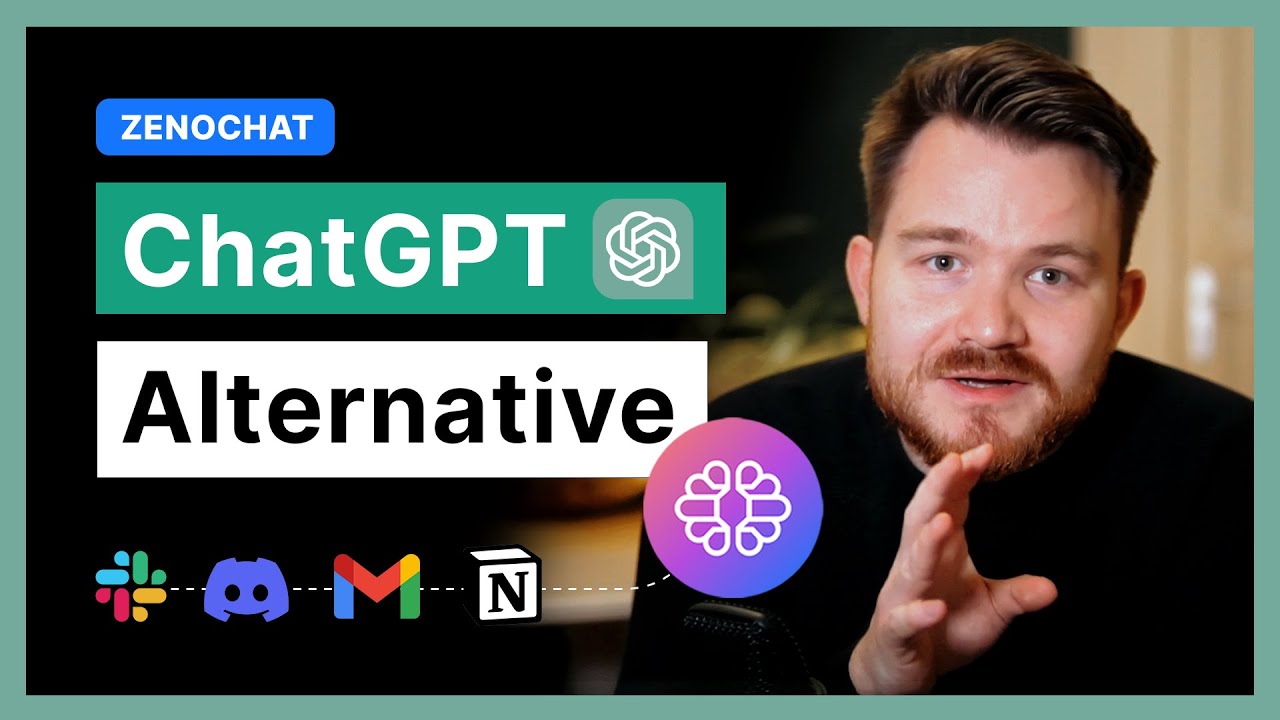
| Works Where You Do: The browser extension is a lifesaver—it follows you to Gmail, Notion, and LinkedIn so you don’t have to keep switching tabs. | Can Get in the Way: Occasionally, the extension bubble might overlap with buttons on certain websites, which can be a bit annoying. |
| Custom Personas: You can create “digital versions” of yourself—one for professional emails and one for casual social media posts. | Stops Mid-Sentence: For very long articles, it sometimes cuts off or needs a nudge to keep going, which breaks the flow. |
| Magic Bullet-to-Email: Just jot down a few messy bullet points and it turns them into a polished, professional email in seconds. | Pricey for Starters: While powerful, the cost of the unlimited plan might feel like a big jump for casual hobbyists or beginners. |
| Global Communicator: It handles over 25 languages naturally, making it great for translating or writing for an international audience. | Always Online: You can’t use its features offline, so you’re stuck if your internet connection is acting up. |
TextCortex AI helps users generate blog posts, emails, website copy, and social content using smart text prediction and content expansion tools. It’s ideal for creating high volume content with better structure and tone.
The platform offers a TextCortex AI free trial, allowing users to test core features like rewriting, summarizing, and idea generation. It’s a great way to explore the tool before subscribing.
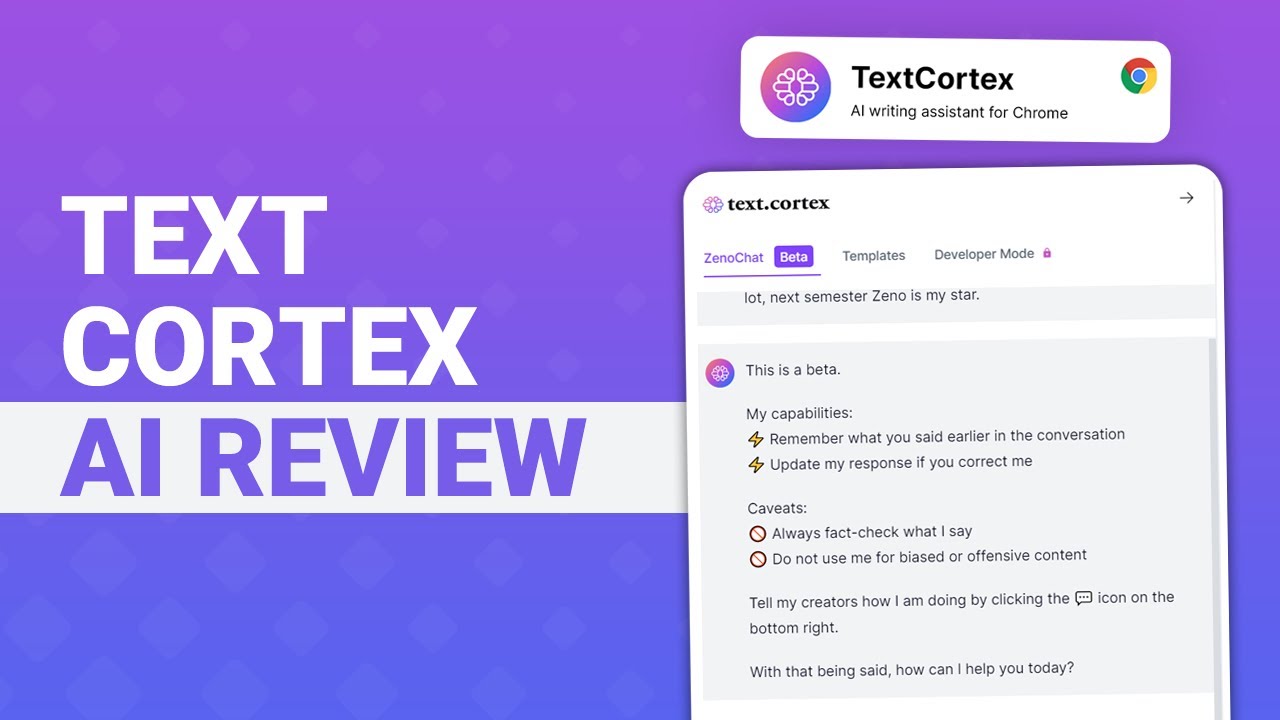
The Chrome extension allows users to access TextCortex features directly in Gmail, Google Docs, WordPress, and more. It provides AI assistance while writing on third-party websites.
TextCortex AI supports more than 20 languages, making it accessible for global users. Writers can translate or create content in their native language with natural fluency.
The tool comes with pre-built templates for different content types like product descriptions, cold emails, Instagram captions, and long-form articles. Each template is optimized for clarity and tone.
Users can rephrase entire paragraphs or sentences using various tone options. This helps with plagiarism-free rewriting, SEO optimization, and improving readability. However, great text needs to be paired with high-quality visuals to truly engage readers; reading this Stencil review will show you how to quickly create stunning social media graphics and blog images that complement your polished content.
All content created is saved in a web-based dashboard. Users can log in and manage their writing projects from any device with internet access—no software installation required.
TextCortex provides tutorial videos, a help center, and user community access. New users in the TextCortex AI free trial also receive onboarding guidance and writing tips.
TextCortex AI is loaded with practical tools that assist at every step of the writing process. The features are available across both the online platform and the TextCortex AI Chrome extension. Whether you’re rewriting, expanding, summarizing, or creating from scratch, the platform ensures consistent content quality and tone.
TextCortex offers useful video tutorials for every major feature. Whether you’re starting with the TextCortex AI demo or exploring detailed walkthroughs, the dashboard provides built-in access to guides. These tutorials explain how to use the TextCortex AI tool for different types of content like email, blog posts, and marketing copy.
The TextCortex AI tutorial videos are short and beginner-friendly. Each module includes instructions on using the TextCortex AI Chrome extension, managing tone settings, generating SEO content, and organizing projects. Even the free trial users get access to most of these tutorials to better understand the tool’s potential.
TextCortex AI is not just a writing tool. It also includes helpful services that make it easier for users to scale content production efficiently. TextCortex AI provides versatile services including content creation, rewriting, and summarizing. With built-in TextCortex AI support, even new users can navigate tools efficiently. The TextCortex AI tutorial hub helps users explore TextCortex AI for SEO, TextCortex AI for bloggers, and TextCortex AI for writing. Its Chrome extension brings these services directly into your browser. The TextCortex AI demo allows hands-on experience before upgrading. Many TextCortex review entries highlight these features for their simplicity and usefulness. Whether you need writing help or keyword suggestions, TextCortex AI features make the process seamless.
Read more: Writesonic review | Rytr review | HIX AI review | Merlin review
TextCortex AI keeps pricing flexible with a free plan and affordable paid tiers, so you can start small and scale as your content needs grow. Annual billing brings the biggest savings.
Free: a set number of daily creations with access to the core rewriting, expansion, and AI writing tools plus the browser extension. Great for testing the platform.
Premium: from $5.59/month billed yearly (or $6.99/month billed monthly), with tiered options for 150, 500, or 1,000 recurring creations per month, plus knowledge bases, custom agents, templates, and storage. Best for writers, bloggers, and marketers.
Unlimited: from $83.99/month billed yearly (or $119.99/month billed monthly), with unlimited creations, unlimited custom agents, and unlimited knowledge bases. Built for power users and heavy content teams.
Enterprise: custom pricing with SSO, governance controls, collaboration, and priority support for larger teams.
Pros:
Cons:

While TextCortex AI offers a complete set of tools for content creation, users may want to explore other platforms based on pricing, features, or specific writing needs. Some alternatives focus more on grammar, while others specialize in long-form or marketing copy. This section highlights top TextCortex AI alternatives and how they compare in terms of functionality, usability, and overall value for content creators and digital marketers.

Use the MeDo promo code QBUIAYTT at checkout to take 10% off a paid MeDo plan or credit pack. It is a partner code issued to IdealOnlineBusiness.com.

Originality AI is a leading AI content detector and plagiarism scanner designed for content marketers, publishers, and educators. In this Originality AI review by IdealOnlineBusiness.com, we look at its pricing, accuracy, features, and ease of use based on public G2, Trustpilot, and Reddit reviews. Whether you manage a team of writers, vet freelancer submissions, or want to ensure your content stays original, Originality AI offers AI detection, plagiarism, fact-checking, and readability scoring in one platform.
Our analysis of Originality AI AI detection reviews shows the platform is trusted for high accuracy, transparent scoring, and team collaboration. It holds a 4.7/5 rating on G2 across 350+ reviews. Users praise its detection on GPT-4, Claude, and paraphrased AI text, plus the integrated plagiarism checker and team management features. For agencies and publishers serious about content quality, Originality AI is the standard.
Explore More
HIX AI is a comprehensive AI writing suite that combines 120+ writing tools, ArticleGPT for long-form blog posts, Humanizer to make AI text undetectable, and AI chat with multi-model access. In this HIX AI review by IdealOnlineBusiness.com, we look at its pricing, features, output quality, and ease of use based on public G2, Trustpilot, and user reviews. Whether you are a blogger, marketer, freelance writer, or student, HIX AI promises faster content creation with high-quality output.
Our analysis of HIX AI AI writing reviews shows the platform is trusted for variety, quality, and the unique Humanizer feature. It holds a 4.7/5 rating on G2 across 1,800+ reviews. Users praise the ArticleGPT, multi-model chat, browser extension, AI detector bypass, and 120+ writing templates. For high-volume content creation across formats, HIX AI is a versatile choice.
Explore More









Looking to understand what makes Text Cortex unique? This FAQ introduction will help you get a clearer picture based on real TextCortex review insights, the AI features, pricing details like TextCortex ai pricing, and the free trial experience. Whether you’re curious about the TextCortex ai chrome extension, AI tool benefits, or how it supports bloggers, SEO writing, and general content creation, you’ll find the essentials here before diving deeper.
⚠️ Affiliate Disclosure: This site contains affiliate links. We may earn a commission when you purchase through our links at no extra cost to you. Results are not typical.