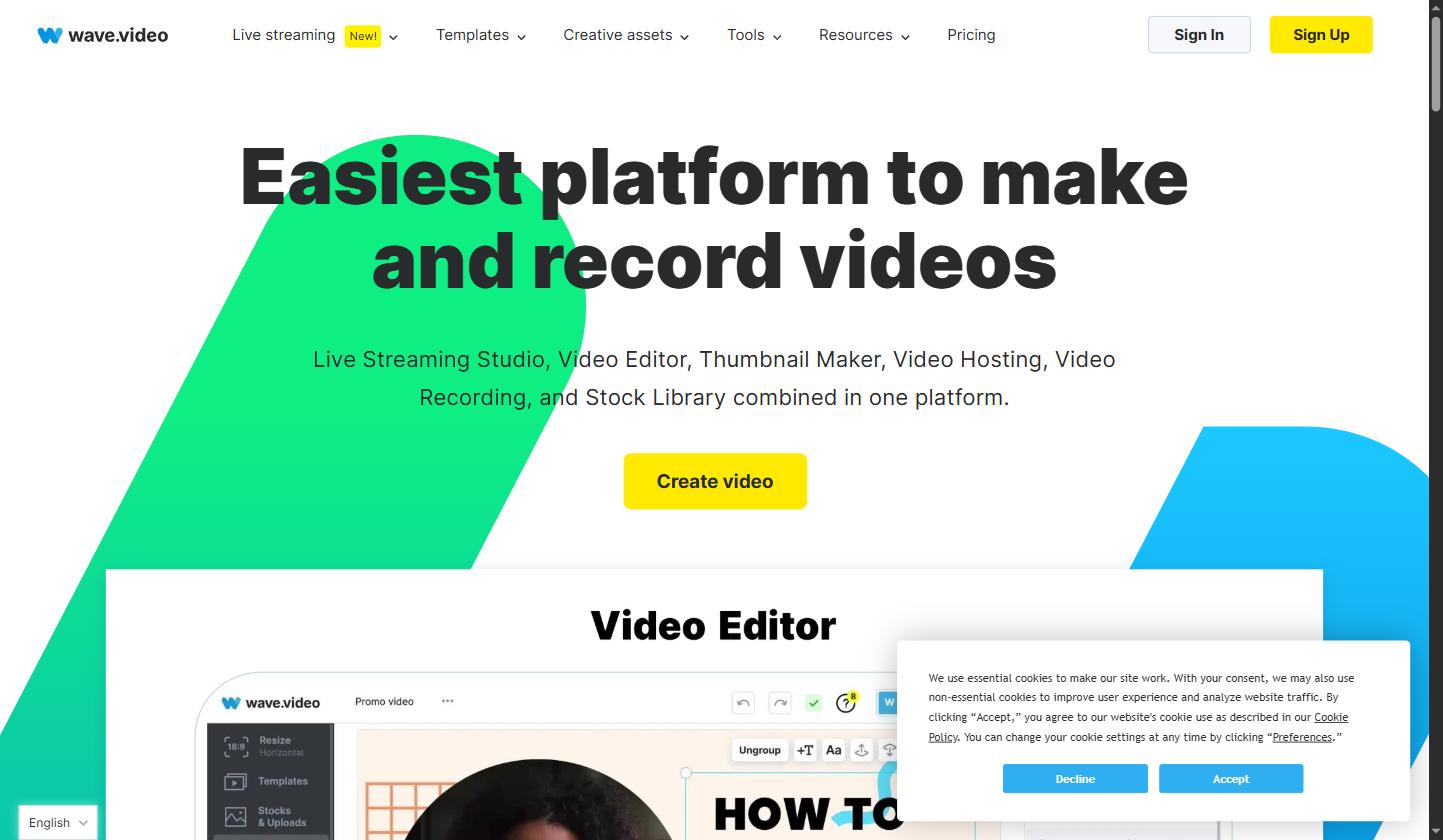
The WeVideo online video editor makes video creation easy with drag-and-drop functionality, multi-layer timelines, and effortless media integration, allowing beginners and pros alike to craft high-quality videos quickly and creatively. Any WeVideo review would highlight how intuitive these tools are.
With WeVideo for education, classrooms can produce creative multimedia projects, engage in interactive lesson activities, and collaborate on video assignments, boosting both students’ digital skills and teamwork abilities. This WeVideo review confirms its value for schools and institutions.
Our review highlights how WeVideo’s intuitive layout allows beginners to edit videos easily while providing advanced features for professionals, ensuring both casual creators and experienced editors can work efficiently.
The platform’s cloud-based tools enable teams, educators, and students to share, edit, and manage projects in real time, streamlining workflows and improving collaboration across devices.
WeVideo offers excellent value through its cloud tools, templates, and educational features. Combined with a free trial and flexible pricing, it remains a reliable solution for diverse video editing needs.
WeVideo offers an extensive collection of video guides and tutorials to help users of all skill levels make the most of its platform. These resources cover everything from basic editing techniques to advanced features like multi-track timelines, cloud collaboration, and media integration. Whether you’re a beginner learning to navigate the WeVideo online video editor or an educator creating interactive lessons, these tutorials provide step-by-step instructions, tips, and best practices. With clear guidance, users can quickly create professional-quality videos efficiently. These guides ensure every project achieves professional results efficiently.
WeVideo is a cloud-based video creation platform offering a full suite of editing and collaboration tools for creators, teams, and education.
WeVideo offers simple, transparent pricing for individuals, small businesses and education, with a free trial and savings of up to 30% on annual plans. Its current plans on wevideo.com are:
Creator – $20/month, billed annually at $240/year. Full-scale editing tools with unlimited storage and publishing time, 1M+ stock assets, the full video editing suite, screen recording, premium effects, brand management and 4K Ultra HD resolution.
Teams (for teams of 3 or fewer) – $52/month, billed annually at $624. Everything in Creator plus the ability to create your own templates, collaborate in real time, and share projects and assets.
Enterprise – custom pricing (talk to WeVideo); video editing solutions that scale for large teams. WeVideo also offers separate Education plans for schools and higher-ed institutions.
This WeVideo review highlights the pros and cons of WeVideo as a cloud-based video editing platform. Pros include an intuitive interface, cross-device editing, cloud storage, and collaboration tools. Cons involve limited advanced editing features compared to professional software and watermarking on lower-tier plans. Overall, this WeVideo review shows it’s ideal for beginners, educators, and small teams needing accessible video editing.
In this WeVideo review, the WeVideo vs Adobe Premiere Rush comparison helps users choose the right video editing platform. WeVideo focuses on cloud-based collaboration, easy editing, and affordable pricing, while Premiere Rush offers more advanced offline editing tools and tighter Adobe ecosystem integration. According to this WeVideo plans comparison, WeVideo is better for collaborative and cross-device workflows, whereas Premiere Rush suits users seeking professional-grade offline editing.

If you’re still deciding, this WeVideo review and WeVideo plans comparison show that exploring these WeVideo alternatives can help you make an informed choice. Each platform provides unique video editing features, collaboration tools, and pricing options to meet different needs.

1.Smart Video Creation
2.Advanced Video Optimization
3.AI Video Assistance
Explore More



This FAQ section addresses common questions about WeVideo, including its features, pricing, free trial, and safety, helping creators, educators, and businesses make proper decisions about using this online video editor or purchasing a plan.
⚠️ Affiliate Disclosure: This site contains affiliate links. We may earn a commission when you purchase through our links at no extra cost to you. Results are not typical.