⚠️ Affiliate Disclosure: This page contains affiliate links. We may earn a commission at no extra cost to you. This does not influence our reviews. Read full disclosure →

Streamlabs Review

icon01

Streamlabs Review

Rated 4.4/5 on G2 — Used by over 8M streamers worldwide

Streamlabs Overview

Streamlabs is the most popular all-in-one live-streaming platform built for creators on Twitch, YouTube, Kick, TikTok and 30+ destinations. The free Streamlabs Desktop app (built on OBS) gives you scenes, sources, alerts, chat, donations and stream labs — everything you need to broadcast professional streams without writing a single line of code. The paid Streamlabs Ultra subscription unlocks multistreaming, 10,000+ premium overlays and themes, AI tools like Intelligent Streaming Agent, the watermark-free Cross Clip generator, Video Editor Pro and Talk Studio Pro for browser-based streaming. With apps for desktop, mobile, console and web, Streamlabs serves over 8 million creators worldwide and is consistently rated 4.4/5 on G2.

Streamlabs Desktop (OBS-based)

Custom-built streaming software based on OBS Studio with a simplified UI, scene templates, and zero-config Twitch/YouTube/Kick/TikTok integrations.

Multistream to Multiple Platforms

Stream simultaneously to Twitch, YouTube, Kick, TikTok, Facebook, and X/Twitter from one PC — Ultra tier required, no extra encoding setup.

10,000+ Overlays & Themes

Massive overlay marketplace — animated alerts, donation goals, follow tickers, sub trains, leaderboards — including paid premium themes.

Alerts, Tips & Donations

Built-in donation collection (low fees), tip jar widgets, alert customization, and integrated payouts via Streamlabs Charity for non-profits.

AI Tools: Intelligent Editor + Highlights

Auto-clip your best moments with AI, auto-edit VODs into TikTok/Reels, and generate captions — all built into the Streamlabs ecosystem.

Cross Clip

Convert horizontal Twitch / YouTube clips into vertical TikTok/Reels/Shorts with auto-captions and aspect-ratio AI cropping.

Talk Studio (Browser Streaming)

Browser-based streaming studio for podcasts, interviews, guest streams — Riverside / StreamYard-style remote video without installing software.

Mobile Streaming Apps

Native iOS and Android Streamlabs apps for streaming from a phone with overlays, alerts, and chat overlay support.

Streamlabs Features – What You Get?

Streamlabs bundles a streaming app, overlay marketplace, AI editing, and creator monetization into one ecosystem.

  • Streamlabs Desktop streaming software.
  • Multistream to multiple platforms.
  • 10,000+ overlays and themes.
  • Alerts, tips, donations with low fees.
  • AI Intelligent Editor + Auto-Highlights.
  • Cross Clip horizontal-to-vertical converter.
  • Talk Studio browser streaming.
  • Native iOS + Android apps.

Video Guides and Tutorials

Watch real Streamlabs tutorials covering Desktop setup, overlays, multistream, and AI tools.

Streamlabs Desktop Tutorial 2026
How to Install Streamlabs on Windows
Getting Started with Streamlabs Desktop
Streamlabs OBS Tutorial in 9 Minutes

Top Streamlabs Services

Streamlabs gives creators an all-in-one toolkit for going live. Beyond the free Streamlabs Desktop and mobile apps, it bundles streaming, monetization, moderation and content-repurposing tools — from alerts and overlays to multistreaming, clipping and editing — so streamers and podcasters can run their whole workflow in one ecosystem.

Streamlabs Price Plans

Streamlabs follows a freemium model: the core Streamlabs Desktop and mobile apps are free, while Streamlabs Ultra unlocks all premium features. Prices below are current rates from streamlabs.com/ultra.

Plan Price Best For
Free $0 forever Solo streamers using single-platform streaming + basic overlays
Streamlabs Ultra (Monthly) $27 / month Creators wanting multistream, AI tools & premium overlays
Streamlabs Ultra (Annual) $189 / year (~$15.75/mo) Committed streamers saving vs. monthly billing
Student Discount 50% off Ultra (with valid .edu) Students using code STUDENT

Pros and Cons of Streamlabs

Pros

  • ✅ All-in-one creator suite — software + overlays + AI + payouts
  • ✅ Multistream simulcast across major platforms
  • ✅ Generous free plan with core features
  • ✅ Cross Clip is excellent for repurposing content
  • ✅ Mobile apps for phone-only streaming
  • ✅ Massive overlay and theme marketplace

Cons

  • ❌ Streamlabs Desktop can be heavier on CPU than vanilla OBS
  • ❌ Some streamers prefer the open-source OBS Studio purity
  • ❌ Multistream and AI features locked behind Ultra tier
  • ❌ Donations carry small payout fees (still lower than competitors)

What real users say

On YouTube creator forums and the Twitch broadcaster community, Streamlabs is consistently called the easiest path to a polished stream for beginners. Critiques typically focus on Desktop being heavier than vanilla OBS for low-spec PCs. Power users often run vanilla OBS for ingest and Streamlabs Cloudbot for alerts.

Pros: 100% free core software, 10,000+ overlays, multistream to 30+ platforms, AI tools, used by 8M+ creators
Cons: Higher CPU usage than vanilla OBS, premium features locked behind $27/mo Ultra subscription
Verdict: Best all-in-one streaming suite for creators on Twitch, YouTube, Kick, TikTok — free tier is plenty for most
Marcus T. Twitch Affiliate · Variety streamer
May 2026

Streamlabs Desktop completely replaced my OBS setup. The overlay library alone is worth Ultra — I went from 2 hours of design work to clicking one button. Multistreaming to YouTube + Twitch boosted my growth by 40% in three months.

Ease of Setup
Feature Richness
Value for Money
Multistreaming
Sofia R. YouTube Creator · 250K subs
April 2026

Cross Clip Pro is the killer feature for me. I record long-form streams, drop them into Cross Clip, and it auto-generates vertical clips for TikTok and Shorts. Saves me 5+ hours of editing per week. Wish Ultra was a bit cheaper monthly though.

Editor Speed
Mobile App
Customer Support
Clip Tools
Jordan K. Esports caster · Full-time streamer
March 2026

The Intelligent Streaming Agent is genuinely smart — it adjusts encoding settings on the fly when my internet wobbles. Multistream to Kick + Twitch + YouTube works flawlessly. Best $189 I spend each year on my streaming business.

Stream Stability
Premium Themes
Overall Quality
Reliability

Top Streamlabs Alternatives

Looking at alternatives to Streamlabs? The leading streaming software and creator tools are:

Hohem Review

Hohem Review

AI-Powered Smartphone & Camera Gimbal Stabilizers for Creators
Explore More
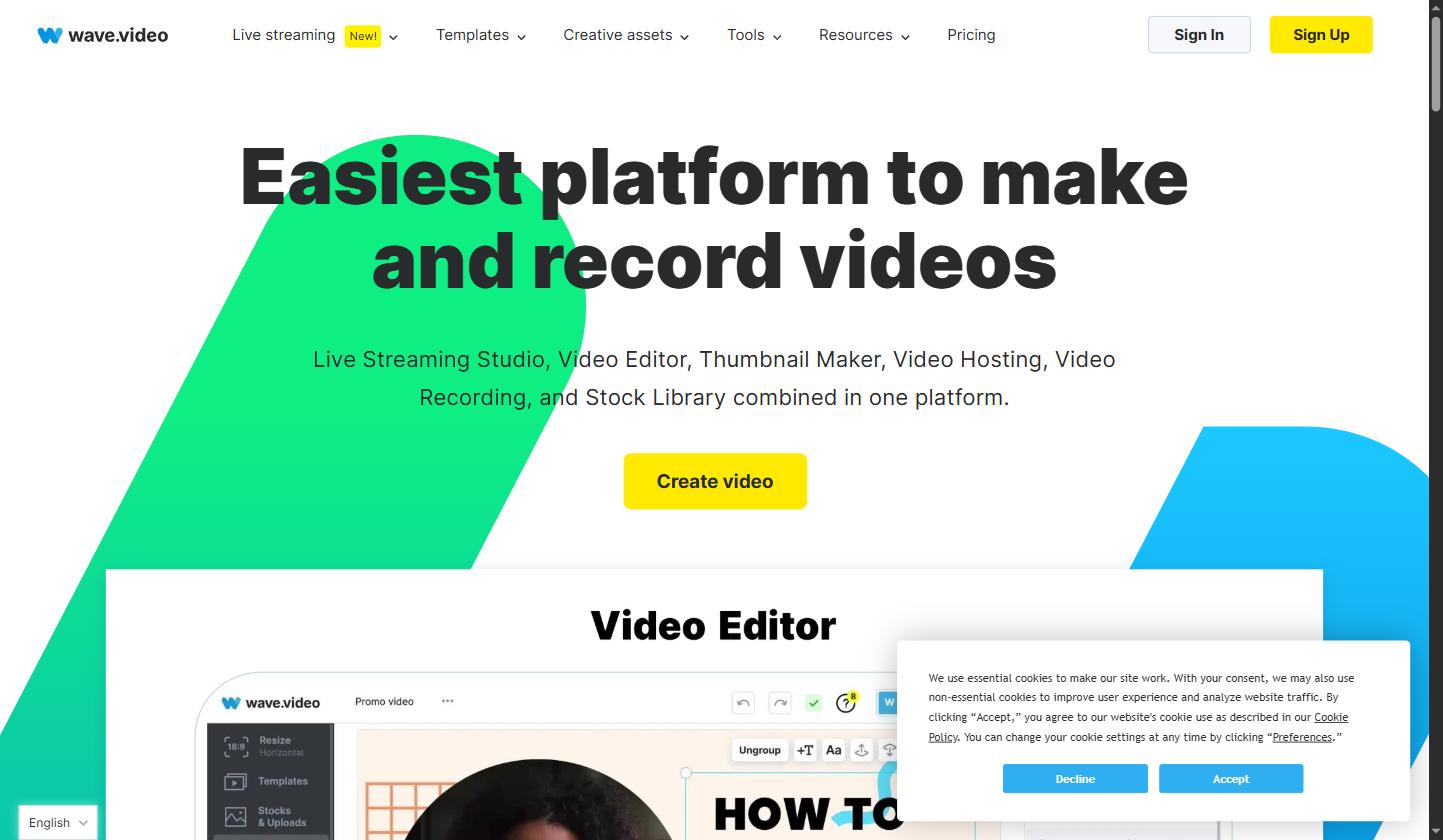
Wave.video Review

Wave.video Review

4.5 (1,200+ reviews) on G2 & Trustpilot
Explore More
Animoto Review

Animoto Review

4.6 (2,901)
Top Rated Features

1.Smart Video Creation
2.Advanced Video Optimization
3.AI Video Assistance


Explore More

WeVideo Review

WeVideo Review

4.6 (2,1124)
Top Rated Features
  1. Mobile-Friendly Video Editing
  2. Flexible Subscription Plans
  3. Suitable for Educational Projects
Explore More
InVideo Review

InVideo Review

4.8 (2,721)
Top Rated Features
  1. AI-Powered Editing
  2. Template Library
  3. Text-to-Speech Options
Explore More
Zubtitle Review

Zubtitle Review

4.8 (2,448)
Top Rated Features
  1. Subtitles Video
  2. Video Resizing
  3. Video Trimming
Explore More
Stencil Review

Stencil Review

4.6 (2,750)
Top Rated Features
  1. Free Stock Photography
  2. Google Fonts
  3. Chrome Extension
Explore More
FAQs

Streamlabs Frequently Asked Questions

Is Streamlabs free?

Yes — Streamlabs offers a free tier with the core Desktop app, basic overlays, alerts, and single-platform streaming. Streamlabs Ultra ($19/month or $149/year) unlocks multistream and AI tools.

Is Streamlabs the same as OBS?

Streamlabs Desktop is built on top of OBS Studio with a simplified UI, integrated overlays, alerts, and donation tools. Vanilla OBS Studio is free, open-source, and lighter on CPU but lacks the integrated creator suite.

Can I multistream with Streamlabs?

Yes — Streamlabs Ultra includes multistream to Twitch, YouTube, Kick, TikTok, Facebook, and X/Twitter simultaneously from one PC.

How much does Streamlabs Ultra cost?

Streamlabs Ultra is $19/month or $149/year (a ~35% discount on annual). Streamlabs Charity is free for verified non-profits.

Does Streamlabs work on Mac?

Yes — Streamlabs Desktop is available for both Windows and macOS, plus iOS and Android mobile streaming apps.

Can I collect donations with Streamlabs?

Yes — Streamlabs has built-in donation collection (Streamlabs Tips) with low fees. Streamlabs Charity is fee-free for non-profits.

Yes — Streamlabs Desktop and the Streamlabs mobile/console apps are 100% free forever. Streamlabs Ultra ($27/mo or $189/yr) is the optional premium subscription that unlocks multistreaming, premium overlays, AI tools and watermark-free editing.

Streamlabs Ultra is $27/month or $189/year (billed annually). The annual plan works out to $15.75/month — a $135 saving vs. monthly billing. Students with a .edu email get 50% off with code STUDENT.

Streamlabs Desktop is built on top of OBS and adds a friendlier UI, integrated alerts, donations, chat, AI tools and 10,000+ overlay templates out of the box. OBS is leaner and lighter; Streamlabs is faster to set up but uses more system resources.

No — Streamlabs Charity is 100% fee-free. For standard donations and tips, Streamlabs only charges payment-processor fees (Stripe/PayPal), with no additional Streamlabs cut.

Yes — multistreaming is a core Ultra feature. You can broadcast to Twitch, YouTube, Kick, TikTok, Facebook Gaming and 30+ destinations simultaneously without third-party services like Restream.

Yes — Streamlabs is a Logitech-owned company (acquired in 2019) used by 8+ million creators. It is well-established, regularly audited and integrates with all major streaming platforms via their official APIs.

⚠️ Affiliate Disclosure: This site contains affiliate links. We may earn a commission when you purchase through our links at no extra cost to you. Results are not typical.