Restream is a multistreaming and live studio for creators and brands that helps creators, brands and businesses go live to every major platform from one browser studio. In this Restream review by IdealOnlineBusiness.com, we look at its pricing, real user feedback, standout features and how it stacks up against StreamYard, OBS Studio and other alternatives.
Our analysis of Restream reviews shows the platform is widely trusted for reliability and ease of use. It has public reviews across the major review sites, though we have not independently verified a current aggregate score and so do not quote one. Customers consistently call out the multistream stability and the clean Studio interface.
Restream sends a single live stream to more than 30 destinations simultaneously — YouTube, Twitch, X, Facebook, LinkedIn, TikTok, Kick and custom RTMP. You upload once from OBS or the Restream browser studio and your broadcast fans out without chewing uplink bandwidth.
Restream Studio is a browser-based production suite with camera and screen sharing, layouts, lower thirds and guest invites. You can run a full show from a Chrome tab without installing OBS or Streamlabs — handy for guest hosts on low-end laptops.
Invite up to nine guests via a link for a talk-show style multi-cam broadcast, with per-guest audio, video and layout controls. Latency is low enough that the conversation feels live on air rather than like a video call.
Chat Aggregator pools comments from every destination into one feed, so you can reply in YouTube chat and Twitch at once without switching tabs. Mod tools, message pinning and name highlights work across platforms from a single UI.
Every stream is recorded to Restream cloud storage in up to 1080p, with the option to download MP4s of each platform’s simulcast separately. It is the fastest way to grab a clean recording of last night’s show without a local OBS save.
Scene and overlay builders let you design branded starting-soon screens, intermission cards and live-show graphics in the Studio. Assets load directly from your browser rather than juggling local PNGs in OBS scenes.
Upload a pre-recorded MP4 and schedule it to go out as a ‘live’ premiere across platforms at a set time. Restream’s pre-recorded live is useful for evergreen webinars or training content that looks native on each platform’s live feed.
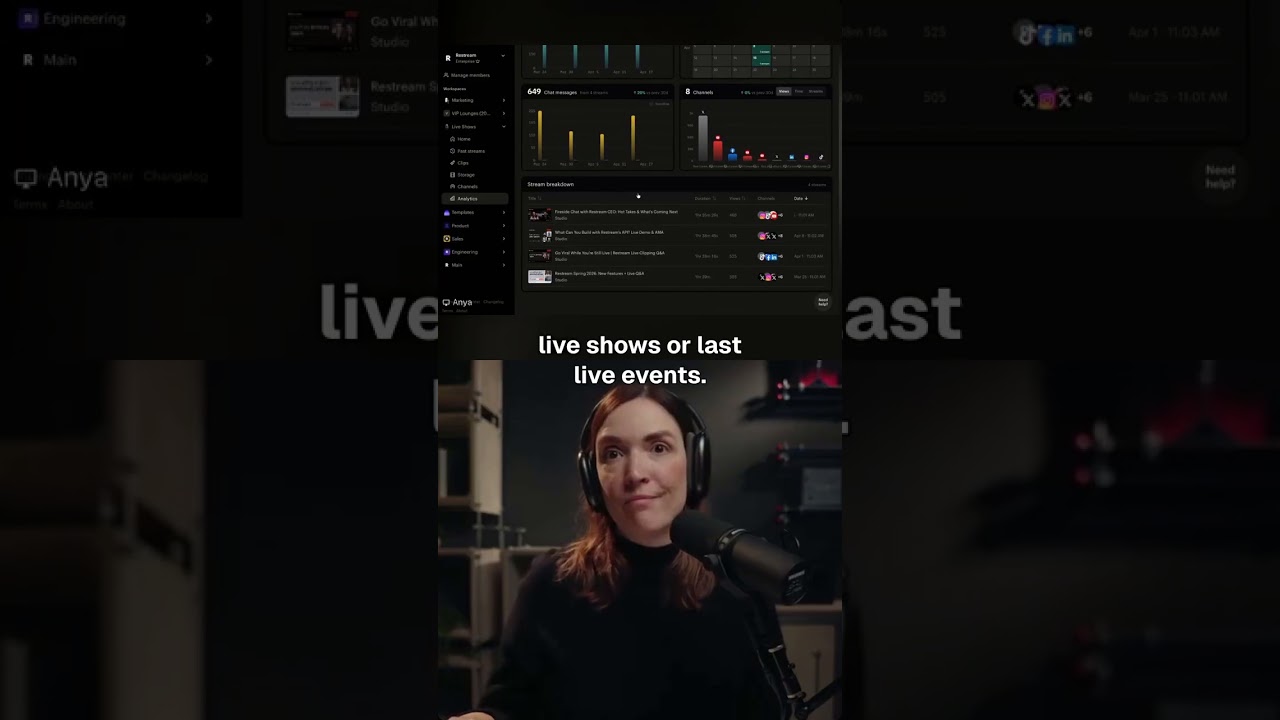
Analytics aggregate views, peak viewers, chat activity and new followers from every destination into one dashboard per stream. You see which platform is actually moving the audience needle without manually pulling three Creator Studio tabs.
Restream packages everything live streamers need into a focused browser-based workspace.
What sets Restream apart from competitors like StreamYard and OBS Studio is the combination of multistreaming, browser studio and cloud encoding all in one place.
If you prefer to learn by watching, Restream has tutorials on YouTube including the official channel and independent creators.
Restream offers four tiers (including a free plan) for multistreaming, browser-based studio, and recording. Annual billing saves 16-20% versus monthly, and additional team seats cost $25/month each on all paid plans.
Restream Events (used to host one-off webinars or large streams) is sold as separate one-time packages starting at $99 for 6-hour single events. Additional team seats are $25/month per seat across paid plans, and you can cancel or downgrade anytime.
Across G2 and Capterra, Restream earns consistently positive reviews. We have not verified a current aggregate score, so we do not quote one. Reviewers highlight reliability and the Studio UI.
The most common Restream alternatives include StreamYard, OBS Studio, Castr, Switchboard Live and Riverside.

1.Smart Video Creation
2.Advanced Video Optimization
3.AI Video Assistance
Explore More




Below are common questions about Restream, answered using publicly available information.
⚠️ Affiliate Disclosure: This site contains affiliate links. We may earn a commission when you purchase through our links at no extra cost to you. Results are not typical.