Service Fusion is an all-in-one field service management platform built for HVAC, plumbing, electrical, appliance repair, and other home-service contractors. In this Service Fusion review by IdealOnlineBusiness.com, we look at how the software bundles scheduling, dispatching, customer management, estimates, invoicing, payments, and GPS fleet tracking into a single workspace that field teams can run from the office or the truck. The platform is designed for small and mid-sized service businesses that need to leave paper job tickets behind without paying enterprise prices for tools like ServiceTitan.
What sets Service Fusion apart is the unlimited-user pricing model and the depth of features included in even the entry-level plan. Customers consistently call out the dispatch board, the QuickBooks integration, and responsive support as the reasons they stick with the platform long term. Public Service Fusion reviews on Capterra and G2 highlight strong customer service and rapid onboarding as core strengths, while a few users flag occasional mobile app stability and data-import friction. With a substantial body of Capterra reviews — we have not verified a current aggregate score, so we do not quote one — Service Fusion has become one of the better-known names in the SMB field service category in 2026.
Service Fusion combines scheduling, dispatching, estimates, invoicing, customer management, and GPS fleet tracking inside a single dashboard. Office staff and field technicians work from the same source of truth, which removes the back-and-forth between the front office and the truck and keeps every job, photo, and signature attached to the right customer record.
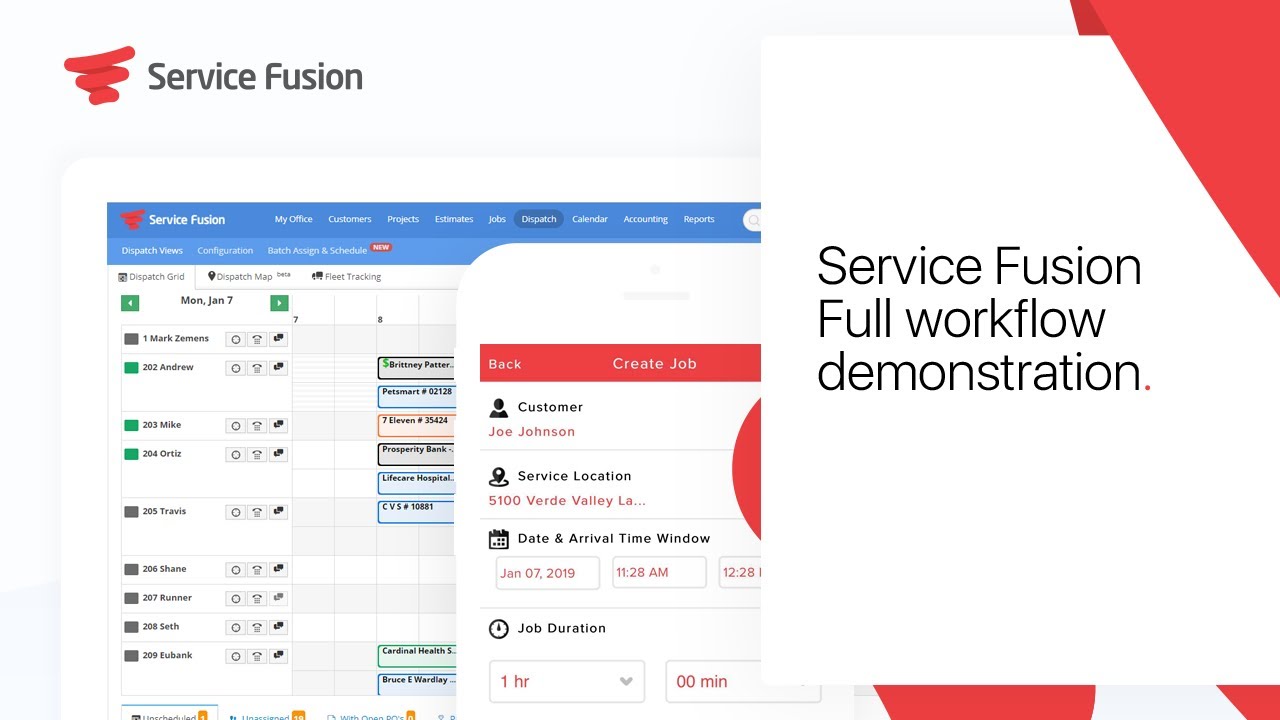
The drag-and-drop dispatch board lets dispatchers see every technician, route, and job on a single timeline. Color-coded statuses, recurring job templates, and route optimization help small teams squeeze more billable hours out of every day, which is why Service Fusion is regularly listed among the easiest-to-learn dispatch boards in HVAC and plumbing reviews.
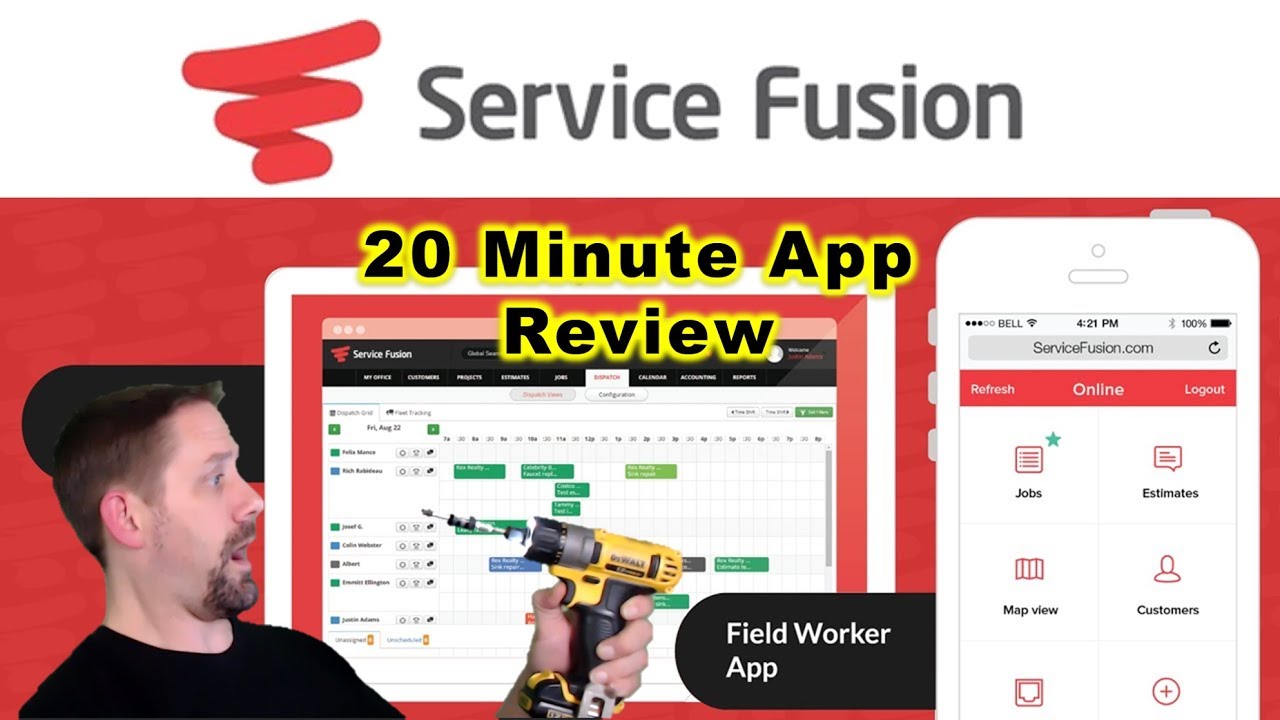
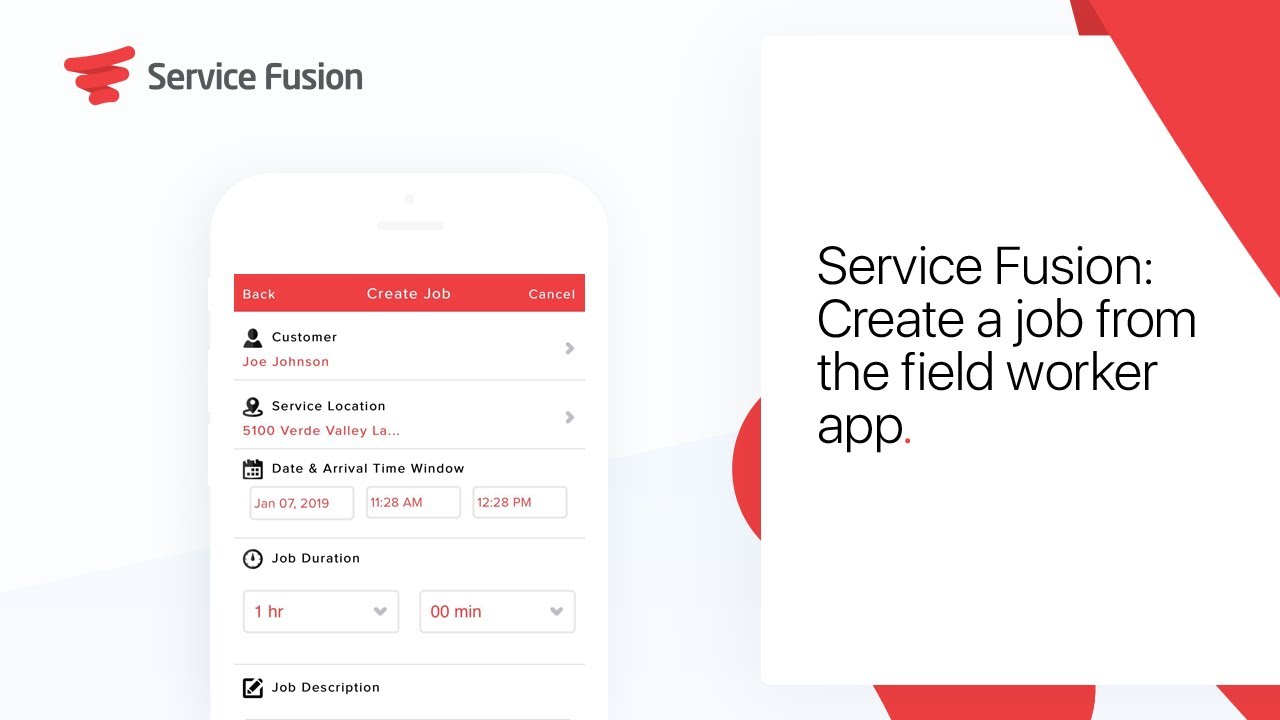
The Service Fusion field worker mobile app gives technicians a job feed, customer history, photo capture, signature capture, and the ability to take payment in the field. Techs can clock in, accept jobs, complete service forms, and send the invoice before they leave the driveway, which materially shortens the cash cycle for small service businesses.
Every customer record holds the full history of estimates, invoices, equipment installed, payments, attachments, and service notes. That centralized history makes recurring maintenance and warranty work much easier to quote, which Service Fusion users on Capterra repeatedly call out as a quiet revenue driver.
Service Fusion lets you build branded estimates, convert them to jobs, and bill the customer in a few clicks. Built-in payment processing through FusionPay supports card and ACH, and recurring invoices and progressive billing handle multi-day or contract jobs without bouncing customers between tools.
Real-time vehicle location, idle alerts, driver behavior data, and historical trip logs are bundled into all Service Fusion plans, not sold as a separate add-on. That single decision can save a small fleet hundreds of dollars a month versus wiring up a third-party telematics tool.
Service Fusion offers a deep two-way QuickBooks Online and Desktop integration that syncs customers, invoices, payments, and items. Accounting teams keep working in QuickBooks while ops and dispatch live inside Service Fusion, which is one of the cleanest integrations in the SMB field service category.
The platform ships with workflow templates and equipment tracking tailored to HVAC, plumbing, electrical, garage door, appliance repair, and other home-service trades. Service agreements, maintenance contracts, and equipment warranties are first-class objects rather than bolted-on afterthoughts.
Service Fusion bundles a deep field service management stack into one workspace. You get scheduling and dispatching, customer management with full job history, estimates and invoicing, FusionPay payment processing, GPS fleet tracking, a field worker mobile app, QuickBooks integration, eSign documents, and trade-specific workflows for HVAC, plumbing, and electrical contractors. According to Service Fusion reviews on Capterra, G2, and Software Advice, teams most often praise the ease of use of the dispatch board and the breadth of features bundled into even the Starter plan.
Where Service Fusion separates itself from generic CRM and invoicing tools is the operational depth. Unlimited users on every plan, GPS fleet tracking included by default, and a QuickBooks sync that field accountants actually trust make it a popular alternative to ServiceTitan for small and mid-sized service businesses. The mobile field app and customer portal close the loop with technicians and customers, and FusionPay accelerates the cash cycle by letting techs collect payment on-site.
If you prefer to learn by watching, Service Fusion has a strong library of demos and walkthroughs on YouTube from the official Service Fusion channel and independent reviewers. These videos cover the full workflow from booking the job to closing the invoice, the field worker mobile app, the HVAC-specific feature set, and how to create a job directly from the truck. IdealOnlineBusiness.com recommends watching at least the full workflow demo and the field tech walkthrough below before booking the live demo, so you can tell whether the dispatch board and mobile app match the way your team actually works.
Service Fusion is more than scheduling software it packages a full operations stack for service contractors who need to run scheduling, dispatch, billing, and field work from a single platform. Alongside the core dispatch board, the platform provides a field worker mobile app, FusionPay payment processing, GPS fleet tracking, customer portals, and trade-specific workflows for HVAC, plumbing, electrical, and appliance repair. Owners benefit from unlimited users, while office staff get a QuickBooks sync that finance teams actually trust.
Based on our research of Service Fusion reviews on Capterra, G2, and Software Advice, users most often highlight the ease of use of the dispatch board, the speed of estimate-to-invoice conversion, and the responsive support team. The unlimited-user pricing is repeatedly called out as a reason small operations grow onto the platform without watching their bill explode. Some of the services offered by Service Fusion include:
Read more: Housecall Pro review | ServiceTitan review | Connecteam review
Service Fusion offers three transparent plans, all of which come with unlimited users so your dispatcher, technicians, and office staff are never penalized for growing the team. The Starter plan is $208/month (annual billing) and includes unlimited customers, jobs, estimates, dispatching, GPS fleet tracking, QuickBooks integration, invoicing, reporting, and text messaging — already a complete operations system. The Plus plan at $325/month adds job costing, inventory management, job photos, and voice reminders for businesses that need tighter cost tracking. The Pro plan at $533/month layers in integrated voice calling, a customer web portal, a customer-facing mobile app, eSign documents, and custom documents for service businesses that want a fully branded customer experience. Monthly billing options are available at $245/$382/$627 per month respectively. There is no free trial, but Service Fusion offers a personalized demo so you can see the dispatch board, mobile app, and accounting sync before committing.
Service Fusion is one of the most popular field service management platforms for SMB contractors in 2026, but some teams need a different feature mix, deeper enterprise tooling, or a lighter mobile-first experience. Depending on whether you run a small two-truck operation or a multi-location HVAC company, these Service Fusion alternatives offer strong competing options for service businesses.
















Below are the most common questions buyers ask before signing up for Service Fusion in 2026, with answers based on the official Service Fusion documentation, public reviews on Capterra and G2, and our own evaluation at IdealOnlineBusiness.com.
⚠️ Affiliate Disclosure: This site contains affiliate links. We may earn a commission when you purchase through our links at no extra cost to you. Results are not typical.