⚠️ Affiliate Disclosure: This page contains affiliate links. We may earn a commission at no extra cost to you. This does not influence our reviews. Read full disclosure →

Close CRM Review

Close CRM logo

Close CRM Review

Editorial rating: 4.7 / 5

Close CRM Overview

Close CRM is a sales-focused customer relationship management platform built for small to mid-sized teams that want to close deals faster. Well reviewed on G2 by sales teams, Close combines built-in calling, SMS, email, video, and task management in a single workspace. Founded by Steli Efti and a team of former sales professionals, Close is designed for high-velocity outbound sales teams who need speed, automation, and simplicity. The platform includes a Power Dialer and Predictive Dialer, two-way email sync with open/click tracking, smart views for filtered lead lists, pipeline management, workflow automation, and AI features like Notetaker and AI Summaries.

Built-in Calling & Power Dialer

Close includes a native phone system with Power Dialer and Predictive Dialer that lets reps call up to 300 leads per day without touching the phone.

Two-way Email Sync with Tracking

Unified inbox syncs with Gmail, Outlook, and SMTP. Opens, clicks, and replies are tracked automatically against the contact record.

Smart Views for Dynamic Lead Lists

Create dynamic, filtered lead lists called Smart Views so reps always work the right contacts without manual list building.

Pipeline & Opportunity Management

Visual pipelines with custom stages, win probability, forecasting, and drag-and-drop deal management keep every opportunity moving.

Workflow Automation & Sequences

Multi-channel, multi-step email, call, and SMS sequences fire automatically based on rules and triggers you define.

Web Forms for Inbound Leads

Embed Close forms on your site to capture inbound leads and route them to the right rep with assignment rules.

AI Notetaker, Drafts & Summaries

AI generates call notes, email drafts, and deal summaries automatically so reps spend less time on admin and more time selling.

Reporting & Sales Coaching Tools

Track activity, pipeline health, win rates, and rep performance. Call coaching features let managers listen, whisper, or barge on live calls.

Close CRM packs the most-used sales workflows into one streamlined interface. From the moment a lead enters your pipeline until the deal is won, you can call, email, text, and update opportunities without switching tabs. The platform includes a built-in dialer, email sequences, task automation, smart views, pipeline management, and native integrations with Gmail, Outlook, Slack, Zapier, Zoom, and 300+ other tools.

Power Dialer & Predictive Dialer Two-way Email Sync (Gmail/Outlook) SMS, MMS & Video Messaging Pipeline & Opportunity Management Smart Views & Saved Searches Email & Call Sequences Workflow Automation AI Notetaker, Drafts & Summaries Reports, Analytics & Forecasting Call Coaching (Listen/Whisper/Barge) Web Forms for Inbound Leads 300+ Integrations & Open API

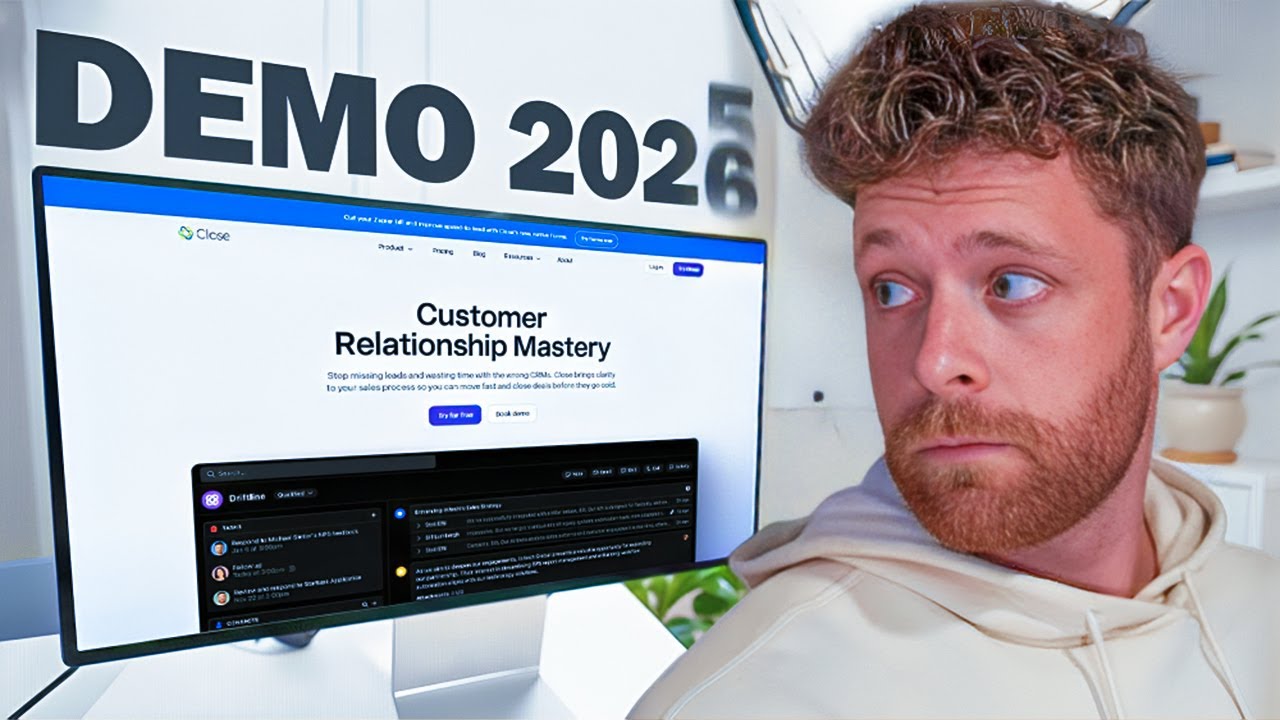
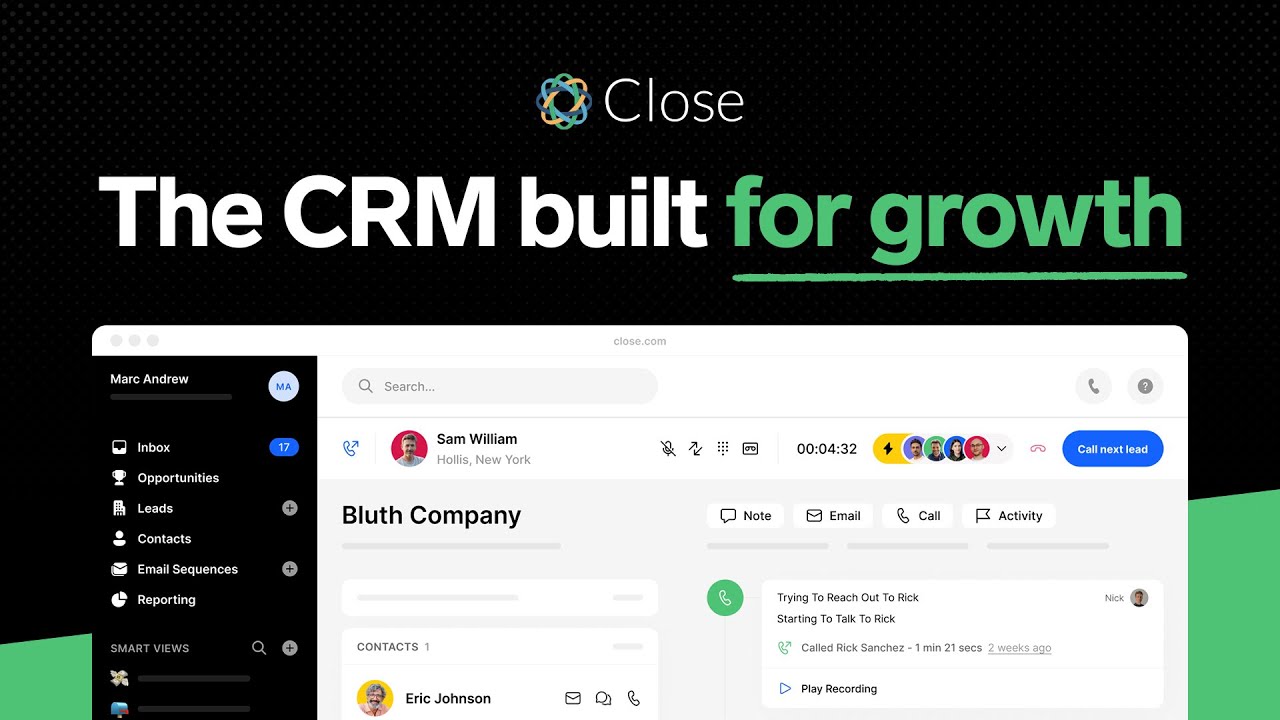
See Close CRM in action through these in-depth video reviews and tutorials. These walk-throughs cover the dashboard, Power Dialer, email sequencing, pipeline views, workflow automation, and reporting. Watch to decide if Close is the right CRM for your sales team.

Close CRM review full demo
Close CRM demo
Close CRM tutorial full demo
Close CRM video overview

Close CRM Reviews

Close CRM consistently earns top marks from sales professionals. On G2 it is one of the better-reviewed sales CRMs, though we do not publish scores we cannot verify at the time you are reading this. Here is what real users are saying about the platform.

Pros and Cons of Close CRM

Here is an honest look at where Close CRM stands out and where it falls short, based on feedback from sales teams across G2 and Capterra.

Pros

  • ✅ Built specifically for sales teams, with powerful calling, SMS, and email built in — no extra add-ons required.
  • ✅ Power Dialer and Predictive Dialer speed up high-volume outbound outreach.
  • ✅ Clean, fast interface that reps adopt quickly with minimal training.
  • ✅ Built-in email sync, templates, and sequences keep follow-ups automated.
  • ✅ Solid activity and pipeline reporting for tracking rep performance.
  • ✅ Strong API plus native and Zapier integrations.

Cons

  • ❌ Per-seat pricing sits higher than many entry-level CRMs.
  • ❌ Fewer marketing and automation features than all-in-one platforms like HubSpot.
  • ❌ No permanent free plan — only a trial — so very small teams may find it costly.
  • ❌ Customization and advanced reporting are less deep than enterprise CRMs like Salesforce.
  • ❌ Best suited to sales-led teams; less ideal for complex multi-department workflows.
4.8 EASE OF USE
4.5 VALUE FOR MONEY
4.7 CUSTOMER SUPPORT
4.6 FUNCTIONALITY

Close CRM Alternatives

While Close CRM is an excellent choice for outbound sales teams, other options to consider include HubSpot CRM (free, marketing-focused), Pipedrive (visual pipeline management), Salesforce (enterprise power), Zoho CRM (budget-friendly with deep customization), and Monday CRM (user-friendly with project management). Each has strengths, but Close stands out for built-in calling and sales velocity.


Thryv Review

Thryv Review

Editorial rating: 4.5 / 5 — AI-powered all-in-one CRM, marketing, booking, payments and reputation platform for small business
Explore More
Less Annoying CRM Review

Less Annoying CRM Review

Less Annoying CRM Review – #1 CRM for Small Business at $15/user/month
Explore More
ServiceTitan Review

ServiceTitan Review

ServiceTitan Review – #1 Field Service Software for HVAC, Plumbing & Electrical Contractors
Explore More
Service Fusion Review

Service Fusion Review

Editorial rating: 4.3 / 5
Explore More
Folk Review

Folk Review

Editorial rating: 4.5 / 5
Explore More
Keap Review

Keap Review

Editorial rating: 4.2 / 5
Explore More
PipelinePro Review

PipelinePro Review

4.6
Explore More
Capsule CRM Review

Capsule CRM Review

Editorial rating: 4.6 / 5
Explore More
Blueshift Review

Blueshift Review

Editorial rating: 4.4 / 5
Explore More
Aitable.ai Review

Aitable.ai Review

Editorial rating: 4.6 / 5
Top Rated Features
  1. No-Code AI Database with Multiple Views
  2. Built-in AI Chatbot and Agent Builder
  3. Visual Workflow Automation
Explore More
HighLevel Review

HighLevel Review

Editorial rating: 4.2 / 5
Top Rated Features
  1. Sales Funnels
  2. Reputation Management
  3. Reporting and Analytics
Explore More
Housecall Pro Review

Housecall Pro Review

4.5
Top Rated Features
  1. Job scheduling automation
  2. Payment collection
  3. Reporting tools
Explore More
GoHighLevel Review

GoHighLevel Review

Editorial rating: 4.2 / 5
Top Rated Features
  1. Reputation Management Tools
  2. CRM and Pipeline Management
  3. Appointment Booking System
Explore More
Engagebay Review

Engagebay Review

4.6
Top Rated Features
  1. All-in-One Platform
  2. Email Marketing Tools
  3. CRM Capabilities
Explore More
Pipedrive Review

Pipedrive Review

4.3
Top Rated Features
  1. Pipeline Management
  2. Automation Tools
  3. Integration Options
Explore More
Pipedream Review

Pipedream Review

4.7
Top Rated Features
  1. Team Collaboration
  2. Secure Infrastructure
  3. Real-Time Event Handling
Explore More
Zoho Review

Zoho Review

4.7
Top Rated Features
  1. Lead Management
  2. Sales Automation
  3. Analytics and Reporting
Explore More
STEL Order Review

STEL Order Review

4
Top Rated Features
  1. Invoicing & Payments
  2. Customer Management (CRM)
  3. Real-Time GPS Tracking
Explore More
Apollo.io Review

Apollo.io Review

Editorial rating: 4.2 / 5
Top Rated Features
  1. Extensive Contact Database
  2. Email Sequencing and Automation
  3. Chrome Extension
Explore More
HubSpot Review

HubSpot Review

4.7
Top Rated Features
  1. Lead Management
  2. CRM Integration
  3. Content Creation Tools
Explore More
HelloBonsai Review

HelloBonsai Review

4.5
Top Rated Features
  1. Contract Management
  2. Invoicing Made Easy
  3. Proposal Templates
Explore More
Wishpond Review

Wishpond Review

4.6
Top Rated Features
  1. Lead Generation Tools
  2. Marketing Automation
  3. Contest Campaigns
Explore More
Service Fusion Review

Service Fusion Review

Editorial rating: 4.6 / 5
Top rated Features
  1. Ease Of Use
  2. Product Catalogue
  3. Order Fulfillment
Explore More
FAQs

Close CRM FAQs

Here are answers to the most common questions about Close CRM, covering pricing, free trial, integrations, and the best fit for your sales team.

Close CRM is a sales-focused customer relationship management platform designed for high-velocity inside sales teams. It combines calling, SMS, email, video, and pipeline management in a single unified workspace so reps can move through their day without switching tools.

Yes. Close offers a 14-day free trial that includes access to most features, no credit card required. You can sign up and start dialing leads within minutes.

Close CRM plans start at around $49/user/month (Startup), with Professional at $109/user/month and Enterprise at $149/user/month when billed annually. Pricing scales with features like calling minutes, sequences, and AI capabilities.

Yes. Close has a native phone system with Power Dialer and Predictive Dialer, click-to-call, call recording, call transfers, and voicemail drops. You can buy local and toll-free numbers directly from within Close.

Yes. Close has direct integrations with Gmail and Outlook for two-way email sync, plus Zapier, Slack, Zoom, HubSpot, QuickBooks, and 300+ other tools. A public API is also available for custom integrations.

A Smart View is a saved, dynamic search that automatically updates as leads meet the criteria. Reps can use Smart Views to always work the highest-priority leads first without manual list building.

Yes. Close is specifically built for small to mid-sized sales teams (2–50 reps). It is easy to set up, has minimal admin overhead, and the interface is simpler than enterprise CRMs like Salesforce.

Yes. Close has substantial review volume on G2, but we have not independently verified a current aggregate score or the distribution of star ratings, so we do not quote those figures — check G2 directly. Users consistently praise the ease of use, built-in calling, and responsive support team.

Close is less flexible for deep customization compared to Salesforce, reporting is not as advanced as enterprise tools, and it lacks the marketing-automation depth of HubSpot. It is purpose-built for sales, not marketing.

Close is ideal for outbound-first sales teams, SaaS startups, agencies, and any business where phone and email velocity matter. If you need built-in calling, simple pipelines, and fast onboarding, Close is a strong choice.

⚠️ Affiliate Disclosure: This site contains affiliate links. We may earn a commission when you purchase through our links at no extra cost to you. Results are not typical.