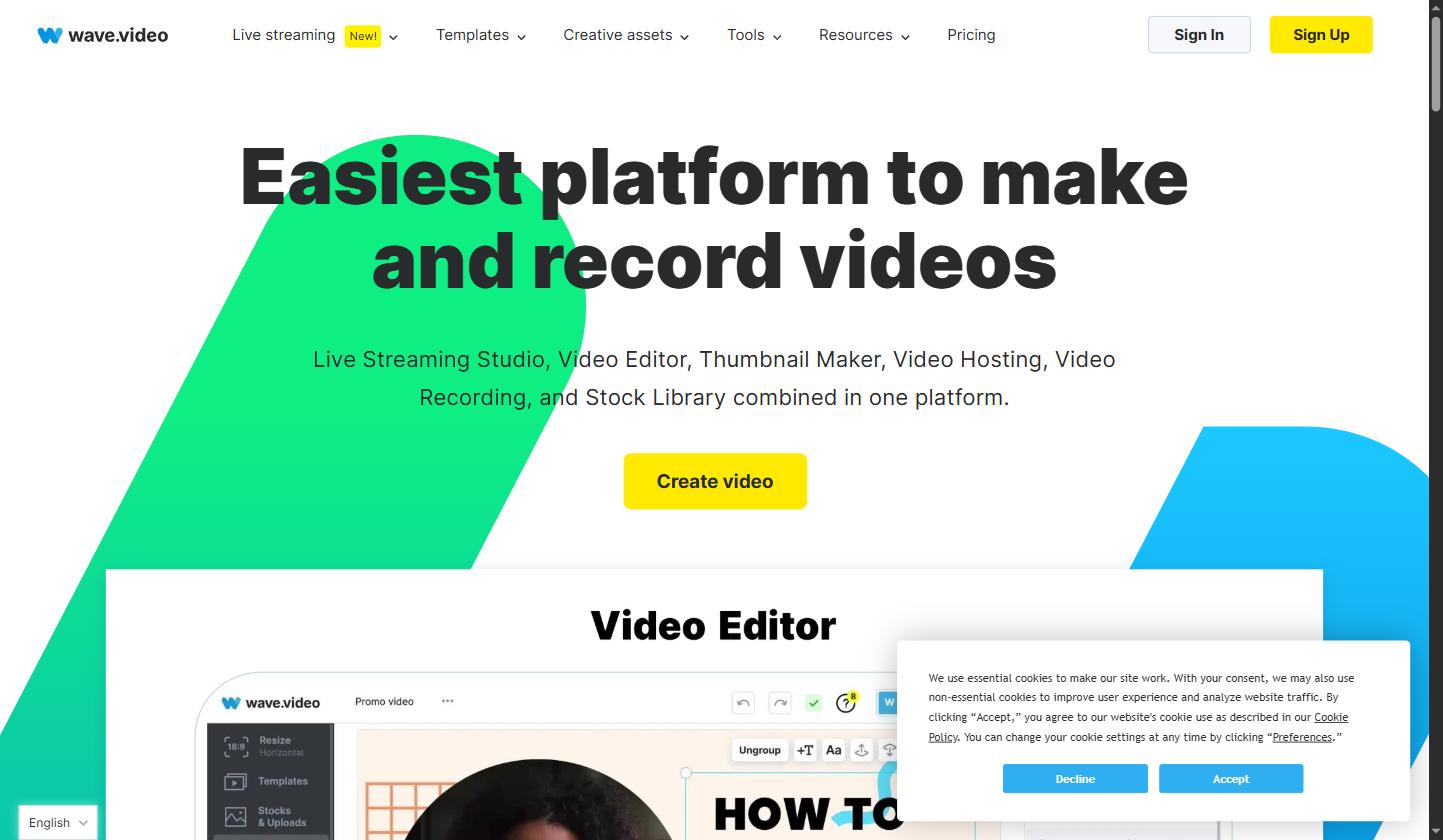
Wave.video is an all-in-one online video creation platform designed for marketers, content creators, and businesses of all sizes. In this Wave.video review by IdealOnlineBusiness.com, we examine its video editor, live streaming studio, thumbnail maker, video hosting, and stock library — all packed into one affordable platform. Our analysis of Wave.video shows it earns consistently high marks across G2, Capterra, and Trustpilot, with users praising its ease of use, multi-format export capabilities, and the quality of its built-in stock library. Whether you’re repurposing a podcast clip, creating social media videos, or streaming live to multiple platforms, Wave.video covers the entire content workflow without the need for separate tools.
Pros:
Cons:
Wave.video stands out from generic video tools by combining a browser-based editor, live streaming capabilities, and a massive stock library under one roof. The platform’s multi-destination live streaming pushes your broadcast simultaneously to YouTube, Facebook, LinkedIn, and Twitch — without requiring any separate software. Its auto-resize feature instantly reformats videos to every social media dimension, saving hours of manual editing work. Wave.video’s built-in teleprompter and recording studio make it a go-to choice for coaches, course creators, and agencies that produce regular video content.
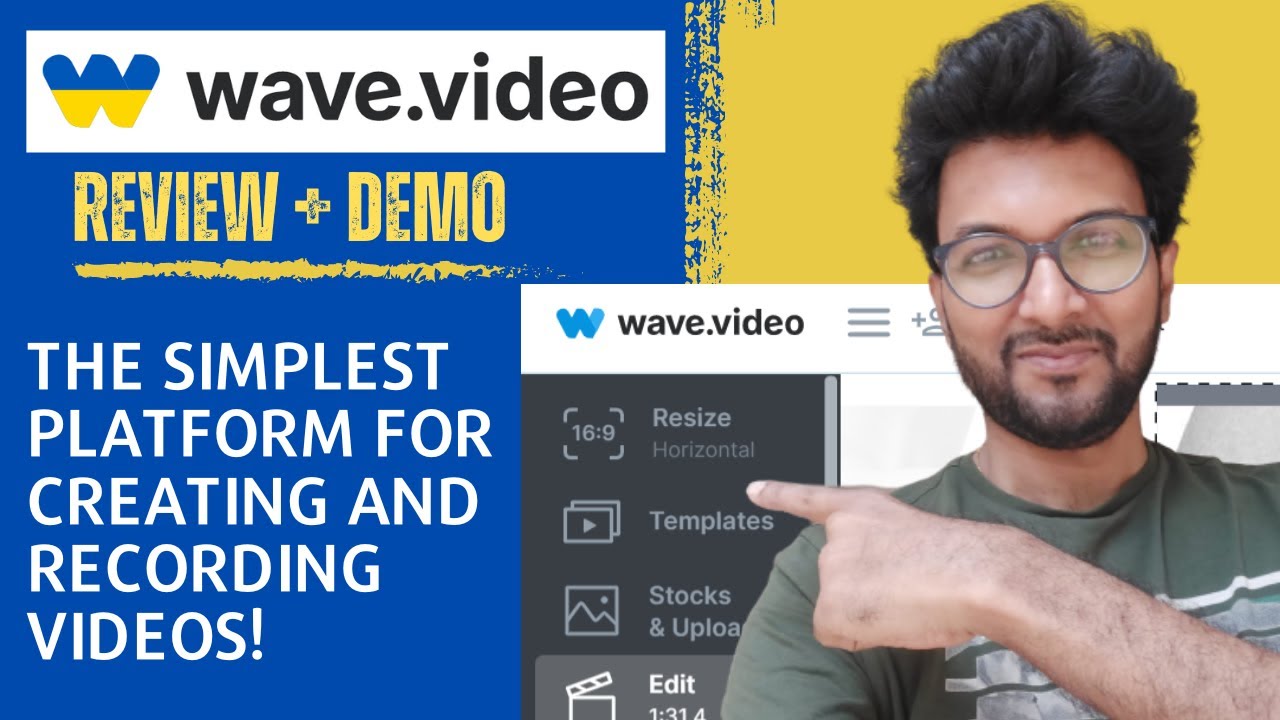
If you prefer to learn by watching, Wave.video has a solid library of tutorials on YouTube covering its video editor, live streaming setup, thumbnail creation, and advanced features. These walkthroughs are ideal for new users who want to see the platform in action before committing to a paid plan. IdealOnlineBusiness.com recommends watching at least two of the tutorials below to get a feel for the interface and video workflow before upgrading.
Wave.video sells four tiers (Free, Streamer, Creator, Business), billed monthly or annually with about 40% off annual.
Wave.video holds strong ratings across major independent review platforms. On G2, users particularly praise the ease of creating multi-format videos and the quality of the stock library. Capterra reviewers highlight the live streaming feature and the all-in-one nature of the tool as standout advantages. Below are representative reviews from real users of the platform.
While Wave.video is a powerful all-in-one platform, here are the main alternatives worth considering depending on your specific use case:
Animoto — A simple drag-and-drop video maker focused on slideshow-style videos. Good for beginners but lacks live streaming and advanced editing capabilities compared to Wave.video.
Vimeo — Excellent for video hosting and collaboration, but does not offer the video creation tools, stock library, or live streaming that Wave.video provides out of the box.
Canva Video — Great for quick social media clips with Canva’s design ecosystem, but Canva’s video editor is more limited and lacks Wave.video’s live streaming studio and thumbnail analytics.
Streamyard — A specialist live streaming tool that outperforms Wave.video for advanced multi-guest broadcasts, but it does not include a video editor, stock library, or video hosting features.
For most solo creators, marketing teams, and small businesses that need an end-to-end video platform, Wave.video offers the best combination of features, pricing, and ease of use.

1.Smart Video Creation
2.Advanced Video Optimization
3.AI Video Assistance
Explore More




Top Rated Features






Here are answers to the most common questions about Wave.video to help you decide if it’s the right platform for your video creation and marketing needs.
⚠️ Affiliate Disclosure: This site contains affiliate links. We may earn a commission when you purchase through our links at no extra cost to you. Results are not typical.