⚠️ Affiliate Disclosure: This page contains affiliate links. We may earn a commission at no extra cost to you. This does not influence our reviews. Read full disclosure →

Siter.io Review

Siter.io Overview

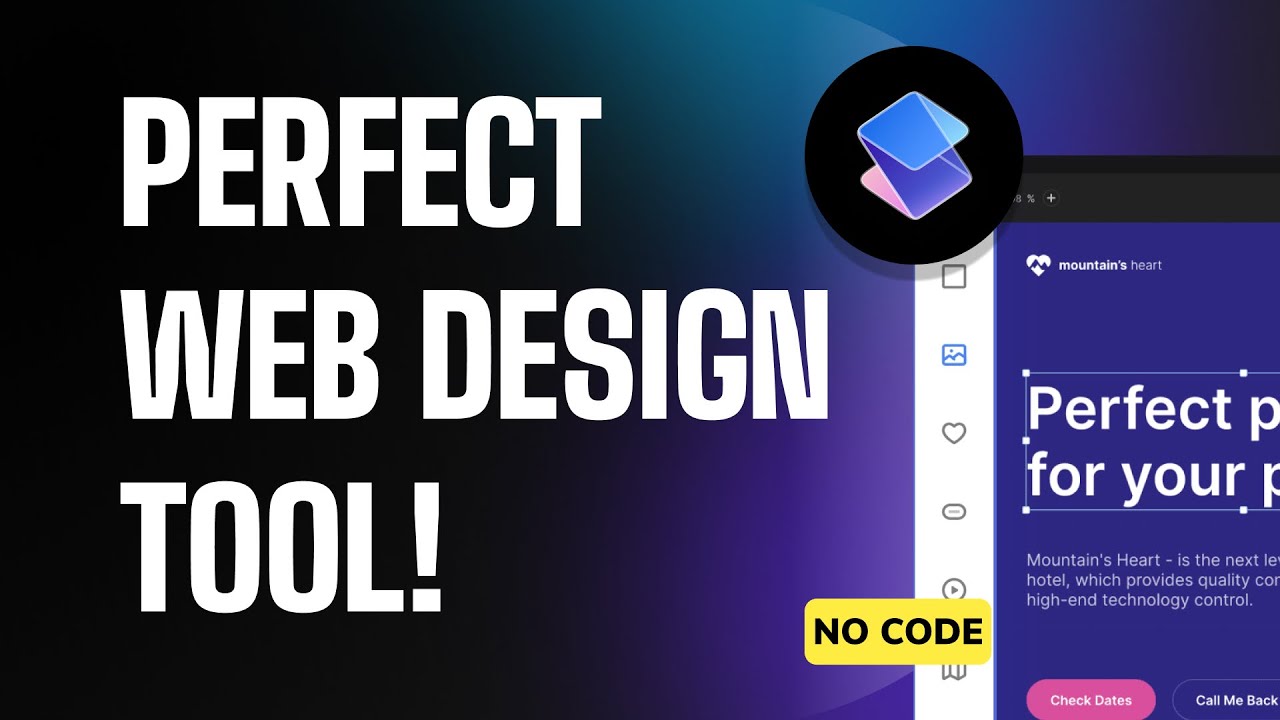
Siter.io is a no-code, visual website builder that gives designers Webflow-style precision without the learning curve. Build pixel-perfect responsive sites with a Figma-like editor, set up a CMS for blogs and portfolios, add interactions and animations, and publish to a custom domain in minutes. Used by 100,000+ designers, agencies and indie founders, it covers landing pages, marketing sites, portfolios and small e-commerce stores.

Figma-Style Visual Editor

Drag, snap, align and constrain elements in a canvas that feels like Figma — no code, no class names to memorize, no reading docs to ship a site.

Responsive Auto-Layouts

Build once and Siter.io adapts breakpoints for desktop, tablet and mobile automatically, with manual overrides per breakpoint when you need them.

Custom CMS Collections

Create dynamic CMS collections for blogs, case studies, recipes or product catalogs, then bind any visual element to the data via dropdowns.

Animations and Interactions

Add scroll-triggered animations, hover states, sticky elements, parallax and Lottie files without touching CSS or JavaScript.

SEO and Speed Built In

Per-page meta titles, descriptions, OG images, schema, automatic image compression, lazy loading and CDN delivery — sites score 95+ on PageSpeed by default.

Custom Code and Embeds

Drop in custom HTML, JS, Stripe, Calendly, Tally or analytics scripts where you need them, without losing the visual editor for the rest of the page.

Custom Domains and SSL

Connect a custom domain in two clicks, with free auto-renewing SSL, www to apex redirects and Cloudflare-grade global CDN.

Team and Client Workspaces

Invite collaborators, hand off a project to a client with role-based access, and bill the client directly through Siter.io with a simple revenue split.

Siter.io Features – What You Get?

Siter.io gives Webflow-grade design control with a friendlier editor and a flat per-site price. The free Starter plan supports 1 site and Siter subdomain; paid plans add custom domains, CMS, e-commerce and team workspaces.

Siter.io Features What You Get

These four short walk-throughs show Siter.io in real workflows — designing a landing page from scratch, building a CMS-driven portfolio, adding scroll animations, and handing a site off to a client.

Build website without code Siter.io
Siter.io no-code design tool
Export Figma designs to websites
Design website in Figma using plugins

Siter.io Pricing Plans

Siter.io offers a free plan plus three paid tiers — Solo, Plus, and Pro — for designers building no-code websites. Pricing scales by number of websites, editors, and pages. All plans include the drag-and-drop visual editor, mobile responsive design, custom domain support (paid plans), and CMS. Annual billing saves up to 20% versus monthly.

Siter.io: Pros, Cons & Comparison

Siter.io Pros and Cons

Siter.io is a Figma-style visual website builder that lets designers create responsive sites without code. It is a fresh, affordable alternative to heavier builders, with a few trade-offs. Here is an honest look.

Pros

  • Figma-style visual editor that designers feel instantly at home in.
  • Responsive auto-layouts plus animations and interactions.
  • Custom CMS collections for dynamic content.
  • SEO and speed built in, with custom code and embeds.
  • Custom domains, SSL, and team/client workspaces.

Cons

  • Smaller ecosystem and community than Webflow.
  • A learning curve for advanced interactions and CMS setups.
  • Fewer templates and integrations than larger builders.
  • Per-site pricing can add up across many projects.

Siter.io vs Webflow

Siter.io vs Webflow is a newcomer-versus-powerhouse comparison. Webflow is the established leader with a massive ecosystem, template marketplace, and deep CMS and hosting features. Siter.io offers a lighter, Figma-like editing experience at a more approachable price, which appeals to designers who want speed and simplicity. If you need the deepest features and largest community, Webflow leads; if you want an affordable, design-first visual builder, Siter.io is a strong pick.

Top Siter.io Alternatives

If you are evaluating Siter.io against other website builders, the closest alternatives are Webflow, Framer, Wix Studio, Squarespace and Editor X (Wix). Webflow has the deepest CMS and reusable component system; Framer has lower learning curve and AI features; Siter.io is the cheapest per-site option with a Figma-style editor.


Automattic Review

Automattic Review

Explore More
StellarWP Review

StellarWP Review

Explore More
Duda Review

Duda Review

Best Website Builder for Agencies & Web Professionals
Explore More
10Web Review

10Web Review

Explore More
Glide Review

Glide Review

Explore More
Beaver Builder Review

Beaver Builder Review

Beaver Builder Review – Trusted by 1M+ WordPress Sites for Drag-and-Drop Page Building
Explore More
Ueni Review

Ueni Review

Explore More
GeneratePress Review

GeneratePress Review

Explore More
Astra Review

Astra Review

Explore More
Strikingly Review

Strikingly Review

Explore More
Tilda Review

Tilda Review

Explore More
Softr Review

Softr Review

Explore More
Durable Review

Durable Review

Durable Review
Explore More
Adalo Review

Adalo Review

Explore More
Carrd Review

Carrd Review

Top Rated Features
  1. Smart Website Creation
  2. Advanced Design Flexibility
  3. Content Planning with Templates
Explore More
Themify Review

Themify Review

Top Rated Features
  1. Easy Website Creation
  2. Pre-Built Templates
  3. Integrations and Add-ons
Explore More
Onepage Review

Onepage Review

Top Rated Features
  1. Global Server Coverage
  2. Fast and Secure Proxy Setup
  3. Smart IP Rotation and Control
Explore More
Thrive Themes Review

Thrive Themes Review

Top Rated Features
  1. Easy Form Creation
  2. Mobile-Friendly Design
  3. Customizable Notifications
Explore More
Webflow Review

Webflow Review

Top Rated Features
  1. Visual Design Freedom
  2. CMS Integration
  3. SEO-Friendly
Explore More
Framer Review

Framer Review

Top Rated Features
  1. Responsive Design
  2. Team Collaboration
  3. Code Export
Explore More
Gravity Forms Review

Gravity Forms Review

Top Rated Features
  1. Advanced Data Management
  2. Conditional Logic
  3. Integrations
Explore More
MemberPress Review

MemberPress Review

Top Rated Features
  1. Simple Setup and Integration
  2. Comprehensive Content Protection
  3. Automated Payments and Recurring Billing
Explore More
Slider Revolution Review

Slider Revolution Review

Top Rated Features
  1. Drag-and-Drop Visual Editor
  2. Pre-Designed Templates
  3. Multimedia Support
Explore More
Leadpages Review

Leadpages Review

Top Rated Features
  1. Drag-and-drop builder
  2. Mobile-Responsive Templates
  3. Lead Capture Forms
Explore More
CSSIgniter Review

CSSIgniter Review

Top Rated Features
  1. Large Theme Library
  2. New themes every month
  3. Money-Back Guarantee
Explore More
Site123 Review

Site123 Review

Top Rated Features
  1. Website Builder
  2. SEO
  3. Free Hosting
Explore More
TemplateMonster Review

TemplateMonster Review

Top Rated Features
  1. Wide Template Collection
  2. Easy Customization Options
  3. Plugins and Add-ons
Explore More
Ucraft Review

Ucraft Review

Top Rated Features
  1. Customizable Templates
  2. SEO Management
  3. Reporting/Analytics
Explore More
Webnode Review

Webnode Review

Top Rated Features
  1. User-Friendly Builder
  2. Safe And Reliable Hosting
  3. Responsive Templates
Explore More
FAQs

Frequently Asked Questions

Below are the most common questions about Siter.io, covering pricing, features, alternatives, and whether it is the right fit for your team.

Siter.io is a no-code visual website builder built around a Figma-style editor. It targets designers who want Webflow-level precision without learning class names, the box model, or Webflow steeper interface. Pricing is per-site rather than per-workspace.

Yes. The Starter plan is free forever and lets you publish 1 site on a yoursite.siter.io subdomain with the full visual editor, basic SEO and 100 MB of storage. Custom domain and CMS need a paid tier.

Pro is $8 per site per month, CMS is $15 per site per month, and Business is $25 per site per month. Per-site pricing means a designer with 10 portfolios pays much less than they would on Webflow workspace tiers.

Yes. The CMS plan adds custom collections, dynamic templates and an RSS-ready blog so you can spin up a content site, portfolio or case-study library that designers and copywriters can update without touching the editor.

Siter.io includes scroll-triggered animations, hover states, sticky elements, parallax effects and Lottie files — all configured visually with no JavaScript. Custom JS embeds are also supported when you need bespoke behavior.

On the Business plan you can add a Stripe-powered storefront with simple product catalog, checkout and order email notifications — fits indie founders selling 1–50 products, not large-catalog e-commerce.

Framer leans further into AI generation and has a slightly larger third-party plugin ecosystem; Siter.io tends to win on per-site pricing for designers running multiple client sites and on a more Figma-faithful editor experience.

For designers, freelancers and indie founders who want pixel-precise no-code sites with a CMS at a fraction of Webflow cost, Siter.io is one of the best value picks in the category — reflected by its G2 reviews and strong renewal rates.

⚠️ Affiliate Disclosure: This site contains affiliate links. We may earn a commission when you purchase through our links at no extra cost to you. Results are not typical.