Glide is a no-code platform that turns spreadsheets into fully functional business apps for both web and mobile. Founded in 2018 and based in San Francisco, Glide has become one of the most loved no-code tools on G2 and Capterra, used by hundreds of thousands of small businesses, schools, internal-tools teams, and operations leaders. Connect a Google Sheet, Excel file, Airtable base, or Glide Tables, and the platform generates an interface you can customize with components, workflows, and role-based permissions — typically in minutes rather than months.
2025 brought a major AI release: an all-in-one AI app builder, scheduled workflows, an expanded library of integrations, and Glide AI for generating actions, formulas, and automations from natural language prompts. Pricing tiers start with a free plan and run from $25 (Basic) up to $125 (Pro) per month, with custom Enterprise pricing for larger deployments. Glide is best for non-developers who need internal tools, customer-facing apps, or operational dashboards without hiring a developer.
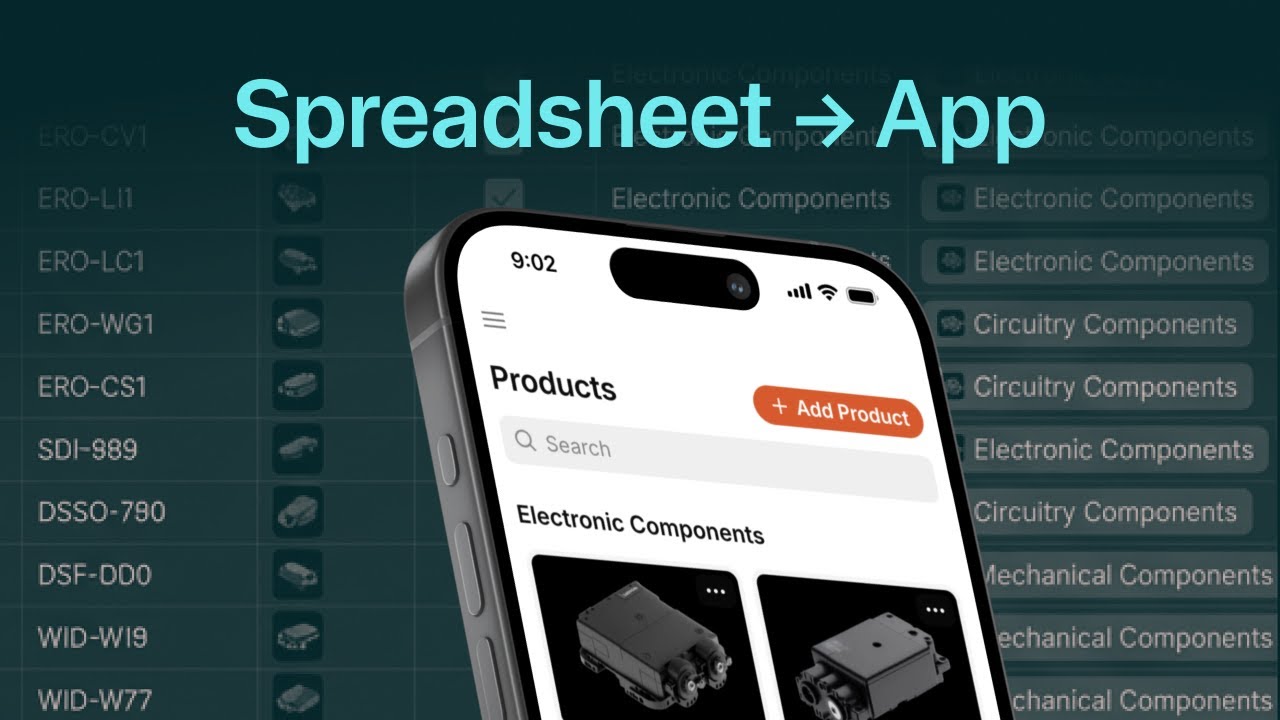
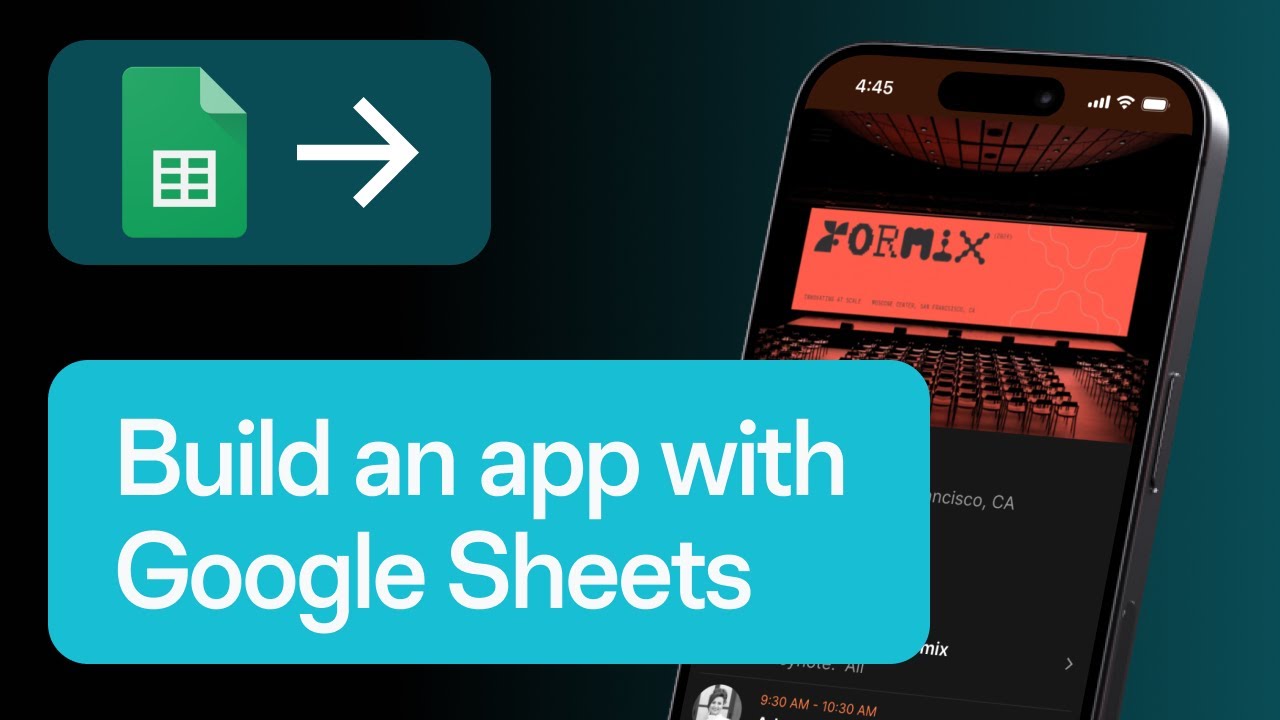
Connect a Google Sheet, Excel file, Airtable, or Glide Table — Glide reads your data and generates a working app interface immediately, ready to customize.
Describe the app you want in plain English and Glide AI scaffolds the screens, actions, and data structure for you. Glide AI also generates formulas, automations, and workflow logic on demand.
Build no-code workflows for approvals, notifications, scheduling, and reporting — including new scheduled triggers (daily, weekly, monthly) added in 2025.
Fine-grained user roles tied to columns and screens — perfect for finance, HR, ops, and other teams that need to control who sees what.
Apps look polished out of the box with native-feeling layouts on iOS, Android, and the web. Add your own logo, colors, and branding in minutes.
Native integrations with Google Sheets, Excel, Airtable, SQL databases, Stripe, Zapier, Make, and dozens of CRMs and ERPs — no developer required.
Glide powers internal tools, CRM apps, inventory trackers, and customer-facing apps for everything from local schools to Fortune 500 ops teams.
Hundreds of ready-to-use templates plus an active community where you can hire experts, copy app ideas, and learn best practices fast.
Glide gives you a complete no-code app stack: data sources (Glide Tables, Google Sheets, Excel, Airtable, SQL), drag-and-drop screens, components for forms, lists, calendars, maps, charts, and rich media, no-code workflows with scheduled triggers, role-based permissions, computed columns, native AI features (Glide AI for actions and formulas), the AI App Builder for generating apps from a prompt, an integrations marketplace (Stripe, Twilio, Zapier, Make, Slack, Google Workspace, and more), and one-click publishing to web and mobile. Higher tiers unlock larger row limits, the Glide API, work-email sign-ins, advanced security controls, and unlimited public/personal users.
To help you decide whether Glide is the right no-code platform for your business, we have curated four hand-picked YouTube videos covering beginner tutorials, no-code reviews, and Google Sheets-to-app walkthroughs. These videos walk you through your first build, customising the interface, connecting your spreadsheet, and publishing your app to a web URL or app icon.
Glide offers five tiers: Free, Basic, Plus, Pro and Enterprise. Free covers two team members and ten projects but publishes nothing. Basic is $25/month for two published apps and one workflow. Plus is $50/month for five published apps, five workflows and public app publishing. Pro is $125/month for unlimited published apps and workflows, premium integrations and organisation roles. Enterprise pricing is custom. Credits are the second axis: allowances start at 100, 250 and 500 on Basic, Plus and Pro.
Glide now runs as GlideOS with five tiers. What separates them is not build capability but how much you are allowed to ship and how many credits your agents consume. Figures below are from the Glide pricing page.
| Plan | Monthly | Team members | Projects | Published apps | Workflows | Credits |
|---|---|---|---|---|---|---|
| Free | $0 | 2 | 10 | 0 | 0 | Limited |
| Basic | $25/mo | 2 | 10 | 2 | 1 | From 100 |
| Plus | $50/mo | 3 | 20 | 5 | 5 | From 250 |
| Pro | $125/mo | From 5 | 100 | Unlimited | Unlimited | From 500 |
| Enterprise | Custom | Custom | Custom | Unlimited | Unlimited | Custom |
Plus is where public apps unlock. Pro adds premium integrations, custom agent via MCP, organisation-level roles and human support, and charges 50 credits per additional team member. Enterprise adds SSO, a custom LLM provider, 30-day backups and a dedicated success manager.
This is the number that decides whether Glide is free for you: published apps on the Free plan is zero. You can build across ten projects and wire up integrations, but you cannot put an app in front of anyone. Free is an evaluation sandbox, not a starter plan, and the same applies to workflows – you get none until Basic.
The second thing to price in is credits. Agent work draws them down, and the allowances are floors rather than ceilings, quoted as starting at 100, 250 and 500 on Basic, Plus and Pro. If your apps lean on AI features rather than plain data views, credits will decide your tier well before the published-app count does.
Two team members, ten projects, limited credits. You can build and test, but published apps and enabled workflows are both zero, so nothing ships from this tier.
Two team members, ten projects, two published apps and one workflow, starting at 100 credits. The first tier that lets you put an app in front of real users, and where you choose agent mode — light, medium or heavy.
Three team members, twenty projects, five published apps and five workflows, starting at 250 credits. This is the tier that unlocks public apps rather than personal and team ones.
Starts at five members with fifty credits per additional member, one hundred projects, unlimited published apps and workflows, starting at 500 credits. Adds premium integrations, custom agent via MCP, organisation-level roles and human support.
Custom team size and credits, SSO, enterprise integrations, a custom LLM provider, 30-day backups, a dedicated success manager and priority support. Quote on request from Glide sales.
Glide rates around 4.7/5 on G2 and 4.7/5 on Capterra, with users praising the speed of building real working apps and the quality of customer support. The most common criticism across both platforms is the price jump between mid and top tiers and how per-member costs mount at scale. For internal tools and customer-facing apps that would otherwise need a developer, Glide is consistently rated as one of the highest-ROI no-code platforms in 2026.

If Glide is not the right fit, the strongest 2026 no-code app builder alternatives are:












Quick answers to the most common questions buyers ask before subscribing to Glide in 2026.
⚠️ Affiliate Disclosure: This site contains affiliate links. We may earn a commission when you purchase through our links at no extra cost to you. Results are not typical.