⚠️ Affiliate Disclosure: This page contains affiliate links. We may earn a commission at no extra cost to you. This does not influence our reviews. Read full disclosure →

OneUp Review

OneUp Overview

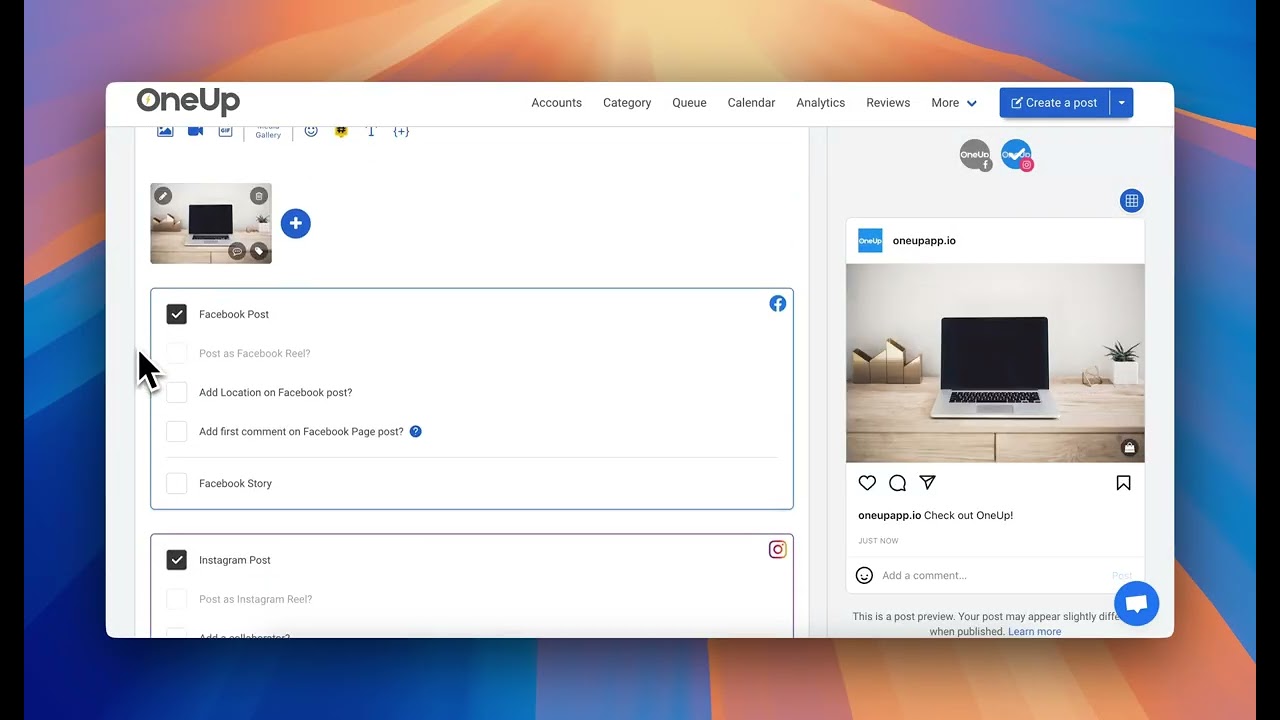
OneUp is a social media scheduling tool purpose-built for professionals who want reliable, automated recurring posts across Facebook, Instagram, Twitter (X), LinkedIn, Pinterest, Google Business Profile, TikTok, YouTube Shorts, and Bluesky. Where most scheduling tools focus on one-time calendar posts, OneUp specializes in recurring evergreen content — schedule a post once and have it auto-repeat weekly, monthly, or at custom intervals forever. This is the feature that wins over ecommerce brands, coaches, local service businesses, and personal-brand marketers who rely on consistent evergreen promotion across months and years rather than chasing weekly content creation. OneUp also includes bulk CSV import for mass scheduling, Google Business Profile posting (a rare feature), and a Pinterest-first design that handles Rich Pins natively.

Recurring Evergreen Posts

Schedule any post to auto-repeat weekly, monthly, or at custom intervals — an OneUp signature feature missing from most competitors.

Google Business Profile

Direct GBP scheduling for local businesses including photo posts, offer posts, and event posts — a rare scheduler-tool feature.

9+ Social Platforms

Facebook Pages/Groups, Instagram, X/Twitter, LinkedIn, Pinterest, TikTok, YouTube Shorts, Bluesky, and Google Business all in one dashboard.

Bulk CSV Import

Schedule hundreds of posts at once from a CSV template — ideal for batching a quarter of content in one sitting.

First-Comment Automation

Automatically post the first comment (hashtags, CTAs, links) after a post publishes — critical for Instagram reach.

Team Collaboration

Multi-user workspaces with role-based access, content approval workflows, and shared calendars for agency teams.

Analytics & Best Time to Post

Per-platform analytics with engagement tracking and data-driven suggestions for each account’s best posting times.

Reporting & Sales Coaching Tools

Track activity, pipeline health, win rates, and rep performance. Call coaching features let managers listen, whisper, or barge on live calls.

OneUp’s killer feature is the recurring post. For any business with evergreen promotions — weekly blog round-ups, monthly specials, seasonal service reminders — the ability to schedule once and have the same post repeat for 52 weeks is a category-defining advantage no big-name scheduler matches as cleanly.

  • Social scheduling for Facebook, Instagram, LinkedIn, Twitter/X, Pinterest, TikTok, YouTube, Google Business Profile
  • Google Business Profile posts & offers
  • Recurring scheduled posts (evergreen)
  • Bulk CSV upload for up to 200 posts
  • Best-time-to-post AI suggestions
  • Canva integration
  • Team approvals & client accounts
  • Analytics across all channels
  • RSS auto-post from any feed

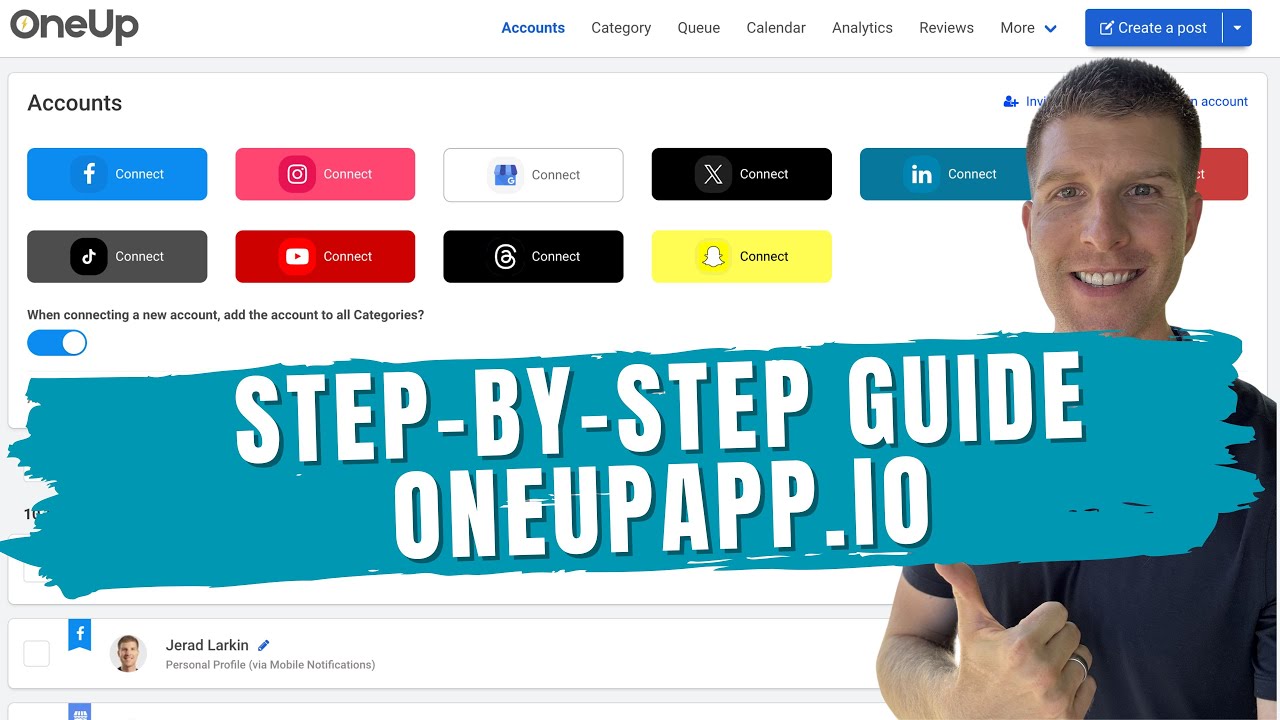
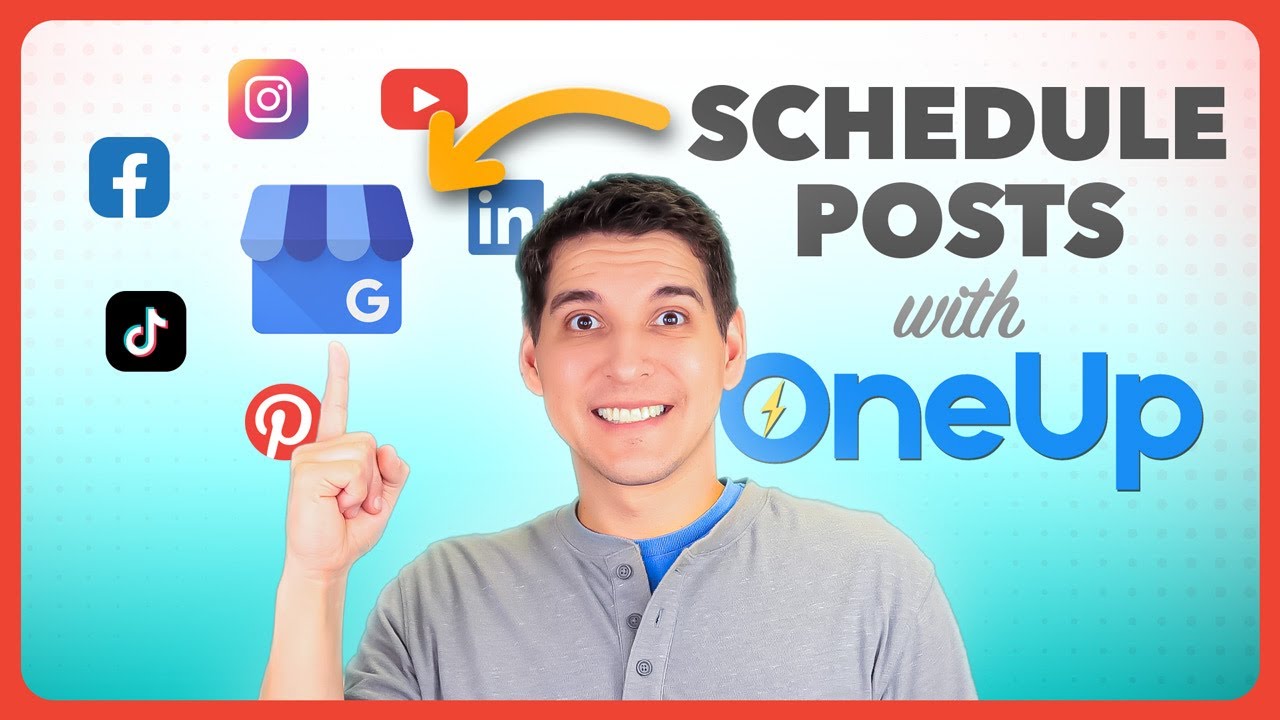
OneUp publishes feature demos, recurring-post tutorials, and power-user agency workflows on its YouTube channel plus regular livestreamed Q&A with founder Kevin Dam.

OneUp — Youtube Thumbnail Uusspqwhs4w 3
OneUp — Youtube Thumbnail V4nu9hyjeiw 3
OneUp — Youtube Thumbnail Pnxivcqfwsa 3
OneUp — Youtube Thumbnail 1mb9udxuamu 3

OneUp Pricing Plans

OneUp is a social-media scheduling tool with a flat-rate, no-per-user pricing structure. Plans scale by social accounts, monthly post limits, and team-collaboration seats.

  • Free Trial: 7-day free trial on all plans, no credit card
  • Basic: $19/month — 3 social accounts, unlimited scheduled posts, basic AI captions
  • Pro: $34/month — 10 social accounts, unlimited posts, AI captions, link in bio, calendar
  • Business: $69/month — 30 social accounts, 3 team members, analytics, custom branding
  • Agency: $129/month — 100 social accounts, 10 team members, white-label client reports
  • Supports Facebook, Instagram, Twitter, LinkedIn, Pinterest, TikTok, Google Business Profile, YouTube
  • Annual billing typically saves about 20%
  • 30-day money-back guarantee on paid plans

Reflects oneupapp.io 2026 published rates.

What OneUp Users Are Saying

OneUp is well reviewed on Capterra and G2 (we do not quote aggregate scores we have not verified), with users specifically calling out the recurring-post engine, the GBP support, and the price-to-feature ratio versus Buffer and Hootsuite.

OneUp Alternatives Worth Checking

If OneUp doesn’t fit your budget or workflow, the closest alternatives worth comparing are Buffer, Later, Hootsuite, Publer. Each overlaps with OneUp on core features but differs in pricing model, integrations, or target user persona.


Tailwind Review

Tailwind Review

Explore More
vidIQ Review

vidIQ Review

Explore More
ContentStudio Review

ContentStudio Review

ContentStudio Review – AI Social Media Management, Content Discovery & Scheduling From $25/mo
Explore More
SmarterQueue Review

SmarterQueue Review

96% user satisfaction across 226+ reviews — the smartest evergreen content scheduler
Explore More
Post Planner Review

Post Planner Review

Explore More
Radaar Review

Radaar Review

Explore More
Iconosquare Review

Iconosquare Review

Explore More
Repurpose.io Review

Repurpose.io Review

Explore More
Publer Review

Publer Review

Explore More
Predis AI Review

Predis AI Review

Explore More
Hypefury Review

Hypefury Review

Hypefury Review
Explore More
Brand24 Review

Brand24 Review

Explore More
Flick Review

Flick Review

Top Rated Features
  1. Easy Content Scheduling
  2. Advanced Analytics
  3. Integration with Tools
Explore More
Sendible Review

Sendible Review

Top Rated Features
  1. Easy Post Scheduling
  2. Smart Content Suggestions
  3. Customizable Notifications
Explore More
FineShare Review

FineShare Review

Top Rated Features
  1. Easy Content Creation
  2. Advanced Audio and Video Management
  3. Smart Editing Tools
Explore More
InfluenCity Review

InfluenCity Review

Top Rated Features
  1. Easy Campaign Management
  2. Advanced Analytics
  3. Influencer Discovery
Explore More
SocialBee Review

SocialBee Review

Top Rated Features
  1. Simple Low Content Book Creation
  2. Advanced Keyword and Niche Research
  3. Wide Interior Template Library
Explore More
Later Review

Later Review

Top Rated Features
  1. Multi Platform Scheduling
  2. Media Library Management
  3. Analytics and Reporting
Explore More
TikTok Login, App Access, and Pricing

TikTok Login, App Access, and Pricing

Top rated Features
  1. Effortless Access via TikTok Login
  2. Real-Time Performance Reporting
  3. Client Collaboration Tools
Explore More
SproutSocial Review

SproutSocial Review

Top Rated Features
  1. Engagement Management
  2. Social Listening
  3. Analytics and Reporting
Explore More
Onestream Review

Onestream Review

Top Rated Features
  1. Unified Platform
  2. Simplified Integration
  3. Cloud and On-Premise Options
Explore More
TubeBuddy Review

TubeBuddy Review

Top Rated Features
  1. Simplified SEO
  2. Time-Saving Automation
  3. Audience Engagement
Explore More
PromoRepublic Review

PromoRepublic Review

Top Rated Features
  1. Time-Saving Automation
  2. Content Creation Assistance
  3. Multi-Platform Support
Explore More
Wordable Review

Wordable Review

Top Rated Features
  1. Time-Saving Efficiency
  2. Error-Free Formatting
  3. Bulk Export Options
Explore More
Awario Review

Awario Review

Top Rated Features
  1. Real-Time Tracking
  2. Competitor Monitoring
  3. Customer Insights
Explore More
Social Searcher Review

Social Searcher Review

Top Rated Features
  1. Real-Time Monitoring
  2. User-Friendly Interface
  3. Accurate Sentiment Analysis
Explore More
MeetEdgar Review

MeetEdgar Review

Top Rated Features
  1. Time-Saving Automation
  2. Easy Content Recycling
  3. Category-Based Posting
Explore More
SocialPilot Review

SocialPilot Review

Top Rated Features
  1. Social Media Scheduling
  2. Content Curation
  3. Client Management
Explore More
Crowdfire Review

Crowdfire Review

Top Rated Features
  1. Content Scheduling
  2. Content Curation
  3. Analytics Dashboard
Explore More
TikTok For Business Review

TikTok For Business Review

Top Rated Features
  1. Short-Form Video Ads
  2. Analytics Dashboard
  3. Campaign Management
Explore More
FAQs

OneUp — Frequently Asked Questions

These are the questions social media managers ask most often before moving their scheduling into OneUp.

Facebook, Instagram, X/Twitter, LinkedIn, Pinterest, TikTok, YouTube Shorts, Bluesky, and Google Business Profile are all supported natively.

Yes. Every post supports weekly, monthly, or custom-interval recurrence — schedule once, auto-repeat forever until you pause.

Yes. OneUp offers a 7-day free trial with full feature access and no credit card required at signup.

Yes. Reels, Story scheduling, and feed posts are all supported via the Instagram Graph API.

Yes. Agency tiers include multi-client workspaces, client-level permission controls, and consolidated billing.

Yes. GBP is a first-class supported channel with photo posts, offer posts, and event posts — a rare scheduler-tool capability.

Yes. Upload a CSV template and schedule hundreds of posts in one operation — ideal for planning a full quarter at once.

Yes. First-comment automation supports hashtags, CTAs, and links, dropping into the first comment slot after publication.

OneUp uses flat monthly pricing per tier with account- and post-volume limits rather than per-seat pricing, keeping agency costs predictable.

OneUp is mobile-responsive in the browser; a dedicated iOS/Android app is on the roadmap with parity feature coverage.

⚠️ Affiliate Disclosure: This site contains affiliate links. We may earn a commission when you purchase through our links at no extra cost to you. Results are not typical.