Teams can work together on one file by sharing access. Real-time editing and comments make communication easier, helping groups complete tasks faster. This feature is often praised in a detailed PDFfiller review by business teams.
Users have access to live chat, email, and phone support. Tutorials and guides are also provided. In many PDFfiller review articles, customers mention quick responses and helpful resources when solving issues.
Updates bring improvements, new functions, and bug fixes. This ensures the platform remains useful and reliable for modern needs. With these updates, users enjoy a better and smoother experience while handling documents online.
Plans are designed for students, individuals, and large businesses. Multiple pricing options make it easy for users to choose the right fit for their needs, ensuring flexibility without overspending on unwanted features
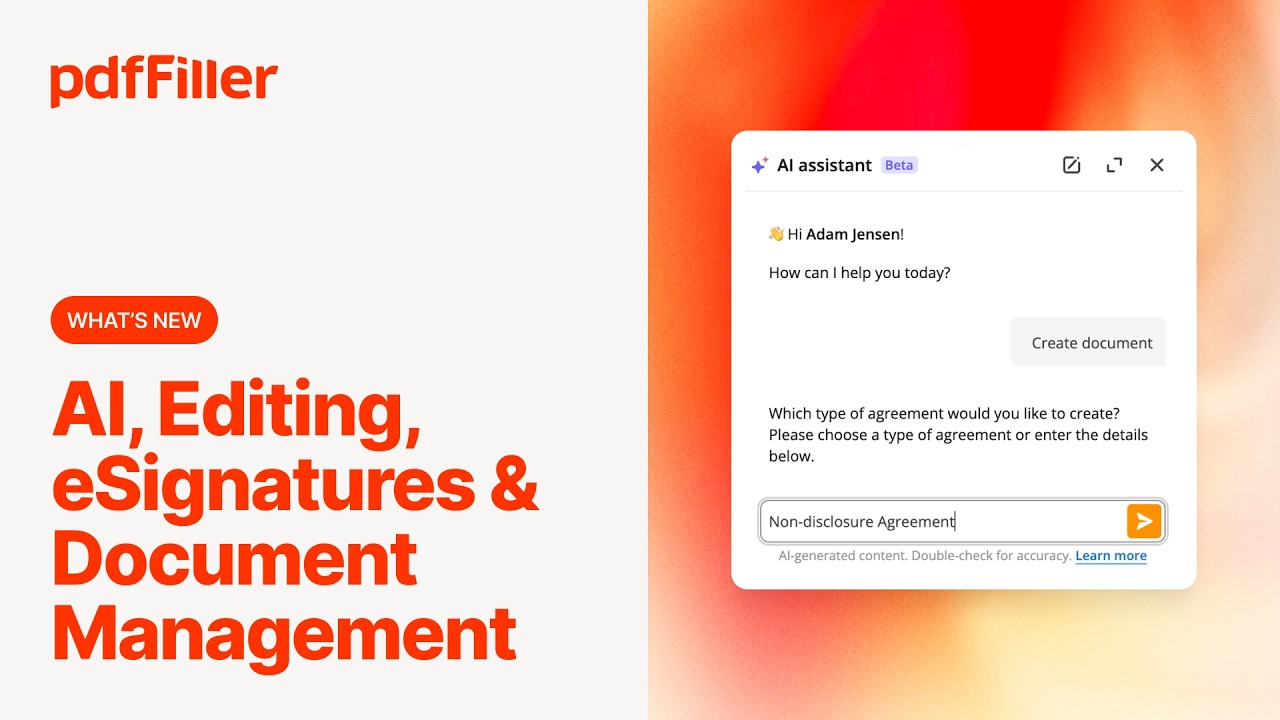
PDFfiller provides video guides and tutorials to help users learn its tools step by step. These guides explain how to edit, sign, share, and store files easily. Beginners can learn quickly, while advanced users can explore hidden features. Video resources reduce confusion and allow users to solve problems without extra help. With these guides, many people gain confidence in using the platform efficiently. This support is often mentioned in positive PDFfiller review articles online.
pdfFiller, part of airSlate’s family of products (alongside SignNow), uses tiered SaaS subscriptions billed monthly or annually. Annual billing saves up to 70%, and a free trial is available (credit card required – exported documents carry a watermark during trial).
Basic: $8/user/month billed annually (or about $20/month monthly) – edit, sign, share, search and store PDFs; cloud storage integration; up to 5 users from a single dashboard.
Plus: $12/user/month billed annually – everything in Basic plus reusable templates, form merging, password-protected PDFs, and US Legal Forms library access.
Premium: $15/user/month billed annually (or about $30/month monthly) – everything in Plus plus legally binding eSignatures, SignNow integration, advanced data extraction, audit trail, and HIPAA compliance.
airSlate Business Cloud (Enterprise): Custom pricing – bundles pdfFiller with SignNow, airSlate workflow automation, and document analytics; centralized admin, SSO, advanced security and dedicated support.
USLegal Library Add-on: Included with Plus/Premium – access to 85,000+ US legal form templates.
All plans include unlimited document storage, cloud sync, mobile apps, and integrations with Google Drive, Dropbox, OneDrive, and Box. A 30-day money-back guarantee applies to annual subscriptions.


Signable is a UK e-signature platform that makes sending, signing, and tracking legally binding documents fast and affordable. In this Signable review by IdealOnlineBusiness.com, we look at its pricing, features, compliance, and ease of use based on public Trustpilot, Capterra, and G2 reviews. Whether you are a UK-based business needing GDPR compliance or a global team wanting a DocuSign alternative, Signable offers e-signatures, templates, audit trails, and API access at a competitive price.
Our analysis of Signable e-signature reviews shows the platform is trusted for UK data residency, simplicity, and customer support. It holds a 4.7/5 rating on Trustpilot across 250+ reviews. Users praise the unlimited templates, friendly UK support, and Eolas compliance, while some flag the basic mobile app. For UK businesses wanting a homegrown e-signature solution, Signable is a top choice.
Explore More


PDFfiller is an online tool that helps users edit and manage PDF documents with ease. At IdealOnlineBusiness, we provide a detailed PDFfiller review and answer common questions about this platform. Here are useful answers to guide you in choosing the right option.
⚠️ Affiliate Disclosure: This site contains affiliate links. We may earn a commission when you purchase through our links at no extra cost to you. Results are not typical.