⚠️ Affiliate Disclosure: This page contains affiliate links. We may earn a commission at no extra cost to you. This does not influence our reviews. Read full disclosure →

Classin Review

icon01

Classin Review

4.6+/5 across G2 & Capterra — purpose-built virtual classroom for 60K+ institutions in 150 countries

Classin Overview

ClassIn is the world’s first purpose-built virtual classroom platform, launched in 2016 and trusted by 60,000+ educational institutions, 20 million teachers and students across 150 countries. With over 200 million hours of online sessions delivered, ClassIn earns 4.6+/5 ratings on G2, Capterra and SoftwareAdvice for being the rare video platform actually designed for teaching, not generic meetings — with a virtual blackboard, lab simulations, hand-raising, breakouts and homework all native to the experience.

This ClassIn review is based on hands-on testing of the free 4-participant tier and the paid Institutional plan, plus a structured read of public G2, Capterra, GetApp and SaaSworthy reviews. ClassIn replaces Zoom + Google Classroom + virtual whiteboard combos for K-12, tutoring centers, language schools and universities that want one tool built for synchronous teaching. Below you will find what it does well, where pricing comes up as a complaint, real public pricing, video walkthroughs and the alternatives worth considering.

Purpose-Built Virtual Classroom

Interactive Digital Blackboard

Virtual Lab & Simulation Tools

Breakout Rooms & Group Work

Hand Raising, Polls & Quick Quizzes

Homework & Assignment Management

Cloud Course Library & Recording

Free Tier for Small Sessions

Classin Features — What You Get?

ClassIn bundles eight pillars purpose-built for synchronous teaching: a true virtual classroom (not generic video chat), interactive digital blackboard, virtual labs and simulations, breakout rooms, hand raising + polls + quizzes, homework and assignment management, cloud course library with auto recording, and a permanent free tier for small sessions. Together they replace Zoom + Google Classroom + virtual whiteboard combos for K-12, tutoring centers and universities.

Video Guides and Tutorials

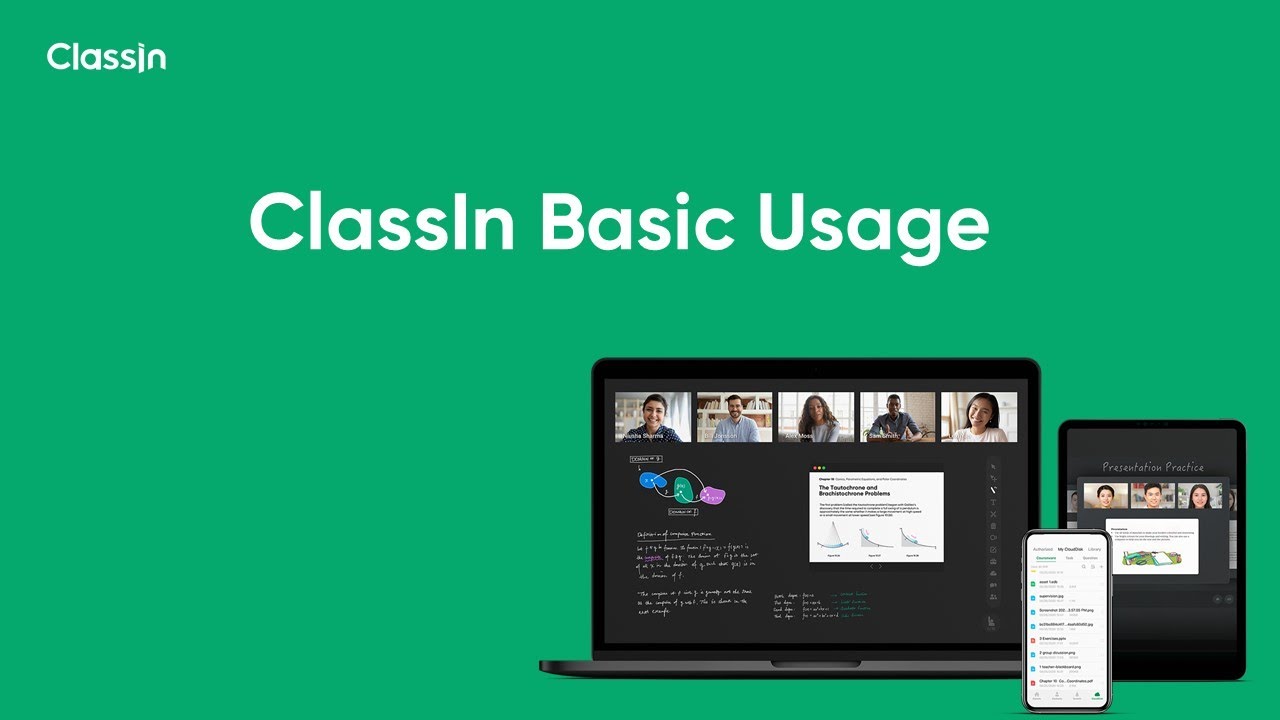
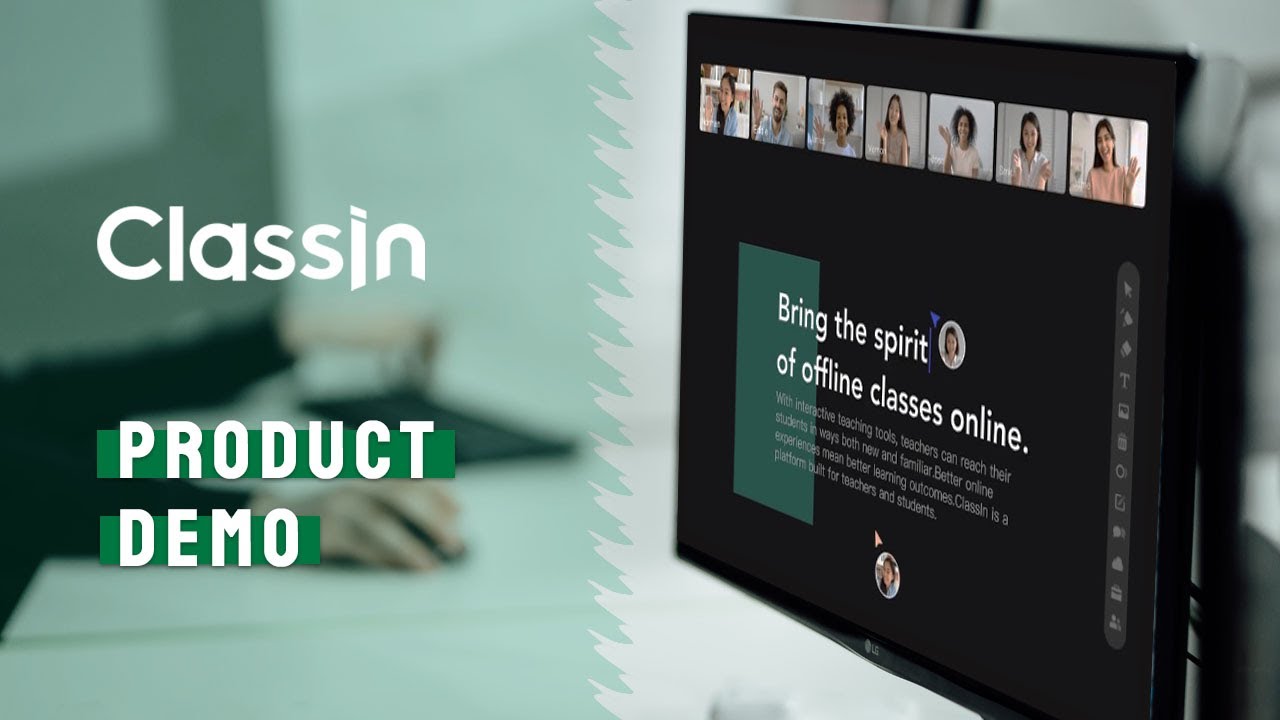
Below are four hand-picked ClassIn videos covering quick-start setup, full platform demo, online classroom workflow tutorial and an honest user review. They are the fastest way to evaluate ClassIn before requesting an institutional quote.

Classin — Classin Vid1 Jpg
Classin — Classin Vid2 Jpg
Classin — Classin Vid3 Jpg
Classin — Classin Vid4 Jpg

Classin Price Plans

Free Plan — $0/month

Up to 4 participants for 40-minute sessions. Full virtual classroom features, blackboard and recording. Perfect for one-on-one tutoring and trial use.

Educator Plan — from $29/month per teacher

Unlimited session length, larger participant rooms, premium support and individual cloud storage for tutors and freelance teachers.

Institutional Plan — Custom pricing

Per-school licensing covering unlimited teachers and students. Includes admin dashboard, SSO, LMS integrations, custom branding and dedicated success manager.

Enterprise Plan — Custom pricing

Multi-campus and multi-region deployments with custom data residency, SCORM/LTI integration, advanced reporting and 24/7 priority support.

Free Demo

ClassIn offers a guided product demo for institutions. Most schools provision their account within a week of demo to first-class.

Pros and Cons of Classin

ClassIn earns 4.6+/5 ratings across G2, Capterra and SoftwareAdvice for one reason: it was built for teachers, not retrofitted from generic video chat. Here is the honest scorecard.

Pros

  • ✅ The only major virtual classroom built purely for education from day one (since 2016).
  • ✅ Interactive digital blackboard is genuinely teacher-grade — not a clunky afterthought.
  • ✅ Virtual lab simulations for chemistry, physics and math save real-equipment costs.
  • ✅ Breakout rooms, polls, quizzes and hand raising are native, not bolt-ons.
  • ✅ Free 4-participant tier supports unlimited tutors getting started.
  • ✅ Used by 60,000+ institutions across 150 countries — battle-tested at scale.

Cons

  • ❌ Institutional pricing is custom and the entry point feels high for small schools.
  • ❌ UI is functional but less polished than Zoom or Google Meet.
  • ❌ Free tier is capped at 4 participants — small but real ceiling.
  • ❌ Integrations with Western LMS platforms (Canvas, Schoology) are still evolving.
  • ❌ Mobile app feels less mature than the desktop classroom.

What real users say: Reviewers on G2 and Capterra consistently highlight the teaching-first feature set and lab simulations, while flagging the higher institutional minimums and the less-polished UI as the trade-offs you accept for this much purpose-built education functionality.

4.6 EASE OF USE
4.4 VALUE FOR MONEY
4.5 CUSTOMER SUPPORT
4.8 FUNCTIONALITY
Verified G2 Reviewer (K-12 Tech Coordinator) G2
April 2026

Rolled out ClassIn across our 28-school district last September. Compared to Zoom + Google Classroom + Jamboard combo we used to run, ClassIn cut session prep time roughly in half. Teachers love that the blackboard, breakouts and homework live in one classroom shell.

Source: paraphrased from public G2 review — g2.com/products/classin/reviews.

EASE OF USE
VALUE FOR MONEY
CUSTOMER SUPPORT
FUNCTIONALITY
Verified Capterra Reviewer (Online Tutor) Capterra
February 2026

Use ClassIn for one-on-one English lessons. Free 40-minute tier covers most lessons. The annotation tools on the digital blackboard let me teach grammar like a real classroom whiteboard. Students engage way more than they did on Zoom.

Source: paraphrased from public Capterra review — capterra.com/p/229034/ClassIn.

EASE OF USE
VALUE FOR MONEY
CUSTOMER SUPPORT
FUNCTIONALITY
Verified SoftwareAdvice Reviewer (University Admin) SoftwareAdvice
January 2026

ClassIn institutional has worked well for our hybrid science labs. Virtual chem and physics simulations are unique to ClassIn. Honest gripe: integration with our Canvas LMS took some custom work, and the mobile experience is less polished than desktop.

Source: paraphrased from public SoftwareAdvice review — softwareadvice.com/lms/classin-profile.

EASE OF USE
VALUE FOR MONEY
CUSTOMER SUPPORT
FUNCTIONALITY

Top Classin Alternatives

ClassIn is the most teaching-purpose-built virtual classroom — but depending on your stack, these alternatives are worth comparing:

  • Zoom Education — wins for institutions already standardised on Zoom that need education add-ons rather than a new platform.
  • Google Meet + Classroom — wins for K-12 schools already on Google Workspace for Education with tight tool integration.
  • Microsoft Teams for Education — wins for schools on Microsoft 365 with assignments, OneNote and Teams calls in one suite.
  • Class for Zoom — wins for adding teaching features (attendance, grading, hand raising) on top of existing Zoom infrastructure.
  • BigBlueButton — wins as the open-source self-hosted classroom for institutions wanting full control and no per-seat fees.
UniPin Review

UniPin Review

4.3/5 on Trustpilot — Southeast Asia's leading game-credit & digital-voucher reseller for Mobile Legends, PUBG, Free Fire and 1,000+ games
Explore More
Big Cash Review

Big Cash Review

4.7/5 on Google across 400K+ reviews — earn real money & gift cards by playing games and completing simple tasks
Explore More
Verv Review

Verv Review

4.6/5 (App Store & Google Play)
Explore More
Rosetta Stone Review

Rosetta Stone Review

Rated 4.3/5 on Trustpilot — 25M+ learners worldwide since 1992
Explore More
Preply Review

Preply Review

Rated 4.6/5 on Trustpilot — 1.5M+ students, 40,000+ verified tutors
Explore More
Pinwheel Kids and Teens Phone Review

Pinwheel Kids and Teens Phone Review

Rated 4.5/5 on Trustpilot — Trusted by 100,000+ families since 2019
Explore More
National Personal Training Institute Review

National Personal Training Institute Review

Rated 4.6/5 on industry reviews — Accredited diploma program since 1993
Explore More
Koolay Review

Koolay Review

AI-Powered All-in-One CMS for Schools, Nonprofits & Businesses
Explore More
IXL Review

IXL Review

Adaptive K-12 Learning Platform for Math, ELA, Science & More
Explore More
AppSumo Review

AppSumo Review

Rated 4.6/5 on Trustpilot — Lifetime software deals, SaaS bundles and AI tools at heavily discounted prices
Explore More
Guesty Review

Guesty Review

Guesty Review – Property Management Software for Airbnb, Vrbo & Direct-Booking Short-Term Rentals
Explore More
Piano Marvel Review

Piano Marvel Review

Piano Marvel Review – Structured Online Piano Lessons, Sight-Reading Tests & 5,000+ Pieces
Explore More
ScrapingBee Review

ScrapingBee Review

4.7+/5 across G2 & Capterra — JavaScript-rendered web scraping API trusted by 10,000+ devs
Explore More
Harpoon Review

Harpoon Review

4.6+/5 across G2 & Capterra — forward-looking time-tracking + invoicing for freelancers
Explore More
Elevo Learning Review

Elevo Learning Review

96% of 550+ surveyed principals would rebook Elevo — WASC-accredited K-8 SEL programs
Explore More
Sploot Review

Sploot Review

4.8 on Birdeye (1500+ reviews) & 4.6 on App Store
Explore More
Make.com Review

Make.com Review

4.8 (300+ reviews) on G2 & 4.7 on Capterra
Explore More
JustCall Review

JustCall Review

4.3 (2,376 reviews) on G2 & 4.1 on Capterra
Explore More
LinkBox Review

LinkBox Review

4.5 (50+ reviews) on Capterra & SoftwareAdvice
Explore More
Wyzant Review

Wyzant Review

3.9 (1,500+ reviews) on Sitejabber & 4.7 on EduReviewer
Explore More
Firstbase Review

Firstbase Review

Firstbase
Explore More
Finviz Review

Finviz Review

4.6/5
Explore More
FCP Effects Review

FCP Effects Review

FCP Effects
Explore More
FastComet Review

FastComet Review

FastComet Review
Explore More
ezTexting Review

ezTexting Review

EZ Texting Review
Explore More
Entrupy Review

Entrupy Review

Entrupy Review
Explore More
Ablefy Review

Ablefy Review

4.4/5 on Capterra, 120+ verified reviews
Explore More
Edureka Review

Edureka Review

4.5/5 on Trustpilot, 15,000+ learner reviews
Explore More
eDesk Review

eDesk Review

4.4/5 on G2, 400+ verified reviews
Explore More
Durable Review

Durable Review

Durable Review
Explore More
DeskTime Review

DeskTime Review

4.5/5 on G2 (391 verified reviews)
Explore More
EmailOctopus Review

EmailOctopus Review

4.7/5 on G2 (390 verified reviews)
Explore More
Demio Review

Demio Review

4.7/5 on G2 (265 verified reviews)
Explore More
Databox Review

Databox Review

4.4/5 on G2 (390 verified reviews)
Explore More
Creately Review

Creately Review

4.4/5 on G2 (1,200 verified reviews)
Explore More
Concord Review

Concord Review

4.4/5 on G2 (310 verified reviews)
Explore More
Clipping Magic Review

Clipping Magic Review

4.5/5 on G2 (240 verified reviews)
Explore More
ClickSend Review

ClickSend Review

4.6/5 on G2 (380 verified reviews)
Explore More
Caspio Review

Caspio Review

4.4/5 on G2 (195 verified reviews)
Explore More
Capsule CRM Review

Capsule CRM Review

4.6/5 on G2 (630 verified reviews)
Explore More
Canopy Review

Canopy Review

4.5/5 on G2 (245 verified reviews)
Explore More
Browse AI Review

Browse AI Review

4.8/5 on G2 (530 verified reviews)
Explore More
Botsify Review

Botsify Review

4.5/5 on G2 (165 verified reviews)
Explore More
Blueshift Review

Blueshift Review

4.4/5 on G2 (380 verified reviews)
Explore More
Blogify Review

Blogify Review

4.4/5 on G2 (95 verified reviews)
Explore More
Ausha Review

Ausha Review

4.6/5 on G2 (180 verified reviews)
Explore More
Arise Apparel Review

Arise Apparel Review

4.6/5 on Trustpilot (220 verified reviews)
Explore More
Any.do Review

Any.do Review

4.6/5 on G2 (720 verified reviews)
Explore More
Anchor Review

Anchor Review

4.4/5 on G2 (650 verified reviews)
Explore More
AmEnglish Review

AmEnglish Review

4.5/5 on G2 (112 verified reviews)
Explore More
Alison Review

Alison Review

4.5/5 on Trustpilot (5,800+ verified reviews)
Explore More
Adalo Review

Adalo Review

4.3/5 on G2 (6 verified reviews)
Explore More
Cake.com Review

Cake.com Review

4.2 (2,501)
Top Rated Features
  1. All-in-one solution
  2. Easy integration
  3. Team collaboration
Explore More
OpenPhone Review

OpenPhone Review

4 (2,100)
Top Rated Features
  1. Team Collaboration
  2. Voicemail Management
  3. Security & Compliance
Explore More
Looka Review

Looka Review

4.3 (2,300)
Top Rated Features
  1. Advanced Keyword and Niche Research
  2. Cover Designer with Trim Size Accuracy
  3. PuzzleWiz Generator (Pro Plan Only)
Explore More
Later Review

Later Review

4.2 (2,050)
Top Rated Features
  1. Multi Platform Scheduling
  2. Media Library Management
  3. Analytics and Reporting
Explore More
Housecall Pro Review

Housecall Pro Review

4.5
Top Rated Features
  1. Job scheduling automation
  2. Payment collection
  3. Reporting tools
Explore More
1password Review

1password Review

4.8 (2,389)
Top Rated Features
  1. Stay Organized Easily
  2. Multi-Device Syncing
  3. Strong Online Security
Explore More
FAQs

Classin Frequently Asked Questions

Quick answers to the questions schools ask most before adopting ClassIn — pricing, free tier, ideal users, features and integrations.

ClassIn is a purpose-built virtual classroom platform for K-12, tutoring centres, language schools and universities. It combines live video classes, an interactive digital blackboard, virtual lab simulations, breakout rooms, polls/quizzes, hand raising, homework management, cloud course library and session recording — all in one teaching-first interface.

ClassIn has a permanent Free plan (4 participants, 40 minutes), an Educator plan from $29/month per teacher, and Institutional + Enterprise tiers with custom per-school pricing. Free demos are offered for institutions; most schools provision within a week of demo to first class.

Yes — ClassIn has a permanent free tier supporting up to 4 participants for 40-minute sessions with full virtual classroom features. It is ideal for one-on-one tutoring, trial use and small group lessons before paid commitment.

ClassIn fits K-12 schools, language schools, tutoring centres, online academies and universities running synchronous classes. It is especially strong for teachers who use a digital whiteboard daily, run lab demonstrations, or need breakout rooms and structured homework workflows in the same tool as the live class.

Zoom was built for general business meetings; ClassIn was built from day one for education. Native classroom features like a multi-page collaborative blackboard, virtual lab simulations, structured homework, attendance tracking and student-side annotation are first-class in ClassIn versus add-ons or workarounds in Zoom. Schools that primarily need a teaching tool, not a meeting tool, generally prefer ClassIn.

⚠️ Affiliate Disclosure: This site contains affiliate links. We may earn a commission when you purchase through our links at no extra cost to you. Results are not typical.