⚠️ Affiliate Disclosure: This page contains affiliate links. We may earn a commission at no extra cost to you. This does not influence our reviews. Read full disclosure →

PDFfiller Review

PDFfiller logo

PDFfiller Review

4.7

PDFfiller Overview

PDFfiller is an online tool that helps users edit, sign, share, and store PDF documents. It is designed for individuals, businesses, and organizations who need simple and professional solutions for managing documents online. The platform allows editing without downloads, making it a convenient choice for everyday users. At Idealonlinebusiness, we share in-depth reviews to help readers choose the right tools. In this PDFfiller review, we will explore its features, pricing, pros and cons, comparisons, and available alternatives to guide your decision.

Easy-to-Use Interface

The tool has a simple and clean layout that makes editing PDF files easy for both beginners and advanced users. It saves time and removes confusion with a clear design that’s smooth and user-friendly.

Wide Editing Tools

It provides a complete set of editing functions, including adding text, images, and signatures. Users can also erase, highlight, or draw on documents, helping them create professional files quickly without extra software.

Document Security

Strong security options protect files from misuse. Encryption and password protection ensure documents remain safe during editing and sharing. Many users highlight this in a positive PDFfiller review when discussing data privacy and safety.

Collaboration Support

Teams can work together on one file by sharing access. Real-time editing and comments make communication easier, helping groups complete tasks faster. This feature is often praised in a detailed PDFfiller review by business teams.

Cloud Integration

The tool connects with services like Google Drive, Dropbox, and OneDrive. This allows users to import and save files directly, reducing time spent moving documents between platforms and improving document organization and accessibility.

Customer Support Options

Users have access to live chat, email, and phone support. Tutorials and guides are also provided. In many PDFfiller review articles, customers mention quick responses and helpful resources when solving issues.

Regular Updates

Updates bring improvements, new functions, and bug fixes. This ensures the platform remains useful and reliable for modern needs. With these updates, users enjoy a better and smoother experience while handling documents online.

Flexible Plans

Plans are designed for students, individuals, and large businesses. Multiple pricing options make it easy for users to choose the right fit for their needs, ensuring flexibility without overspending on unwanted features

PDFfiller Pro Features – What Do You Get?

PDFfiller features provide users with powerful tools for editing, signing, and sharing digital documents. As seen in many PDFfiller reviews, these tools balance convenience and functionality, making document management easier while highlighting both strengths and areas needing improvement.

  • Quick File Editing
  • Easy Signature Tools
  • Limited Free Version
  • Secure Cloud Access
  • Multiple File Formats
  • Team Collaboration Tools
  • High System Use
  • Mobile-Friendly Design
  • Integration with Apps
  • Frequent Updates Released
  • Some Learning Curve
  • Premium Plan Cost

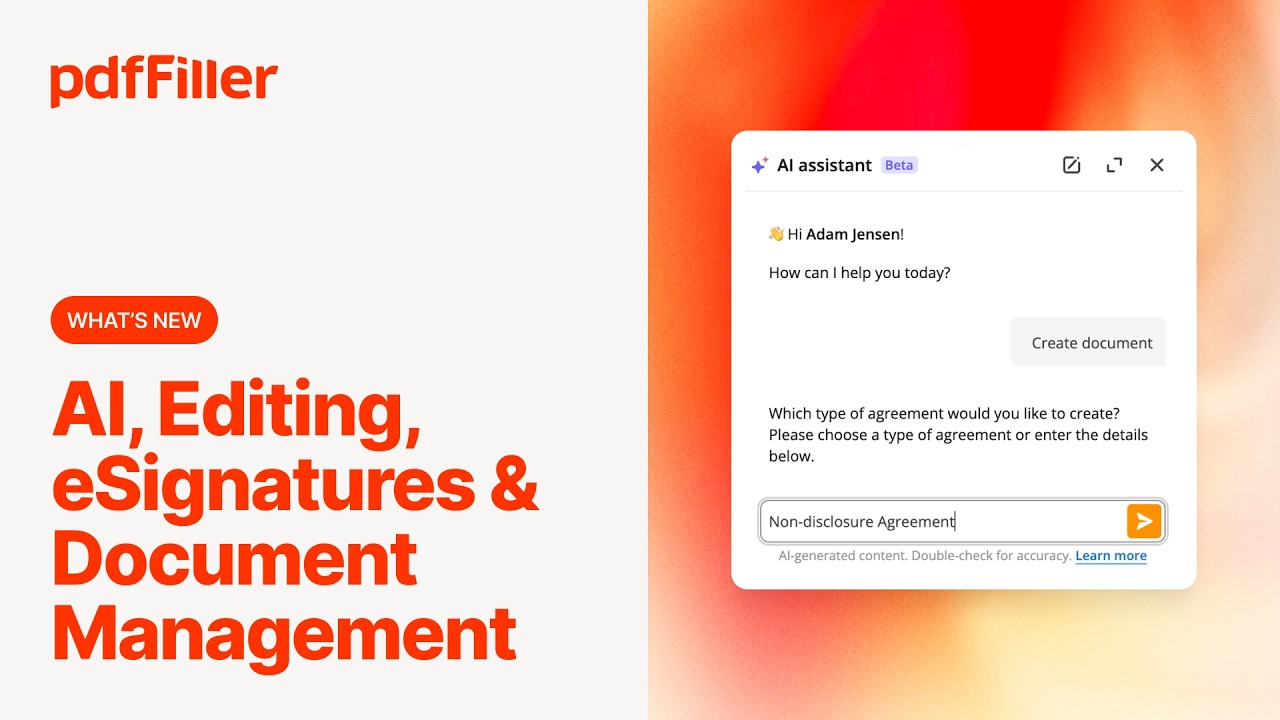
Video Guides and Tutorials

PDFfiller provides video guides and tutorials to help users learn its tools step by step. These guides explain how to edit, sign, share, and store files easily. Beginners can learn quickly, while advanced users can explore hidden features. Video resources reduce confusion and allow users to solve problems without extra help. With these guides, many people gain confidence in using the platform efficiently. This support is often mentioned in positive PDFfiller review articles online.

PDFfiller product image

PDFfiller Services

PDFfiller services cover daily document needs for personal, educational, and business use. Many PDFfiller review articles point out how these services simplify editing, signing, and sharing, making the platform a reliable choice for managing digital paperwork efficiently.

Read More: DocHub review | PDF Expert review | USLegalForms review | SignNow review

PDFfiller Price Plans

pdfFiller, part of airSlate’s family of products (alongside SignNow), uses tiered SaaS subscriptions billed monthly or annually. Annual billing saves up to 70%, and a free trial is available (credit card required – exported documents carry a watermark during trial).

Basic: $8/user/month billed annually (or about $20/month monthly) – edit, sign, share, search and store PDFs; cloud storage integration; up to 5 users from a single dashboard.
Plus: $12/user/month billed annually – everything in Basic plus reusable templates, form merging, password-protected PDFs, and US Legal Forms library access.
Premium: $15/user/month billed annually (or about $30/month monthly) – everything in Plus plus legally binding eSignatures, SignNow integration, advanced data extraction, audit trail, and HIPAA compliance.
airSlate Business Cloud (Enterprise): Custom pricing – bundles pdfFiller with SignNow, airSlate workflow automation, and document analytics; centralized admin, SSO, advanced security and dedicated support.
USLegal Library Add-on: Included with Plus/Premium – access to 85,000+ US legal form templates.

All plans include unlimited document storage, cloud sync, mobile apps, and integrations with Google Drive, Dropbox, OneDrive, and Box. A 30-day money-back guarantee applies to annual subscriptions.

Pros and Cons of PDFfiller

Pros

  • ✅ Full PDF toolkit: edit, sign, share, search and store in one place
  • ✅ Legally binding eSignatures with SignNow integration
  • ✅ Access to 85,000+ US legal form templates on higher tiers
  • ✅ Cloud sync and integrations with Google Drive, Dropbox, OneDrive, and Box
  • ✅ Affordable entry pricing with up to 70% savings on annual billing
  • ✅ Reusable templates, form merging, and password-protected PDFs

Cons

  • ❌ Free trial requires a credit card and watermarks exported documents
  • ❌ Advanced features (eSignatures, legal forms) are locked to higher tiers
  • ❌ Priced per user, so costs add up for larger teams
  • ❌ Legal form library is US-focused, less useful outside the US
4.5 EASE OF USE
4.0 VALUE FOR MONEY
4.2 CUSTOMER SUPPORT
4.4 FUNCTIONALITY

Alternative

PDFfiller is a top choice because of its easy editing, strong security, and wide collaboration tools. It often performs better than many PDFfiller alternative tools because of its user-friendly design. Still, you can try PDFfiller alternative options like DocuSign, Smallpdf, and HelloSign. Exploring a PDFfiller alternative can help you find tools with different features, plans, or prices.

USLegalForms Review

USLegalForms Review

Editorial rating: 4.7 / 5
Explore More
Signable Review

Signable Review

Editorial rating: 4.7 / 5

Signable is a UK e-signature platform that makes sending, signing, and tracking legally binding documents fast and affordable. In this Signable review by IdealOnlineBusiness.com, we look at its pricing, features, compliance, and ease of use based on public Trustpilot, Capterra, and G2 reviews. Whether you are a UK-based business needing GDPR compliance or a global team wanting a DocuSign alternative, Signable offers e-signatures, templates, audit trails, and API access at a competitive price.

Our analysis of Signable e-signature reviews shows the platform is trusted for UK data residency, simplicity, and customer support. It holds a 4.7/5 rating on Trustpilot across 250+ reviews. Users praise the unlimited templates, friendly UK support, and Eolas compliance, while some flag the basic mobile app. For UK businesses wanting a homegrown e-signature solution, Signable is a top choice.

Explore More

PandaDoc Review

PandaDoc Review

Editorial rating: 4.7 / 5
Explore More
Concord Review

Concord Review

Editorial rating: 4.4 / 5
Explore More
Signnow Review

Signnow Review

4.7
Top Rated Features
  1. Easy-to-Use Interface
  2. Advanced Security Measures
  3. Integration with Popular Tools
Explore More
SignWell Review

SignWell Review

4.8
Top Rated Features
  1. Easy Integration
  2. Legally Compliant
  3. User-Friendly Dashboard
Explore More
DocHub Review

DocHub Review

4.8
Top Rated Features
  1. Edit PDFs (text, images, forms)
  2. Cloud Storage Integration
  3. Secure sharing and Collaboration
Explore More
DigiSigner Review

DigiSigner Review

4.7
Top Rated Features
  1. Ease of Use
  2. Legal Compliance
  3. Cloud Accessibility
Explore More
FAQs

Frequently Asked questions

PDFfiller is an online tool that helps users edit and manage PDF documents with ease. At IdealOnlineBusiness, we provide a detailed PDFfiller review and answer common questions about this platform. Here are useful answers to guide you in choosing the right option.

PDFfiller is an online platform that lets you edit, sign, share, and save PDF files. It’s made for students, businesses, and individuals who want simple tools to handle documents online without installing heavy programs.

A PDFfiller review gives you real feedback from users, showing both good and bad points. By reading reviews, you can understand if the tool matches your needs before spending money on a subscription plan.

PDFfiller pricing depends on your plan choice. There are personal, business, and enterprise options. You can pay monthly or yearly, with yearly plans offering more savings. This flexibility helps users choose the best plan for their budget.

Popular PDFfiller features include adding text, highlighting, creating signatures, converting files, and storing them securely in the cloud. These functions help users manage documents easily from any device, whether they are at home or work.

Yes, users looking for a PDFfiller alternative can try tools like DocuSign, HelloSign, or Smallpdf. These platforms also let you edit and sign PDFs but may differ in cost, layout, or extra tools.

The pros and cons of PDFfiller include ease of use, fast editing, and secure cloud storage as positives. The cons are limited free access and higher pricing for premium features. Overall, it offers strong document management tools.

PDFfiller benefits include saving time, simplifying document work, and allowing easy sharing with others. It helps students finish homework, workers handle office files, and businesses complete contracts quickly—all without needing extra software downloads.

PDFfiller vs Adobe is a common question. Adobe offers advanced tools for design and editing, while PDFfiller focuses on simple online use. If you need quick editing, PDFfiller works well. For advanced features, Adobe may be better.

A comparison PDFfiller vs Adobe shows their strengths and weaknesses. PDFfiller is affordable, easy, and good for daily use, while Adobe is more powerful and detailed. Knowing these differences helps users choose the right software for their tasks.

Yes, PDFfiller is beginner-friendly. With its simple layout and video guides, even first-time users can edit or sign documents without confusion. This ease of use is often mentioned in a positive PDFfiller review from new customers.

⚠️ Affiliate Disclosure: This site contains affiliate links. We may earn a commission when you purchase through our links at no extra cost to you. Results are not typical.