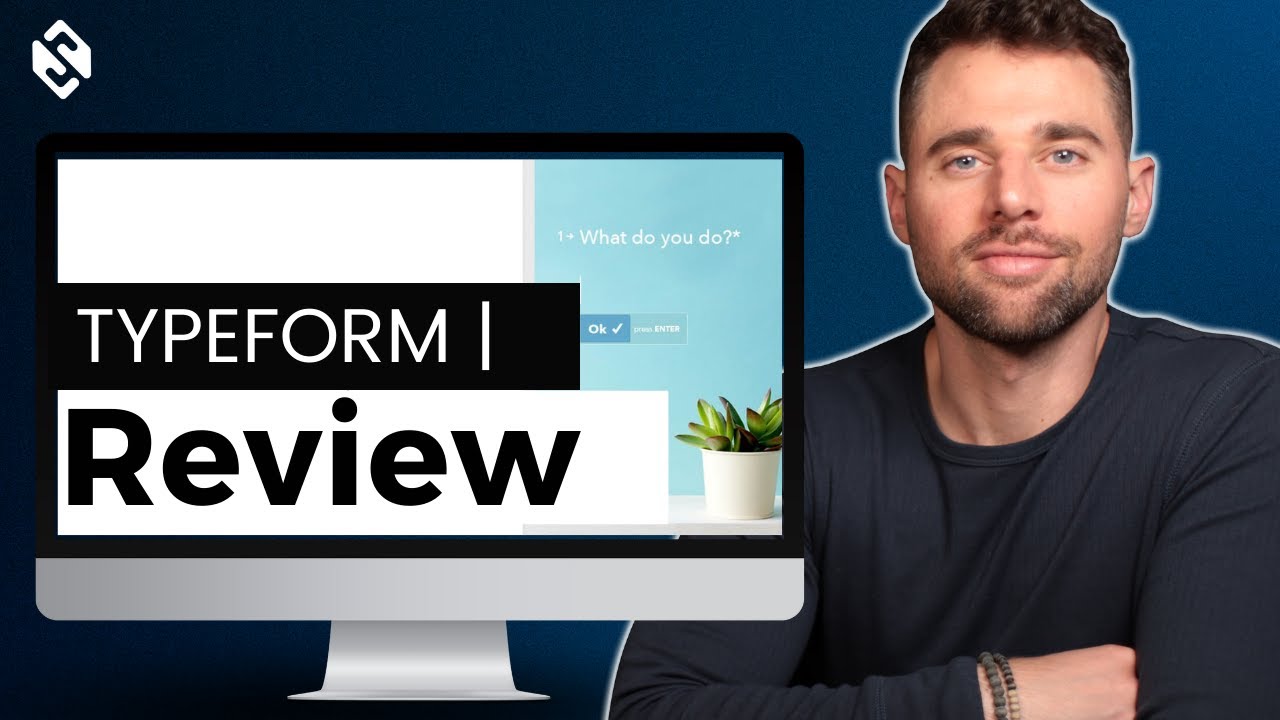
Typeform is the originator of the conversational form experience and one of the most-loved online form builders for marketing teams, product researchers, HR, and customer success. In this Typeform review by IdealOnlineBusiness.com, we look at its question-by-question UX, branching logic, AI features, integrations, and ratings on G2, Capterra, and Trustpilot. Typeform powers customer surveys, lead-generation forms, NPS surveys, product feedback, employee onboarding, and embeddable forms across 150+ integrations including HubSpot, Salesforce, Mailchimp, and Slack.
Our analysis of public Typeform reviews turns up consistent themes rather than a score we can stand behind, so check the G2 and Capterra listings for current numbers. Reviewers most often praise the conversational form UX that drives 30–40% higher completion rates than traditional forms, the depth of branching and logic jumps, and the polished embed and standalone modes. For marketers, product teams, and customer experience teams who need forms that feel modern and human, Typeform remains a category leader in 2026.
Typeforms conversational interface presents one question at a time, which boosts completion rates over traditional multi-page forms.
Typeform sits at the premium end of form-builder pricing — Google Forms is free, Jotform is cheaper at higher volumes.
Build complex paths through your form using question-level logic, calculated scores, and conditional question routing.
Each tier has monthly response limits — high-volume forms graduate to higher tiers quickly.
150+ integrations with HubSpot, Salesforce, Slack, Notion, Mailchimp, and Zapier connect form data to the rest of your stack.
The conversational UX adds JavaScript weight versus simple HTML forms — fast on modern devices but worth noting.
Typeform AI suggests questions, summarizes responses, and analyzes sentiment automatically on Pro and Enterprise plans.
Branding controls are deep but not unlimited — fully custom design still requires Webflow or another no-code builder.
Typeform packages a conversational form builder around question-by-question UX, branching logic, AI insights, integrations, embedded and standalone forms, payment collection, file uploads, and brand-customized themes. The form editor is drag-and-drop, with conditional logic, calculated fields, hidden fields for personalization, and webhooks for advanced workflows.
What sets Typeform apart from Google Forms, Jotform, and SurveyMonkey is the consistent emphasis on completion rate. Every UX decision — one question at a time, smooth animations, mobile-first design — is engineered to keep respondents engaged through the end of the form.
If you prefer to learn by watching, Typeform maintains a strong YouTube channel and many independent marketers and product researchers publish workflow tutorials. The videos below cover building a high-converting Typeform from scratch, configuring logic jumps, embedding forms on your website, and using Typeform AI for response analysis.
Typeform is more than a form builder — it bundles a complete suite of services for collecting structured input from customers, prospects, employees, and audiences. Alongside the core form builder, Typeform offers AI-powered insights, NPS and CSAT survey templates, payment collection, file uploads, branded themes, embeddable widgets, and 150+ integrations.
Based on our research of Typeform reviews on G2, Capterra, and Trustpilot, marketers and product teams most often credit Typeform with completion rates that are 20–40% higher than legacy form tools, especially on mobile.
Typeform uses a tiered subscription model with a free plan and three paid tiers. Higher tiers unlock more responses per month, advanced logic, and AI features. Free Plan — $0 10 responses/month, basic forms, Typeform branding. Best for testing the platform. Basic Plan — $25/month Billed yearly. 100 responses/month, unlimited forms, basic logic. For solo creators and small teams. Plus Plan — $50/month Billed yearly. 1,000 responses/month, advanced logic, custom branding. Most popular for growing SMBs. Business Plan — $83/month Billed yearly. 10,000 responses/month, AI insights, priority support. Built for marketing and product teams running high-volume forms. Enterprise Plan — Custom pricing Custom limits, SAML SSO, dedicated success manager, audit logs.
Pros:
Cons:
While Typeform is one of the most-loved form builders in 2026, some teams prefer cheaper basic forms, deeper survey research tools, or fully custom no-code builders. Depending on whether you want budget forms, advanced surveys, or fully custom design, these Typeform alternatives offer competing options worth comparing.

Jotform is a leading online form builder that lets you create surveys, applications, registration forms, payment forms, and more without coding. In this Jotform review by IdealOnlineBusiness.com, we look at its pricing, features, integrations, and ease of use based on public G2, Capterra, and Trustpilot reviews. Whether you collect leads, run events, process payments, or gather feedback, Jotform offers drag-and-drop forms with 10,000+ templates and 200+ app integrations.
Our analysis of Jotform form builder reviews shows the platform is trusted for ease of use, template library, payment integrations, and HIPAA compliance options. It holds a 4.7/5 rating on G2 across 3,200+ reviews. Users praise the intuitive builder, conditional logic, e-signatures, mobile forms, and Jotform Tables database. For any organization needing professional forms fast, Jotform is a top choice.
Explore More
Typeform is a conversational form builder used by marketing teams, product researchers, and customer experience teams worldwide. This section answers the most common questions based on our research of public Typeform reviews on G2, Capterra, and Trustpilot.
⚠️ Affiliate Disclosure: This site contains affiliate links. We may earn a commission when you purchase through our links at no extra cost to you. Results are not typical.