Cognito Forms is an online form builder with conditional logic, calculations, file uploads and built-in payment collection. It is aimed at teams who need forms that do real work rather than forms that simply collect answers.
At IdealOnlineBusiness, we have gone through all four tiers, what the free plan genuinely allows, and where the entry caps force an upgrade. If you are choosing between this, Jotform and Google Forms, the deciding factor is usually whether your form needs to calculate or take money.
| Pros | Cons |
|---|---|
| Free plan is genuinely usable: unlimited forms and working payments at zero cost. | Entry caps bite first: a simple high-volume form forces an upgrade it does not need. |
| Logic across plans: conditional rules are not reserved for premium tiers. | Branding on free: the Cognito mark stays on the form until you reach Pro. |
| Real calculations: quantities, tiered discounts and tax lines work natively. | Steep Enterprise jump: expensive if HIPAA is the only feature you need. |
| Payments on every tier: Stripe, PayPal and Square, including on free. | Fewer integrations: a thinner connector list than the largest builders. |
| Save and resume: materially lifts completion on long forms. | Signatures need Pro: not available on the free tier. |
| Workflow and approvals: the Team tier turns forms into small processes. | Design is functional: less polished out of the box than Typeform. |
Cognito Forms is the strongest free tier in this category, and the paid tiers are priced on volume rather than on withholding features. Count your monthly submissions, pick the tier that covers them, and ignore the feature comparison charts.
The free Individual plan allows unlimited forms and 100 entries a month with payments included. Most builders cripple their free tier by capping forms or blocking payments. Cognito caps entries instead, which is a far more usable trade.
Conditional logic, repeating sections and field-level rules are available across the plans rather than being reserved for premium tiers. That is unusual and it is the main reason people move here from cheaper builders.
Every plan can take payments, including the free one. You connect Stripe, PayPal or Square and collect on the form itself, which makes it viable for order forms and event registrations without upgrading.
Fields can calculate against each other, so quantity times price, tiered discounts and tax lines work natively. This is where Cognito pulls ahead of simple form tools that expect you to do the maths elsewhere.
Save and resume arrives on the Pro tier and lets respondents return to a part-completed form. For long applications or intake forms this is the difference between a 40 percent and an 80 percent completion rate.
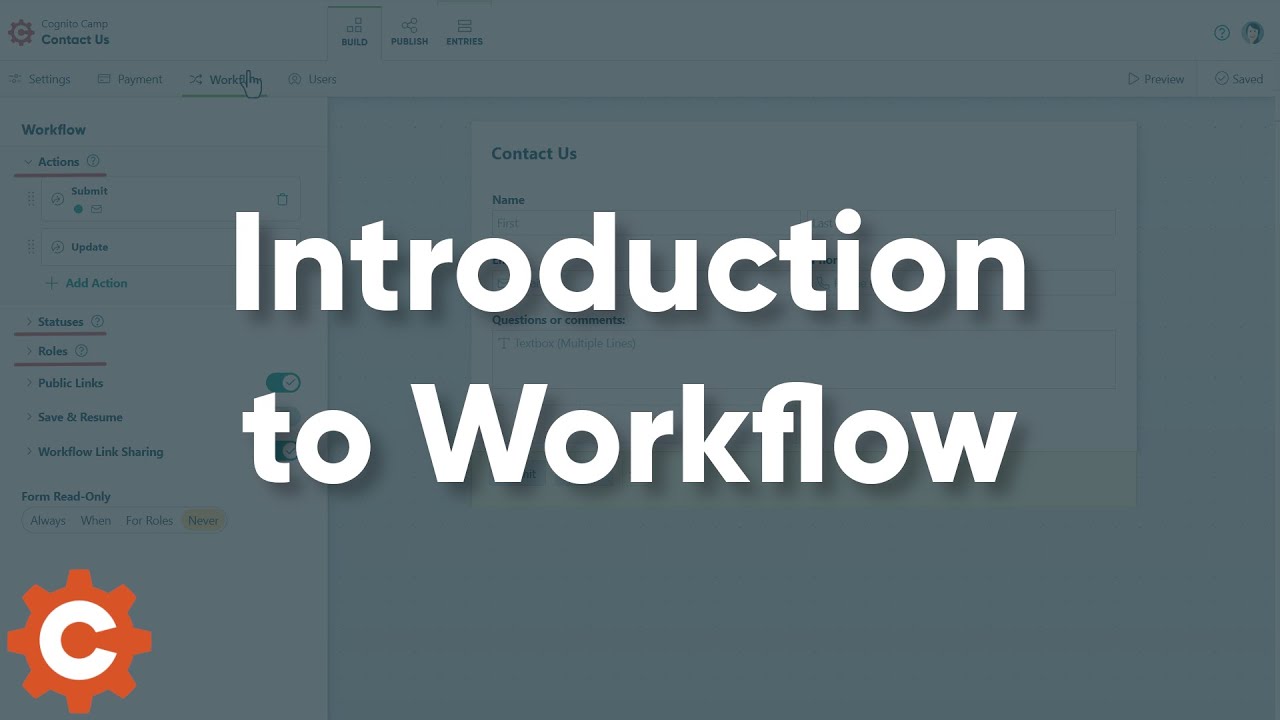
The Team tier adds workflow, approvals, a client portal and data lookups, turning a form into a small internal process rather than just a collection point.
Enterprise adds HIPAA compliance, single sign-on and folder-level permissions. If you handle health data this is the only tier that is legally viable, and it prices accordingly.
Pricing scales on monthly entries rather than the number of forms: 100 on free, 2,000 on Pro, 10,000 on Team, unlimited on Enterprise. Estimate your submission volume before your feature list, because that is what actually moves you up a tier.
Four tiers, and the thing that separates them is monthly entries rather than the number of forms you build. Individual is free forever with 100 entries a month, one user and Cognito branding on the form. Pro is 24 US dollars a month, or 19 billed annually, and lifts you to 2,000 entries, two users, electronic signatures, save and resume, and no branding. Team is 49 a month or 39 annually for 10,000 entries, five users plus five guests, workflow and approvals, a client portal and data lookups. Enterprise is 174 a month or 129 annually for unlimited entries, twenty users, HIPAA compliance, single sign-on and folder permissions.
Annual billing saves roughly 20 to 26 percent depending on tier. Payments work on every plan including the free one, which is the single most useful thing about the pricing model.
Walkthroughs covering building a first form, adding conditional logic and calculations, and setting up payment collection on the free plan.
Cognito Forms is an online form builder aimed at forms that do real work: calculations, payments, approvals and signatures rather than simple surveys.
There are four tiers. Individual is free permanently: unlimited forms, 100 entries a month, one user, payments enabled, with Cognito branding on the form. Pro is 24 US dollars a month or 19 billed annually and gives 2,000 entries, two users, electronic signatures, save and resume, and removes the branding. Team is 49 a month or 39 annually for 10,000 entries, five users and five guests, workflow, approvals, a client portal and data lookups. Enterprise is 174 a month or 129 annually for unlimited entries, twenty users, HIPAA compliance, single sign-on and folder permissions.
The decision is almost always about volume, not features. Count your monthly submissions first. A form that takes 150 entries a month has already outgrown the free plan regardless of how simple it is, while a complex calculating form taking 60 entries can stay free indefinitely.
Worth noting that payment collection is not gated behind a paid tier, which is rare. If you want to take money through a form and your volume is low, Cognito Forms is one of the few builders where the free plan genuinely does the job.
Cognito Forms competes with general form builders and with the survey tools people outgrow.
On this site, our Jotform review covers the closest direct competitor, and Signable, reviewed here is the better pick if electronic signatures rather than form building are the actual job.

Jotform is a leading online form builder that lets you create surveys, applications, registration forms, payment forms, and more without coding. In this Jotform review by IdealOnlineBusiness.com, we look at its pricing, features, integrations, and ease of use based on public G2, Capterra, and Trustpilot reviews. Whether you collect leads, run events, process payments, or gather feedback, Jotform offers drag-and-drop forms with 10,000+ templates and 200+ app integrations.
Our analysis of Jotform form builder reviews shows the platform is trusted for ease of use, template library, payment integrations, and HIPAA compliance options. It holds a 4.7/5 rating on G2 across 3,200+ reviews. Users praise the intuitive builder, conditional logic, e-signatures, mobile forms, and Jotform Tables database. For any organization needing professional forms fast, Jotform is a top choice.
Explore More
Common questions about Cognito Forms pricing, the free plan limits, and whether it handles payments and signatures.
⚠️ Affiliate Disclosure: This site contains affiliate links. We may earn a commission when you purchase through our links at no extra cost to you. Results are not typical.