⚠️ Affiliate Disclosure: This page contains affiliate links. We may earn a commission at no extra cost to you. This does not influence our reviews. Read full disclosure →

Creatify Review

icon01

Creatify Review

4.5 (2,972)

Creatify Overview

Creatify review is one of the most trusted tools for creating high-quality visuals and digital content effortlessly. It empowers users to design, edit, and optimize visuals using AI-powered templates and drag-and-drop creativity. With an intuitive interface and advanced Creatify features, this platform helps marketers, designers, and businesses boost their branding and productivity.
Many digital professionals rely on it for social media graphics, marketing visuals, and video templates. For more tools, reviews, and practical guides to grow your online business, visit IdealOnlineBusiness ,a platform dedicated to sharing step-by-step tutorials and trusted product reviews that help you succeed faster.

Creatify Review: Features, Pros & Cons

Pros Cons
URL-to-Video Magic: You can literally paste an Amazon or Shopify link and let the AI do the heavy lifting. It scrapes the images and descriptions to build a full video ad in minutes. The Credit “Burn”: Testing different versions can eat up your monthly credits incredibly fast. If you’re a heavy experimenter, you’ll find yourself hitting the paywall sooner than expected.
Actually Realistic Avatars: Unlike some tools that feel “robotic,” Creatify’s AI presenters have natural expressions and solid lip-syncing. They’re high-quality enough for TikTok and Meta ads. Strict No-Refund Policy: They are very firm about their “all sales are final” rule. Even if you have a technical glitch or forget to cancel, getting your money back is almost impossible.
Built-in Ad Intelligence: It doesn’t just make videos; it helps you see what’s actually working in your industry right now so you can “remix” winning ad concepts. Inconsistent Render Speeds: On a good day, it’s lightning-fast. However, during peak hours, your video might get stuck in a “rendering queue” for much longer than you’d like.
Batch Mode for Testing: You can generate a dozen variations of the same ad changing the hook, the voice, or the avatar with one click. It’s a dream for A/B testing. Billing Headaches: Some users have reported being charged even after canceling their subscription. You really have to keep a close eye on your account settings to ensure it’s fully off.
Huge Voice & Language Library: With 170+ voices and 29+ languages, you can take a local product and create a global ad campaign without ever hiring a voice actor. Limited Free Plan: The free tier is really just a “teaser.” You get very few credits, and your videos will have a large watermark that makes them unusable for actual ads.
Direct Social Integration: Once your ad is ready, you can push it straight to TikTok, Facebook, or YouTube without the manual “download and re-upload” dance. Pro Features are Pricey: If you want 1080p exports or custom brand avatars, you have to jump to the more expensive plans, which can be a stretch for solo dropshippers.


Creatify Review 2026: The Best AI Tool for URL-to-Video Ads?

In 2026, the speed of creative testing is the #1 predictor of success for Meta and TikTok advertisers. Creatify has revolutionized this workflow with its industry-leading URL-to-Video engine. Instead of storyboarding for hours, marketers can now simply paste a product link from Amazon, Shopify, or any e-commerce site, and watch the AI scrape images, descriptions, and reviews to generate a fully realized video ad.

Here is why Creatify remains the top contender for automated ad production this year:

  • The Assembly Line Workflow: Creatify doesn’t just “suggest” scenes; it builds a complete narrative. In under two minutes, the tool writes a high-converting script, selects a realistic AI avatar, and overlays background music and B-roll clips.
  • 1,500+ Realistic AI Avatars: In 2026, Creatify’s avatars have moved past the “uncanny valley.” With native support for 29+ languages and improved lip-syncing, these digital twins allow brands to produce UGC-style (User Generated Content) ads without ever hiring a real creator.
  • Ad Intelligence Integration: Unlike basic video editors, Creatify includes an Ad Spy-style template library. It analyzes over 10 million top-performing ads on Meta to suggest templates that are statistically more likely to stop the scroll.
  • Multi-Platform Batch Mode: You can generate 20 variations of a single ad in one click. By swapping hooks, calls-to-action, or avatars, growth teams can launch massive A/B tests that would have previously required a full production studio.


What You’ll Learn in This Creatify Review

  • How Creatify simplifies visual content creation with AI

  • Key Creatify features and design automation tools explained
  • Real benefits and limitations (honest pros & cons)
  • Creatify pricing plans and value for money
  • Comparison: Creatify vs Canva & other alternatives
  • Who should use Creatify (marketers, designers, agencies)


Who Should Use Creatify?

Creatify is ideal for:

  • Digital marketers creating ads and social media content
  • Designers looking to speed up workflow with AI tools
  • Small businesses building consistent brand visuals
  • Agencies managing multiple client campaigns
  • Content creators who want professional designs without complexity

Whether your goal is to create engaging visuals, improve brand consistency, or scale your content production, this Creatify review will help you make a clear and confident decision.

Smart Visual Creation

Creatify review users highlight how it simplifies visual content creation through intelligent AI design assistance. Whether you’re designing social media posts, ads, or web banners, it ensures your visuals match your brand identity perfectly. Many designers and marketers mention in their Creatify reviews that it’s easy to use yet powerful enough to produce professional, eye-catching designs that convert.

Advanced Design Optimization

With advanced Creatify features, users can analyze trending visuals, improve layout balance, and enhance aesthetic appeal. It’s more than just a design toolit’s a complete creative assistant designed to improve brand consistency and audience engagement. This Creatify review proves how well it bridges creativity and design intelligence.

Content Planning with AI

Planning your campaigns becomes seamless with AI-driven design and scheduling suggestions. Creatify features like template recommendations, smart resizing, and design scoring ensure your visuals are always optimized for every platform. You’ll stay ahead of your competition with beautifully structured, scroll-stopping content that grabs attention instantly. However, managing multiple high-performing ad accounts to run these visuals requires a secure environment to avoid bans; reading this Dolphin Anty review will show you how this anti-detect browser protects your digital fingerprint while you scale your marketing efforts across various platforms.

Integrations

Creatify integrates smoothly with tools like Google Drive, WordPress, and other Creatify alternative platforms such as Canva. These integrations allow you to import, edit, and publish your visuals effortlessly. Professionals love how these Creatify features enhance workflow and save hours of manual design work.

User-Friendly Dashboard

Every Creatify review highlights its clean, clutter-free dashboard that simplifies the design process. You can manage templates, track versions, and compare your work with trending visualsall in one place. It’s ideal for creators who want simplicity combined with powerful creative insights.

AI Design Assistance

Among the standout Creatify features is its built-in AI design assistant. It helps you brainstorm visual ideas, suggest layouts, and refine color harmony and typography. Whether you’re creating logos, ads, or infographics, Creatify reviews consistently praise its AI assistance for boosting design quality and productivity. For independent artists who use these stunning visuals for their album art and promotion, the next step is getting their music onto major streaming platforms; reading this DistroKid review will show you how this distribution service makes it incredibly easy and affordable to get your tracks on Spotify, Apple Music, and beyond.

Plagiarism and Quality Check

To maintain design originality and quality, Creatify review users appreciate its plagiarism and asset-use checking tools. These ensure your visuals are unique, on-brand, and ready for publication. Businesses find this especially useful for maintaining brand credibility and a professional aesthetic.

Custom Reports and Insights

With exportable project reports, Creatify features make it easy to share design progress with clients or team members. Reports summarize project timelines, creative scores, and design recommendations. Many agencies mention in their Creatify review that this functionality improves team communication and brand consistency.

Creatify Features – What You Get?

Creatify features cover everything needed for effective visual creation and optimization. It’s perfect for marketers, designers, and agencies aiming to create content that performs and converts.

  • Multi-Account Browser Profiles
  • Advanced Fingerprint Protection
  • Proxy Integration
  • Task Automation
  • Team Management Tools
  • Data Encryption
  • Report Generation
  • Easy Integrations
  • Some Advanced Tools Require Higher Plans
  • Learning Curve for New Users
  • Real-time Privacy Protection
  • Secure Cloud Sync

Video Guides and Tutorials

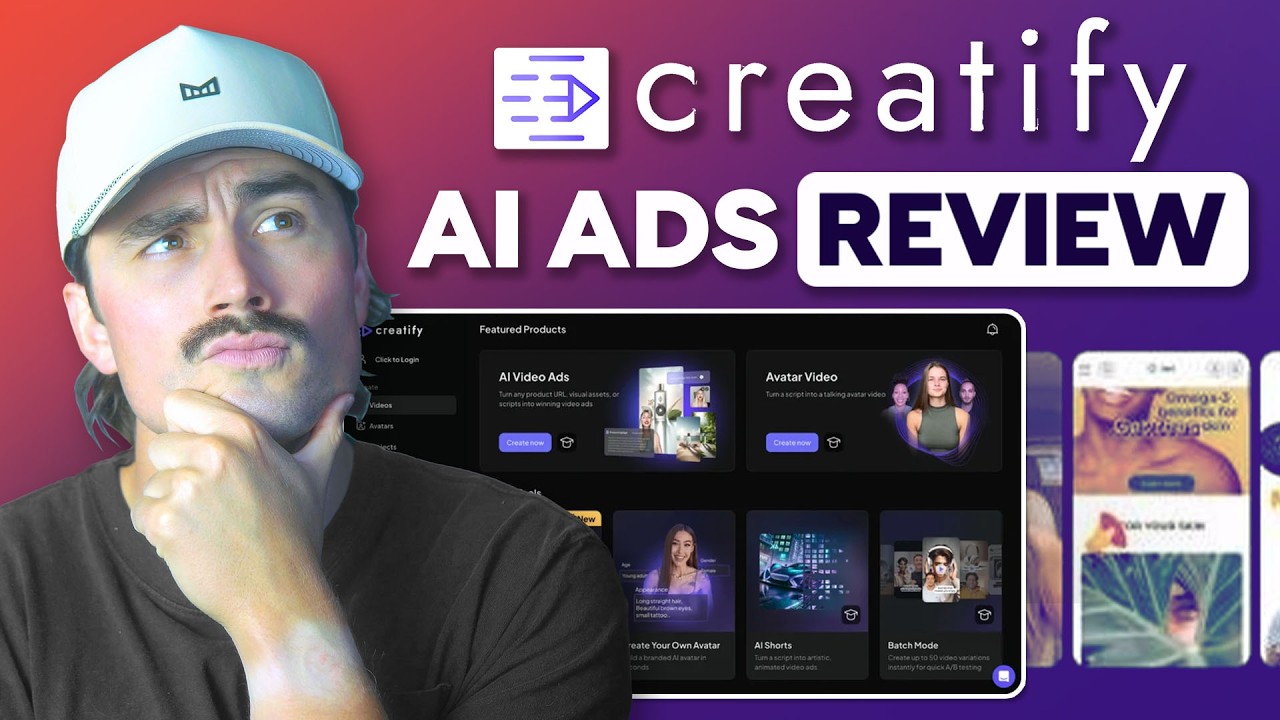
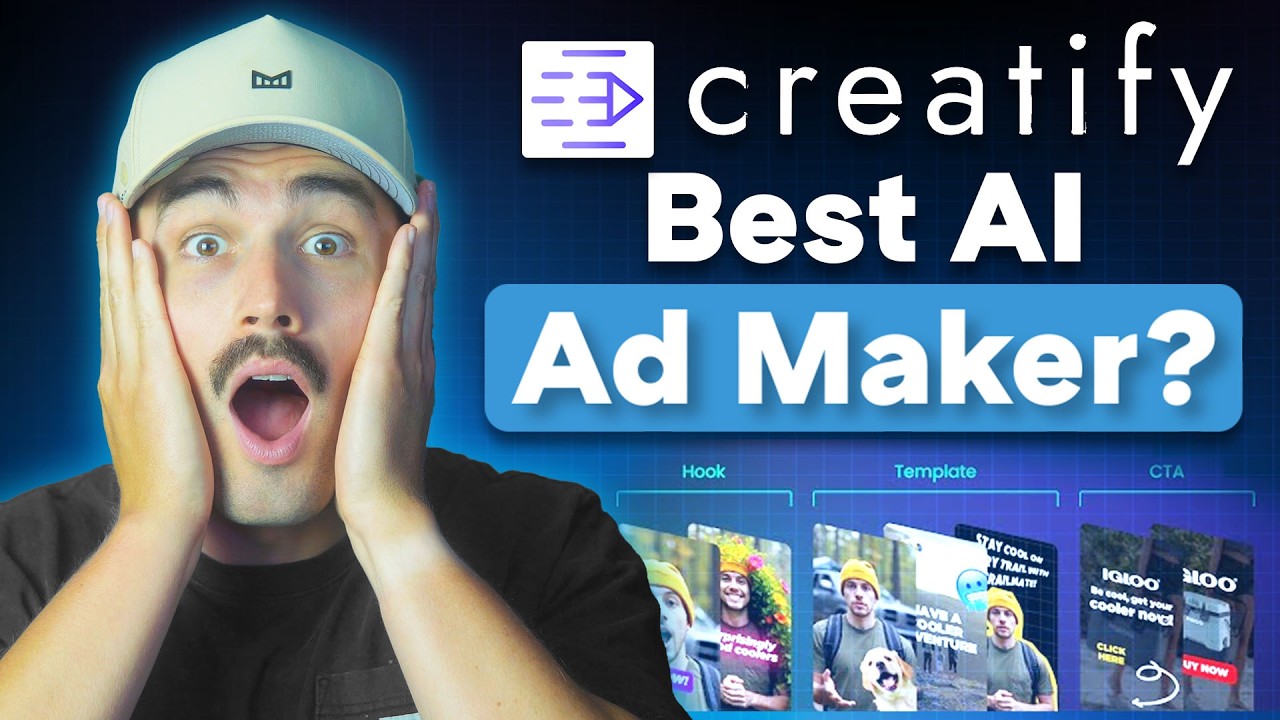
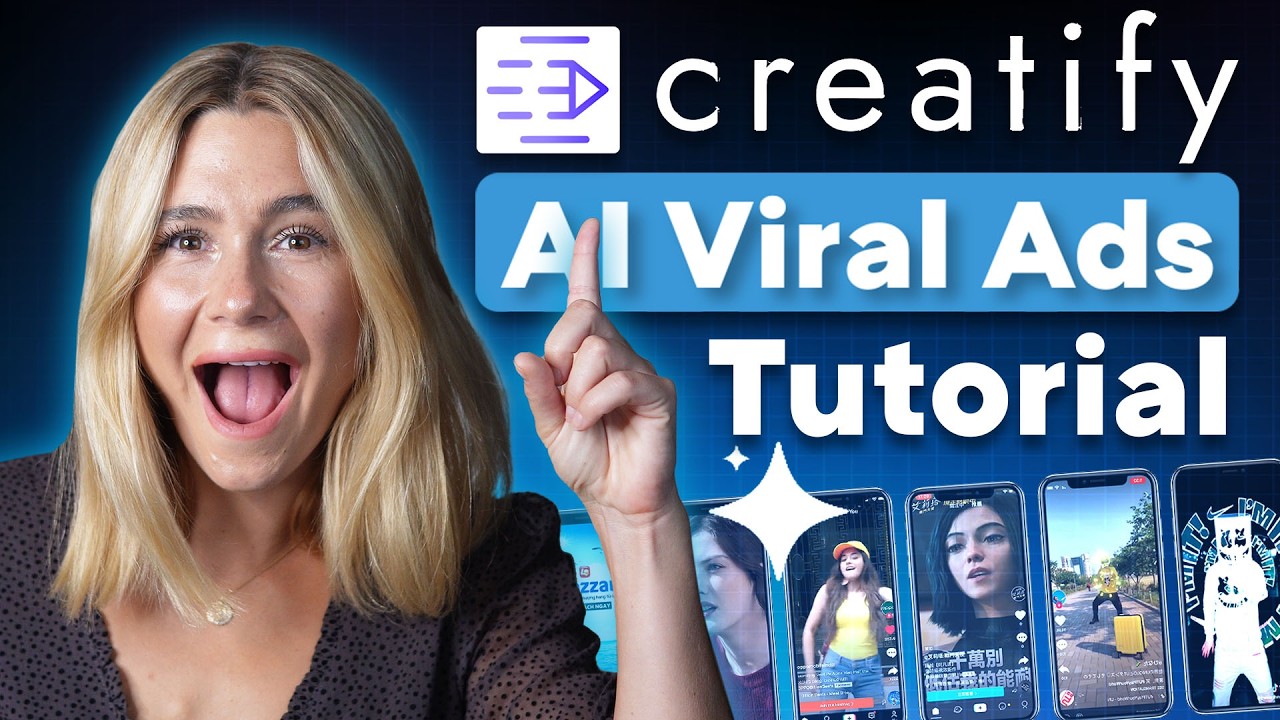
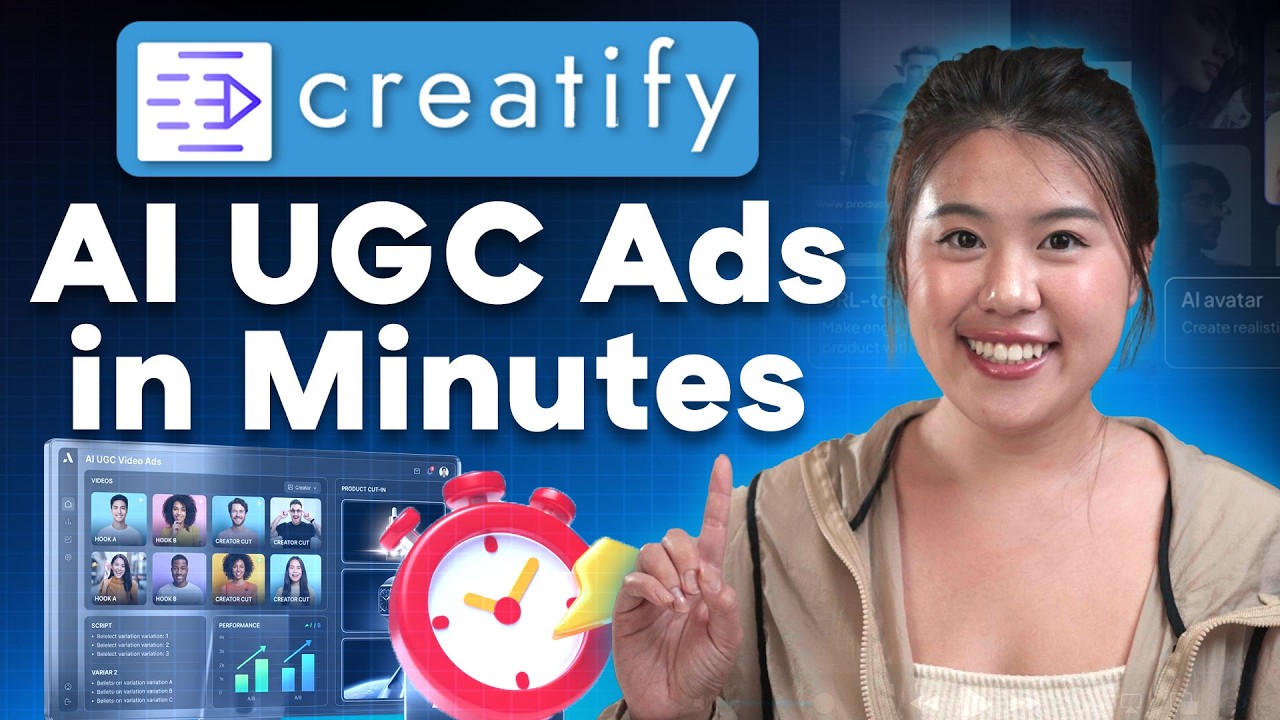
Creatify review users love the detailed tutorials and video guides that simplify every feature. Whether you’re learning logo design, ad optimization, or visual storytelling, these resources help even beginners master professional design quickly. They save time and ensure your visuals consistently perform well across platforms.

Zootrix Tutorial
Proxy Seller Review
Liquid Web Hosting
Why Small Businesses Love DigiSigner

Creatify Price Plans

Creatify pricing is designed for everyonefrom individual creators to growing agencies. The Starter plan is perfect for beginners, while Pro and Business plans provide enhanced design credits, AI templates, and collaboration tools for expanding brands. The Enterprise plan unlocks every feature for professionals managing multiple projects.
Most Creatify review posts recommend starting small and upgrading as your brand grows to get maximum value from Creatify pricing.

Creatify Pricing & Plans: Is the Pro Plan Worth the Credits?

Understanding Creatify pricing in 2026 requires looking past the monthly sticker price and calculating the “real cost per approved ad.” Because the platform operates on a credit-based system, your choice of plan dictates not just how many videos you can make, but the quality of the AI models you can access.

1. The Free Plan (Testing Only)

    • Credits: 10 monthly credits (approx. 1–2 videos).
    • Limits: All exports include a Creatify watermark, making them unusable for professional campaigns. This tier is strictly for testing the interface and avatar quality.


2. The Starter Plan ($39/mo)

    • Credits: 100 monthly credits (approx. 5–10 quality videos).
    • Best For: Solopreneurs and small dropshipping stores.
    • The Math: At this level, each usable ad costs roughly $4.00 to $7.80. It removes the watermark and allows for custom aspect ratios (9:16, 1:1, 16:9).


3. The Pro Plan ($99/mo) – The Recommended Choice

The Pro plan is widely considered the “sweet spot” for 2026 marketing agencies and scaling brands.

    • Credits: 200–500 monthly credits (depending on the specific 2026 bundle).
    • Premium Models: Only Pro users get access to Aurora, Creatify’s most advanced AI rendering model, which offers significantly better realism for avatars.
    • Team Collaboration: Access for up to 3 seats and priority rendering speeds, which are essential during high-traffic periods like Q4.


Creatify 2026 Credit Math Comparison

Plan Monthly Credits Est. High-Quality Ads Price (Monthly) Key Benefit
Free 10 Credits ~1-2 Ads $0 Watermarked exports only
Starter 100 Credits ~5-10 Ads $39 No watermark, 29+ languages
Pro 200 – 500 Credits ~20-40 Ads $99 Batch creation, Ad insights
Enterprise Custom 100+ Ads Contact Sales API access & volume discounts


Pros and Cons of Creatify

+Pros
  • Rapid AI-powered video generation from URLs
  • Massive library of high-quality stock footage
  • Smart AI scriptwriting tailored for marketing
  • Easy-to-use interface for non-video editors
  • One-click resizing for TikTok, Reels, and Shorts
  • Affordable entry point for small businesses
  • Automated captions and text-to-speech features
Cons
  • Limited manual editing control compared to Pro tools
  • High-quality exports restricted to premium plans
  • Some AI-generated voices can sound robotic
  • Occasional rendering delays during high traffic
  • Limited brand kit customization on basic tiers
  • Advanced collaboration tools gated to Enterprise

Overall: Creatify is an exceptional tool for e-commerce brands and marketers who need to produce high-volume video ads quickly. While it lacks the deep customization of professional video editing suites, its ability to turn product links into ready-to-post marketing assets makes it a massive time-saver for scaling social media campaigns.


Creatify vs Canva

Creatify vs Canva is a common debate among creators. While Canva focuses on quick DIY design and drag-and-drop templates, Creatify review users find it stronger in AI-driven optimization and brand-level customization. According to comparison Creatify vs Canva, Creatify is ideal for automated brand consistency, whereas Canva suits beginners and casual creators.

4.4 EASE OF USE
3.7 VALUE FOR MONEY
4.3 CUSTOMER SUPPORT
5.0 FUNCTIONALITY
Meera Gupta Video Marketing Specialist
Review Date:19 May, 2025

CreativeLaunch Media
Project Type: AI Video Creation Tool Evaluation

“Creatify makes video and ad-creation fast and accessible, with features like script generation, AI avatars, voice-overs, and batch mode. Its interface is intuitive and ideal for social-media creators and e-commerce marketers. On the flip side, avatar customization is limited and rendering speeds vary. Overall, for quick, professional-looking content, it’s a smart choice.”

EASE OF USE
VALUE FOR MONEY
CUSTOMER SUPPORT
FUNCTIONALITY

Creatify Alternatives

When exploring Creatify alternatives, you’ll find few that match its depth in smart automation and real-time creative scoring. Tools like Crello (VistaCreate) and Stencil are popular, but Creatify review highlights its superior AI design assistance and workflow efficiency. These features make it stand out as a top Creatify alternative for those who want beautiful, optimized visuals without spending hours designing.


Placeit Review

Placeit Review

4.6/5 on Trustpilot — instant logo, mockup & design template factory by Envato
Explore More
Decktopus Review

Decktopus Review

Best AI Presentation Software for Founders & Marketers
Explore More
PosterMyWall Review

PosterMyWall Review

Rated 4.7/5 on G2 — 50M+ users worldwide
Explore More
Pacdora Review

Pacdora Review

Rated 4.6/5 on Capterra — 1,500+ 3D packaging templates
Explore More
Envato Market Review

Envato Market Review

4.1 (237+ reviews) on G2
Explore More
Glorify Review

Glorify Review

Glorify Review – Ecommerce-Focused Graphic Design Tool With Mockups, AI Background Remover & Templates
Explore More
Crowdspring Review

Crowdspring Review

4.0+ on G2 with featured reviews from 173 customers
Explore More
ProtoPie Review

ProtoPie Review

4.7 (240+ reviews) on G2
Explore More
Vexels Review

Vexels Review

4.6 (320+ reviews) on G2
Explore More
Kyssbag Review

Kyssbag Review

4.3 (2,212)
Top Rated Features
  1. Smart Travel Design
  2. Smart Storage and Comfort
  3. Travel Planning Made Easy
Explore More
Nix Sensor Review

Nix Sensor Review

4.3 (2,1103)
Top Rated Features
  1. Easy Color Measurement
  2. File and Data Export
  3. Advanced Data Management
Explore More
Thrive Themes Review

Thrive Themes Review

4.6 (2,791)
Top Rated Features
  1. Easy Form Creation
  2. Mobile-Friendly Design
  3. Customizable Notifications
Explore More
BookBolt Review

BookBolt Review

4 (2,302)
Top Rated Features
  1. Simple Low Content Book Creation
  2. Advanced Keyword and Niche Research
  3. Wide Interior Template Library
Explore More
Pngtree Review

Pngtree Review

4.8 (2,672)
Top Rated Features
  1. Huge Collection of Images
  2. Free and Paid Options
  3. Constantly Updated Resources
Explore More
Uxcel Review

Uxcel Review

4.7 (2,676)
Top Rated Features
  1. Flexible Self-Paced Learning
  2. Uxcel Pricing Plans
  3. Core Features of Uxcel
Explore More
Homestyler Review

Homestyler Review

4.7 (2,991)
Top Rated Features
  1. Free 3D Home Design
  2. AI-Powered Design Assistance
  3. Professional-Grade Tools
Explore More
FAQs

Frequently Asked Questions

If you’re exploring Creatify review insights for visual content creation, you likely have questions about its pricing, features, and comparisons like Creatify vs Canva or Creatify vs Crello (VistaCreate). We at IdealOnlineBusiness have compiled answers to help you decide confidently.

Creatify is an AI-powered graphic design tool. Many Creatify reviews confirm its ability to improve creative workflow and streamline visual design for professionals.

Creatify pricing depends on your plan. The Starter plan suits individuals, while Enterprise fits agencies. Checking a Creatify review can help you choose the right one.

Top Creatify features include AI design assistance, smart templates, real-time editing, and brand managementeverything needed for creating professional visuals.

In comparison Creatify vs Canva, Creatify focuses on AI-enhanced design optimization, while Canva emphasizes fast template-based editing. Your choice depends on your creative needs.

Yes. The tutorials in every Creatify review show how easy it is to learn smart design and automation techniques.

Absolutely. Its advanced Creatify features include collaboration tools and shared brand kits for teams.

Yes, the platform works seamlessly on mobile, making it convenient for designers on the move.

Definitely. It’s designed for AI-driven creative planning and visual campaign strategy building.

Yes, the Creatify services team provides reliable email and documentation support.

When comparing Creatify vs Stencil, Creatify excels in AI-driven creative optimization, while Stencil is faster for quick one-off designs. A comparison Creatify vs Stencil helps you decide which fits your workflow best.

⚠️ Affiliate Disclosure: This site contains affiliate links. We may earn a commission when you purchase through our links at no extra cost to you. Results are not typical.