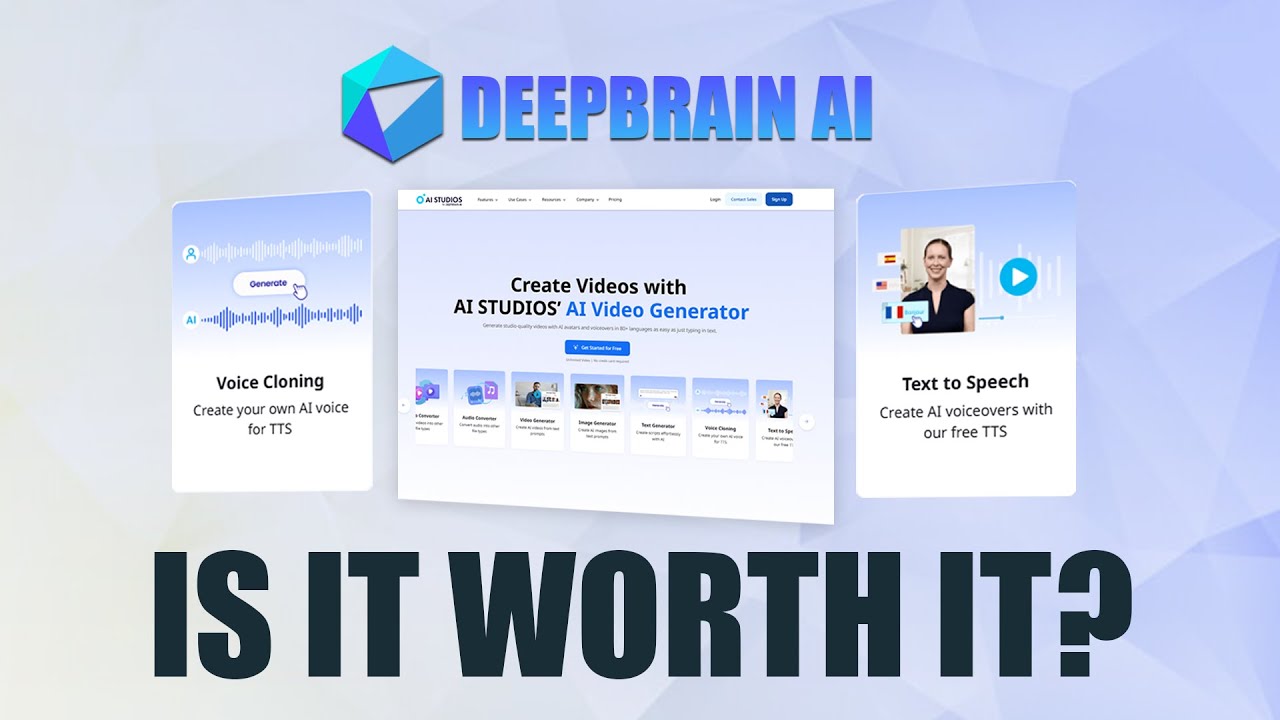
DeepBrain AI, now trading as AI Studios, generates presenter-style video from a script using photorealistic AI avatars, and dubs existing footage into other languages with matching lip movement.
At IdealOnlineBusiness, we have worked through the current AI Studios tiers, the rebrand, and the three separate allowances that decide what you can actually produce. If you are comparing it with HeyGen, the structural difference is that video output here is unlimited on paid plans.
| Pros | Cons |
|---|---|
| Unlimited videos on paid plans: nothing meters how many you make. | Free plan is a demo: three watermarked minute-long videos. |
| AI dubbing with lip sync: 120 to 240 minutes a month included. | Per-seat Team pricing: cost scales with headcount, not usage. |
| Interactive avatars: respond in real time rather than reading a script. | Two currencies to track: dubbing minutes and generative credits run down separately. |
| Custom avatars: trained on your own footage from the free tier upward. | Per-video length caps: 30 minutes on Personal, 60 on Team. |
| 20 percent off annually: a meaningful discount at Team scale. | Rebrand confusion: older reviews describe plans that no longer exist. |
| 4K and shared workspaces: genuine team collaboration on the Team tier. | Synthetic presenters: still register as such with many audiences. |
DeepBrain AI is the better buy when you publish a high volume of short videos, because paid plans do not meter output at all. Where translation volume and voice cloning dominate, price it against HeyGen on the same script before committing.
DeepBrain AI now trades as AI Studios, and deepbrain.io redirects there. If you are comparing old reviews or pricing pages, check which name they refer to, because the product and the plans have both moved on.
You write a script, select a presenter and the platform renders a video with synthesised speech and matching mouth movement. No camera, no studio, no editing timeline.
AI dubbing re-voices an existing video into another language with lip sync. The Personal plan includes 120 minutes a month and Team raises that to 240 minutes per seat, which is the clearest way the tiers differ in practice.
Custom avatars trained on your own footage run one on Free, three on Personal, five on Team and unlimited on Enterprise. If several people need to appear on camera, that ladder decides your tier before anything else.
Unlike credit-metered rivals, paid plans allow unlimited videos. The cap is per-video length instead: 30 minutes on Personal, 60 on Team, unlimited on Enterprise. For high-volume short content that is a materially better deal.
Generative credits are a separate currency from video minutes, covering the newer generative models. Personal includes 60 a month, Team 150 per seat. Free gets 16 one-off credits, which is enough to look and not much else.
Interactive avatars, available from the Personal tier, respond in real time rather than playing a fixed script. That is the feature pushing this product into kiosks, support and training simulations.
Team at 55 US dollars per seat adds 4K export, shared workspaces and collaboration. It is priced per seat, so cost scales with headcount rather than with output.
Four tiers under the AI Studios brand. Free costs nothing and allows three videos a month at one minute each, 720p, one custom avatar, three AI dubbing uses and 16 one-off generative credits. Personal is 24 US dollars a month for unlimited videos up to 30 minutes each, three custom avatars, 1080p export, 120 minutes of AI dubbing a month and 60 generative credits. Team is 55 per seat per month for unlimited videos up to 60 minutes, five custom avatars, 4K export, 240 dubbing minutes and 150 generative credits per seat, plus shared workspaces. Enterprise is quoted and lifts every limit, adding SAML single sign-on and a dedicated account manager.
Annual billing takes 20 percent off the paid tiers. The important structural difference from credit-metered competitors is that video output itself is unlimited on paid plans, so the constraints that actually bite are per-video length, avatar count and dubbing minutes.
Walkthroughs covering building a first avatar video from a script, training a custom avatar, and running existing footage through AI dubbing with lip sync.
DeepBrain AI, now AI Studios, generates presenter-led video from text and dubs existing footage into other languages. These are its main capabilities.
Free is 0 US dollars: three videos a month, one minute each, 720p, one custom avatar and 16 one-off generative credits. Personal is 24 a month for unlimited videos up to 30 minutes, three avatars, 1080p, 120 dubbing minutes and 60 generative credits a month. Team is 55 per seat for unlimited videos up to 60 minutes, five avatars, 4K, 240 dubbing minutes and 150 credits per seat, with shared workspaces. Enterprise is quoted. Annual billing saves 20 percent.
Unlimited video output on paid plans is the headline difference from credit-metered rivals, and it changes who this suits. If you publish a lot of short videos, Personal at 24 dollars is unusually good value, because nothing meters the number you make. If you need several people on camera or a lot of translation, avatar count and dubbing minutes will push you to Team well before video volume does.
Watch the two separate currencies. Dubbing minutes and generative credits are tracked independently of each other and of video count, so it is possible to sit comfortably within your video allowance and still run out of the thing you actually need.
DeepBrain AI sits in a crowded avatar-video market, and the right comparison depends on whether you are metering output or people.
On this site, our HeyGen review covers the closest competitor and the credit model that differs most from this one, and CapCut, reviewed here is the better fit if you are editing real footage rather than generating a presenter.

Use the Hailuo AI promo code IDEAL to get an extra 10% off your first purchase of a Hailuo AI plan. It is a partner code issued to IdealOnlineBusiness.com.



Common questions about DeepBrain AI, its rebrand to AI Studios, what the plans cost and how dubbing minutes and generative credits work.
⚠️ Affiliate Disclosure: This site contains affiliate links. We may earn a commission when you purchase through our links at no extra cost to you. Results are not typical.