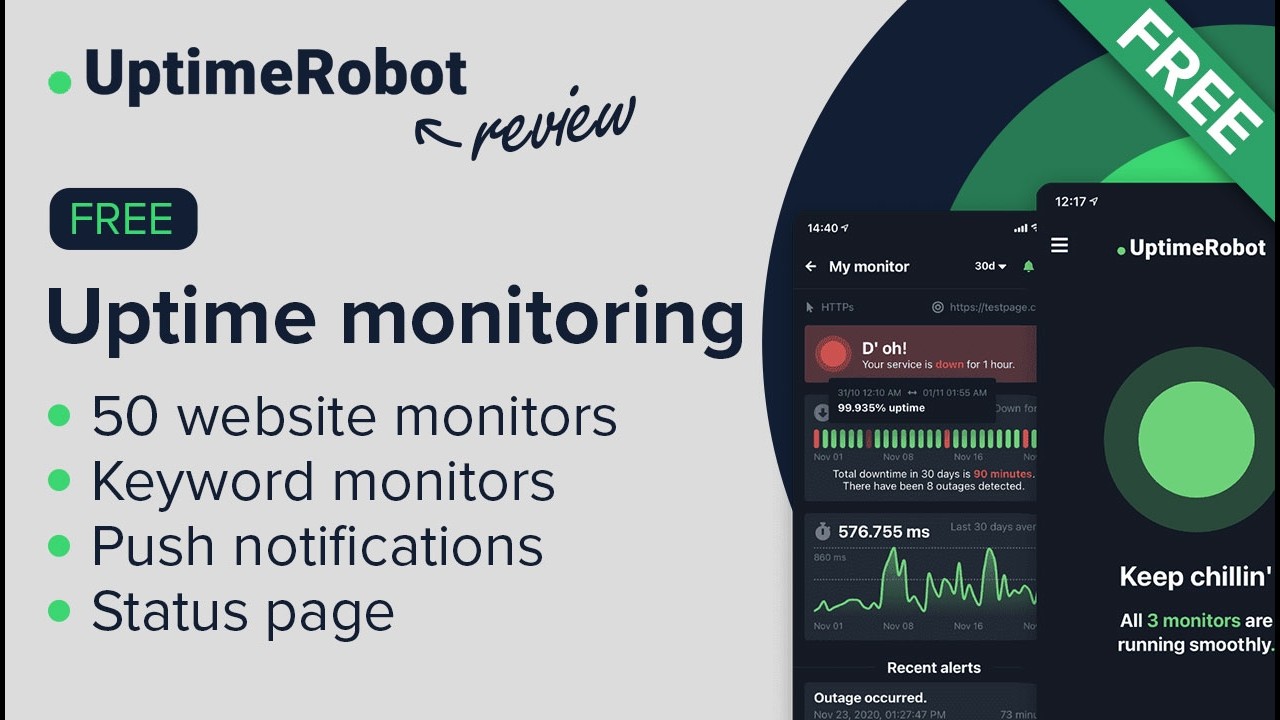
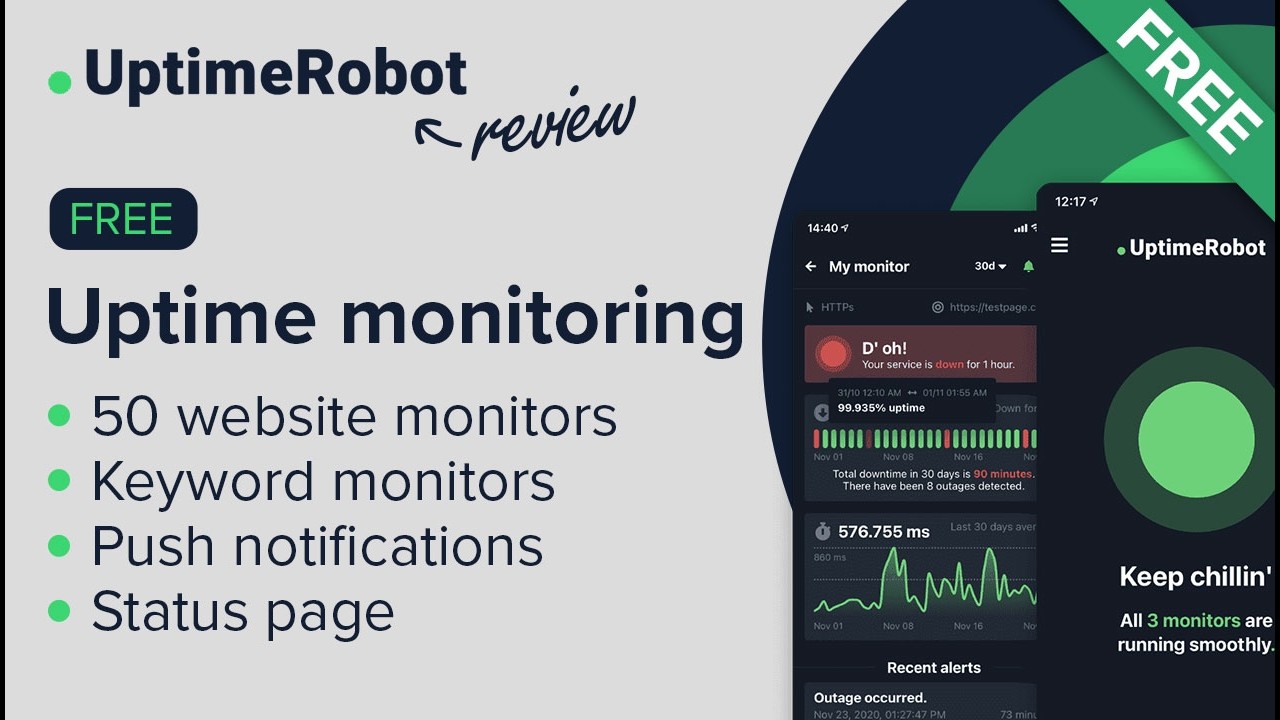
UptimeRobot is the most popular freemium uptime-monitoring service — checks HTTP(s), keyword, ping, port, SSL certs from 13+ global locations every 30 seconds (Pro) or 5 minutes (Free). In this UptimeRobot review by IdealOnlineBusiness.com, we examine its free tier, alert channels, status pages, and total value for indie developers and small teams.
The platform offers status pages, multi-channel alerts (SMS, voice, Slack, Telegram, Discord, webhooks), and SLA reports. Across G2 and Capterra reviewers consistently praise the genuinely usable free tier (50 monitors at 5-minute interval) and the breadth of alert integrations as the standout reasons to choose UptimeRobot over Pingdom, StatusCake, or Better Uptime.
Generous free tier with 50 monitors at 5-minute interval covers most indie projects and side businesses.
Paid tiers run checks every 30 seconds for production-grade monitoring with faster downtime detection.
Distributed checks from 13+ data centers globally ensure region-specific outages are detected accurately.
SMS and voice call alerts on Pro tier and above for critical-incident escalation outside business hours.
Build a public status page hosted on uptimerobot.com or your custom domain with one click.
Multi-channel alerts via Slack, Microsoft Teams, Discord, PagerDuty, OpsGenie, or any custom webhook.
Track SSL certificate expiry with advance-warning alerts so renewals never lapse silently.
Alert when a phrase appears or disappears from the response body of a monitored URL.
UptimeRobot packages 50 free monitors, HTTP/HTTPS, keyword, port, ping, and SSL certificate monitoring, multi-channel alerts (email, SMS, webhook, Slack), public status pages, and 12+ months of log retention into one website monitoring service used by 1.5M+ users.
Watch real UptimeRobot walkthroughs covering the full review of the best uptime monitoring tool, the 3-minute setup tutorial, the 2026 review, and how to build your own free monitoring site in 5 minutes.
Free Plan — $0/month forever: 50 monitors, 5-minute checks, email + webhook alerts, public status page.
Solo Plan — $7/month: 50 monitors, 1-minute checks, SMS + voice call alerts, longer log retention.
Team Plan — $34/month base + $15/seat: Unlimited monitors, multi-user access, advanced integrations.
Enterprise Plan — from $129/month + $19/seat: Custom contracts, SSO, audit logs, dedicated success manager.
12-month log retention on paid plans. SMS credits sold separately.
Here’s a quick summary of what users praise and criticize across G2, Capterra, and Gartner reviews of UptimeRobot.
What real users say
UptimeRobot is well reviewed on G2 and Capterra. We are not quoting the scores, because we cannot verify them at the moment you are reading this, so check those listings for current figures.
UptimeRobot dominates freemium uptime monitoring, but several alternatives are worth comparing. Pingdom is the premium incumbent with stronger real-user monitoring. StatusCake offers similar feature breadth at slightly lower pricing. Better Uptime targets engineering teams with on-call scheduling and incident management built in. New Relic and Datadog Synthetics target enterprise APM. Hyperping and Cronitor target cron-job and scheduled-task monitoring. Choose UptimeRobot when the free tier covers your needs and you do not need real-user monitoring.



Here are answers to the most common questions about UptimeRobot to help you decide if it is the right uptime-monitoring service for your sites and APIs.
⚠️ Affiliate Disclosure: This site contains affiliate links. We may earn a commission when you purchase through our links at no extra cost to you. Results are not typical.