POWR is a no-code website plugins and forms builder that helps store owners and marketers add interactive elements without writing code. In this POWR review by IdealOnlineBusiness.com, we look at its pricing, real user feedback, standout features and how it stacks up against Elfsight, Tidio and other alternatives.
Our analysis of POWR reviews shows the platform is widely trusted for reliability and ease of use. It has public reviews across the major software review sites, but we have not independently verified a current aggregate score and so do not quote one here — check G2, Capterra and Trustpilot directly. Customers consistently call out the speed of getting started and the breadth of plugins.
POWR packages 60+ plug-and-play widgets — contact forms, popups, photo galleries, countdown timers, FAQ accordions and Instagram feeds — under a single subscription. You drop them onto a site with a short embed code instead of hiring a developer for each one.
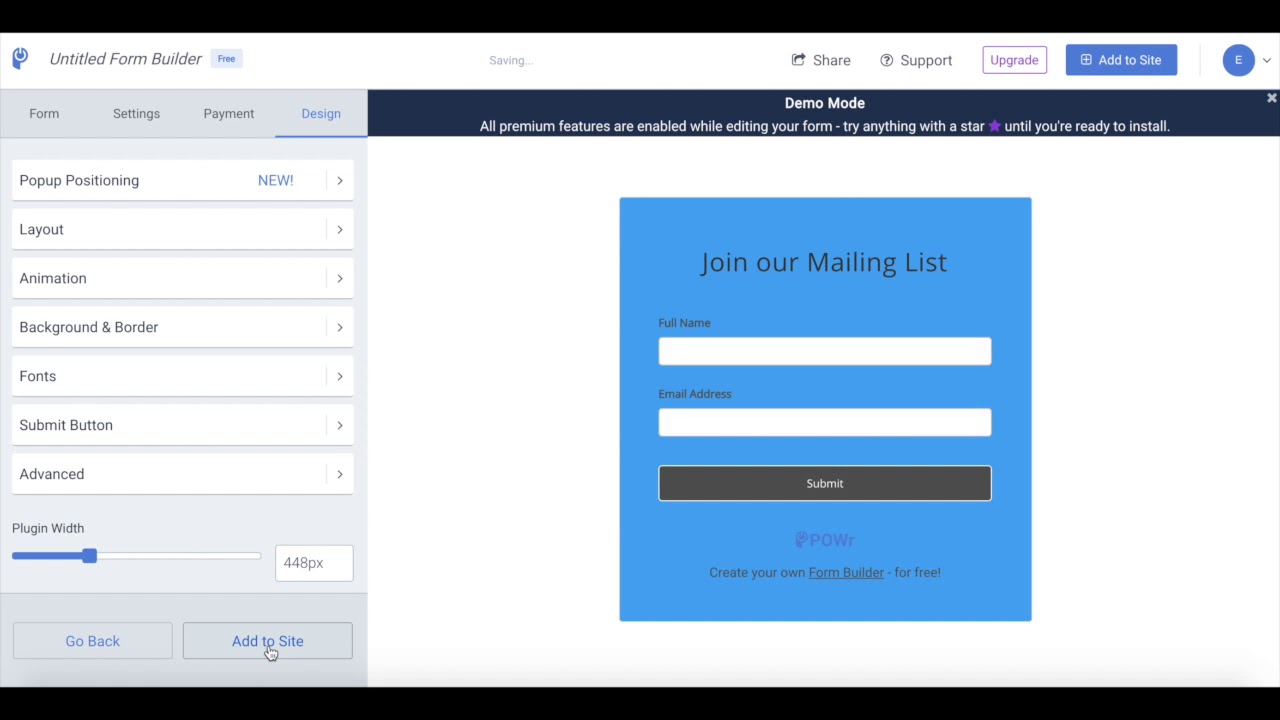
Every widget ships with a no-code editor where you pick a template, tune colors, copy and layout, and preview the result live. Non-technical store owners ship on-brand widgets in minutes without ever touching CSS.
POWR’s widgets render on Shopify, Wix, WordPress, Squarespace, Weebly, Duda, Webflow, BigCommerce and plain HTML. The same widget you build once can be embedded on a second site via its embed code, so agencies reuse assets across clients.
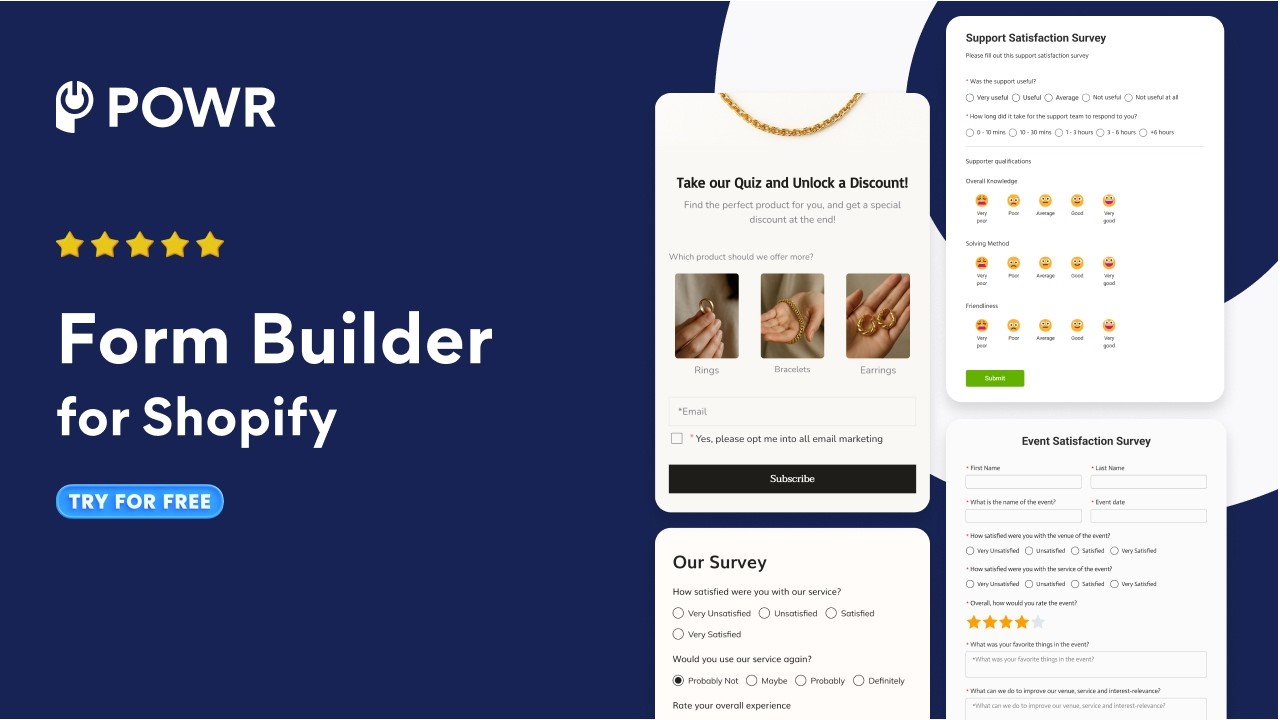
The form widget collects leads and pipes them to Mailchimp, Klaviyo, HubSpot, ActiveCampaign and Salesforce without code. You can route submissions into the right list based on a dropdown value, and autoresponders are configured in the same editor.
Forms support conditional logic that hides or shows questions based on previous answers, plus real-time calculations like price quotes or tiered discounts. It turns a simple contact form into a lightweight quote builder or eligibility checker.
Product carousel, upsell banner and countdown timer widgets are built for Shopify-style storefronts. You can rotate featured SKUs, promote flash sales or run BFCM urgency without editing your theme file — all POWR widgets sit on top.
Collect product or service reviews with photos and star ratings, moderate submissions, and display them on-site as cards, a carousel or a wall of social proof. POWR pulls everything into a single dashboard so you can reply once and syndicate across pages.
POWR connects via Zapier, Make and native webhooks so form submissions or reviews can trigger downstream workflows — for example creating a ClickUp task or sending a Slack alert to the sales channel the instant a lead comes in.
POWR packages 60+ plugins into one focused dashboard. What sets POWR apart from competitors like Elfsight and Tidio is the breadth of plugins on a single subscription.
POWR offers a library of more than 60 no-code website apps that work on almost any platform. It is a fast way to add functionality without a developer, though the free tier has limits. Here is a balanced look.
If you prefer to learn by watching, POWR has tutorials on YouTube including the official channel.
POWR sells four tiers (Free, Starter, Pro, Business) for its 60+ website widgets, billed monthly or annually with 30% off annual.
Across the Shopify App Store and G2, POWR earns consistently positive reviews. We have not verified a current aggregate score, so we do not quote one. Reviewers highlight ease of use and the breadth of plugins.
The most common POWR alternatives include Elfsight, Tidio, Common Ninja, Gravity Forms and WPForms.



Below are common questions about POWR, answered using publicly available information.
⚠️ Affiliate Disclosure: This site contains affiliate links. We may earn a commission when you purchase through our links at no extra cost to you. Results are not typical.