Make.com (formerly Integromat) is a visual workflow-automation platform connecting 1,800+ apps with conditional logic, error handling, and real branching — far more capable than Zapier for non-trivial workflows. In this Make.com review by IdealOnlineBusiness.com, we examine its visual scenario builder, operations-based pricing, branching logic, and total value at scale.
Pay-per-operation pricing instead of per-task makes Make.com dramatically cheaper than Zapier at volume. Across G2 and Capterra reviewers consistently call out the visual scenario builder, real branching, and webhook flexibility as the standout reasons to choose Make over Zapier or n8n.
Connect 1,800+ apps including Google Workspace, Slack, Airtable, HubSpot, Stripe, AWS, and dozens more.
Drag-and-drop canvas with rounded modules connecting trigger to action across multiple apps in one scenario.
Routers split flow based on conditions, iterators loop over arrays, aggregators merge results back together.
Catch failures and route to recovery branches automatically. No more silent automation breakage.
Real-time webhook ingestion for instant trigger response from any app or custom integration.
Connect any REST API not covered by native apps using configurable HTTP modules with full header and auth control.
Pay per operation instead of per task. Dramatically cheaper than Zapier at scale for non-trivial workflows.
Generous free tier supports 1,000 operations per month and 2 active scenarios for testing and small projects.
Make.com (formerly Integromat) packages a visual node-based scenario builder, 3,000+ native app integrations, AI agent orchestration, advanced routing/filtering, error handling, and serverless execution into one no-code automation platform.
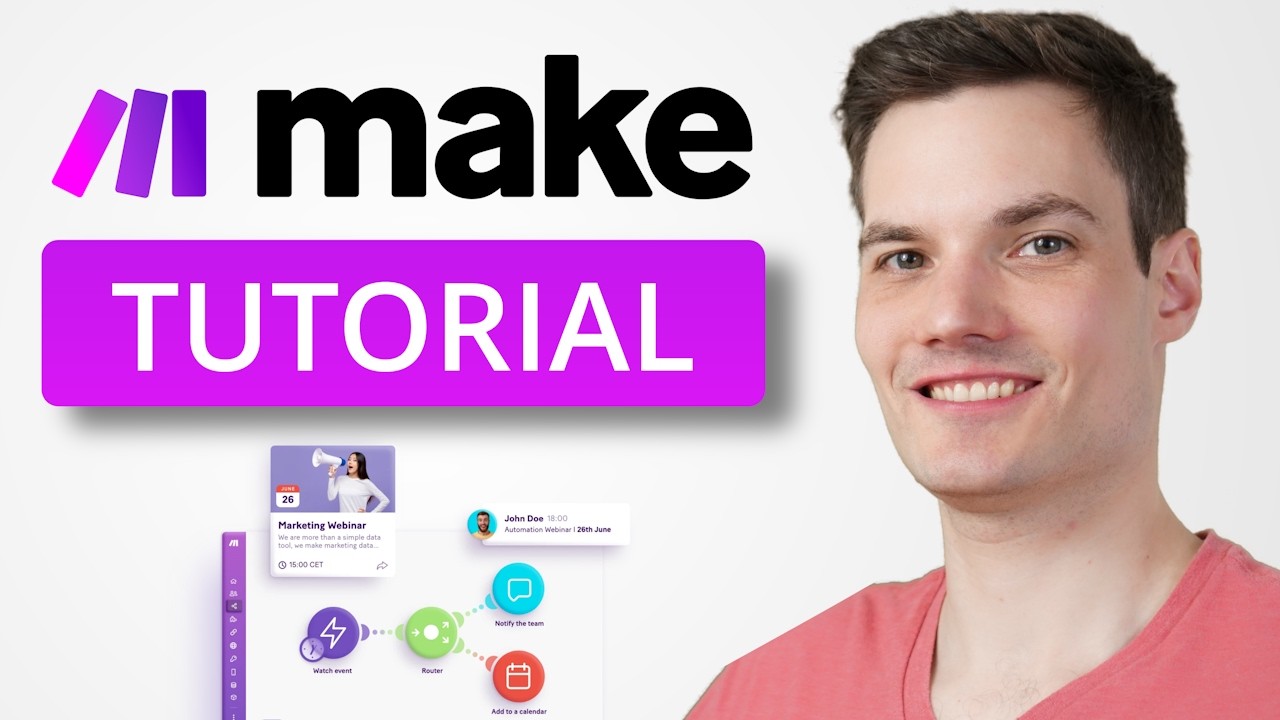
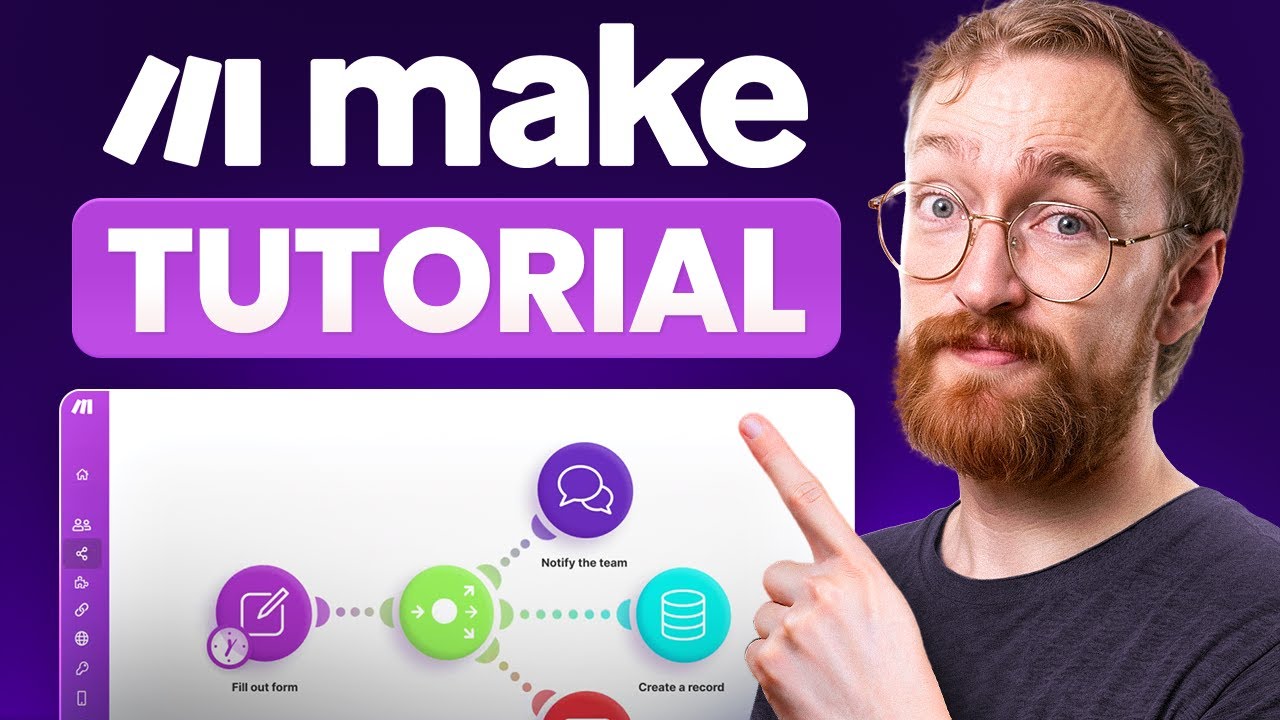
Watch real Make.com walkthroughs covering the 6-minute beginner tutorial, 30-minute crash course, full automation tutorial for beginners, and the comprehensive 2026 guide.
Make.com offers a full suite of visual automation services — from a node-based scenario builder and 3,000+ native app integrations to AI agent orchestration, advanced routing and iterators, built-in error handling, scheduled scenarios, and persistent data stores.
Make.com Price Plans
Free Plan — $0/month: 1,000 credits/month, 2 active scenarios, no-code builder, 3,000+ apps, 15-minute minimum interval.
Make Plan — $9/month (for 5,000 credits/mo): Unlimited active scenarios, 1-minute intervals, custom variables, full execution log search, teams and roles.
Enterprise — Custom pricing: Custom functions, 24/7 enterprise support, advanced security, SSO, and overage protection.
Make uses a credit-based model where each module action counts as one credit; credits scale with your plan.
Here’s a quick summary of what users praise and criticize across G2, Capterra, and independent reviews of Make.com.
What real users say
Make.com is well reviewed on G2 and Capterra. We are not quoting the scores, because we cannot verify them at the moment you are reading this, so check those listings for current figures.

Make.com is the most capable visual automation platform, but several alternatives serve different use cases. Zapier remains the largest app catalog (6,000+) with the smoothest UX for simple workflows. n8n is the open-source self-hosted alternative for teams that need data sovereignty. Workato dominates enterprise iPaaS with deep CRM and ERP integrations. Pipedream targets developers with code-first workflows. Tray.io targets business operations teams. Choose Make.com when you need real branching, error handling, and competitive pricing at scale.

BINGE is one of Australia’s top streaming services, delivering an unmatched library of movies, top HBO shows, exclusive reality series, drama, comedy, kids content, and same-day-as-the-US premieres. In this BINGE Movies & TV review by IdealOnlineBusiness.com, we cover plans and pricing, streaming quality including 4K HDR, simultaneous streams, app device support across Smart TVs, mobile, Apple TV, and Chromecast, content library highlights, free trial details, and verified subscriber ratings from Australian review sites.
Explore More
Here are answers to the most common questions about Make.com to help you decide if it is the right workflow-automation platform for your team.
⚠️ Affiliate Disclosure: This site contains affiliate links. We may earn a commission when you purchase through our links at no extra cost to you. Results are not typical.