⚠️ Affiliate Disclosure: This page contains affiliate links. We may earn a commission at no extra cost to you. This does not influence our reviews. Read full disclosure →

Magic Keys Review

icon01

Magic Keys Review

Mixed Reality Piano Learning App for Meta Quest 3

Magic Keys Overview

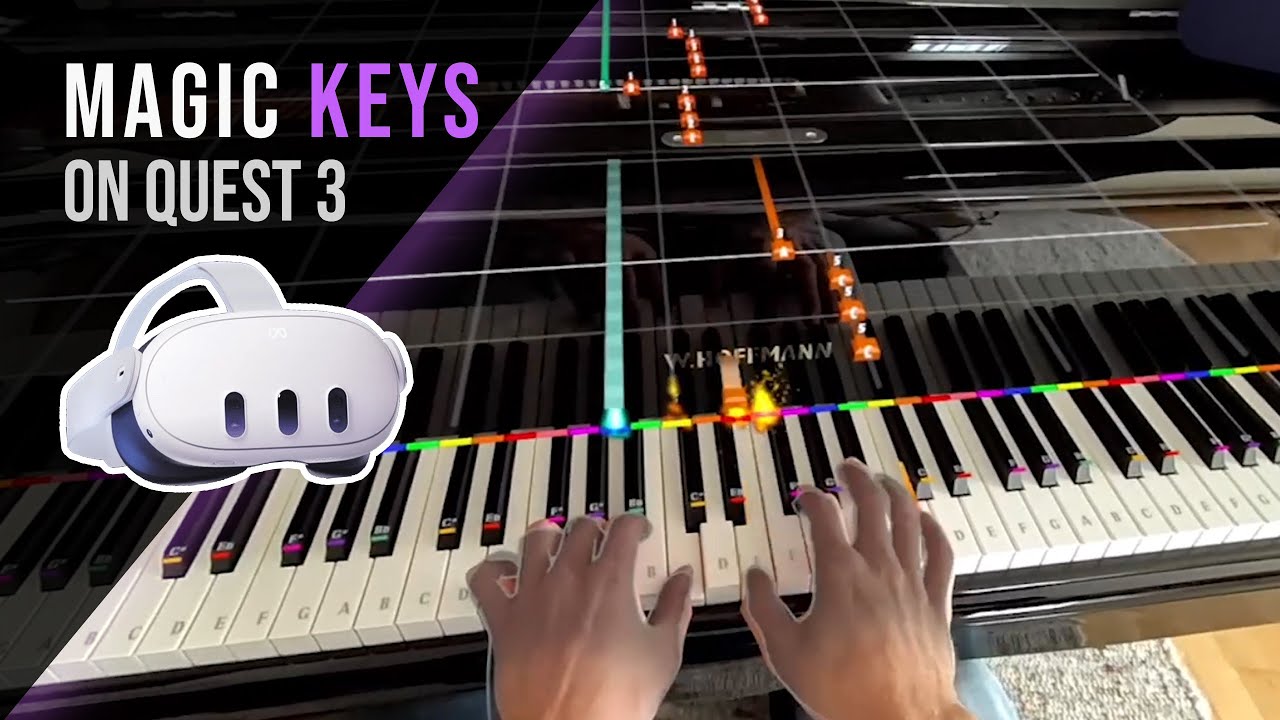
Magic Keys is a Mixed Reality piano learning app built for the Meta Quest 3, Quest 3S, and Quest Pro headsets. Created by Austrian developer and pianist Dominik Hackl, the app uses passthrough mixed reality to project glowing notes directly onto a real-world piano keyboard, MIDI controller, or even a virtual keyboard projected on a table.

With a Guitar Hero-style 3D notation system, hand tracking, and MIDI/MusicXML import, Magic Keys turns piano practice into an immersive experience that complete beginners and returning players can pick up in minutes \u2014 no sheet music required.

Mixed Reality Notation

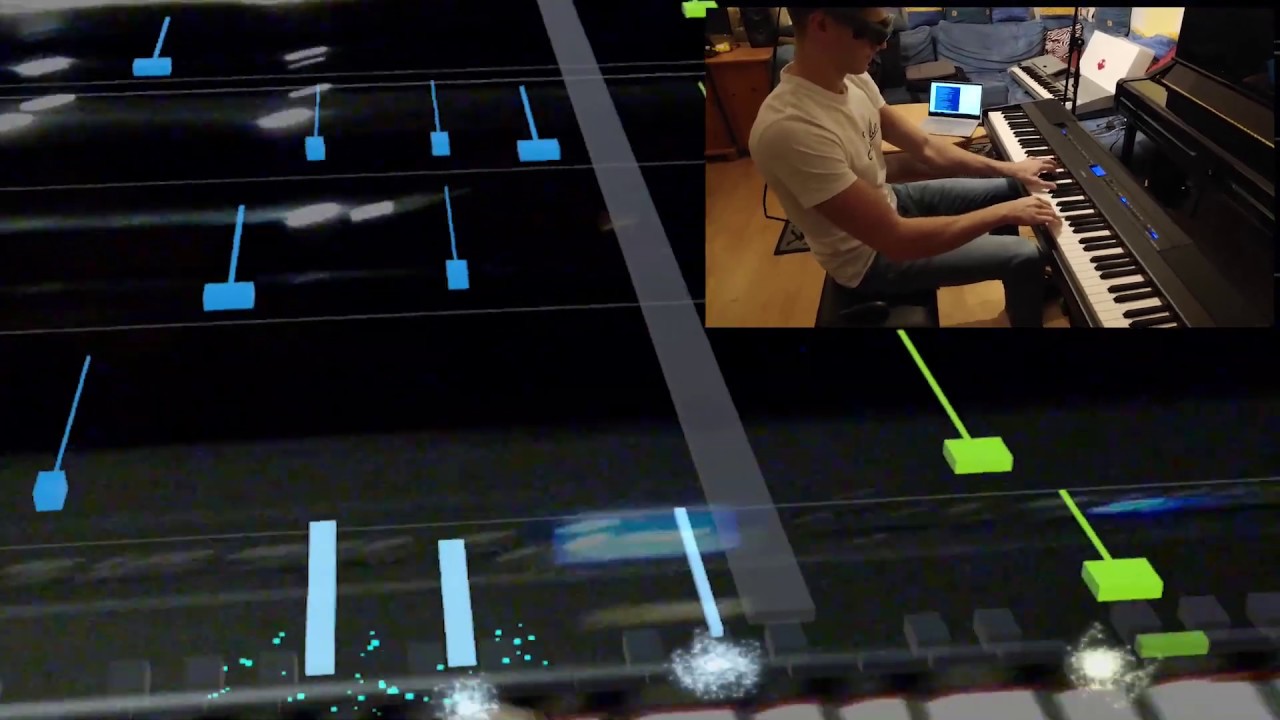
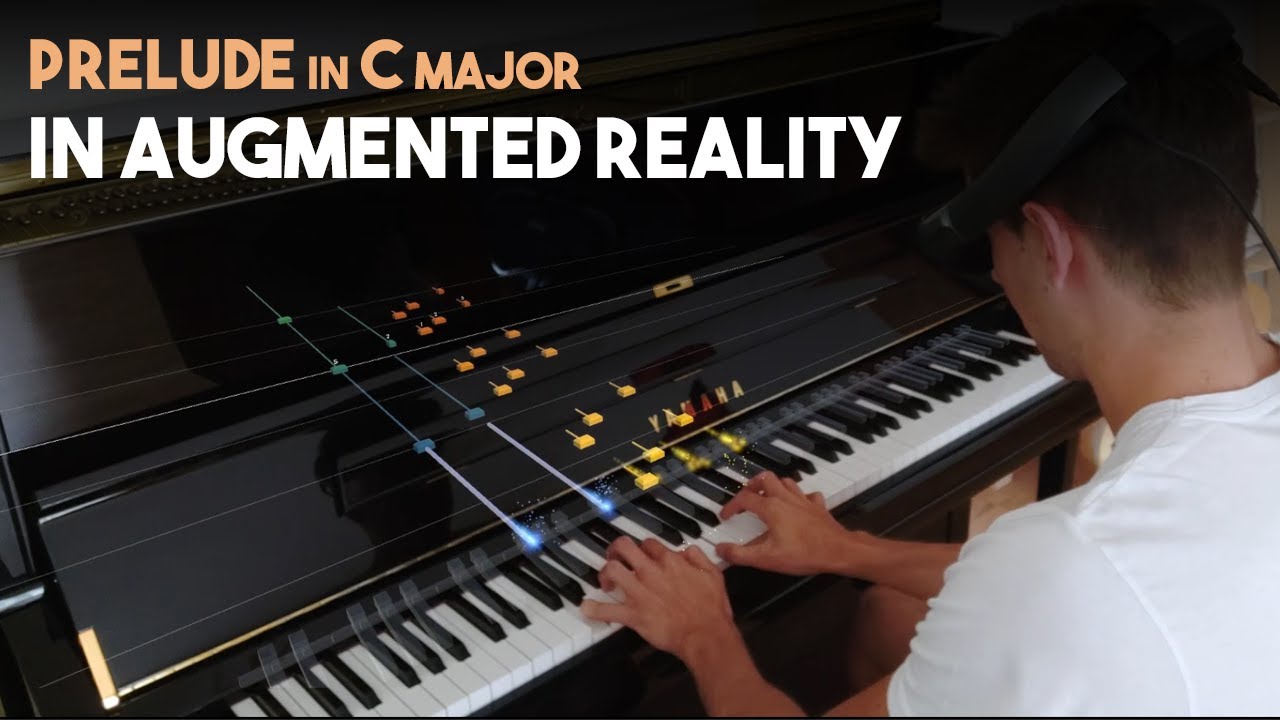
Falling 3D notes appear directly over your real piano keys through Quest 3 passthrough so you always know which note to play next.

Quest Hand Tracking

Quest 3 hand tracking recognizes the keys your fingers are pressing without needing extra hardware or a wired connection.

Real Piano or MIDI

Use any acoustic piano via pitch detection, connect a MIDI keyboard for precise feedback, or use the Virtual Keyboard mode anywhere.

Built-In Song Library

Magic Keys ships with a curated library of classical and well-known popular pieces in beginner-friendly arrangements.

Upload Your Own MIDI

Drop any MIDI or MusicXML file into Magic Keys to convert it into the in-app 3D notation system and practice your own songs.

Hands & Difficulty Modes

Practice one hand at a time, adjust tempo, or unlock both-hand play once you are comfortable, building skills progressively.

Kid-Friendly Onboarding

Parents report that kids stay engaged longer thanks to the gamified visual style and Guitar-Hero-like rhythm experience.

Indie Developer Passion Project

Built by Austrian developer and pianist Dominik Hackl, Magic Keys gets regular updates and listens to community feedback.

Magic Keys Features – What You Get?

Magic Keys reinvents piano practice with Quest 3 mixed reality:

  • Passthrough MR notes on your real piano
  • Quest hand-tracking detects played keys
  • Optional MIDI keyboard support
  • Virtual keyboard mode (no piano required)
  • Library of classical and popular pieces
  • Upload your own MIDI / MusicXML files
  • Guitar-Hero style 3D notation
  • Practice with both hands or one at a time

Video Guides and Tutorials

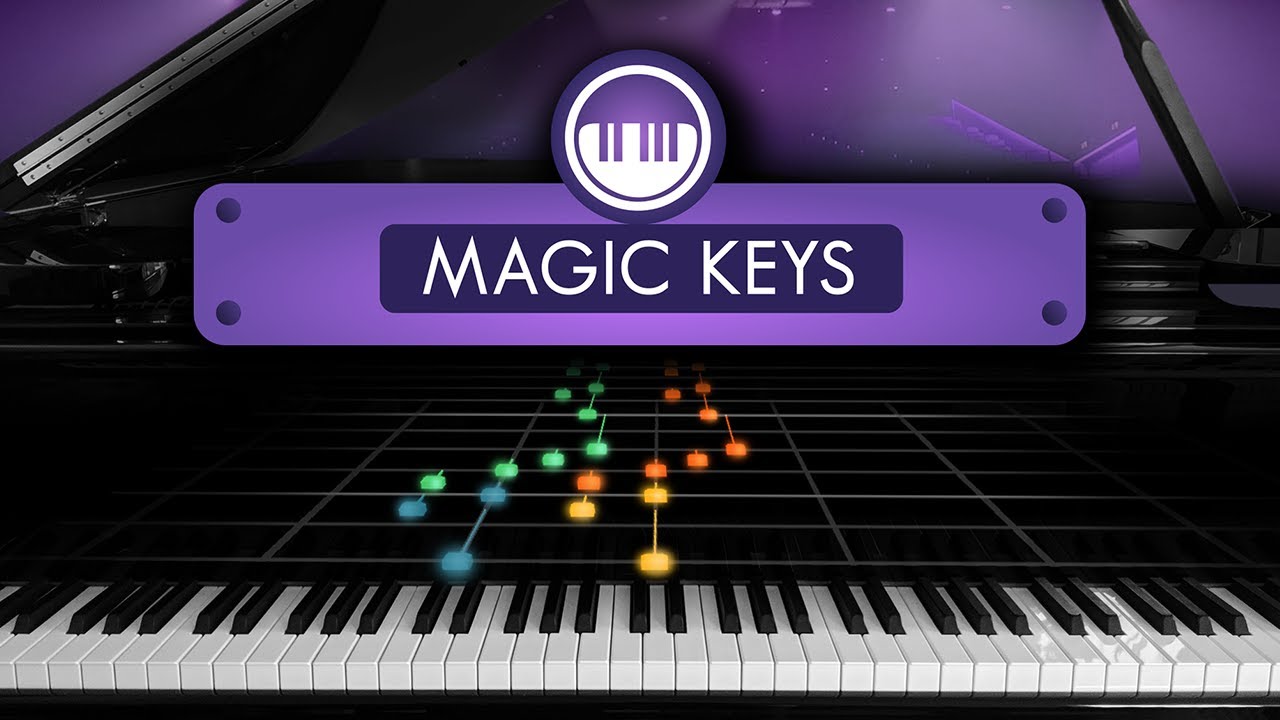
Watch the official Magic Keys launch trailer and early demo videos to see exactly how the app projects notes over a real piano and tracks fingers in mixed reality.

Magic Keys Review
Magic Keys Review
Magic Keys Review
Magic Keys Review

Magic Keys Price Plans

Magic Keys is sold as a one-time purchase on the Meta Quest Store:

  • Quest Store Price: Approximately $19.99 – $24.99 (one-time purchase, regional pricing).
  • Free Trial: Demo content / first songs available within the app.
  • Updates: Free post-launch updates with new content.
  • Hardware Required: Meta Quest 3, Quest 3S, or Quest Pro headset.
  • Optional Add-Ons: Bring your own piano, MIDI keyboard, or use Virtual Keyboard mode.

Pros and Cons of Magic Keys

\u2705 Pros

  • \u2705 Genuinely innovative mixed reality experience
  • \u2705 No sheet music reading required
  • \u2705 Works with real piano, MIDI keyboard, or virtual
  • \u2705 Engaging 3D notation similar to Guitar Hero
  • \u2705 Library plus your own MIDI/MusicXML uploads
  • \u2705 Great for kids and adult returning learners
  • \u2705 Hand tracking removes need for external sensors
  • \u2705 One-time purchase (no monthly fees)

\u274c Cons

  • \u274c Requires a Meta Quest 3 / 3S / Pro headset
  • \u274c Pitch detection less accurate than direct MIDI
  • \u274c Doesn\u2019t replace a structured human teacher
  • \u274c Long practice sessions can be tiring in VR

What Real Users Say

According to UploadVR, Magic Keys is one of the most exciting Mixed Reality educational apps on the Quest platform. 80.lv covered the early prototypes and growth of the project. American Blues Scene praises how Magic Keys lowers the barrier to entry for piano students of all ages.

No Data Found
No Data Found

Top Magic Keys Alternatives

Other top piano learning tools to consider alongside Magic Keys:

  • PianoVision (Quest): Direct MR piano competitor with MIDI support.
  • Simply Piano (JoyTunes): Mobile piano learning app.
  • Flowkey: Browser & app piano learning with sheet music.
  • Skoove: Interactive online piano lessons.
  • Playground Sessions: Gamified piano lessons co-founded by Quincy Jones.
  • Synthesia: Classic MIDI falling-note piano practice software.
  • Piano Marvel: Sheet music-based piano practice for serious learners.
Audeze Review

Audeze Review

Rated 4.7/5 on Trustpilot — Premium planar-magnetic headphones for audiophiles, gamers and recording studios
Explore More
Listnr Review

Listnr Review

Listnr AI Review – Realistic Voices, 142+ Languages, Trusted by 3M+ Creators
Explore More
Mubert Review

Mubert Review

3.9 (2,901)
Top Rated Features
  1. Smart AI Music Creation
  2. Advanced Music Customization
  3. AI Music Assistance
Explore More
DistroKid Review

DistroKid Review

4.3 (2,567)
Top Rated Features
  1. Smart Music Distribution
  2. Advanced Artist Tools
  3. Music Planning with AI Tools
Explore More
Playht Review

Playht Review

4.0 (2,100)
Top Rated Features
  1. Multi-Language Support
  2. ACustom Voice & Tone Options
  3. 24/7 Customer Support
Explore More
Lalal Review

Lalal Review

4.3 (2,019)
Top Rated Features
  1. Easy Audio Extraction
  2. Advanced Audio Processing
  3. Mobile-Friendly & Cloud-Based
Explore More
FAQs

Magic Keys Frequently Asked Questions

Magic Keys is a Mixed Reality piano learning app for Meta Quest 3 that projects glowing falling notes onto a real piano or MIDI keyboard, letting you play classical and popular songs without reading sheet music.

Magic Keys is a one-time purchase on the Meta Quest Store, typically around $19.99-$24.99 with free post-launch updates and content patches.

No. You can use a real acoustic piano with pitch detection, a MIDI keyboard for precise feedback, or the Virtual Keyboard mode that projects a keyboard onto your table or desk.

You can import any MIDI or MusicXML file and Magic Keys will convert it into the 3D falling-note notation system used inside the app.

Yes. The Guitar-Hero-style notation removes the need for sheet music reading, making it ideal for absolute beginners, returning adult learners, and kids.

Magic Keys is supported on Meta Quest 3, Quest 3S, and Quest Pro headsets that have mixed reality passthrough and hand tracking capabilities.

⚠️ Affiliate Disclosure: This site contains affiliate links. We may earn a commission when you purchase through our links at no extra cost to you. Results are not typical.