⚠️ Affiliate Disclosure: This page contains affiliate links. We may earn a commission at no extra cost to you. This does not influence our reviews. Read full disclosure →

Flywheel Review

Flywheel Overview

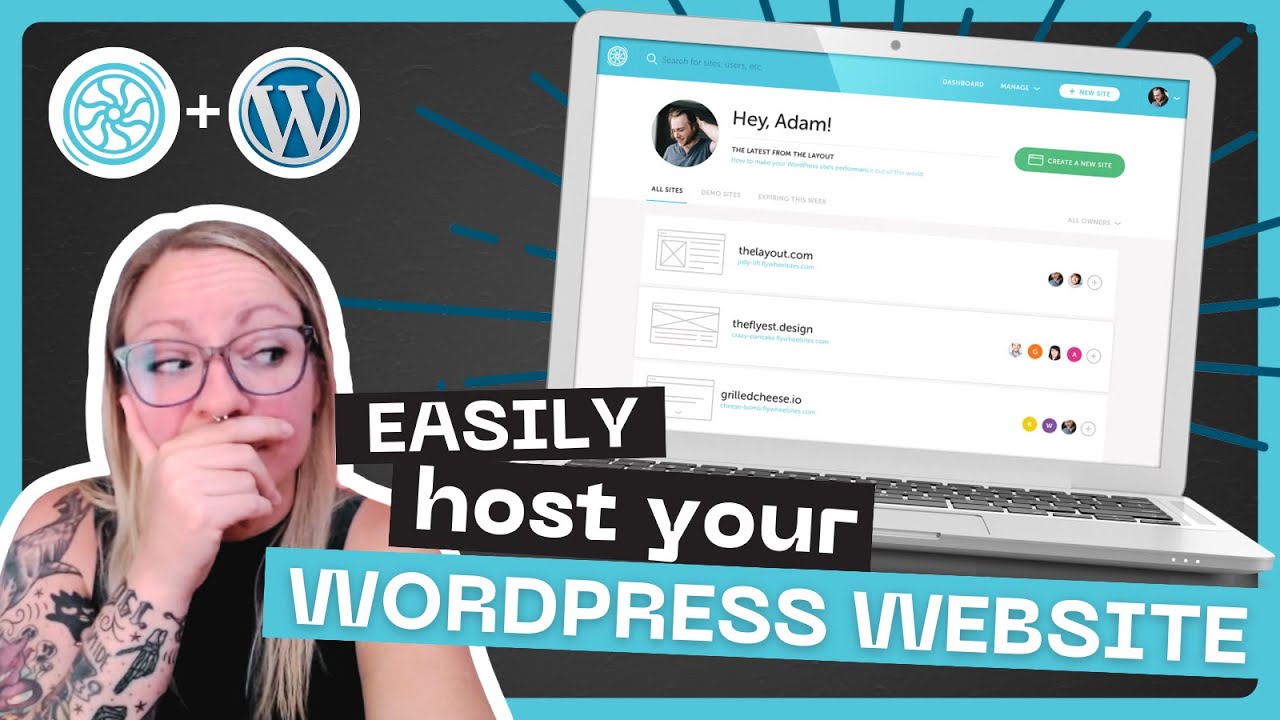
Flywheel is a managed WordPress hosting platform built specifically for designers, agencies, and creative professionals who want performance and beautiful tooling without the DevOps headache. In this Flywheel review by IdealOnlineBusiness.com, we look at its pricing, features, real user ratings on G2 and Trustpilot, and whether the premium price tag is justified for serious WordPress publishers. Our analysis of Flywheel reviews shows the platform is widely trusted for its one-click staging, nightly backups, free SSL, and a control panel that is consistently rated the cleanest in the managed WordPress category. Reviewers call out the blueprint system (reusable starter sites), white-label client billing, and the 24/7 chat support as the biggest time savers. For freelancers and agencies running multiple WordPress sites, Flywheel is a serious option worth a closer look.

Managed WordPress Hosting with 99.9% Uptime

Flywheel runs on fast hardware with a 99.9% uptime SLA. Automatic updates, caching, and security patches are handled for you so your sites stay up and fast.

One-Click Staging and Site Cloning

Spin up a staging copy with one click, test changes safely, then push back to live. Full site clones let you duplicate a production site to a new environment in seconds.

Blueprint System for Reusable Templates

Save a fully configured WordPress site as a blueprint — themes, plugins, demo content — and spin up new client projects in minutes instead of days.

White-Label Client Billing (Agency Plans)

Flywheel hosts client sites under your own brand with collaborator access, custom invoicing, and white-label reporting. Clients never see Flywheel unless you want them to.

Nightly Backups and Easy Restore

Every site gets automatic nightly backups kept for 30 days. Restore any site to any previous day from the dashboard in one click — no ticket to support needed.

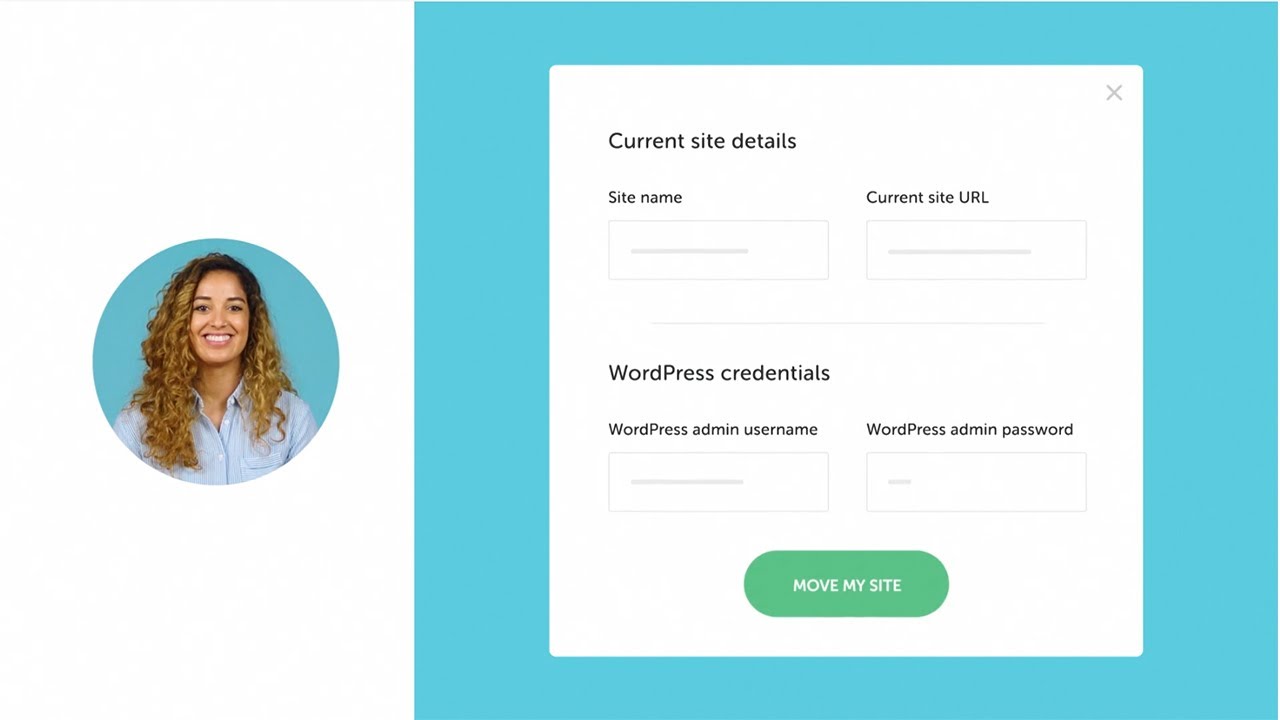
Free Migrations by WordPress Experts

Flywheel will migrate unlimited sites from your old host for free, with zero downtime. Ideal when moving an agency portfolio from a cheaper shared host.

Local — Free WordPress Dev App

Flywheel owns and maintains Local, the most popular free WordPress local development app. It integrates with Flywheel hosting for one-click push/pull to staging or live.

24/7 Chat Support by WordPress Specialists

Chat support is available 24/7 and staffed by people who actually know WordPress (not generic host tier-1). Agencies consistently rate this the best in the category.

Flywheel Features – What You Get?

Flywheel packages a complete managed WordPress hosting stack aimed at designers and agencies. You get fast LiteSpeed-based servers, free SSL certificates, free site migration, one-click staging environments, nightly backups, a global CDN, and 99.9% uptime SLA. Higher plans unlock multisite management, collaborator seats, and white-label client billing. Where Flywheel separates itself from generic hosts is the agency workflow. The Blueprint system lets you save a fully configured WordPress site (themes, plugins, demo content) and spin up new client projects in seconds. Collaborator access lets clients see only what you want them to see — and Flywheel’s free Local desktop app is the go-to WordPress dev environment for thousands of agencies.

  • Managed WordPress hosting with 99.9% uptime SLA
  • Free SSL, free migrations, nightly backups
  • One-click staging and site cloning
  • Blueprint system for reusable site templates
  • White-label client billing and agency dashboard
  • Global CDN and built-in performance caching
  • Free Local WordPress dev app for team workflows
  • 24/7 chat support staffed by WordPress experts
  • No price increase at renewal — rare in hosting
  • Genesis Framework & StudioPress premium themes included
  • Automated nightly backups with one-click restore
  • FlyCache server-level caching for fast page loads

Video Guides and Tutorials

If you prefer to learn by watching, Flywheel has a solid library of tutorials on YouTube from both the official channel and independent reviewers. These walkthroughs cover how to launch your first managed WordPress site, migrate an existing install, use Local for offline development, and hand a finished site over to a client with a billing transfer. IdealOnlineBusiness.com recommends watching at least two of the beginner tutorials below before paying for a plan, so you can see the dashboard, migration flow and support experience for yourself before committing.

Flywheel managed WordPress hosting review
Flywheel hosting walkthrough
Flywheel features overview
Flywheel agency hosting demo

Pros and Cons of Flywheel

Pros

  • ✅ Cleanest control panel in managed WordPress hosting
  • ✅ Blueprint system ships new client sites in minutes
  • ✅ Free Local dev app is beloved by WordPress pros
  • ✅ 24/7 chat support answered by actual WP experts
  • ✅ No renewal price increases (rare in hosting)
  • ✅ White-label client billing on Agency plans

Cons

  • ❌ Pricing is premium — not for budget hobbyists
  • ❌ Only WordPress — no plain PHP or static sites
  • ❌ Traffic overages bill automatically at tier rates
  • ❌ Some plugins are disallowed for security/performance
  • ❌ Email hosting is not included (common for managed WP)

Top Flywheel Alternatives

While Flywheel is one of the highest-rated managed WordPress hosts in 2026, some teams need cheaper hosting, broader platform support, or a different pricing model. Depending on whether you want WP Engine’s enterprise muscle, Kinsta’s Google Cloud backbone, or a lighter shared host, these Flywheel alternatives offer strong competing options.

Automattic Review

Automattic Review

Explore More
Namesilo Review

Namesilo Review

Best Cheap Domain Registrar with Free WHOIS Privacy
Explore More
HostGator Review

HostGator Review

Beginner-Friendly Shared, VPS, and Cloud Web Hosting
Explore More
Crazy Domains Review

Crazy Domains Review

Explore More
Pressable Review

Pressable Review

Explore More
WordPress.com Review

WordPress.com Review

Explore More
Cloudways Review

Cloudways Review

Explore More
Ionos Review

Ionos Review

Ionos is a major European web hosting and cloud provider offering domains, shared hosting, VPS, dedicated servers, email, and an AI website builder. In this Ionos review by IdealOnlineBusiness.com, we look at its pricing, performance, features, and customer support based on public Trustpilot, G2, and Hostadvice reviews. Whether you are launching a website, scaling a business, or migrating from a legacy host, Ionos promises enterprise reliability with personal consultants on every plan.

Our analysis of Ionos web hosting reviews shows the platform is trusted for cheap entry-level plans, European data residency, and dedicated personal consultants. It holds a 4.5/5 rating on Trustpilot across 52,000+ reviews. Users praise the low introductory prices, reliable uptime, GDPR compliance, and broad product range, while some flag price increases at renewal. For European businesses and budget-conscious owners, Ionos remains a strong hosting partner.

Explore More


Rapyd Cloud Review

Rapyd Cloud Review

Explore More
Hostwinds Review

Hostwinds Review

Explore More
HostPapa Review

HostPapa Review

Explore More
ScalaCube Review

ScalaCube Review

Explore More
Planet Hoster Review

Planet Hoster Review

Explore More
Network Solutions Review

Network Solutions Review

Explore More
Name.com Review

Name.com Review

Explore More
MilesWeb Review

MilesWeb Review

Explore More
Infomaniak Review

Infomaniak Review

Infomaniak Review
Explore More
Hostnet Review

Hostnet Review

Hostnet Review
Explore More
Googiehost Review

Googiehost Review

Googiehost Review
Explore More
Fozzy Review

Fozzy Review

Explore More
Plesk Review

Plesk Review

Explore More
FastComet Review

FastComet Review

FastComet Review
Explore More
Vultr Review

Vultr Review

Top Rated Features
  1. Smart Cloud Hosting
  2. Advanced Cloud Performance
  3. User-Friendly Dashboard
Explore More
Scalahosting Review

Scalahosting Review

Top Rated Features
  1. Free Domain & SSL
  2. Unlimited Bandwidth & Storage
  3. WordPress-Optimized Hosting
Explore More
Apex Hosting Review

Apex Hosting Review

Top Rated Features
  1. Easy Server Setup
  2. Strong and Reliable Hardware
  3. Flexible Pricing Plans
Explore More
Kinsta Review

Kinsta Review

Top Rated Features
  1. High-Speed Performance
  2. Automated Backups
  3. Free SSL and CDN
Explore More
NETdepot Review

NETdepot Review

Top Rated Features
  1. Powerful Compute Options
  2. Scalable Solutions
  3. Excellent Customer Support
Explore More
AccuWeb Hosting Overview

AccuWeb Hosting Overview

Top Rated Features
  1. Strong data security
  2. Value-driven pricing
  3. High uptime guarantee
Explore More
Hostinger Review

Hostinger Review

Top Rated Features
  1. Speed and Uptime
  2. Beginner-Friendly Setup
  3. Scalable Solutions
Explore More
Nexcess Review

Nexcess Review

Top Rated Features

  1. Scalable Hosting
  2. Optimized Performance
  3. eCommerce Support
Explore More
InMotion Hosting Review

InMotion Hosting Review

Top Rated Features
  1. Performance and Uptime
  2. Security Protection
  3. Customer Support
Explore More
Vodien Review

Vodien Review

Top Rated Features

  1. 99.9% Uptime Guarantee
  2. Free SSL Certificates
  3. 24/7 Technical Support
Explore More
DigitalOcean Review

DigitalOcean Review

Top Rated Features
  1. Simple Setup and Interface
  2. Flexible Droplet Options
  3. Global Infrastructure
Explore More
DreamHost Review

DreamHost Review

Top Rated Features
  1. Ease of Use
  2. Strong Performance
  3. Website Security
Explore More
AltusHost Review

AltusHost Review

Top Rated Features
  1. Litespeed Web Server
  2. SSD Storage
  3. Premium Network
Explore More
Epik Review

Epik Review

Top Rated Features
  1. cPanel Control Panel
  2. Lifetime Free Domain
  3. SSL Certificate Included
Explore More
WebHostingPad Review

WebHostingPad Review

Top Rated Features
  1. Ease Of Use
  2. Speed And Experience
  3. Customer Support
Explore More
HostSoch Review

HostSoch Review

Top Rated Features
  1. Daily Backup
  2. SSL Certificates
  3. Lite Speed Cache
Explore More
InterServer Review

InterServer Review

Top Rated Features
  1. Unlimited Email Accounts
  2. Unlimited ULTRA SSD Storage
  3. 30 days money-back policy
Explore More
GreenGeeks Review

GreenGeeks Review

Top Rated Features
  1. Free Domain For One Year
  2. Hassle-Free Site Migration Service
  3. Shared Hosting
Explore More
Bluehost Review

Bluehost Review

Top Rated Features
  1. Automatic WordPress Updates
  2. Secure Setup of Login Credentials
  3. Get Verified on Google My Business
Explore More
Liquid Web Review

Liquid Web Review

Top Rated Features
  1. WordPress-Specific Hosting
  2. WooCommerce
  3. Specialized Hosting
Explore More
BigRock Review

BigRock Review

Top Rated Features
  1. High Performance
  2. Scalable Plans
  3. User-Friendly Dashboard
Explore More
Host4Geeks Review

Host4Geeks Review

Top Rated Features
  1. Free Domain Name
  2. SSL Certificate
  3. Enterprise Grade Server
Explore More
FAQs

Frequently Asked Questions

Flywheel is a managed WordPress hosting platform built for designers and agencies. This section answers the most common questions based on our research of public Flywheel reviews, official pricing, and cross-referenced user feedback on G2, Capterra, and Trustpilot.

Flywheel is a managed WordPress hosting platform built specifically for designers, freelancers, and agencies. It handles updates, caching, security, and backups so you can focus on building and selling WordPress sites.

No. Flywheel does not offer a free plan. The cheapest tier is Tiny at $15/month. A 14-day free demo site is available to trial the platform before paying.

Tiny is $15/month (1 site, 5K visits), Starter is $30/month (1 site, 25K visits), Freelance is $115/month (10 sites, 100K visits), Agency is $290/month (30 sites, 400K visits). Annual billing saves ~2 months.

No. Flywheel is one of the few hosts that commits to no price increase at renewal — your monthly rate stays the same as long as you keep the plan.

A Blueprint is a reusable WordPress site template that captures themes, plugins, settings, and demo content. Agencies save a client kickoff site once and spin up new projects in minutes instead of days.

Yes. The Freelance and Agency plans include multisite management, collaborator seats, white-label client billing, and custom invoicing. Many WordPress agencies run their entire portfolio on Flywheel.

No. Like most managed WordPress hosts (WP Engine, Kinsta), Flywheel does not bundle email. Use Google Workspace, Microsoft 365, or a dedicated email host.

Local is a free desktop app owned by Flywheel that lets you build and test WordPress sites locally on your Mac, Windows, or Linux machine, with one-click push/pull to Flywheel staging or live.

Main complaints include premium pricing versus shared hosting, WordPress-only (no PHP/static sites), traffic overage charges, a list of banned plugins, and no bundled email hosting.

Flywheel fits freelance web designers, creative agencies, and serious WordPress publishers who want clean workflow tools, expert support, and a host built specifically for WordPress — at a premium price.

⚠️ Affiliate Disclosure: This site contains affiliate links. We may earn a commission when you purchase through our links at no extra cost to you. Results are not typical.